
Glitch
RGB split · slices · burstsGlitch breaks the picture for a moment and lets it snap back. The color splits into red and cyan, rows slide sideways, blocks corrupt and static flickers through, then the frame is clean again. It's the hard cut motion designers put on big type, timed to the loop or to the beat.

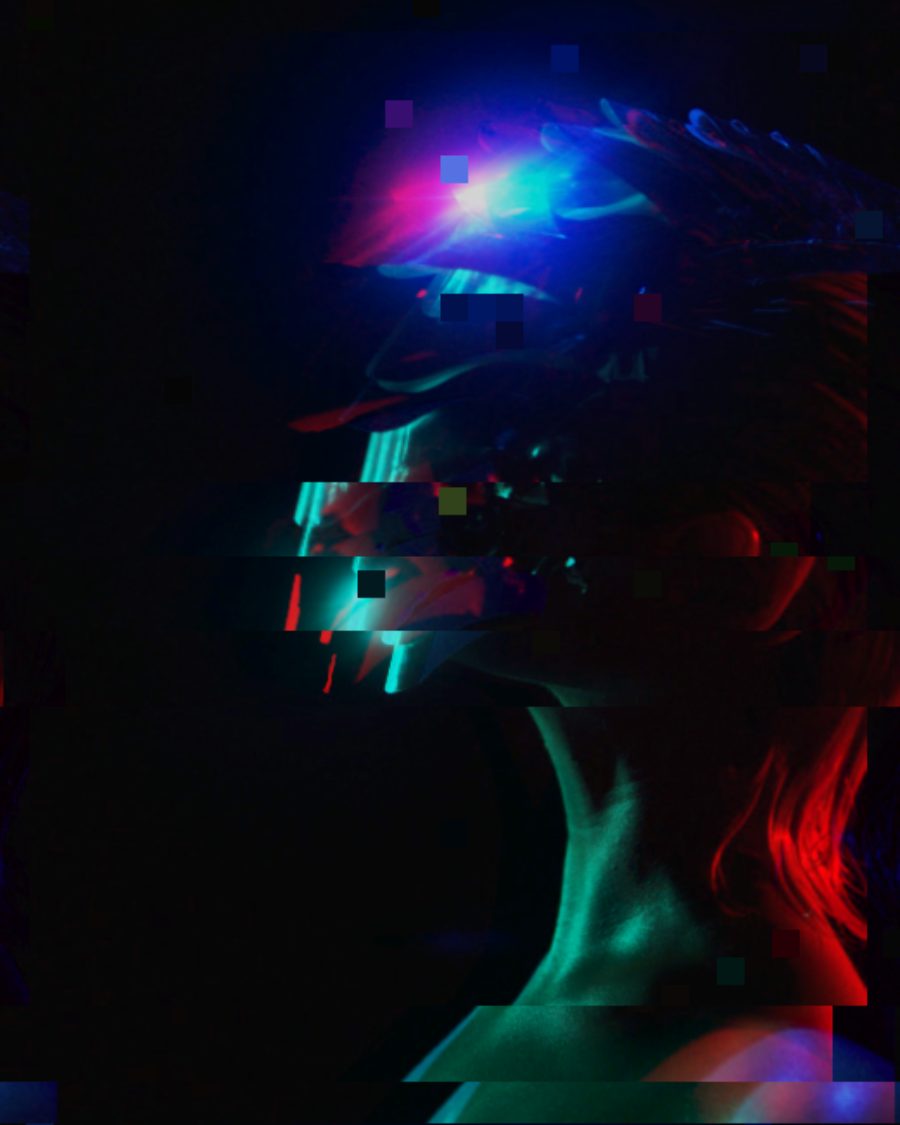
The sample with the Kinetic Cut preset. Drag to compare, or press Play with it to tune it live. Open as a shared look
What it's like
A title slams onto the screen and for a fraction of a second it isn't sure where it belongs. The red and the cyan pull apart, a band of letters jumps sideways, a few squares of the picture turn to garbage. Then it locks in, sharp and still, until the next hit. That stop and start is the whole point. A glitch that never stops reads as a broken file. A glitch that comes in bursts reads as energy.
When to reach for it
- Big type that snaps. Start from the Kinetic Cut look: two hard bursts a loop over light scanlines. Put a Text layer under it and press Hit to feel it.
- Music. Set Trigger to Beat and Glitch fires on every hit in your track.
- A broken feed. Signal Lost tears rows, adds static and the odd inverted frame, for found-footage and surveillance edits.
- Something always a little wrong. Broken Signal keeps a faint split and drifting slices on all the time.
How it works
Glitch works in bursts. In Bursts it picks moments in the loop, spread out by Scatter, and at each one it hits at full strength and fades out over Length. Between bursts the picture is clean unless you raise Between. Every burst lands at the same place in every loop, so the loop and the export stay exact. Inside a burst the slices, blocks and static change 24 times a second, and Variation picks a different pattern for all of them.
Controls
20 controls in 7 sections, in the order Tune shows them.
Bursts
- SelectTrigger
AlwaysBurstsBeat
When it glitches. Always keeps it on. Bursts hits a set number of times a loop. Beat fires on the beats of your track, or falls back to Bursts when there's no audio.
- SelectPer loop
1248
How many bursts a loop: 1, 2, 4 or 8.
- KnobLength
50 ms to 600 ms · rests at 215 ms
How long each burst lasts, from 50 to 600 ms.
- KnobScatter
0 to 100 · rests at 50
How far the bursts wander from an even spacing.
- KnobBetween
0 to 100 · rests at 0
How much glitch stays on between bursts.
- KnobVariation
0 to 100 · rests at 37
A different pattern of slices, blocks and burst times.
Split
- Hero knobSplit
0 to 100 · rests at 45
The hero. How far the color channels pull apart.
- KnobAngle
0° to 360° · rests at 0°
Which way the channels pull.
- SelectChannels
Red · cyanMagenta · greenBlue · yellowRGB
Which colors split. Red · cyan, Magenta · green, Blue · yellow, or full RGB.
Slices
- KnobSlices
0 to 100 · rests at 40
How many bands of the picture jump.
- KnobShift
0 to 100 · rests at 45
How far the bands jump.
- SwitchDirection
AcrossDown
Bands slide Across or Down.
Corrupt
- KnobBlocks
0 to 100 · rests at 25
How much of the picture breaks into corrupted squares, some with their colors swapped.
- SelectBlock size
8163264
How big the squares are, from 8 to 64 pixels.
- KnobStatic
0 to 100 · rests at 15
Static through the burst.
Motion
- KnobShake
0 to 100 · rests at 25
Shakes the whole frame during a burst.
- KnobTear
0 to 100 · rests at 0
Thin rows drag sideways, like tape losing hold.
- KnobInvert
0 to 100 · rests at 0
Now and then a whole frame flips to its negative.
Mix
- KnobMix
0 to 100 · rests at 100
How much of the glitch shows over the picture.
Buttons
- Pulse buttonHit
Momentary · fires and falls back · can be recorded
Press for a burst right now.
Presets
7 presets. Each one opens in the studio as a shared look. Add it on top of your picture, or save it to My looks.
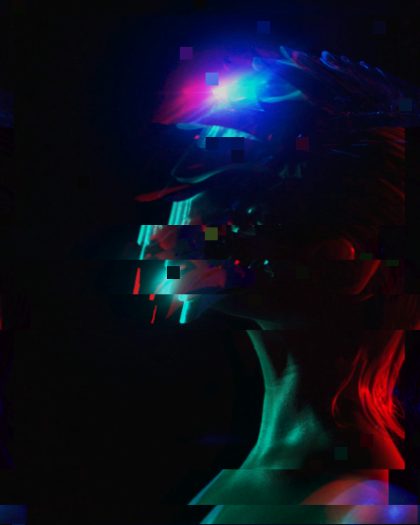 Kinetic CutTwo hard red and cyan bursts a loop, slices sliding across, made for big type that snaps.02
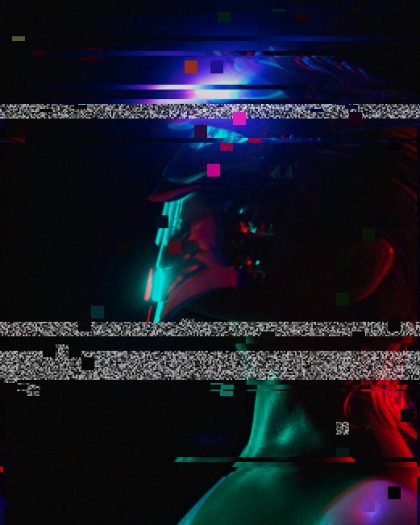 Broken SignalAlways a little broken: thin slices drifting, faint split, static in the gaps.03
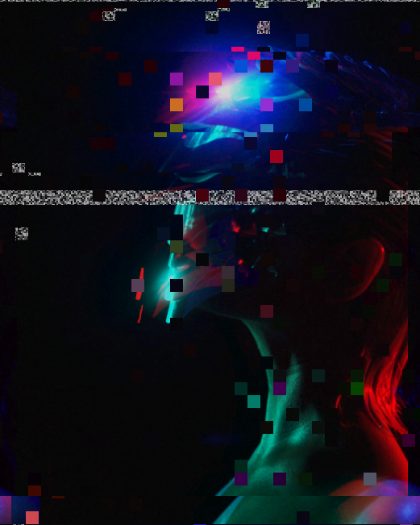 Beat HitsFires on every hit in your track: split, slices and blocks for a beat, then clean.04
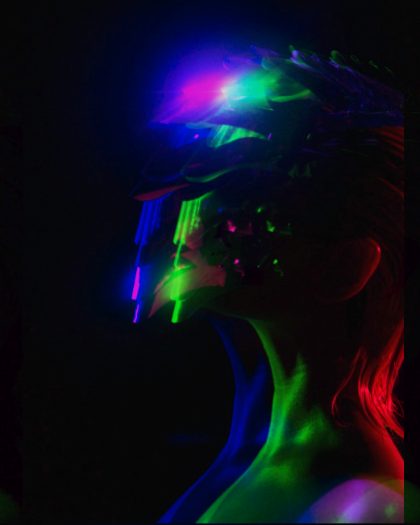 Chroma ShakeJust the color split and a shake, quick and clean, four times a loop.05
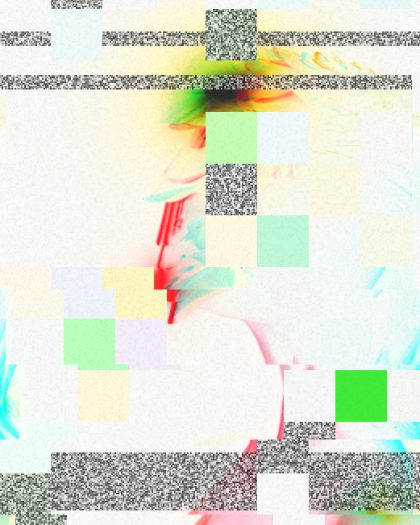 Corrupt FileLong bursts of big broken blocks and static, like a file that won't open.06
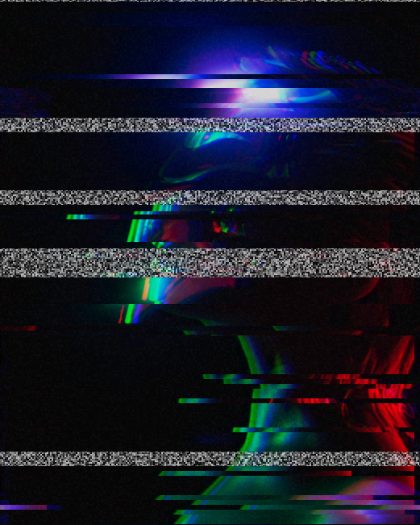 Torn TapeRows tearing sideways with static, a tape that can't hold its picture.07
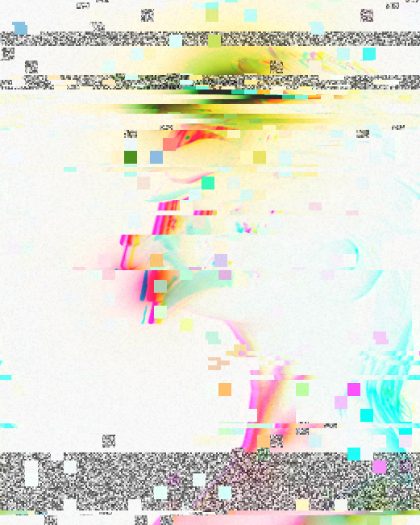 Signal LostA broken feed: torn rows, static, corrupted blocks and the odd inverted frame.