
VHS
Tape · SP/LP/EPA VHS deck reads the picture off a slanted track of tape with spinning heads, and keeps the color at a fraction of the detail. VHS plays your picture back off a tape that has been around, with the bleed, the noise and the deck's own buttons.

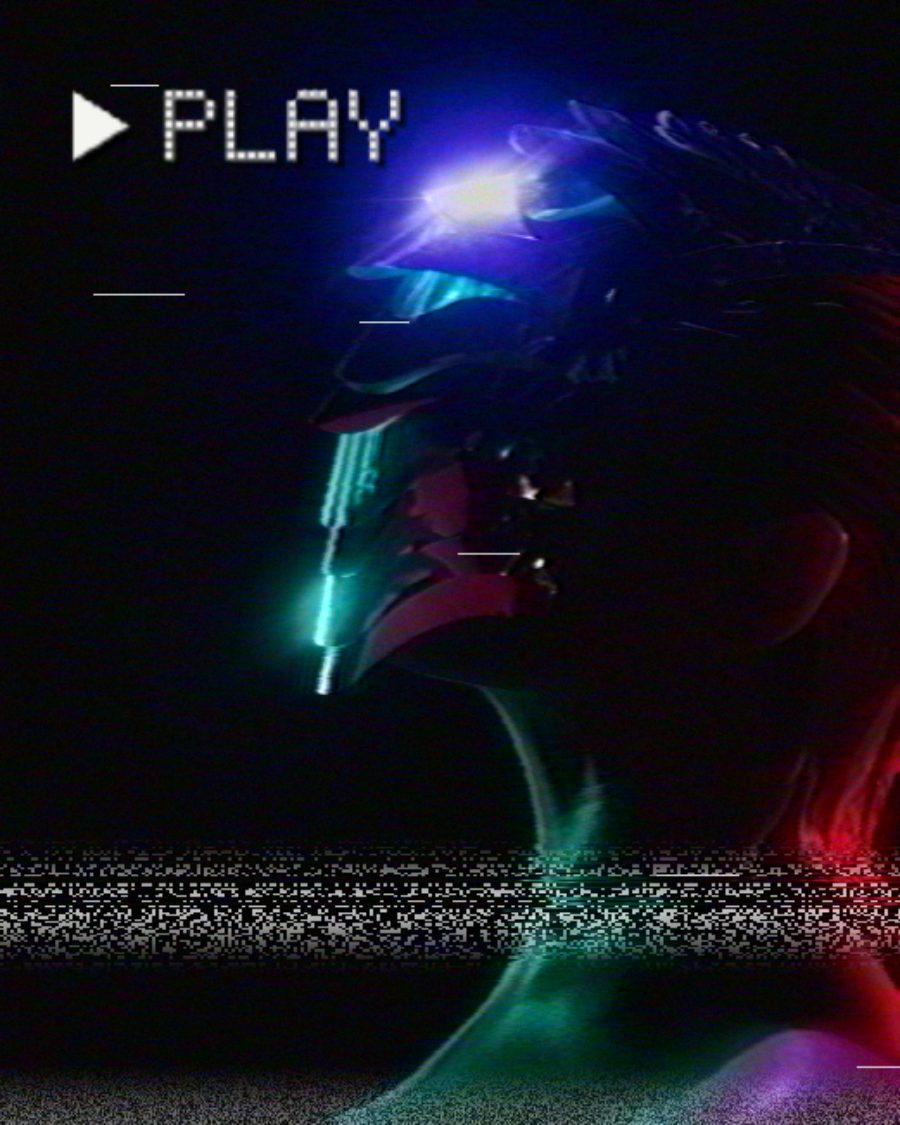
The sample with the Tracking Lost preset. Drag to compare, or press Play with it to tune it live. Open as a shared look
What it's like
Think of a rental copy from the back of the shop. The color sits a little to the side of things, edges ring, a ragged strip of noise lives at the bottom of the frame, and a bad patch of tape tears across now and then. Press pause and the frame shakes. Hold rewind and the picture races. VHS has all of it, on the deck you remember.
When to reach for it
- Home video and memories. Set On-screen to Date and put in your own date.
- Music videos and openers that should feel taped off the TV.
- Transitions. Press Eject for the blue screen, or switch on Rewind.
- A tape played on a real set. Put a CRT above it.
How it works
Tape keeps brightness and color apart, and VHS does the same with your picture. Brightness stays fairly sharp. Color is smeared and delayed sideways, so it bleeds past the edges. Each line is read by heads that wobble a little, and where the heads hand over at the bottom of the frame the picture tears.
Controls
18 controls in 5 sections, in the order Tune shows them.
Deck
- SelectSpeed
SPLPEP
The tape speed. SP is the best picture. LP and EP fit more on the tape and play softer, noisier and shakier.
- SelectOn-screen
OffPlayDateBoth
What the deck shows on screen. Play shows PLAY for the first seconds of each loop. Date burns in a camcorder date and time, and you can set your own in the field beside it. Both shows both. Pause, Rewind, Eject and Tracking show their own labels unless On-screen is Off.
Tape
- Hero knobAge
0 to 100 · rests at 35
The hero. How old the tape is. The picture loses its fine detail and smears sideways.
- FaderTracking
-100 to +100 · rests at 0
The tracking knob. Off center, a band of noise tears across the picture and rolls through it, and a TRACKING bar comes up. Back at zero it clears.
- KnobWrinkle
0 to 100 · rests at 0
A creased stretch of tape crawls down the picture, wavy and bright.
- KnobDropouts
0 to 100 · rests at 15
Short white streaks where the tape has lost its coating.
- KnobStretch
0 to 100 · rests at 0
The picture sways and warbles, like tape that has been stretched.
Color
- KnobColor bleed
0 to 100 · rests at 50
Color smears sideways past the edges.
- KnobColor delay
0 to 100 · rests at 30
The color slides off to the right of what it belongs to.
- FaderSaturation
-100 to +100 · rests at 0
The color, from faded to hot.
- KnobColor noise
0 to 100 · rests at 30
Blotchy streaks of color noise along the lines.
- KnobEdge ring
0 to 100 · rests at 35
A bright outline beside edges, the deck's sharpening overdone.
Signal
- KnobHead switch
0 to 100 · rests at 50
The ragged strip of noise at the bottom of the frame, where the heads switch.
- KnobSnow
0 to 100 · rests at 20
Static over the whole picture.
- KnobJitter
0 to 100 · rests at 20
Each line shifts sideways a little, so edges shiver.
Buttons
- Pulse buttonEject
Momentary · fires and falls back · can be recorded
Press it and the screen drops to deck blue with EJECT, then the picture comes back.
- SwitchPause
OffOn
Holds the frame you switched it on. The still shakes, with a bar of noise near the bottom.
- SwitchRewind
OffOn
The picture races through the frame in torn bands, its color drained, with REW on screen.
Presets
6 presets. Each one opens in the studio as a shared look. Add it on top of your picture, or save it to My looks.
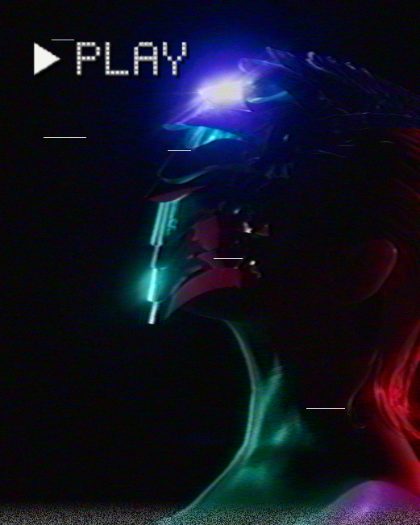 Rental TapeA much-rented copy: soft, bleeding color, the odd dropout, a busy head switch.02
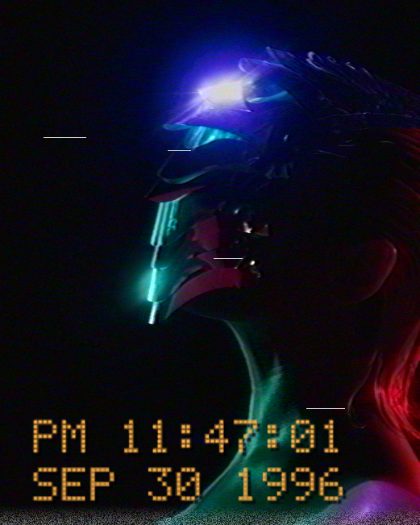 Camcorder 96Home video with the date burned in the corner.03
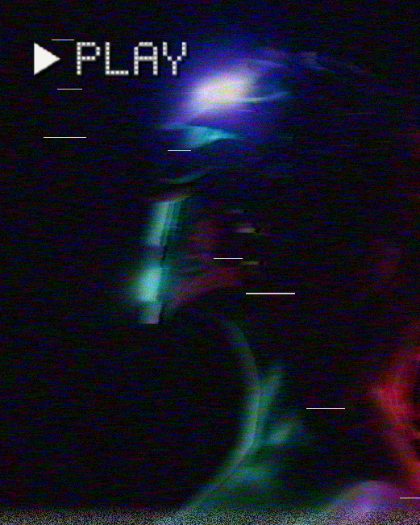 Worn EPSix hours on one tape, played too many times.04
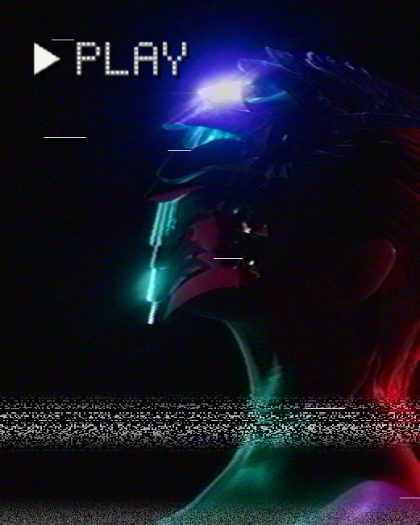 Tracking LostThe heads drifting off the track: rolling noise bars.05
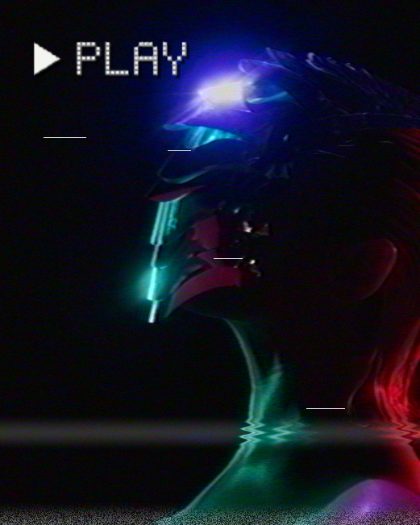 CreaseA wrinkled stretch of tape crawling down the picture.06
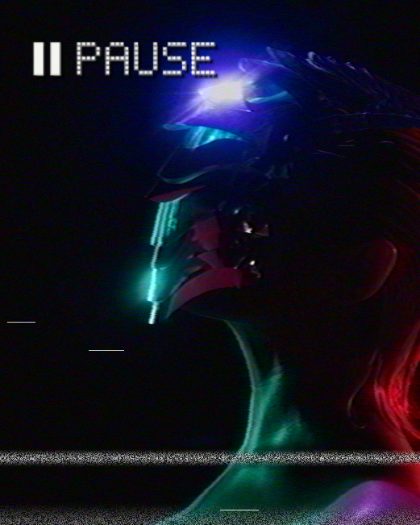 PausedThe frame on hold, shaking, with a noise bar.