
Cel
Anime · ink + toneAn animation cel is a clear sheet with an inked outline, painted on the back in a few flat colors, one for light and one for shadow. Cel turns your picture into that, with ink lines, screentone, rim light and speed lines.
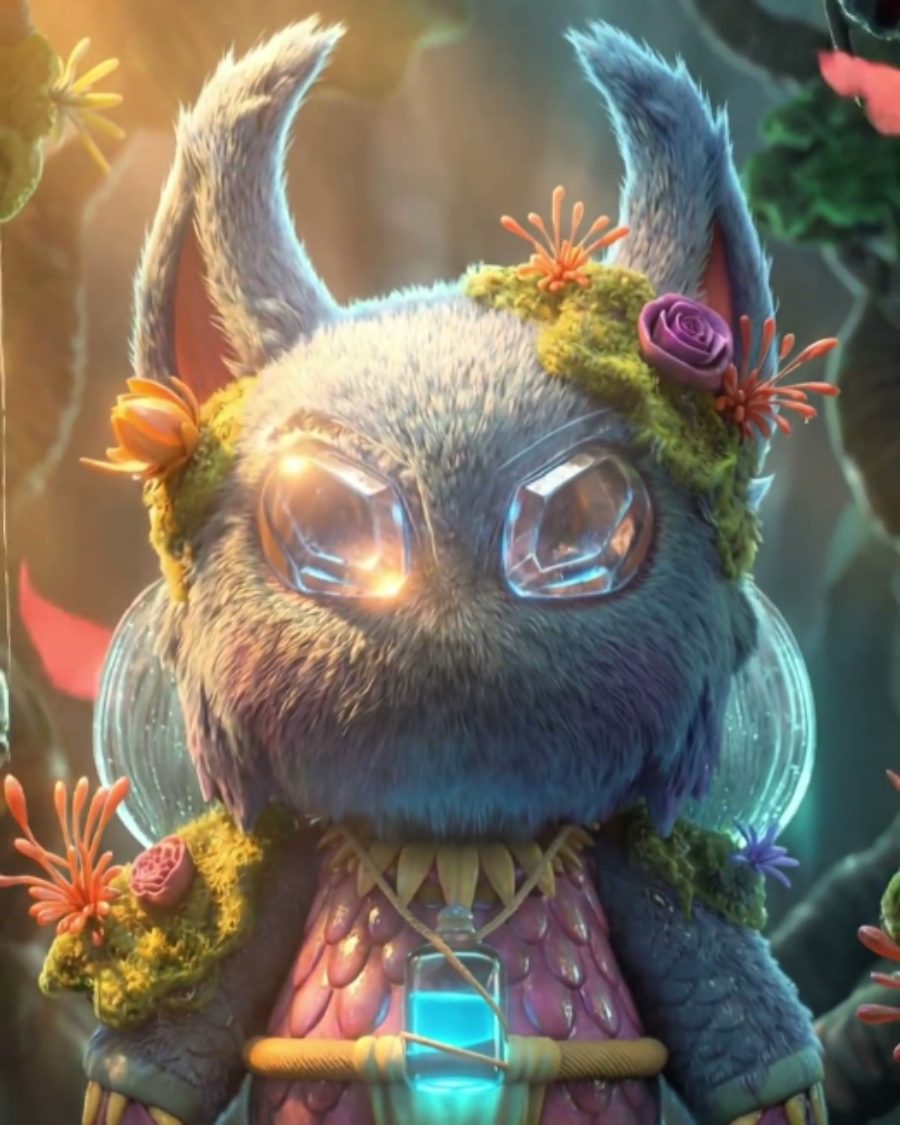
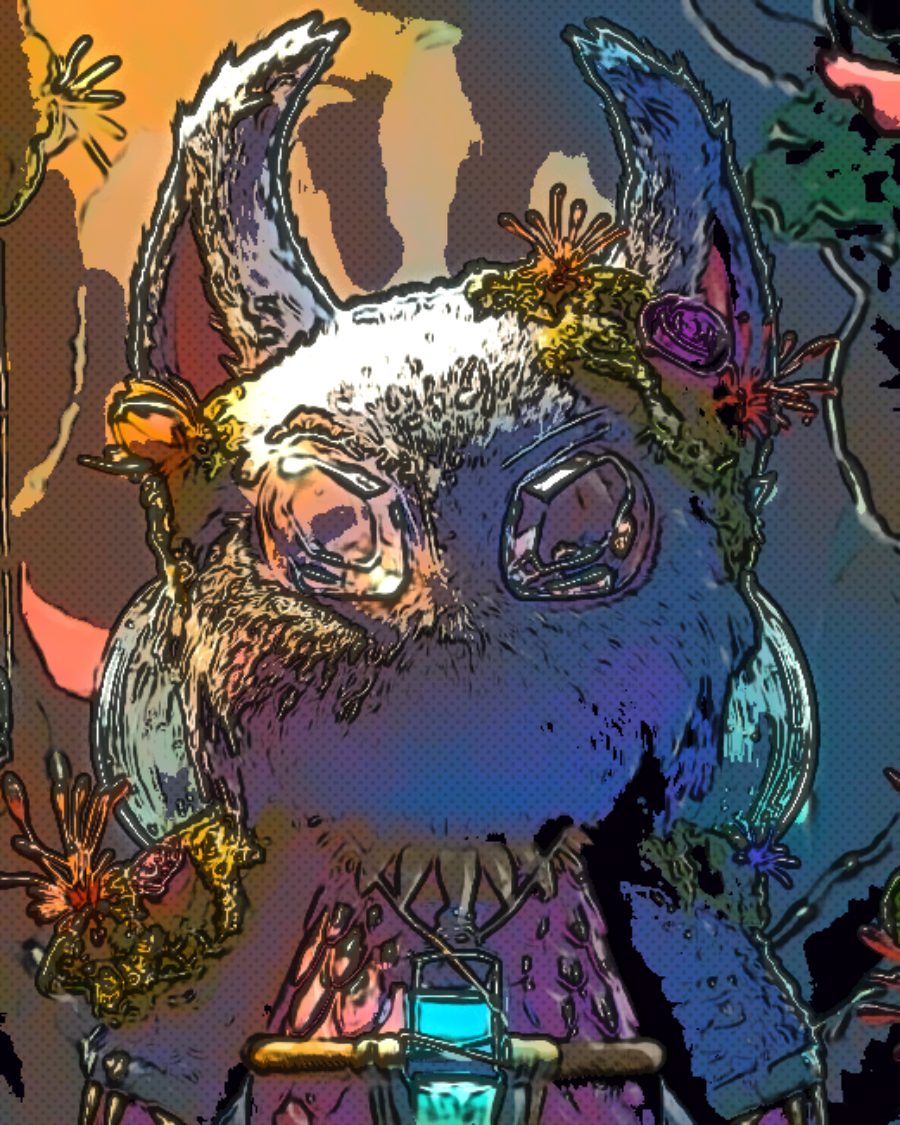
The sample with the Anime Cel preset. Drag to compare, or press Play with it to tune it live. Open as a shared look
What it's like
Freeze a frame of a TV anime. Every shape has a crisp black line, one flat color for the lit side and one for the shade, and a hard highlight where the light hits. The shadow paint is often mixed cooler, a little violet. Manga does the same on paper, with dot screentone stuck into the shadows. Cel gives you both, and the action frames too.
When to reach for it
- Portraits and scenes that should look hand-painted for animation.
- Manga pages in black and white. Drop Saturation and lean on Screentone.
- Hit moments in a loop. Turn up Speed lines and press Impact.
- Sketchy, living linework. Line boil redraws the ink every frame.
Controls
18 controls in 5 sections, in the order Tune shows them.
Paint
- Hero knobBands
2 to 5 · rests at 3
The hero. How many flat tones the paint has, from two to five. Two is stark light and shadow.
- FaderSaturation
-100 to +100 · rests at +30
Pushes the paint more vivid, or drains it toward gray.
- KnobFlatten
0 to 100 · rests at 0
Smooths texture away inside each shape so fills go flat, while the edges hold.
- KnobShadow color
0 to 100 · rests at 0
Turns the shadow band cool and violet, the way cel painters mix shadow paint.
- KnobHighlight
0 to 100 · rests at 0
Paints the brightest parts as a crisp, near-white highlight band.
Ink
- KnobInk
0 to 100 · rests at 70
How strong the inked outline is.
- KnobLine width
0 to 100 · rests at 30
How thick the lines are.
- FaderLine detail
-100 to +100 · rests at 0
Up draws more lines, down to the fine detail. Down keeps only the strongest edges.
- SelectLine color
BlackColorSepiaBlue
The line color. Black, Color for a dark shade of the paint underneath, Sepia or Blue.
- KnobLine boil
0 to 100 · rests at 0
The lines are redrawn twelve times a second and never sit still, like hand-inked animation.
Screentone
- KnobScreentone
0 to 100 · rests at 50
How much screentone goes into the shadows.
- KnobTone size
1.0× to 4.0× · rests at 1.0×
How big the screentone pattern is.
- SelectTone pattern
DotsLinesCross
The screentone. Dots, Lines, or Cross for crossed lines.
Light
- KnobRim light
0 to 100 · rests at 0
A bright edge on the side of each shape that faces the light.
- KnobLight angle
0° to 360° · rests at 45°
Which side the rim light comes from.
- KnobGlow
0 to 100 · rests at 0
A soft bloom around the brightest parts.
Action
- KnobSpeed lines
0 to 100 · rests at 0
White speed lines rush in from the edge of the frame toward the center.
- Pulse buttonImpact
Momentary · fires and falls back · can be recorded
Press it for the hit frame. For an instant the tones flip to stark ink and paper.
Presets
7 presets. Each one opens in the studio as a shared look. Add it on top of your picture, or save it to My looks.
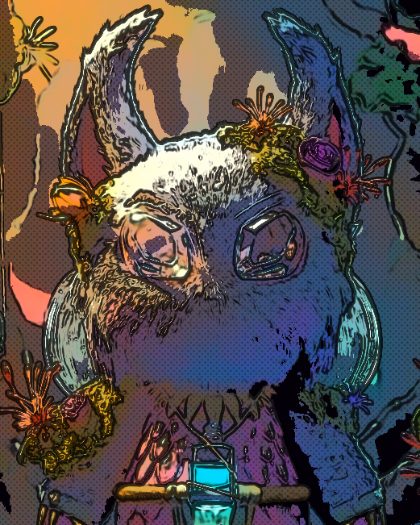 TV AnimeFlat paint, cool shadows, a crisp highlight band.02
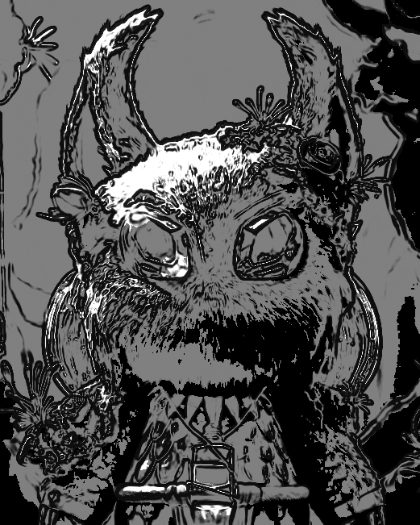 Manga PageBlack ink and screentone on white, no color.03
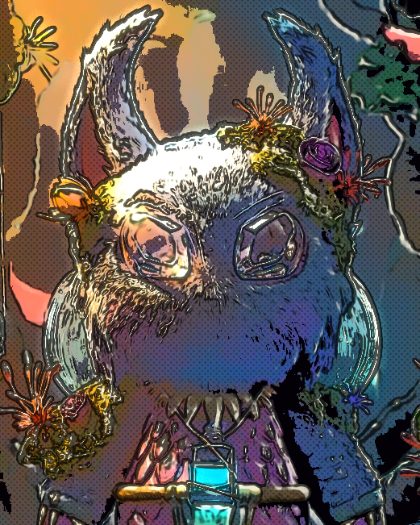 Sunset RimWarm rim light on every shape and a soft glow.04
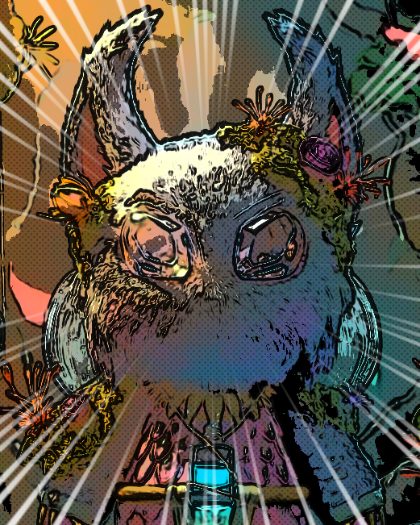 Action FrameSpeed lines rushing in and a boiling line.05
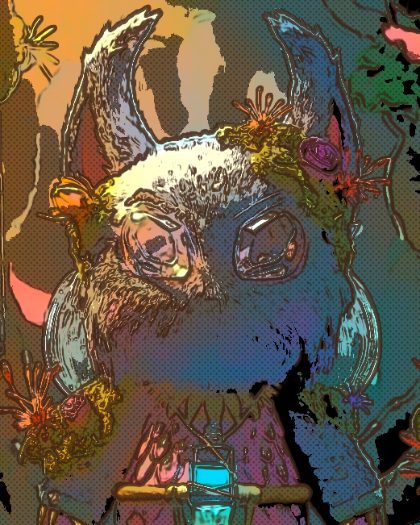 Sketchy BoilSepia lines redrawn every frame over soft paint.06
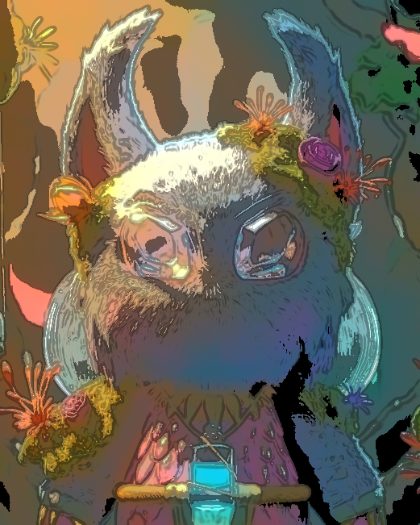 Watercolor CelSoft flat fills with colored lines and no tone.07
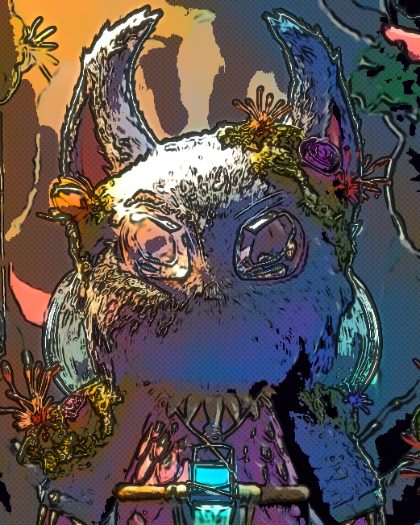 Anime CelFlat paint, cool violet shadows, a crisp highlight band and a warm rim light.