Photocopy
Toner · generation lossA photocopier turns everything into toner or bare paper, and every copy of a copy loses a little more. Photocopy runs your picture through the office machine, with the streaks, the dust and the lid left open.
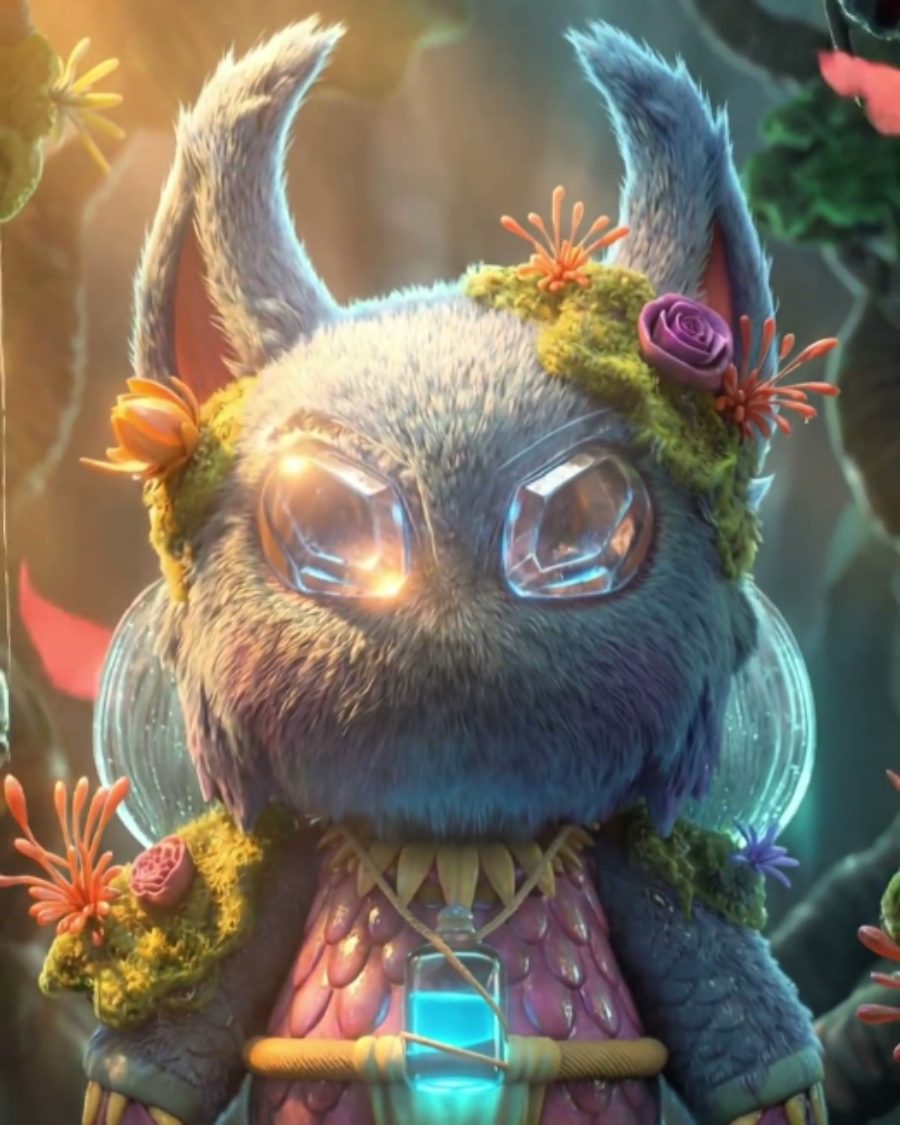

The sample with the Lid Up preset. Drag to compare, or press Play with it to tune it live. Open as a shared look
What it's like
Think of a punk flyer stapled to a telephone pole. Greys snap to black or white, edges go fuzzy and swollen, a dirty drum leaves lines down the page, and the toner never quite settles. Copy it again and it gets harder and rougher. Photocopy is that machine, from the toner to the glass you laid the page on.
When to reach for it
- Flyers, zines and gig posters with a rough, cut-and-paste feel.
- Bold, high-contrast portraits for print or merch.
- Texture that never sits still. The toner grain and streaks flicker on their own while the picture holds.
How it works
A copier doesn't print greys. It decides, spot by spot, whether there's enough dark to pick up toner. Each generation blurs what came before, then makes that same hard decision again, so detail spreads and the edges get harsher with every pass.
Controls
13 controls in 4 sections, in the order Tune shows them.
Toner
- Hero knobThreshold
0 to 100 · rests at 40
The hero. Where grey turns to toner. Higher fills more of the page with black.
- KnobToner
0 to 100 · rests at 50
How much loose toner there is. Grain in the fill, stray specks and dark smudges at the edge of the page.
- KnobGenerations
0 to 100 · rests at 40
How many copies of copies. Detail spreads and swells, and the edges get harder.
Machine
- KnobDrum streaks
0 to 100 · rests at 30
Lines down the page from a dirty drum.
- FaderSkew
-100 to +100 · rests at 0
The page went in crooked. Tilts it left or right.
- SelectPaper
WhiteGreyPinkYellow
The copy paper. White, Grey, Pink or Yellow.
- SelectToner color
BlackBlueSepia
The toner color. Black, Blue or Sepia.
Glass
- FaderReduce / enlarge
-100 to +100 · rests at 0
The reduce and enlarge buttons. Reduce leaves bare paper around the page, enlarge crops in.
- KnobLid open
0 to 100 · rests at 0
Copied with the lid up. Black borders creep in from the edges.
- KnobGlass dust
0 to 100 · rests at 0
Specks on the glass that show up on every copy.
- KnobFold
0 to 100 · rests at 0
The page was folded. A crease runs down it with a faint shadow.
- KnobScan wobble
0 to 100 · rests at 0
The scanner wobbles, so bands of the page slip sideways.
Buttons
- Pulse buttonCopy again
Momentary · fires and falls back · can be recorded
Press it to copy the copy. Generations goes up a notch each time.
Presets
3 presets. Each one opens in the studio as a shared look. Add it on top of your picture, or save it to My looks.