Depth
Depth Anything V2 · on deviceEvery photo hides a third dimension. Depth works out how far away each part of your picture is, then shows it as a map, as contour lines, as fog that thickens with distance, or as focus that falls away behind your subject.

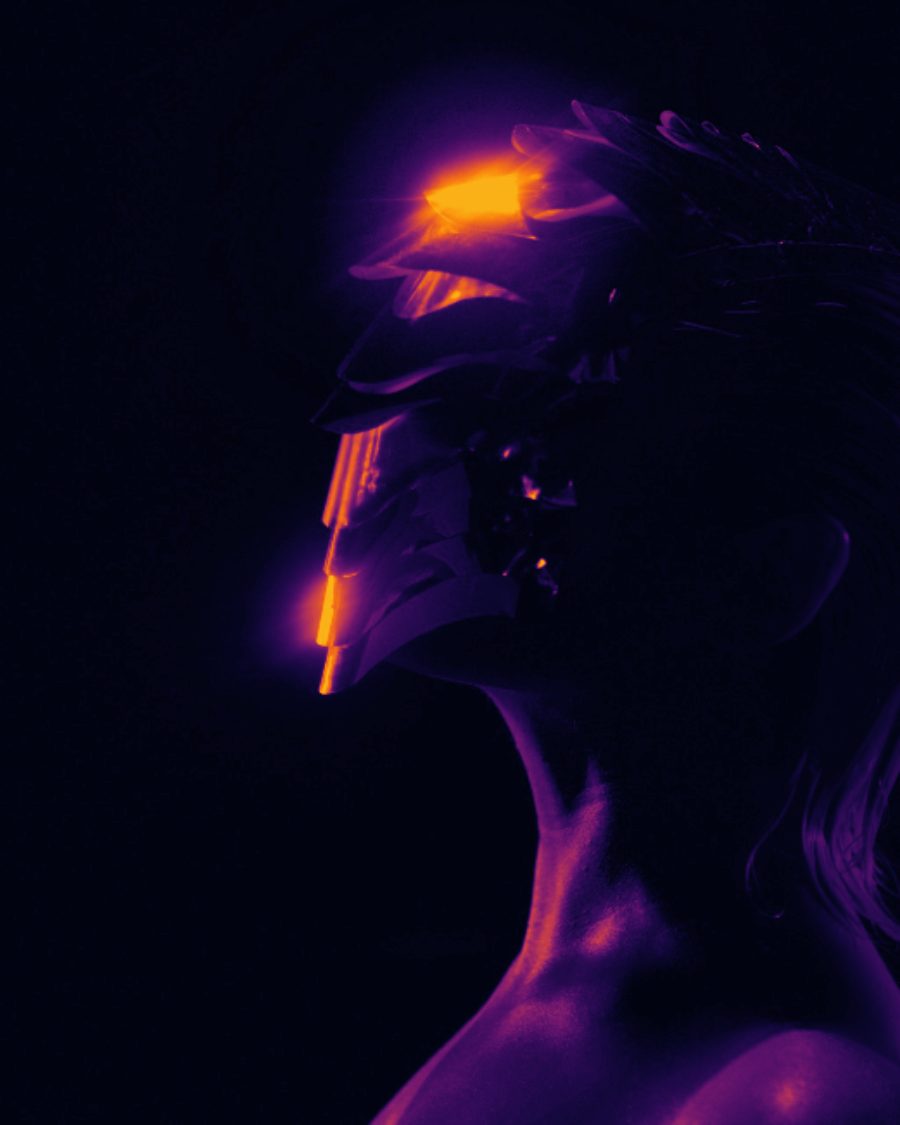
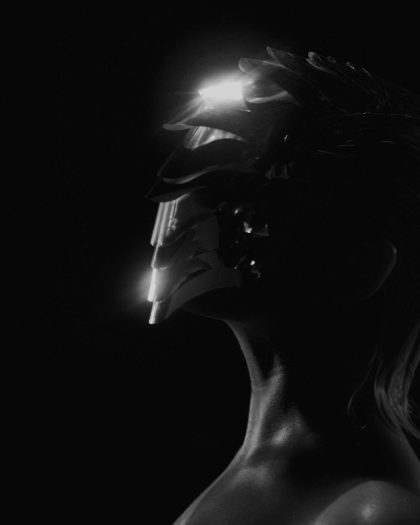
The sample with the Heat Depth preset. Drag to compare, or press Play with it to tune it live. Open as a shared look
What it's like
A depth map is how a 3D camera sees. White is near, black is far. Film crews fake distance with smoke, and portrait lenses throw the background out of focus. Depth gives you both from a flat picture, and the map itself makes a striking false-color image.
When to reach for it
- Background blur after the fact. Set View to Focus, or start from Portrait Focus.
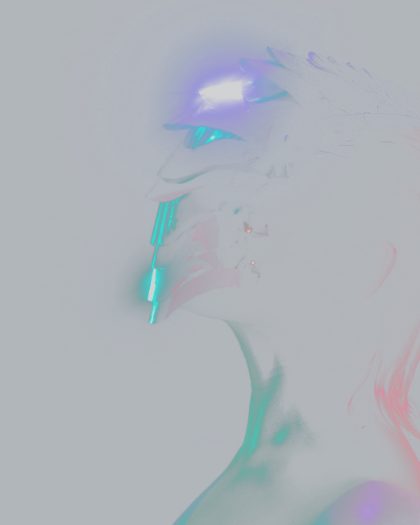
- Atmosphere. Fog that gets thicker the further back you look.
- Graphic false color and topographic lines for posters and music visuals.
- A check while you build a Look. Split shows the map beside your picture.
How it works
With On device, Depth estimates distance from the picture itself, on your machine. The first time, it loads a one-time download of 20 to 50 MB. It reads a small copy of the frame, so the map is soft by nature, and in the preview it refreshes a few times a second. If it can't load, Depth falls back to Brightness.
Controls
11 controls in 3 sections, in the order Tune shows them.
View
- SelectView
DepthColor mapContoursFogFocusSplit
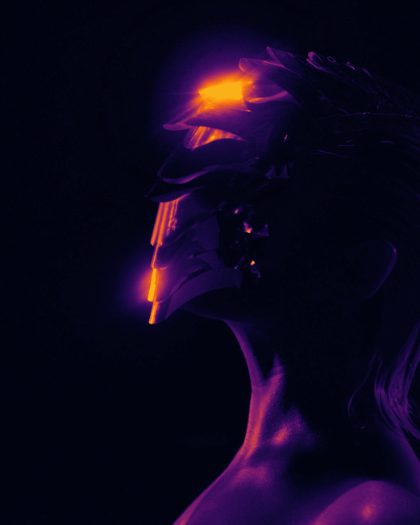
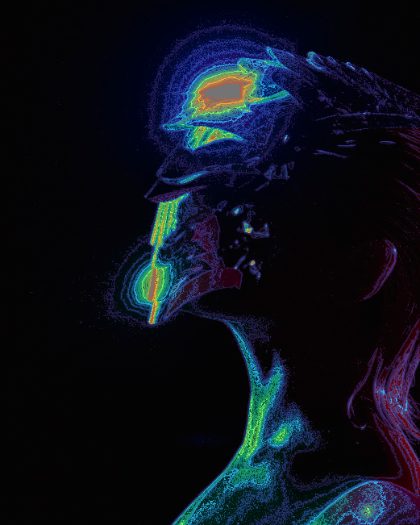
What you see. Depth is the gray map. Color map paints it in false color. Contours draws lines of equal distance over your picture. Fog thickens with distance. Focus blurs by distance. Split shows the map on the left and your picture on the right.
- SelectMap
TurboInfernoIceMono
The false colors for Color map. Turbo, Inferno, Ice or Mono.
- Hero knobAmount
0 to 100 · rests at 60
The hero. For Contours, how far your picture darkens under the lines. For Fog, how thick it gets. For Focus, how strong the blur is.
- KnobFocus at
0 to 100 · rests at 15
Focus only. Which distance stays sharp. Low keeps the nearest things sharp, higher moves the focus back.
- KnobLines
4 to 40 · rests at 18
Contours only. How many lines, 4 to 40. Every fifth line is brighter, like the index lines on a map.
- SelectFog
HazeNightWarmBlack
The fog's color. Haze, Night, Warm or Black.
Range
- KnobNear
0 to 100 · rests at 0
Sets the black end of the map. Turn it up and more of the distance drops to black.
- KnobFar
0 to 100 · rests at 100
Sets the white end of the map. Turn it down and more of the foreground goes to full white.
- KnobSmooth
0 to 100 · rests at 30
Evens out the map, so edges and fog look less blotchy. On device only.
- SwitchInvert
OffOn
Flips the map, so far is white and near is black. Fog then gathers up close.
Model
- SwitchSource
On deviceBrightness
On device works out real depth from the picture. Brightness uses how light each part is instead, so bright reads as near. It's instant, and handy for night lights and graphics.
Presets
5 presets. Each one opens in the studio as a shared look. Add it on top of your picture, or save it to My looks.