
Glints
Star flares · 4 pointA star filter is a disc of glass ruled with fine lines. Every point of light that passes through it throws a cross of rays. Glints adds those stars to the small hot spots in your picture.

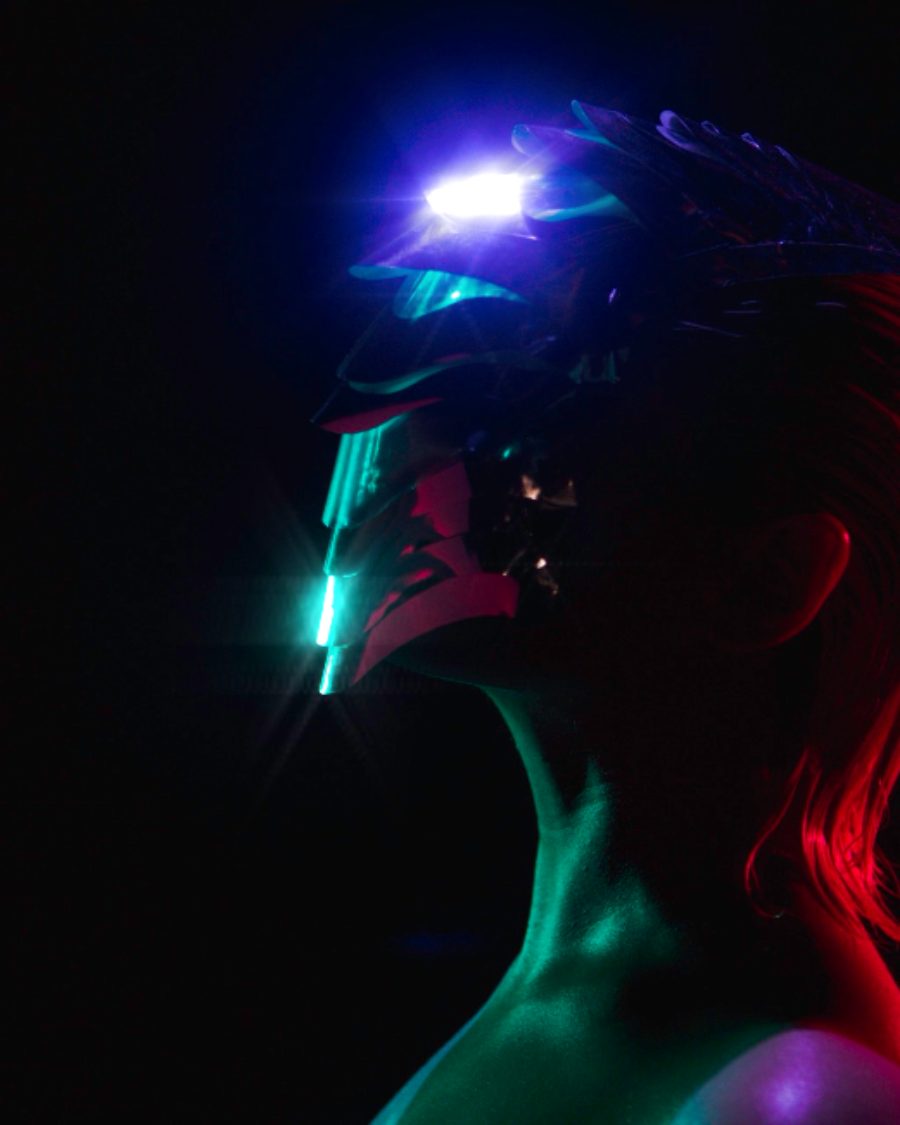
The sample with the Rainbow Diffraction preset. Drag to compare, or press Play with it to tune it live. Open as a shared look
What it's like
Fairy lights, sun on water, sparkle on jewelry and chrome. Shot through a star filter, each one becomes a little cross. The lines on the glass decide how many points the star has. Glints looks for small bright points that stand out from their surroundings, not big bright areas, and gives each one arms.
When to reach for it
- Jewelry, glass, chrome and wet streets.
- Holiday and party sparkle. Turn up Twinkle, or start from Spinning Stars.
- A soft, glamorous portrait glow. Soft Diffusion and Soft Filter.
- Rainbow arms for a diffraction feel. Rainbow Diffraction.
Controls
16 controls in 4 sections, in the order Tune shows them.
Glints
- Hero knobAmount
0 to 100 · rests at 60
The hero. How bright the stars are.
- KnobThreshold
0 to 100 · rests at 55
How bright a point must be to sparkle. Lower and more points join in.
- KnobLength
0 to 100 · rests at 40
How far the arms reach.
- KnobCore
0 to 100 · rests at 35
A bright dot at the heart of each star.
- Pulse buttonBurst
Momentary · fires and falls back · can be recorded
Press it and every star flares longer and brighter, then settles.
Shape
- SelectPoints
468
4, 6 or 8 points, like glass ruled with two, three or four sets of lines.
- KnobRotate
0° to 90° · rests at 0°
Turns the stars.
- FaderAspect
-100 to +100 · rests at 0
Stretches one pair of arms and shortens the other, like an anamorphic lens.
- KnobSoftness
0 to 100 · rests at 0
Softens the points first, for wider, misty arms.
- SelectSpin
Still1×2×
The stars hold Still, or turn once or twice a loop.
Color
- SelectColor
WhiteSourceTint
White stars, Source stars in the light's own color, or Tint stars in one color.
- Hue faderTint
0° to 360° · rests at 180°
The color for Tint.
- KnobSpectrum
0 to 100 · rests at 0
Splits each arm into a rainbow, like diffraction.
- KnobTwinkle
0 to 100 · rests at 30
Points brighten and dim at different moments, like stars in the sky.
Halo
- KnobHalo
0 to 100 · rests at 0
A thin ring around each point.
- KnobHalo size
0 to 100 · rests at 40
How big the ring is.
Presets
9 presets. Each one opens in the studio as a shared look. Add it on top of your picture, or save it to My looks.
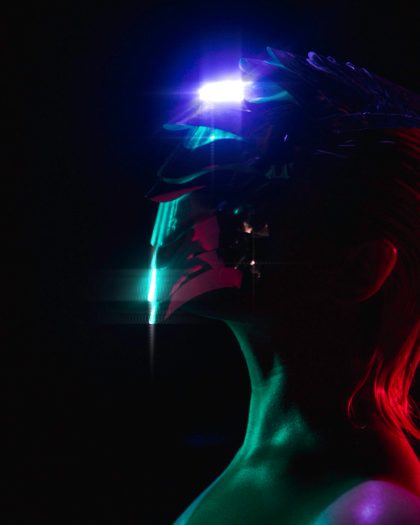 Cross StarFour-point stars on every hot spot.02
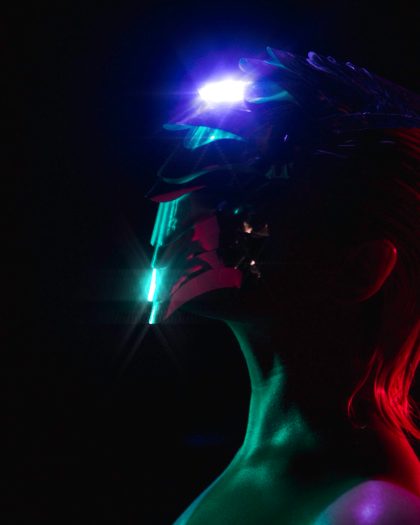 Six PointSix-point stars, a little longer.03
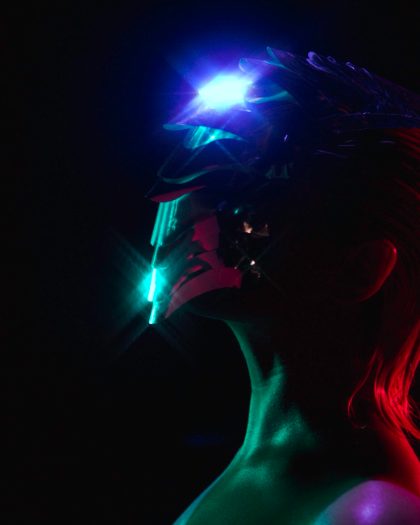 Teal SparkleTinted, twinkling glints, turned 45°.04
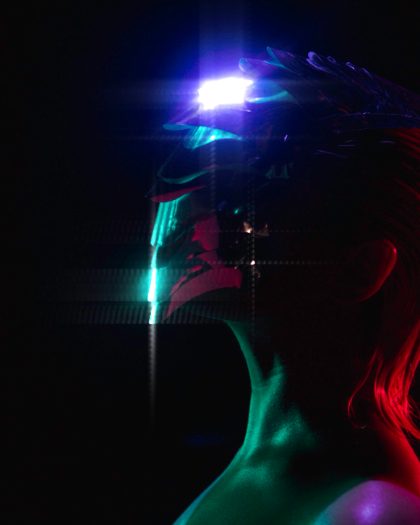 Soft DiffusionLong, soft streaks with a big core, like a star filter on a lens.05
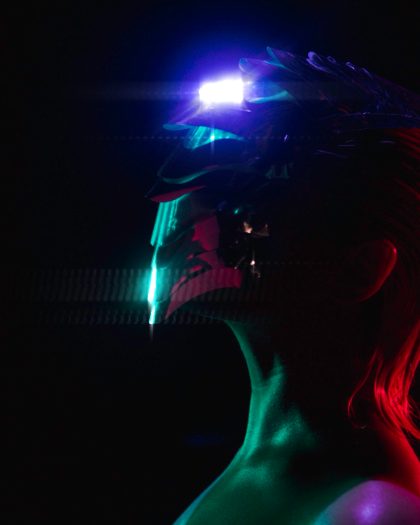 Anamorphic StarStars stretched wide, like shooting through an anamorphic lens.06
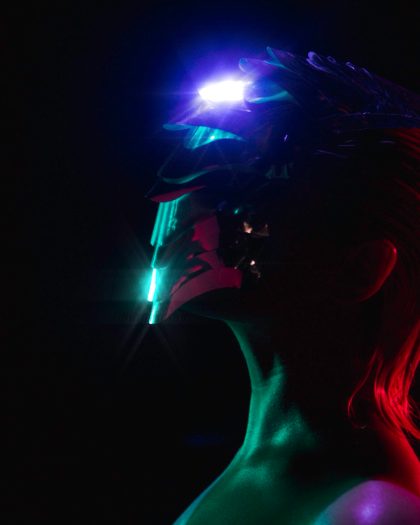 Rainbow DiffractionSix-point stars that split into color along their arms.07
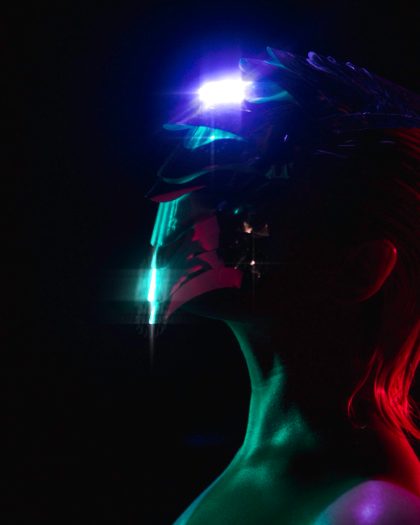 Halo SparkleStars with a thin ring around every point.08
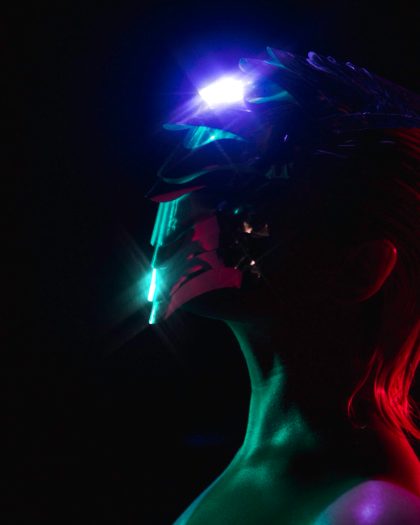 Spinning StarsStars that turn once a loop, twinkling.09
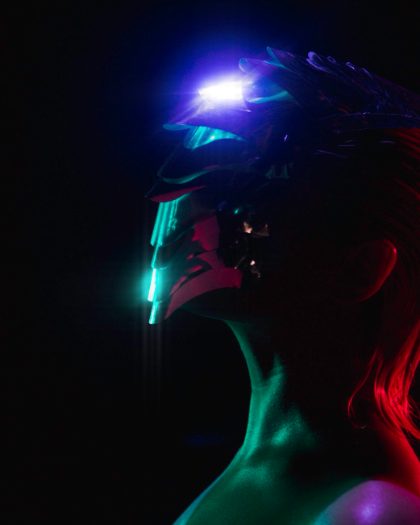 Soft FilterLong soft streaks, like a star filter on a portrait lens.