
Datamosh
Compression · P-framesCompressed video only sends a full picture now and then. In between, it sends how blocks of the last picture moved. Datamosh skips the fresh picture and keeps moving the old one, so one moment melts and drags through the next.

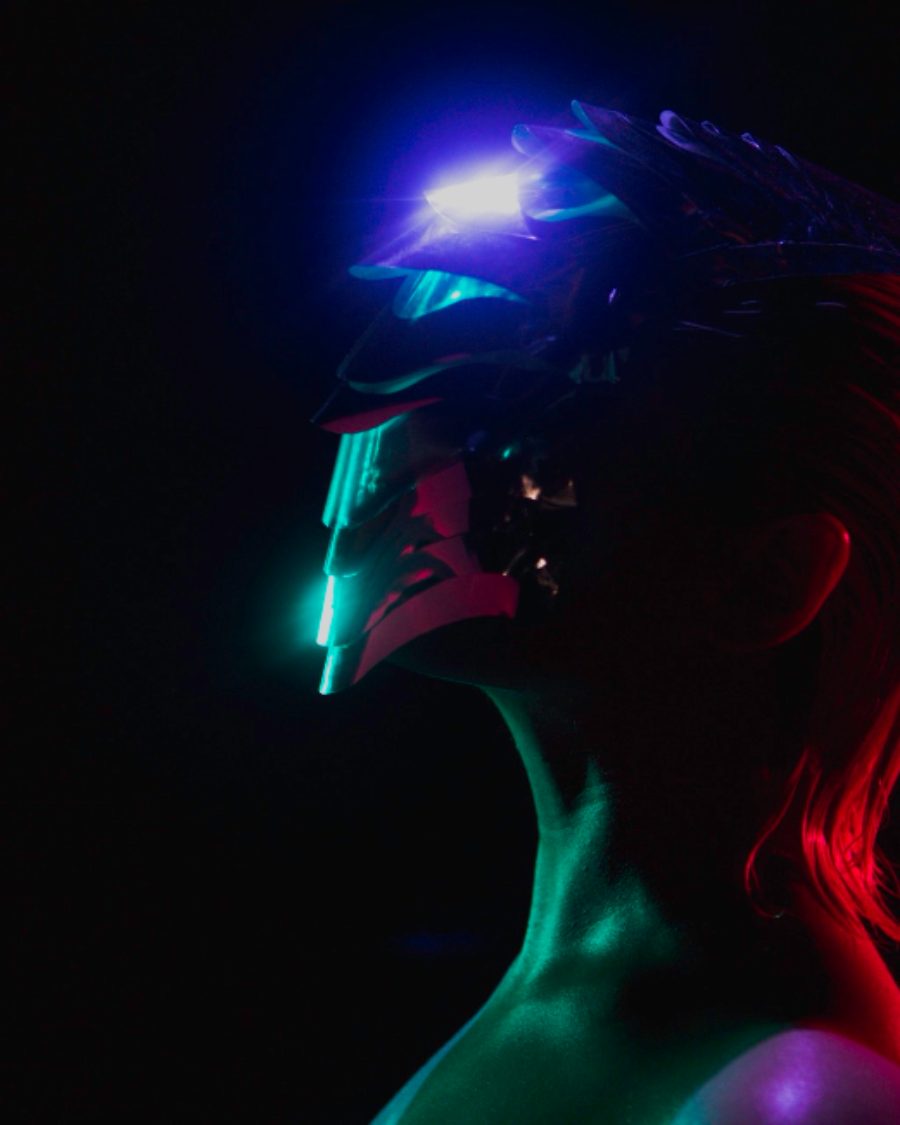
The sample at Datamosh's defaults. Drag to compare, or press Play with it to tune it live. Open as a shared look
What it's like
You've seen it in music videos. A cut should happen, but the last shot stays on screen and gets pushed around by the motion of the new one. Faces smear into walls, colors pour across the frame, then a fresh frame snaps everything clean. That's a broken file. Datamosh does it on purpose, with you choosing when the picture refreshes.
When to reach for it
- Video with movement in it. Datamosh feeds on motion, so a still picture barely moves unless you turn up Push.
- Transitions, where one shot melts into the next before a clean refresh.
- Music visuals. Set Keyframe to Audio hits and the picture snaps clean on every beat.
How it works
Each frame, Datamosh compares your picture with the one before it and works out which way each block moved. Then, instead of showing the new frame, it takes the last frame it drew and drags it along those same moves. The old picture keeps getting pushed by new motion until a keyframe arrives and the real picture comes back. The start of each loop is always a clean frame.
Controls
10 controls in 5 sections, in the order Tune shows them.
Mosh
- Hero knobMosh
0 to 100 · rests at 70
The hero. How far the old picture gets dragged by the motion. Low is a gentle smear, high pours.
- KnobHold
0 to 100 · rests at 92
How long the old picture lingers. High keeps it until the next keyframe, low lets the fresh picture back quickly.
Blocks
- SelectBlocks
81632
The block size, in pixels. 8 is fine, 32 is chunky.
- KnobBlocky
0 to 100 · rests at 70
How blocky the motion is. Low flows smoothly, high moves whole blocks at once, like a damaged file.
Keyframes
- SelectKeyframe
Each loopHalf loopQuarter loopEighth loopAudio hits
When the picture refreshes clean. Each loop, Half loop, Quarter loop, Eighth loop, or on Audio hits in your picture's sound.
- Pulse buttonRefresh
Momentary · fires and falls back · can be recorded
Press for a clean frame right now.
Color
- KnobChroma drift
0 to 100 · rests at 20
Pulls red and blue apart along the motion, so the smears get colored edges.
- KnobBleed
0 to 100 · rests at 30
The new frame's light and shadow show through the old smear. Shapes from now, color from before.
Push
- KnobPush
0 to 100 · rests at 15
A steady shove that wanders a little, so even a still picture moshes.
- KnobDirection
0° to 360° · rests at 90°
Which way Push shoves, around the full circle.