
Pixel Sort
Glitch · approximatePixel sorting takes runs of pixels and reorders them by brightness. Pixel Sort drags the bright parts of your picture into long streaks that stop where the picture turns dark.

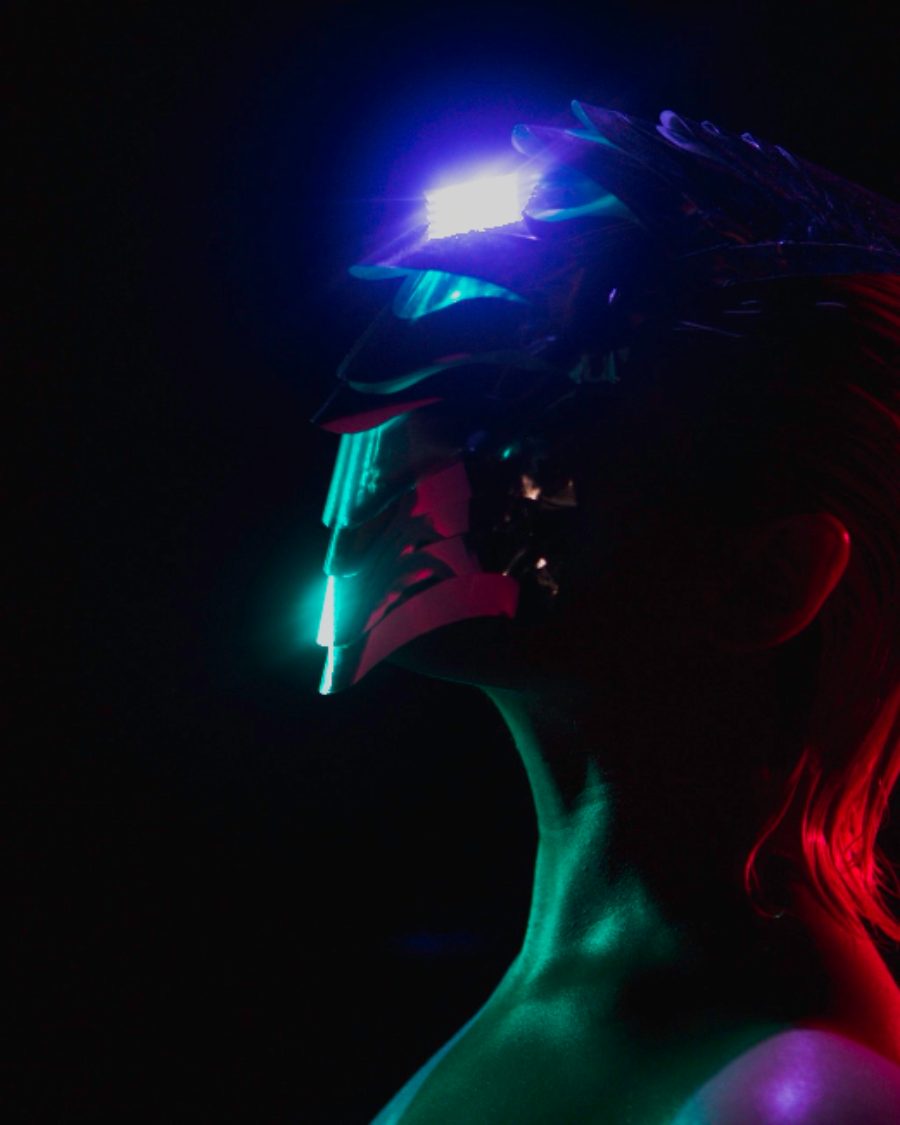
The sample at Pixel Sort's defaults. Drag to compare, or press Play with it to tune it live. Open as a shared look
What it's like
Glitch artists started doing this to landscapes and portraits around 2010. The sky melts down into the hills in hard, straight bands, while the shadows stay put. It looks like the picture has been combed. Pixel Sort gives you that combed look in real time, in any of four directions.
When to reach for it
- Editorial and fashion covers where a face or figure melts in one direction.
- Skies and landscapes, with the highlights streaking down and the ground left alone.
- Pair it with a clean title, so the picture breaks and the type holds.
How it works
A true sort orders every pixel in a run, darkest to brightest. Pixel Sort takes a shortcut that runs on every frame. Each pixel brighter than Threshold looks ahead along the chosen direction and takes the color of the brightest pixel in its run. The run ends where the picture drops below the threshold. So highlights drag into streaks, and dark areas stop them.
Controls
3 controls in 2 sections, in the order Tune shows them.
Sort
- Hero knobThreshold
0 to 100 · rests at 55
The hero. How bright a pixel must be to streak. Low streaks most of the picture, high streaks only the highlights.
- KnobLength
0 to 100 · rests at 50
How far each streak reaches.
Direction
- SelectDirection
DownUpRightLeft
Which way the streaks run. Down, Up, Right or Left.