
Flash
Digicam · disposableAn on-camera flash lights whatever is closest, hard and white, and lets the room behind fall away. Flash puts that light on your picture, from a digital compact or a disposable film camera, with the date burned into the corner if you want it.

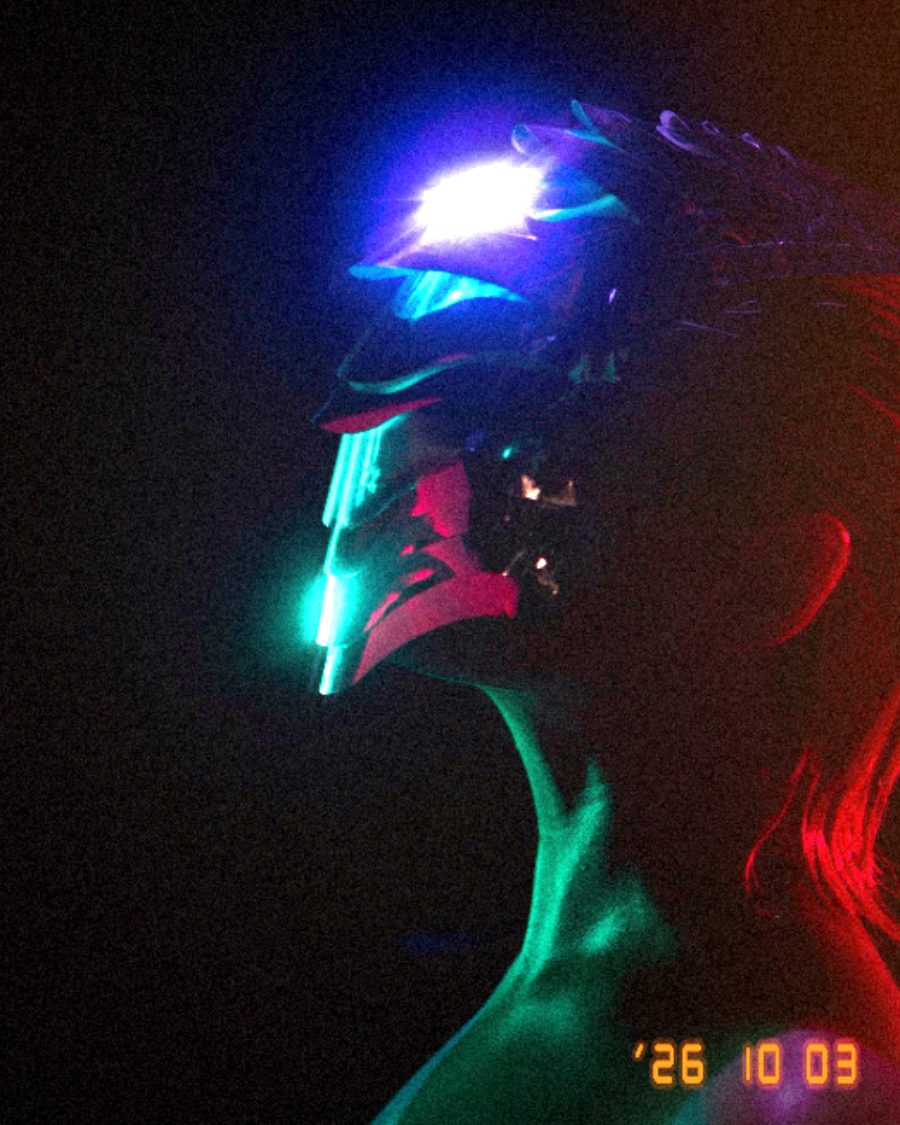
The sample with the Party Disposable preset. Drag to compare, or press Play with it to tune it live. Open as a shared look
What it's like
Party photos from the early 2000s. Shiny foreheads, hot faces up front, a black room behind, a hard shadow on the wall. The disposable adds a warm cast, dark corners, film grain and a leak down the side. The digicam adds cool shadows, colored noise and that crunchy in-camera sharpening.
When to reach for it
- Party and nightlife photos. Party Disposable or Night Digicam.
- A paparazzi strobe on the loop. Paparazzi.
- Even, flattering beauty light. Ring Light.
- Club color with a gel on the flash. Club Gel.
Controls
18 controls in 7 sections, in the order Tune shows them.
Camera
- SwitchCamera
DigicamDisposable
The camera. Digicam is a digital compact, with cool shadows and colored noise. Disposable is a film camera, warmer, with dark corners, grain and a light leak.
- SelectDate stamp
OffDateDate + time
Burns the date into the corner in orange digits. Date + time adds a second row. It reads today unless you set a date.
Light
- Hero knobPower
0 to 100 · rests at 60
The hero. How strong the flash is.
- KnobFalloff
0 to 100 · rests at 45
How fast the light drops away from the flash point. High is a tight pool with a dark room around it.
- SelectHead
Built-inRingBounce
The kind of flash. Built-in throws a hot spot, Ring wraps the subject evenly, Bounce comes soft from above.
- KnobHot spots
0 to 100 · rests at 0
Shine on the brightest parts, like skin and glass catching the flash.
- KnobHard shadow
0 to 100 · rests at 0
The hard shadow a flash throws behind things, away from the flash point.
Exposure
- FaderAmbient
-100 to +100 · rests at 0
How much of the room shows where the flash doesn't reach. Dark is a fast shutter at night, Bright lets the room in.
- SelectStrobe
Off1×2×4×
Fires the flash 1, 2 or 4 times a loop. Off keeps it steady.
Color
- FaderCast
-100 to +100 · rests at -20
The color of the whole frame, from cool to warm.
- SelectGel
NoneWarmGreenMagentaBlue
A colored gel on the flash. Warm, Green, Magenta or Blue.
Texture
- KnobBloom
0 to 100 · rests at 45
A glow around the brightest parts.
- KnobNoise
0 to 100 · rests at 40
Noise. Colored digital noise on the digicam, film grain on the disposable.
- KnobLight leak
0 to 100 · rests at 35
Disposable only. A warm leak down the right side that breathes with the loop.
- KnobSharpen
0 to 100 · rests at 0
Sharpens edges, like a compact's own processing.
Buttons
- Pulse buttonFire
Momentary · fires and falls back · can be recorded
Fire. Press it and the frame flashes white, then settles.
Settings
- KnobFlash X
0 to 100 · rests at 50
Where the flash points, across. Drag on the flash screen to set both.
- KnobFlash Y
0 to 100 · rests at 55
Where the flash points, up and down.
Presets
6 presets. Each one opens in the studio as a shared look. Add it on top of your picture, or save it to My looks.
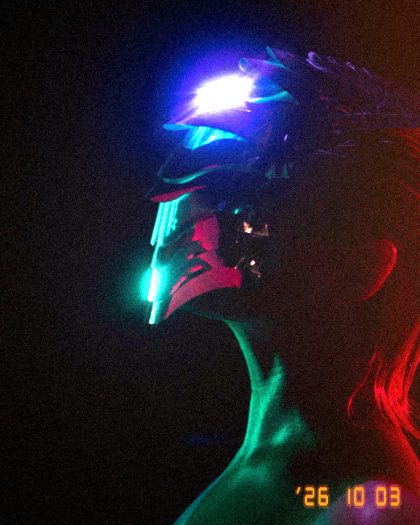 Party DisposableA disposable at a party: hot flash, a leak down the side, the date in the corner.02
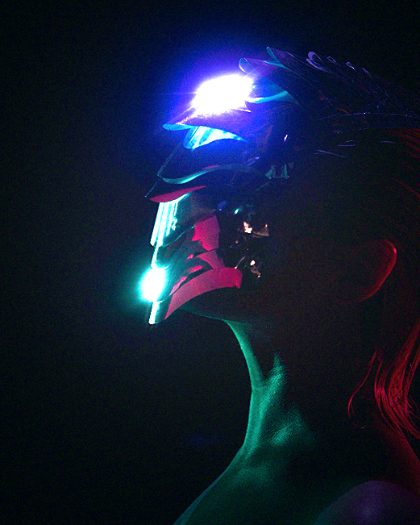 Night DigicamA compact at night: the room drops to black, skin shines, sharpened edges.03
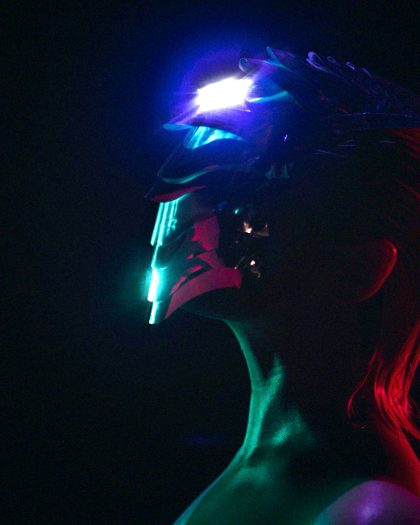 PaparazziHard flashes going off twice a loop, hard shadows behind.04
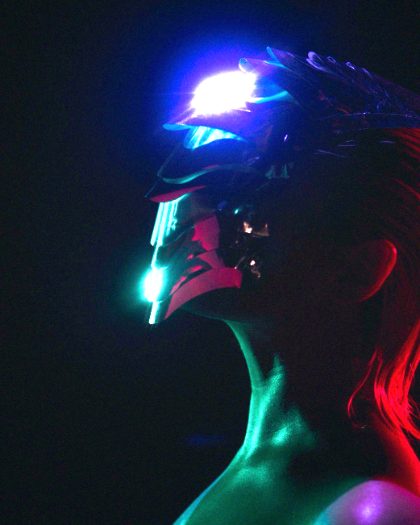 Ring LightEven, wraparound light with a soft shine.05
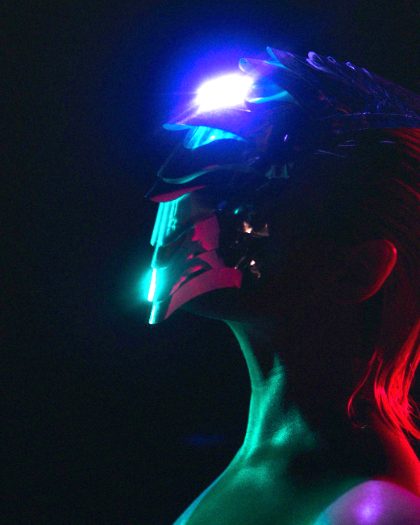 Bounce CardFlash bounced off the ceiling: soft from above, the room still showing.06
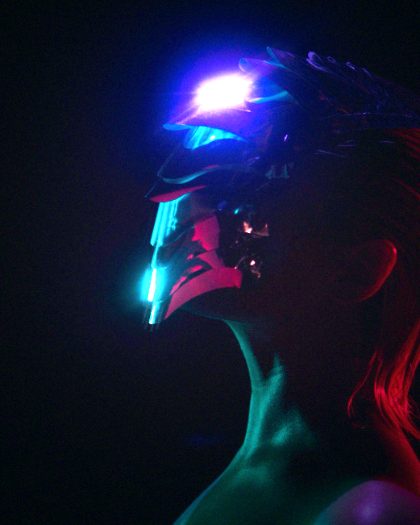 Club GelA magenta gel on the flash in a dark club.