
Drag Shutter
Flash + slow shutterFire a flash with a slow shutter and you get two pictures in one, a sharp one frozen by the flash and a blurred one from the light in the room while the shutter stays open. Drag Shutter does that to your picture, with the camera dragged sideways, zoomed or spun.

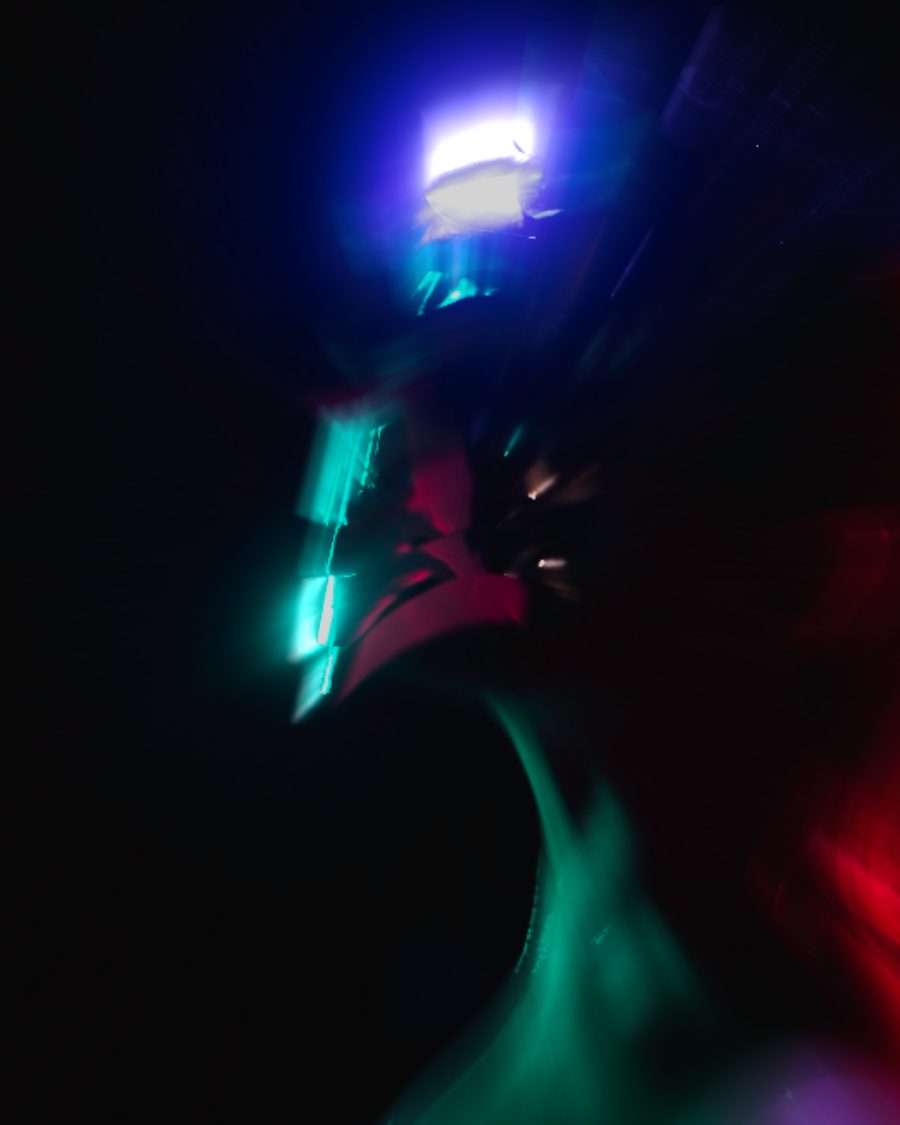
The sample at Drag Shutter's defaults. Drag to compare, or press Play with it to tune it live. Open as a shared look
What it's like
Club and concert photos where the dancer is crisp but the lights behind smear into streaks. Photographers swing, twist or zoom the camera during the exposure on purpose. The flash freezes whatever it lit, and everything else turns into motion.
When to reach for it
- Nightlife and concert energy on a still picture.
- A rush of speed. Zoom pulls everything toward the center.
- The full party look. Put a Flash under it, so the lit subject stays sharp and the room smears.
How it works
Drag Shutter blurs the whole frame, then keeps the brightest parts sharp, the way a flash lights the near subject brightest. Lights caught in the blur streak brighter, and a faint offset copy sits in the blurred parts, like a second exposure.
Controls
6 controls in 2 sections, in the order Tune shows them.
Motion
- SelectMotion
DirectionalZoomSpin
How the camera moved. Directional is a sideways drag, Zoom rushes toward the center, Spin twists around it.
- Hero knobBlur
0 to 100 · rests at 50
The hero. How far the camera moves while the shutter is open.
- KnobAngle
0° to 180° · rests at 0°
Directional only. Which way the drag goes.
Flash
- KnobSharp core
0 to 100 · rests at 45
How bright a part must be to stay frozen sharp. Low keeps most of the picture crisp. High freezes only the brightest parts and lets the rest smear.
- KnobTrails
0 to 100 · rests at 55
Lights in the blur streak brighter, like light trails.
- KnobGhost
0 to 100 · rests at 30
A faint offset copy in the blurred parts, the second exposure.