Thermal Print
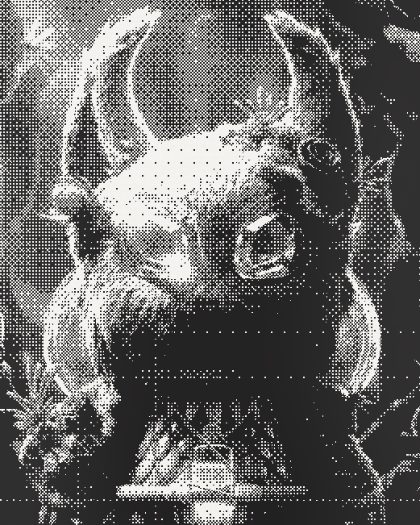
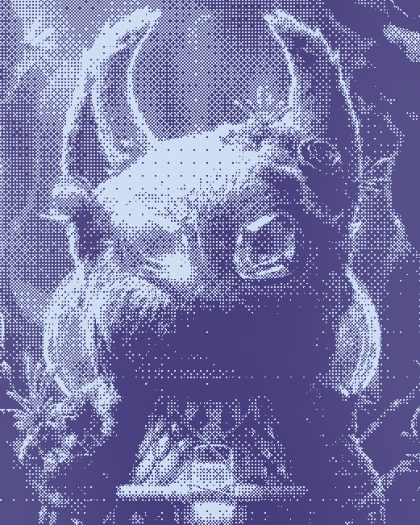
Receipt paper · 203 dpiA receipt printer has no ink. A row of tiny heaters darkens special paper as it feeds past, eight dots to the millimeter. Thermal Print prints your picture that way, on a till roll that fades and streaks.

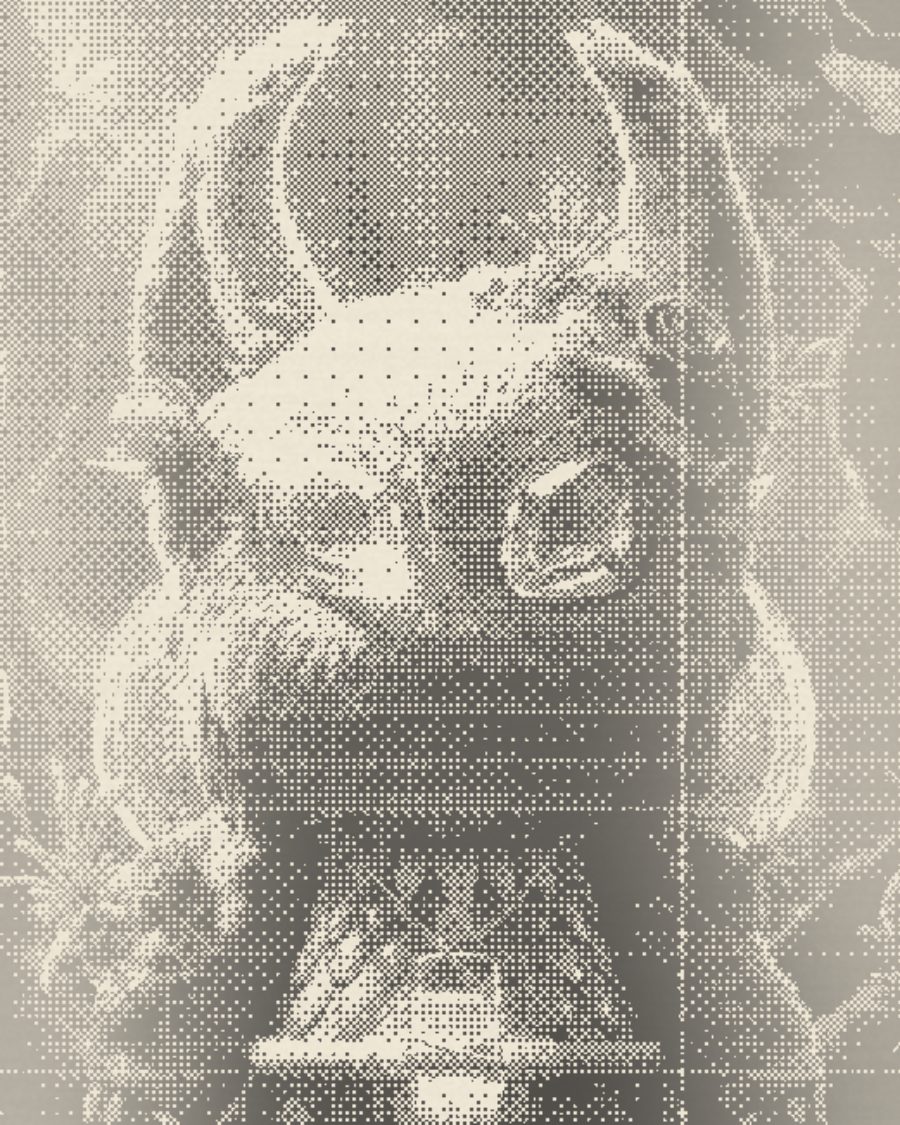
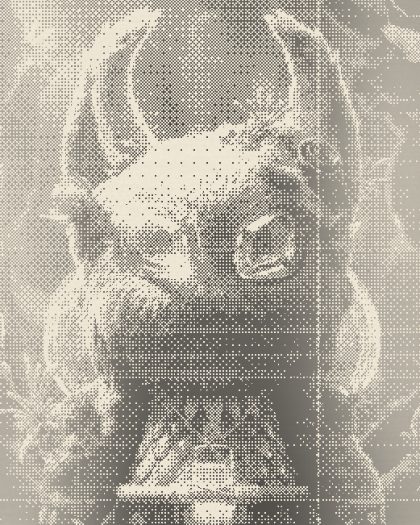
The sample with the Faded Ticket preset. Drag to compare, or press Play with it to tune it live. Open as a shared look
What it's like
Pull a receipt from your wallet after a few months. The black has gone grey and patchy, there are pale stripes where the head ran cold, and the edges have nearly vanished. Thermal Print gives you that roll, crisp from the till or worn from the pocket, and can cut it to a narrow strip with torn ends.
When to reach for it
- Lo-fi portraits and stickers with a printed, throwaway feel.
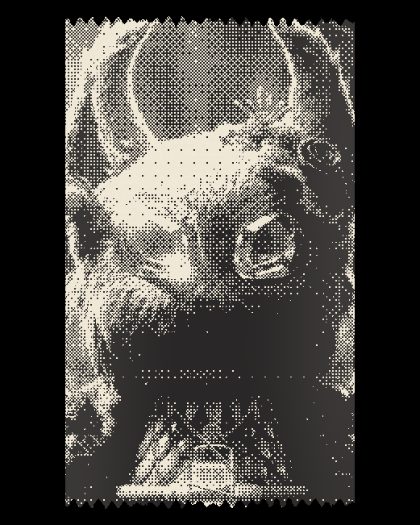
- Ticket and receipt graphics. Set Strip to 80 mm for a real till roll with the layers below showing around it.
- Faded memory looks. Turn up Fade and Banding.
How it works
The print head is a row of tiny heating dots across the width of the paper. Where a dot heats, the coating on the paper turns dark. More heat means darker marks. The head can only print a dot or leave it blank, so greys come out as a pattern of dots.
Controls
10 controls in 3 sections, in the order Tune shows them.
- SelectMethod
ThresholdDitherDots
How greys become dots. Threshold is a hard cut to black and white. Dither is a fine ordered pattern. Dots are round dots that grow with the dark.
- Hero knobHeat
0 to 100 · rests at 50
The hero. How hot the head runs. Low is a pale, starved print, high goes deep and contrasty.
- KnobDot
1.0px to 6.0px · rests at 2.0px
How big each printed dot is.
- KnobDot gain
0 to 100 · rests at 30
The marks spread into the paper, so dots grow and the print darkens.
Head
- KnobBanding
0 to 100 · rests at 20
Pale stripes across the print where the head ran cold. Turn it up and dead dots leave thin white lines down the paper too.
- KnobFeed
0 to 100 · rests at 20
The paper feeds unevenly, so rows wobble sideways.
- KnobFade
0 to 100 · rests at 15
The print fades, most of all toward the edges, like an old receipt.
Paper
- SelectPaper
WhiteWarmPinkBlue
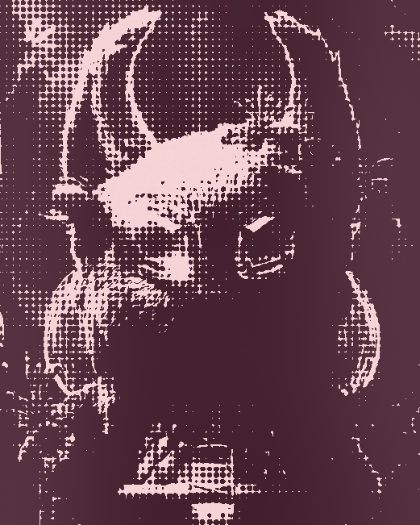
The roll. White and Warm print black. Pink prints a deep red, Blue prints purple, like carbonless copies.
- KnobTexture
0 to 100 · rests at 30
The paper's mottle and fine grain.
- SelectStrip
Off58 mm80 mm
Off fills the frame. 58 mm and 80 mm cut it to a narrow strip with torn ends, clear around it.
Presets
5 presets. Each one opens in the studio as a shared look. Add it on top of your picture, or save it to My looks.