
Dither
Bayer · diffusion · palettesDither fakes in-between colors with patterns of the few colors it has. It's how old computers, handhelds and fax machines showed a photo, and in NANALOG the pattern can crawl, breathe and cycle with the loop.
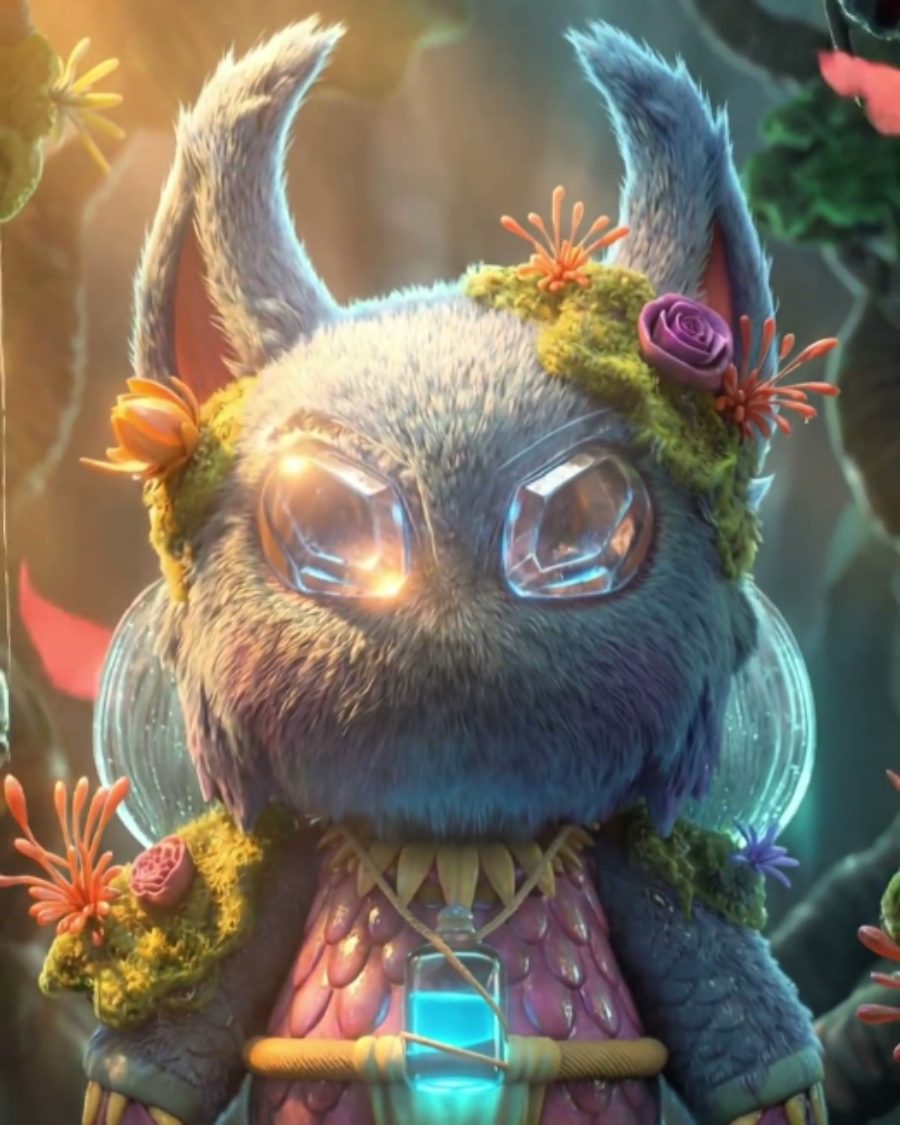
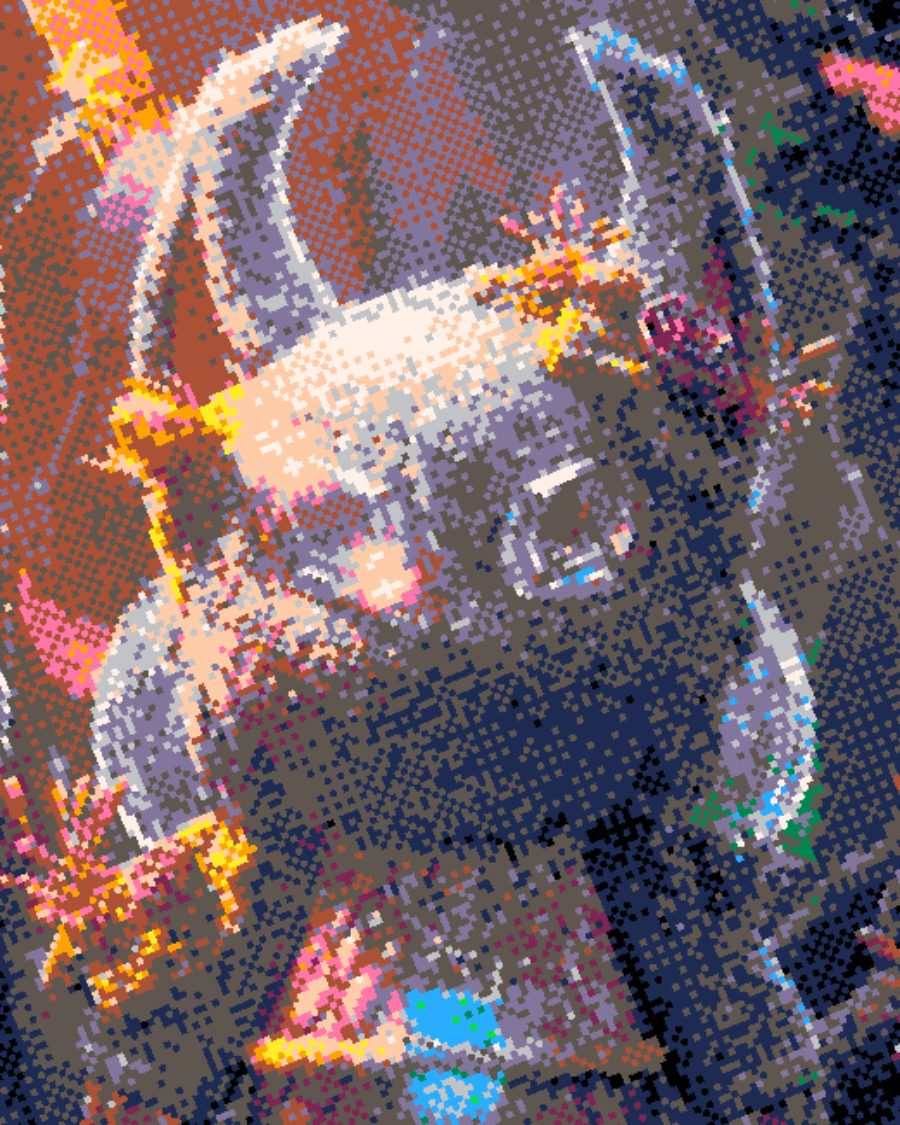
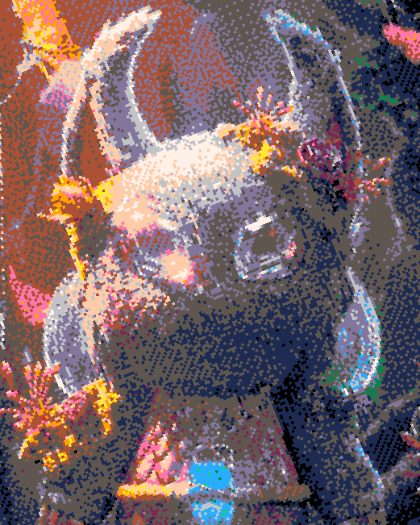
The sample with the Fantasy Bayer preset. Drag to compare, or press Play with it to tune it live. Open as a shared look
What it's like
Squint at a newspaper photo, or an old handheld screen. There are only a handful of colors, but a pattern of them reads as a smooth gradient from far away. Dither is that trick. Pick the pattern, pick the colors, then decide whether the pattern holds still or moves.
When to reach for it
- Retro screen looks with a strict palette.
- Hard, graphic two-tone images for print or merch.
- Motion texture on a still picture. Crawl, Sweep and Palette cycle animate the pattern while the picture holds.
How it works
There are two families. Ordered methods (Bayer, Blue noise, Noise) compare each pixel to a fixed pattern of thresholds, so the pattern is regular and can move. Diffusion methods (Floyd–Steinberg, Atkinson and the rest) pass each pixel's error on to its neighbors, so the pattern follows the picture.
Controls
26 controls in 5 sections, in the order Tune shows them.
Pattern
- SelectMethod
BayerBlue noiseNoiseFloyd–SteinbergAtkinsonSierraSierra LiteStuckiJarvisBurkesSparseHilbertRow mod
The pattern. Bayer is the classic grid. Diffusion methods look more organic.
- SelectBayer size
8×82×24×416×16
The Bayer grid size. 2×2 is chunky, 16×16 is fine and smooth.
- Hero knobPixel
1.0px to 30.0px · rests at 5.1px
How big each dither pixel is.
- KnobAngle
0° to 90° · rests at 23°
Rotates the pattern.
- KnobDiffusion
0 to 100 · rests at 85
How much error a diffusion method passes along. Lower is cleaner, higher is busier.
- SwitchScan
SerpentineLeft to right
The order diffusion walks the picture. Serpentine is smooth. Left to right leaves streaks.
Palette
- SelectColor
PaletteAdaptiveTonesTwo-toneSourceRGB
Where colors come from. A palette, colors read from your picture, tones of one color, two tones, the source, or RGB.
- SelectPalette
NewsprintChromeRisoPocket GreenFantasy 16CGAHome 8-bit1-Bit DeskFaded printSunsetMono 4Dial-up DuskRed SunsetArcade NeonSea GlassMoss
The palette.
- KnobColors
2 to 32 · rests at 17
How many colors to use.
- SelectPalette cycle
Off1×2×4×
The palette rotates through its colors over the loop.
Tone
- KnobBlack
0 to 100 · rests at 0
Sets the black point.
- KnobWhite
0 to 100 · rests at 100
Sets the white point.
- FaderGamma
-100 to +100 · rests at 0
Lightens or darkens the midtones before dithering.
- KnobSharpen
0 to 100 · rests at 25
Sharpens edges first, so detail survives the pattern.
- KnobRadius
1.0× to 6.0× · rests at 1.0×
How wide the sharpening reaches.
- KnobBit crush
0 to 100 · rests at 0
Fewer bits per channel before dithering, for banded, crunchy color.
Signal
- KnobChannel split
0 to 100 · rests at 0
Pulls the color channels apart.
- KnobDrift
0 to 100 · rests at 0
The channels wander through the loop.
- KnobRow errors
0 to 100 · rests at 0
Rows slip in steps, like a bad signal.
Motion
- SelectCrawl
Off1 lap2 laps4 laps
The pattern walks a whole number of laps per loop, so it never jumps.
- SelectCrawl way
AcrossDownDiagonal
Which way the pattern crawls.
- KnobSweep
0 to 100 · rests at 0
The threshold breathes in and out with the loop.
- SelectRate
1×2×4×8×16×
How many times a loop crawl, sweep and row errors change.
- KnobShimmer
0 to 100 · rests at 0
The pattern shimmers frame to frame.
- SelectShimmer rate
12 fps8 fps4 fps
How fast the shimmer runs.
- SelectSpin
Still1×2×
The pattern turns with the loop.
Presets
32 presets. Each one opens in the studio as a shared look. Add it on top of your picture, or save it to My looks.
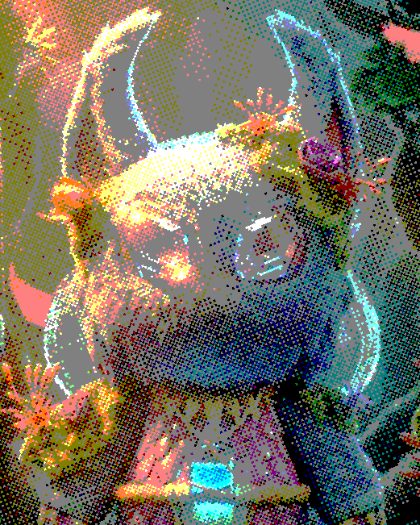 Bayer DitherOrdered Bayer dither in three levels per channel, like the old Dither effect.02
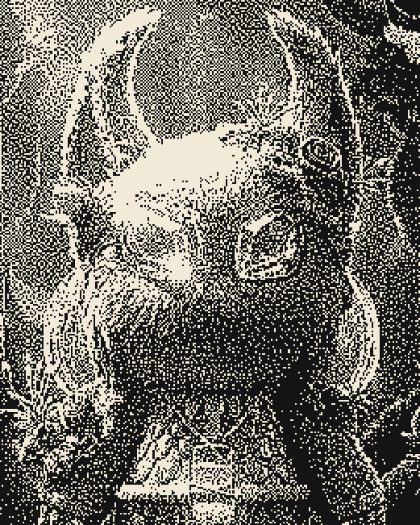 CircuitError carried along a winding path: a maze-like grain in two inks.03
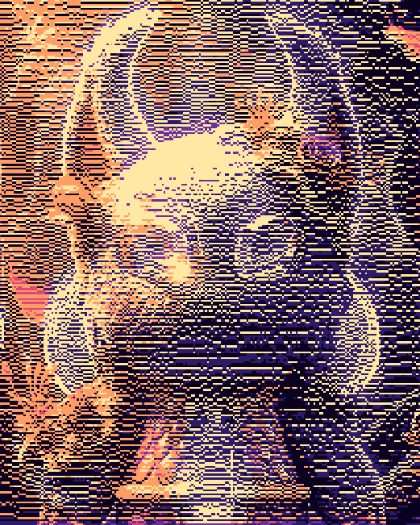 Scan RowsRow-modulated dither in six dusk colors.04
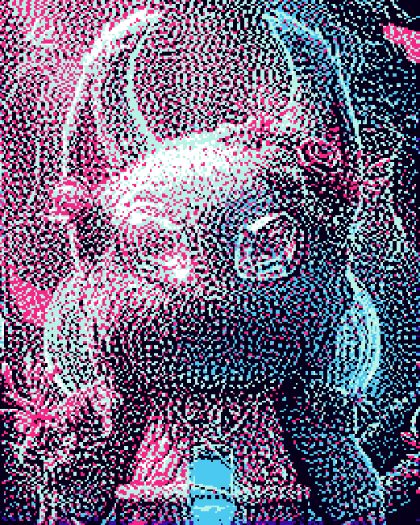 Sparse GrainError that skips a pixel: open, airy grain in Arcade Neon.05
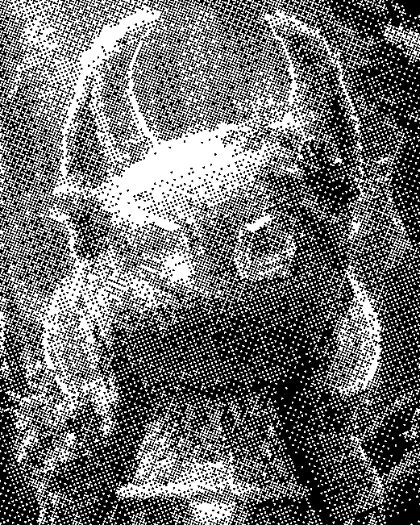 Mono BayerPure 1-bit Bayer, crisp and stable on video.06
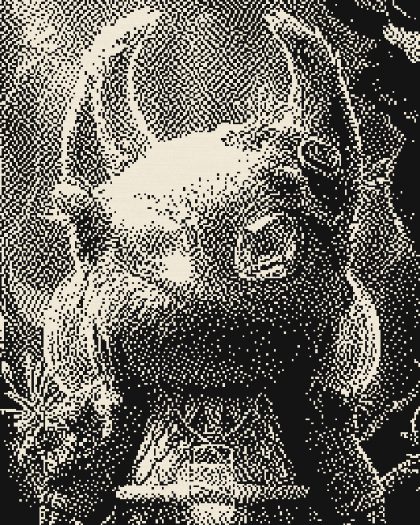 Newsprint 1-bitBlack ink on newsprint, Atkinson diffusion.07
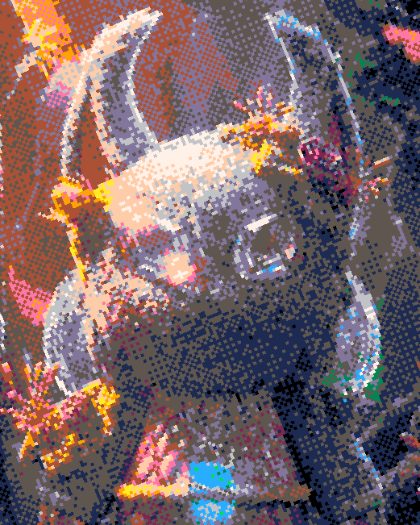 Fantasy BayerA sixteen-color fantasy console palette, Bayer ordered.08
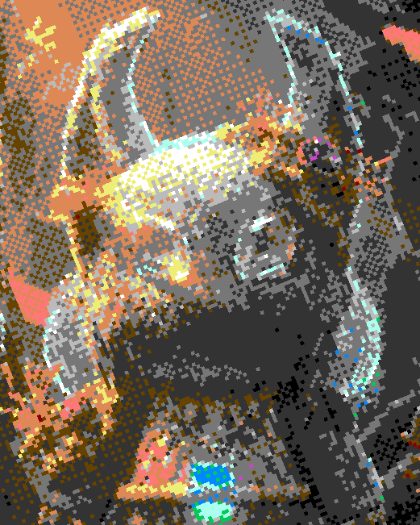 Home 8-bitA home computer palette, chunky Bayer pixels.09
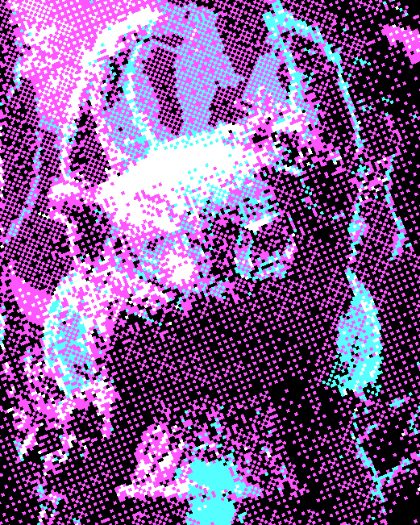 CGA FourBlack, cyan, magenta and white, ordered.10
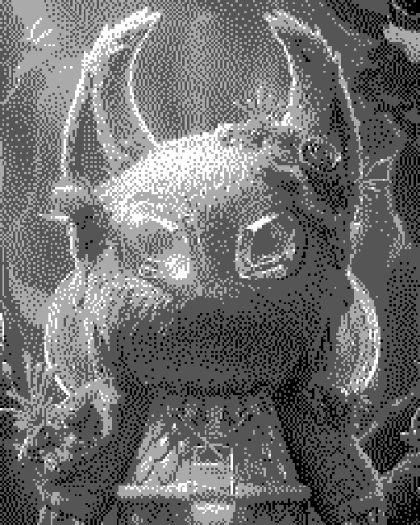 Grey FourFour greys, Floyd–Steinberg diffused.11
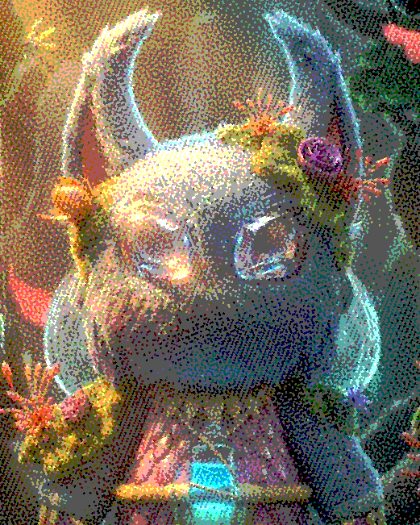 Blue Noise FilmEven blue-noise grain in four levels that shimmers like film.12
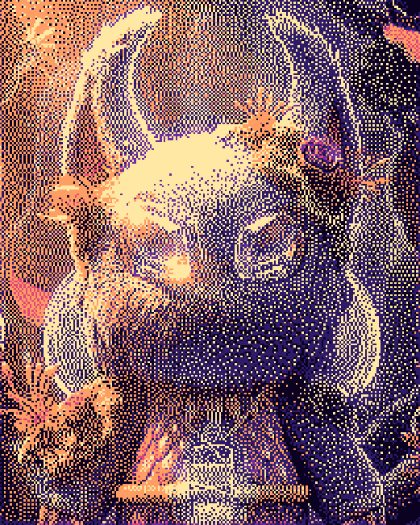 Dusk GradientDiffused into a dusk ramp, dark to light.13
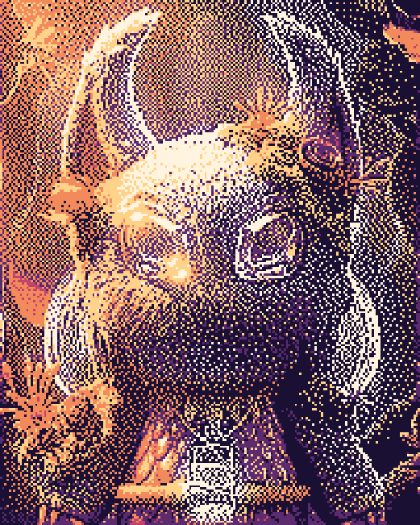 Sunset StuckiStucki diffusion into six sunset colors.14
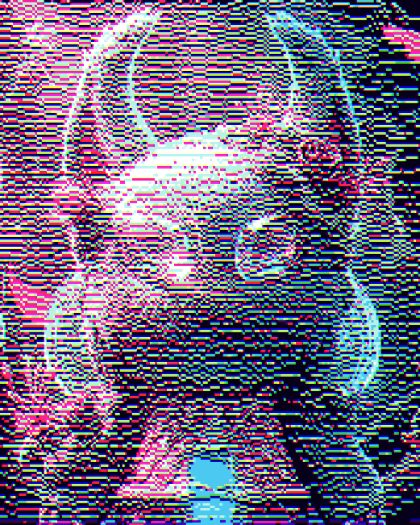 Glitch RowsRow-modulated neon with the channels split apart.15
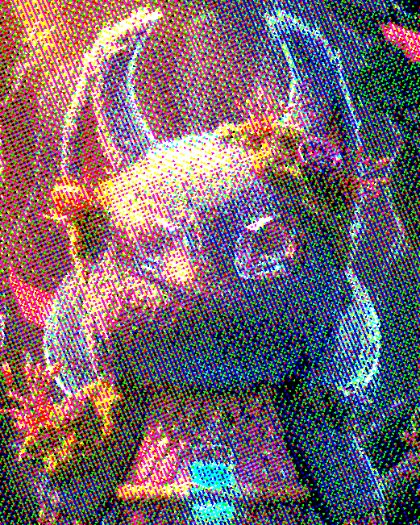 RGB BitsOne bit per channel, Bayer ordered.16
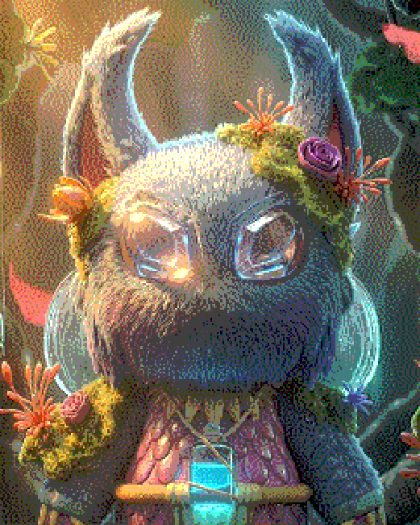 Jarvis SmoothJarvis diffusion in five levels: soft and even.17
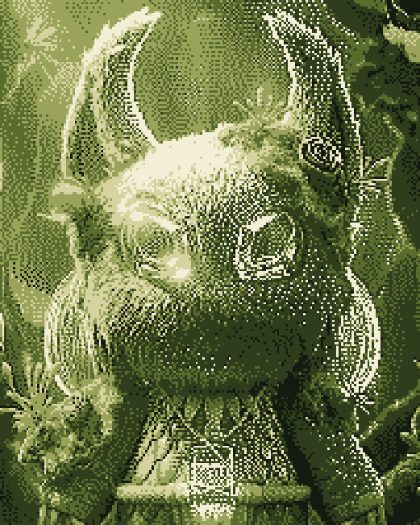 Burkes MossBurkes diffusion into a mossy green palette.18
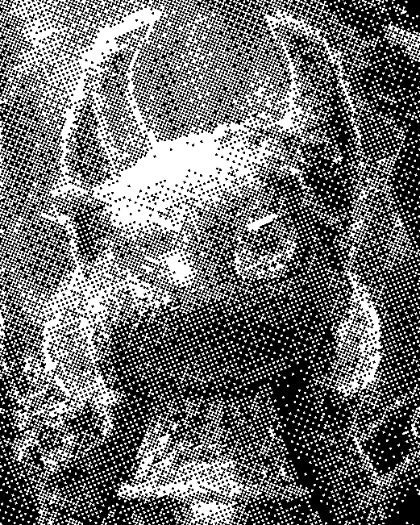 Shimmering Bayer1-bit Bayer that re-rolls eight times a second.19
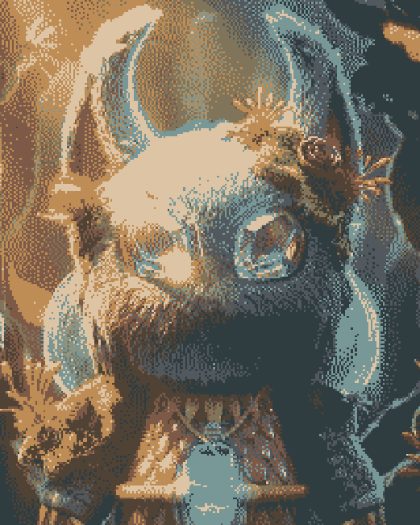 Adaptive EightEight colors taken from the picture, Sierra Lite diffused.20
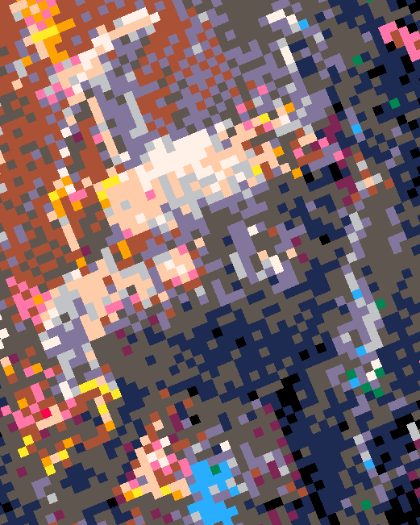 Big PixelHuge fantasy-palette pixels, ordered.21
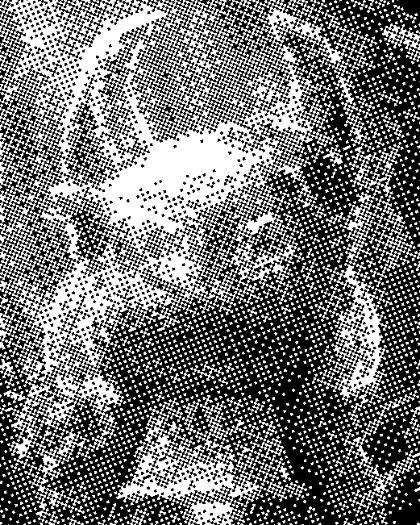 Crawling BayerA 4×4 Bayer grid that walks across the picture twice a loop.22
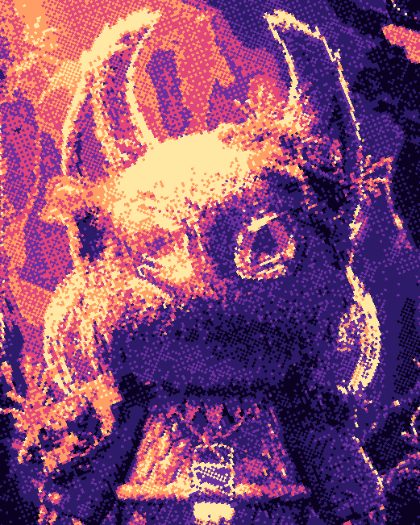 Breathing ThresholdThe threshold swells and falls with the loop, so the picture breathes in and out of the dark.23
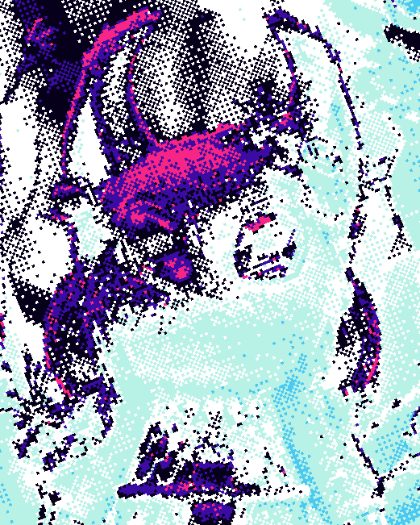 Palette WaterfallClassic color cycling: the colors flow down the palette as the loop plays.24
 Crushed BitsColor crushed to a handful of steps before a fine dither.25
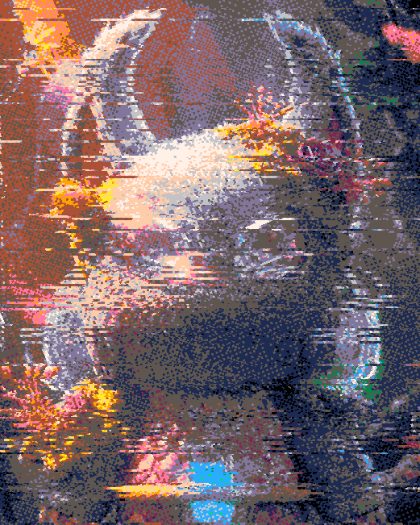 Scan ErrorsRows of pixels jumping out of place, a new set every beat.26
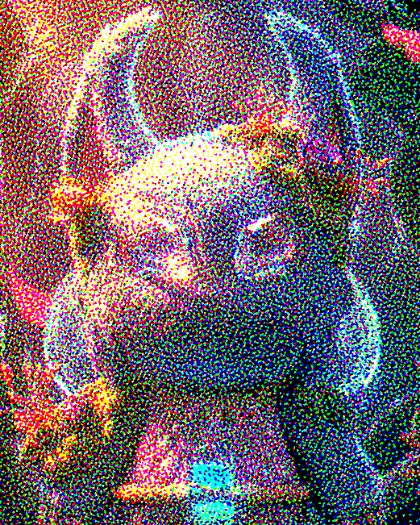 Channel SplitRed, green and blue dithered apart and drifting.27
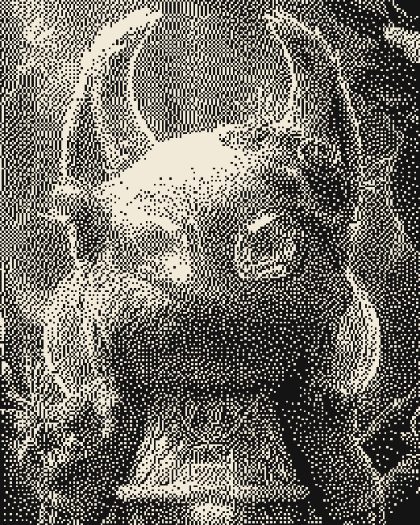 Error StreaksDiffusion that only runs left to right: the error piles into streaks.28
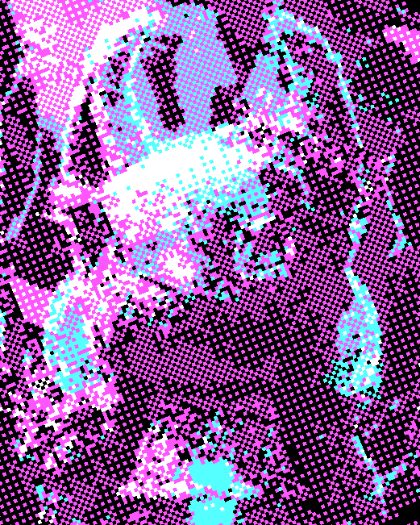 Chunky 2×2The coarsest Bayer grid: bold, graphic stipple.29
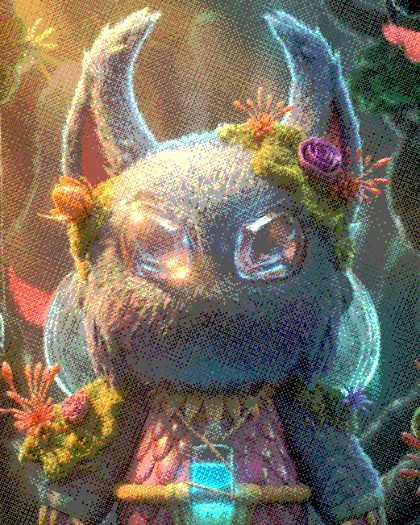 Fine 16×16A 16×16 Bayer grid for smooth, fine-grained gradients.30
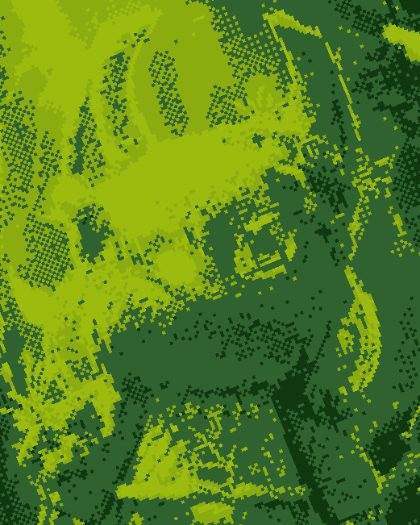 Pocket CameraFour greens, Bayer-dithered like a handheld camera print.31
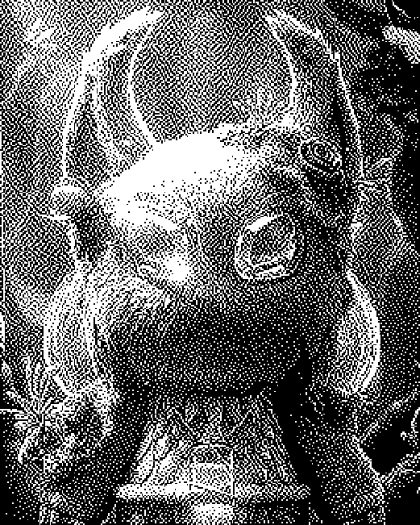 1-Bit DeskAtkinson dithering in pure black and white.32
 Quiet PixelsBlue-noise dither to Fantasy 16 colors: even grain that holds still on video.