
Topo
Motion topographyA topographic map draws a landscape as contour lines, one for every step of height. Topo reads your picture as a landscape, bright parts high and dark parts low, mixes in terrain of its own, and draws the contours moving through the loop.

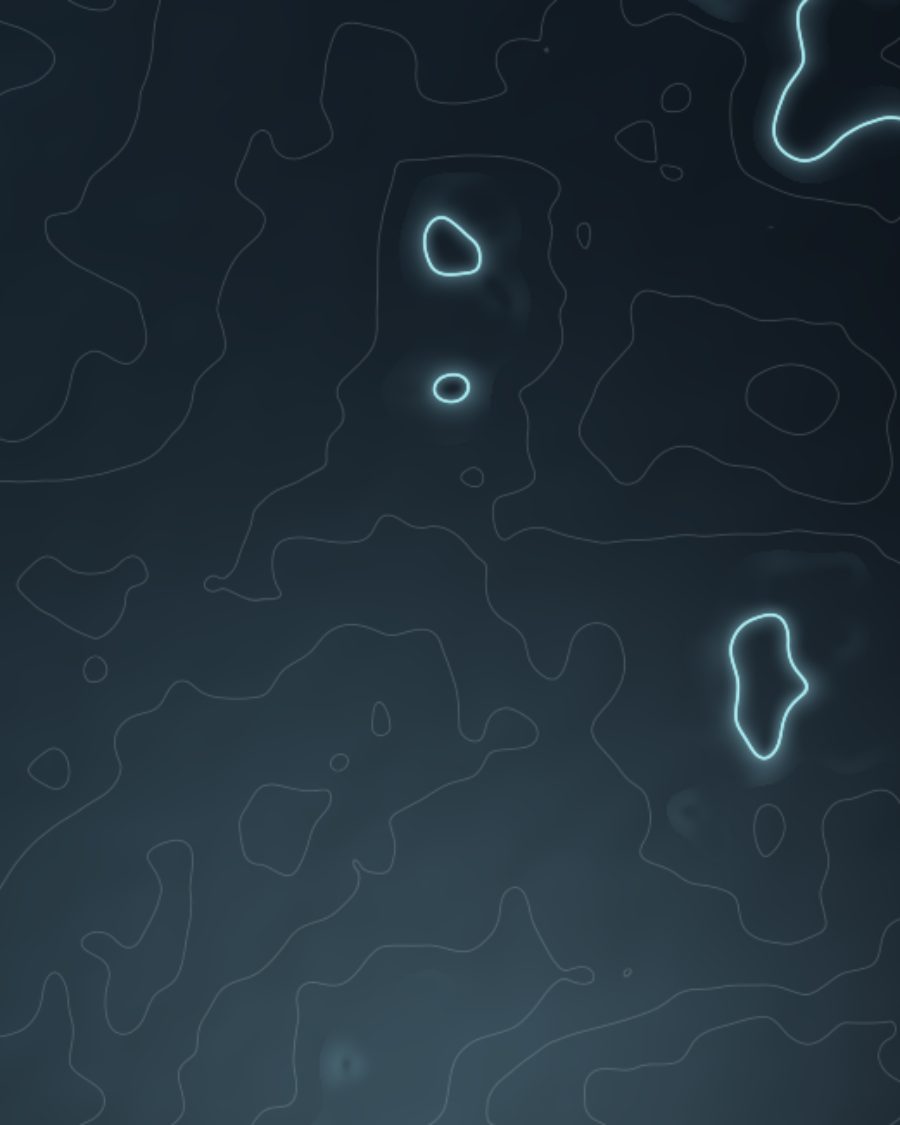
The sample with the Slate Topo preset. Drag to compare, or press Play with it to tune it live. Open as a shared look
What it's like
Unfold a hiking map. Tight rings mean a steep peak, wide gaps mean flat ground, and every fifth line is drawn heavier so you can count your way up. Topo makes that map out of your picture. It can sit as pale ceramic, dark slate with gold or glowing inlays, or trace over the picture itself.
When to reach for it
- Backgrounds and title cards with a calm, slow motion.
- A photo or video with drifting contour lines traced over it. Set Style to Over image.
- A picture redrawn as a colored survey map. Set Style to Source color.
How it works
Every spot gets a height. With Terrain at 0 the height is just how bright the picture is there, softened. Turn Terrain up and a generated landscape takes over. Contours are drawn at even steps of that height, so they crowd where the picture or terrain changes fast and spread out where it's flat.
Controls
12 controls in 4 sections, in the order Tune shows them.
Style
- SelectStyle
PearlSlateOver imageSource color
The surface. Pearl is pale ceramic with slate lines. Slate is dark stone over a pool of light. Over image draws the lines on your picture. Source color draws them in the picture's own colors on dark ground.
- SelectAccent
NoneGoldAquaGold + aqua
A color for the major lines. Gold inlay, glowing Aqua, or Gold and aqua in turn. Set Major every first.
- KnobImage
0 to 100 · rests at 0
Lets the picture show through the ground. In Over image it darkens the picture so the lines stand out.
Lines
- Hero knobLines
6 to 60 · rests at 28
The hero. How many contour steps from lowest to highest. More lines pack the map tighter.
- KnobWeight
0 to 100 · rests at 25
How thick the lines are. Major lines are always a bit heavier.
- SelectMajor every
Off4510
Every 4th, 5th or 10th line is drawn heavier, like the index lines on a real map. Off keeps them all alike.
Terrain
- KnobTerrain
0 to 100 · rests at 40
How much of the landscape is generated. 0 follows your picture alone, 100 is generated hills alone.
- KnobTerrain scale
0 to 100 · rests at 40
The size of the generated hills. Higher packs in smaller, busier hills.
- KnobDetail
0 to 100 · rests at 40
How much of the picture's fine detail the contours trace. Low is smooth and rounded.
- KnobRelief
0 to 100 · rests at 50
Shades the slopes as if lit from the upper left, so the map reads in 3D.
Motion
- KnobFlow
0×/loop to 4×/loop · rests at 1×/loop
The lines climb the slopes, up to four steps a loop, and land back where they started.
- KnobDrift
0 to 100 · rests at 35
The generated hills slide in a slow circle through the loop. Needs some Terrain.
Presets
4 presets. Each one opens in the studio as a shared look. Add it on top of your picture, or save it to My looks.
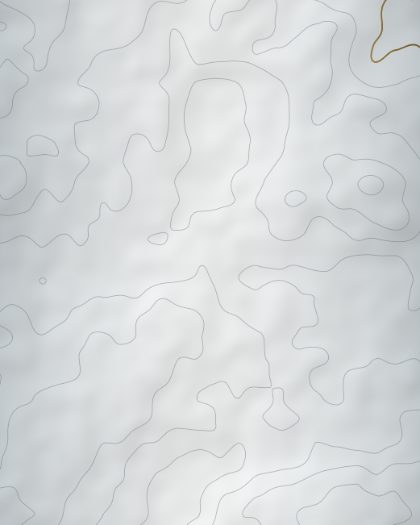 Pearl TopoPearl ceramic with slate contour lines and a gold inlay, slowly flowing.02
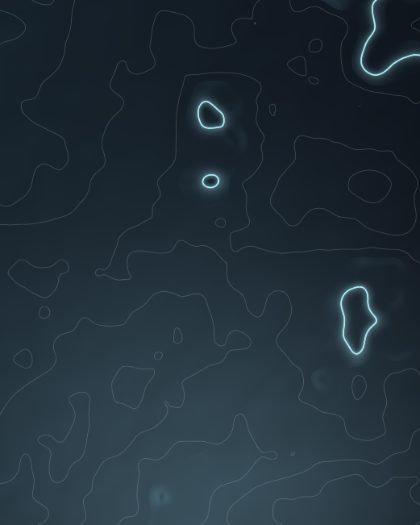 Slate TopoDark slate over a pool of light, pearl contours, aqua light lines.03
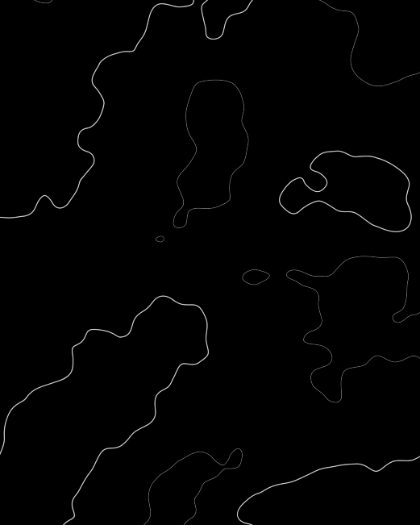 Topo OverlayYour photo or video with drifting contour lines traced over it.04
 Survey MapThe source redrawn as colored contour lines on dark ground.