
Film Strip
Sprockets · edge print · framesA strip of film is the picture plus everything around it, the sprocket holes, the colored base, the numbers printed along the edge. Film Strip puts your picture in the frames of a real gauge, from 35mm and 120 to Super 8, a cine print or a slide mount.

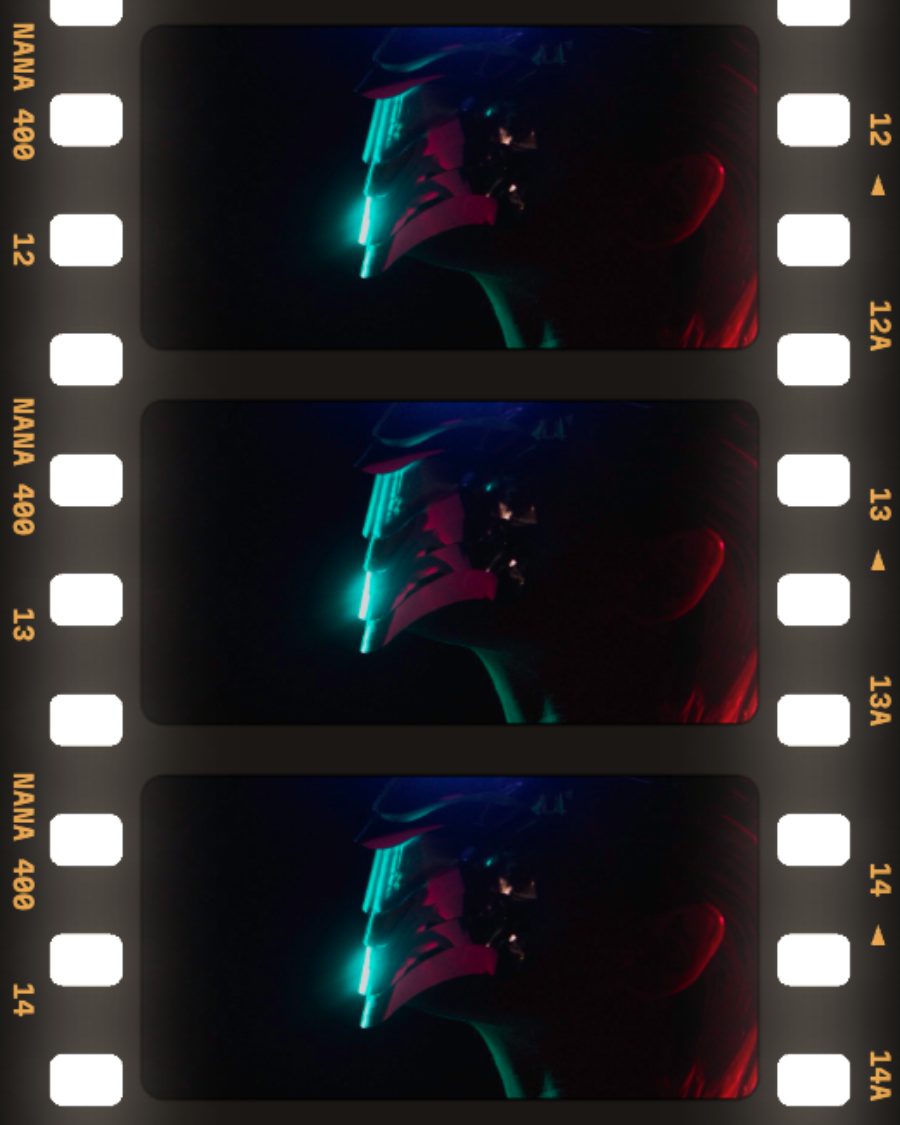
The sample with the Lightbox preset. Drag to compare, or press Play with it to tune it live. Open as a shared look
What it's like
Hold a cut strip of negatives up to a window. The pictures sit in their frames, the base glows orange or black at the edges, and the light comes through the sprocket holes. Film Strip builds that strip around your picture, lays it on a lightbox if you like, and can run it through a gate like a projector.
When to reach for it
- Photo dumps, contact sheets and covers that should look like they came back from the lab.
- Motion with real film mechanics. Turn Run and set Gate to Pulldown for a strip pulled down frame by frame.
- Glowing frames. Turn up Backlight, or set See-through to Holes and light them with a color layer above on the Behind blend.
How it works
Each format is drawn from the measurements of real film, in millimeters. Where the sprockets sit, how wide the edges are, how far apart the frames fall, where the edge print and the soundtrack run. Your settings scale and dress that layout, so a Super 8 strip has one hole per frame on one side and a 16mm print carries its soundtrack on the other.
Controls
35 controls in 8 sections, in the order Tune shows them.
Film
- SelectFormat
35mm120Super 816mmCine printSlide mountCarrier
The film. 35mm, 120, Super 8, 16mm, a Cine print with its soundtrack, a Slide mount, or a filed negative Carrier with a rough black edge.
- SelectTurn
Auto0°90°180°270°
Which way the strip runs. Auto lays it sideways on a wide canvas and upright on a tall one.
- SelectFrames
123Real
How many frames fit the canvas. Real spaces them the way the gauge really does.
- SwitchPicture
FitOver
Fit fills every frame with the picture, trimmed to the frame's shape. Over lays one picture under the whole strip, seen through the frames.
- KnobRebate
0 to 100 · rests at 50
How wide the film's edges are around the frames.
- KnobCorners
0 to 100 · rests at 30
Rounds the corners of the frames.
Picture
- Hero knobBleed
0 to 100 · rests at 0
The hero. The picture grows out of its frame and runs under the edges, showing through the base.
- KnobZoom
1.00× to 2.00× · rests at 1.00×
Zooms the picture inside each frame, with Picture on Fit.
- FaderRack
-100 to +100 · rests at 0
Slides the picture inside the frames until the frame line cuts through it.
- KnobExposure
0 to 100 · rests at 0
Each frame is exposed a little differently, lighter or darker, warmer or cooler.
Stock
- SelectBase
AutoOrangeBlackClear
The color of the film itself. Orange is a color negative, Black is the dark edge of slide film, Clear lets light through. Auto picks for the gauge.
- SelectEdge print
OffStockCodes
The words along the edge. Stock prints a name and frame numbers. Codes adds a barcode ladder. Type your own words in the box beside it.
- SelectInk
AutoAmberWhiteBlackRed
The color of the edge print. Auto matches the base.
- KnobFrame no.
1 to 99 · rests at 12
The first frame number. The rest count up from it.
- SelectStripes
OffRedPink/GreenYellow
Colored stripes along the edges. Red, Pink/Green or Yellow.
- SelectDate stamp
OffDateDate + time
A glowing orange date in the corner of each picture, like a camera's date back. Today's date unless you set your own.
Sprockets
- SelectSee-through
OffHolesEdges
Holes cuts the sprocket holes out, so whatever is below shows through. Edges cuts out the base too and keeps only the frames and print.
- SelectShape
RoundedSquareRoundBarrel
The shape of the sprocket holes. Rounded, Square, Round or Barrel.
- KnobSize
0.60× to 1.40× · rests at 1.00×
How big the sprocket holes are.
Light
- Hero knobBacklight
0 to 100 · rests at 0
The hero. Light behind the strip, through the holes and the base, like a lightbox.
- Hue faderLight color
0° to 360° · rests at 29°
The color of that light.
- KnobTint
0 to 100 · rests at 12
How strongly the light is tinted. Low is plain white.
- KnobGlow
0 to 100 · rests at 50
How far the light spills from the holes into the film.
- KnobEdge burn
0 to 100 · rests at 0
Light burns in from the sprocket side of each frame, softer from the far side, like the end of a roll.
- Hue faderBurn color
0° to 360° · rests at 18°
The color of the burn.
Wear
- KnobDust
0 to 100 · rests at 0
Specks and hairs over the whole strip.
- KnobScratch
0 to 100 · rests at 0
Long scratches running down through the pictures.
- KnobFade
0 to 100 · rests at 0
The base and the edge print fade, like a strip left in a shoebox.
Motion
- FaderRun
12 frames/loop ↑ to 12 frames/loop ↓ · rests at Still
Frames travel through the canvas, a whole number per loop, up or down.
- SwitchGate
SmoothPulldown
Smooth glides. Pulldown holds each frame, then yanks the next one in, like a projector's claw.
- KnobWeave
0 to 100 · rests at 0
The strip shakes in the gate.
- KnobFlicker
0 to 100 · rests at 0
The light behind the strip flickers.
Buttons
- Pulse buttonAdvance
Momentary · fires and falls back · can be recorded
Press it and the strip winds on one frame.
- Pulse buttonJam
Momentary · fires and falls back · can be recorded
Press it and the strip catches in the gate. It slips back part of a frame, shakes and settles.
- Pulse buttonFlash
Momentary · fires and falls back · can be recorded
Press it and the light behind surges.
Presets
15 presets. Each one opens in the studio as a shared look. Add it on top of your picture, or save it to My looks.
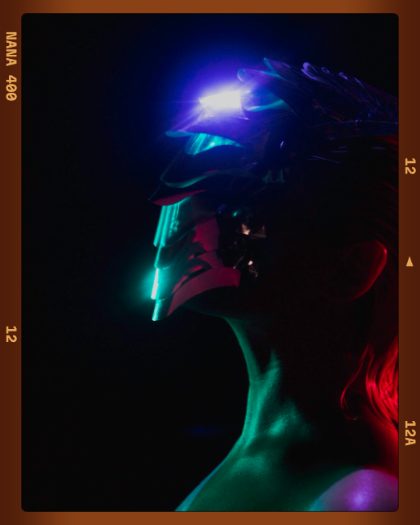 Medium FormatA 120 negative: orange base, the stock name and frame numbers along the edges.02
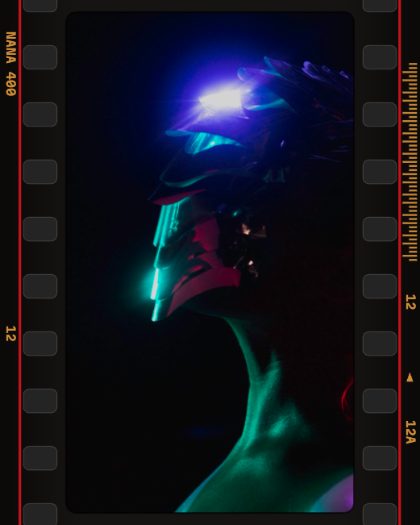 Pro Rebate35mm on a black base, red stripes and a barcode ladder.03
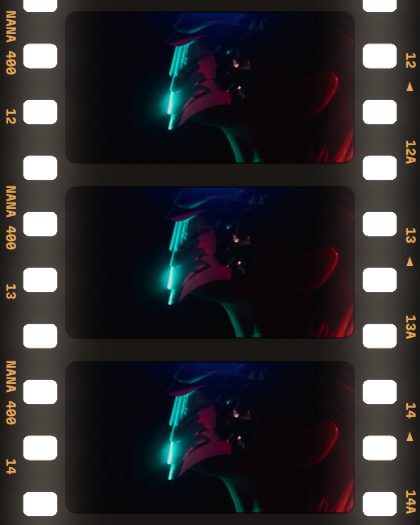 LightboxThree frames on a lit table, the sprockets glowing.04
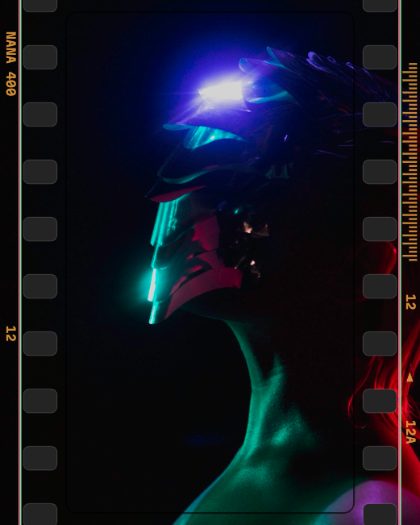 Summer RollThe picture runs right under the pink and green stripes.05
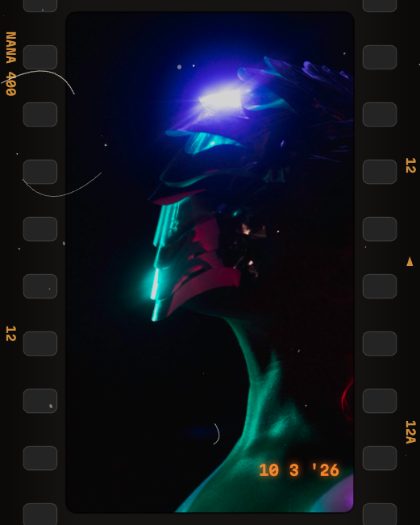 Night ScanA black strip with dust, hairs and a date stamp in the corner.06
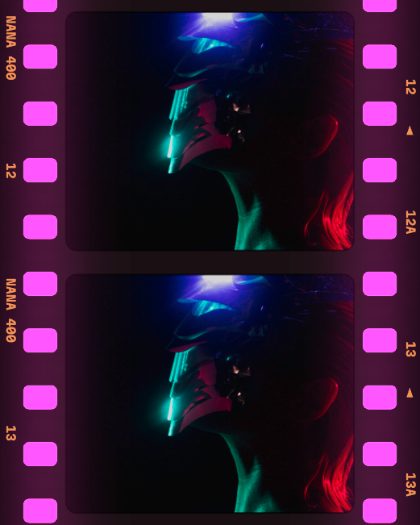 Neon SprocketsMagenta light behind the holes, glowing into the frames.07
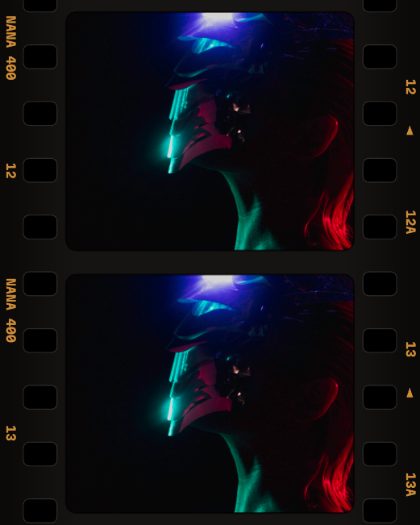 CutoutSee-through holes: put a color layer above with the Behind blend, or a bloom, to light them.08
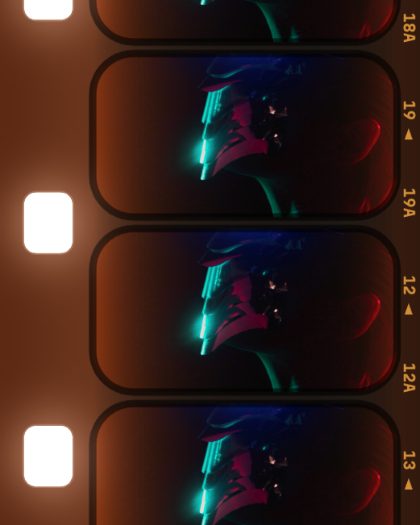 Super 8 ReelRounded frames running down through the gate, lit and burned at the edge.09
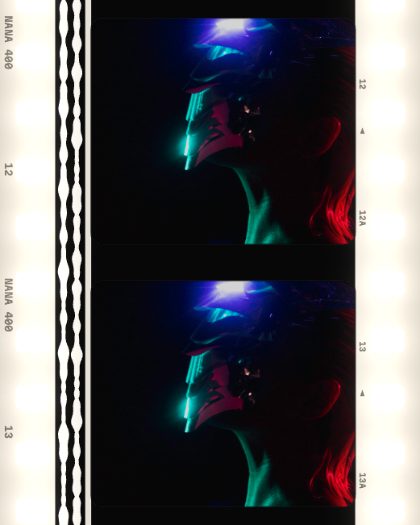 Sound PrintA cine release print: clear base, soundtrack and black frame lines.10
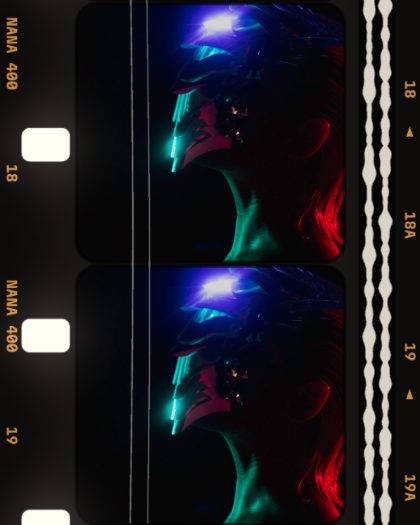 Projector Gate16mm pulled down frame by frame with weave, flicker and a scratch.11
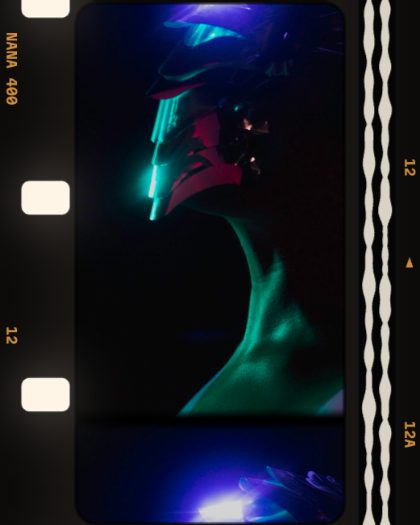 Out of RackThe frame line has slipped into the picture.12
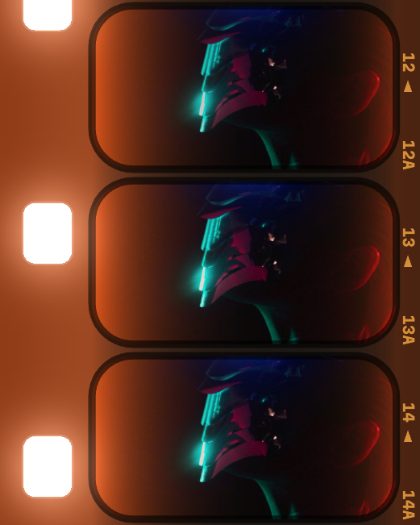 Burnt EndsThe end of the roll: light leaking in from the sprockets.13
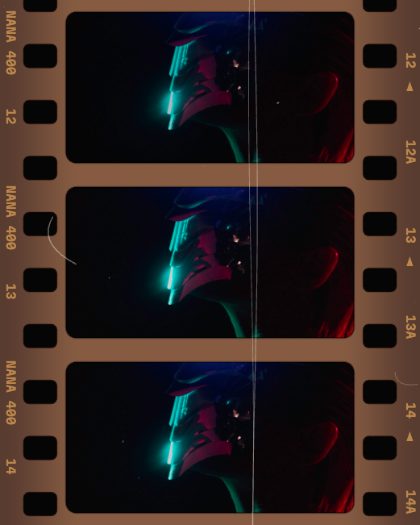 Faded ArchiveAn old strip from a shoebox: faded base, dust, scratches, uneven frames.14
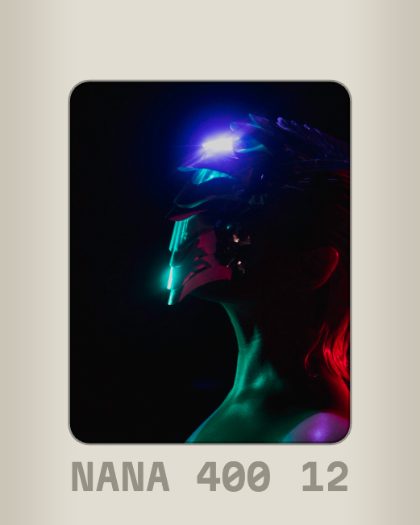 Slide MountIn a white slide mount with its name and number.15
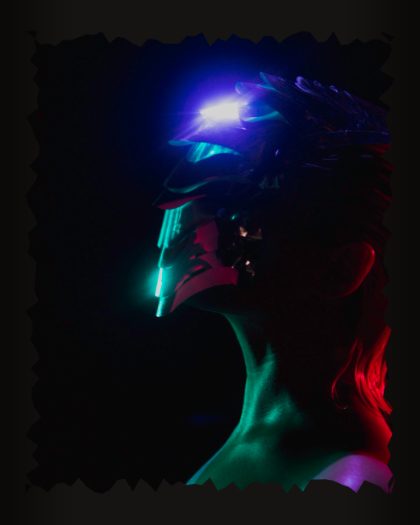 Filed CarrierPrinted through a filed-out negative carrier: a rough black edge.