
Displace
Fluted glass · wave · slicesLook at a street through a ribbed shower door, a glass brick or a raindrop and the world behind it bends. Displace puts a pane of glass over your picture, from fluted ribs to ripples, tiles, a kaleidoscope or a lens.

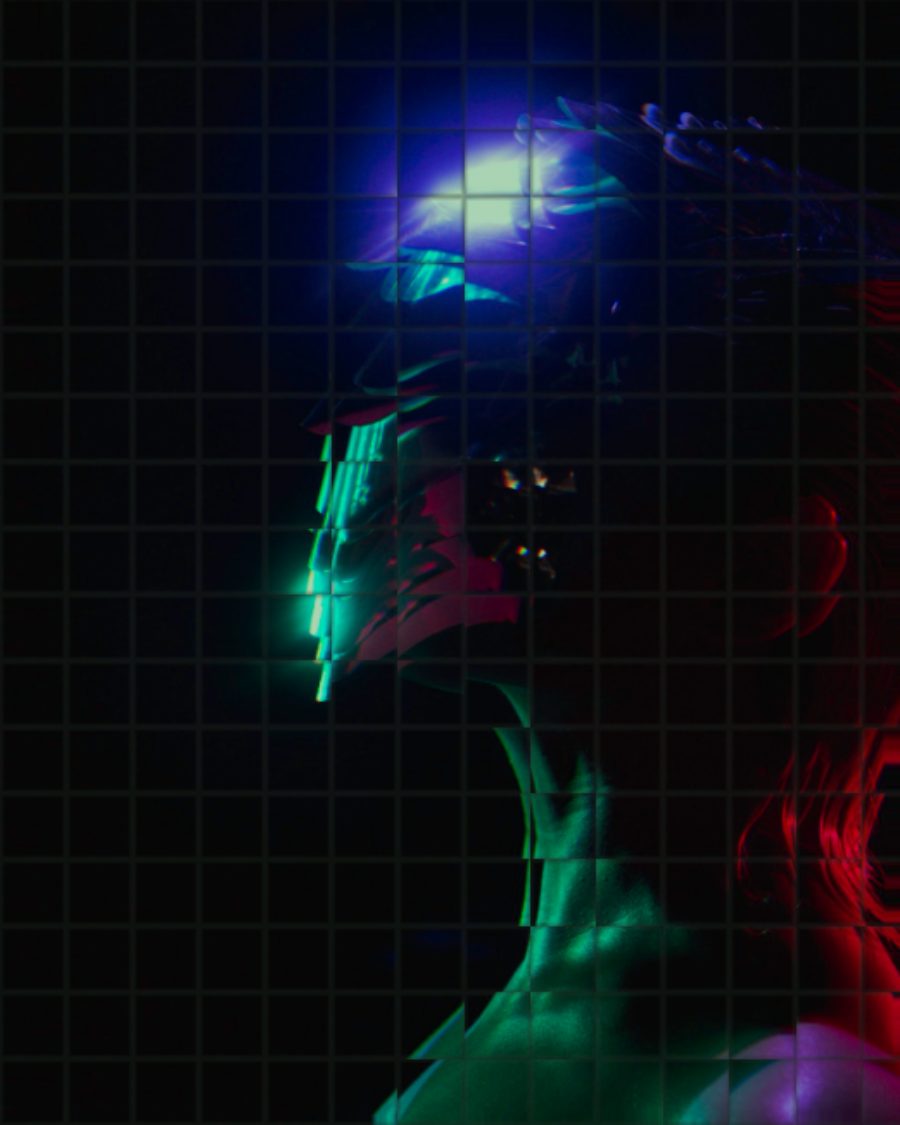
The sample with the Glass Blocks preset. Drag to compare, or press Play with it to tune it live. Open as a shared look
What it's like
Hold a piece of reeded glass up to a window. Every rib picks up its own sliver of the view and shifts it sideways, and the edges catch the light and split it into color. Displace is that pane, and eight more kinds of glass and water, set in front of your picture. You choose the glass, how hard it bends, and whether it holds still or moves through the loop.
When to reach for it
- A product or name revealed behind fluted glass, with the ribs sliding across through the loop.
- Openers and title stings. Press Knock, Shake or Shatter on the beat.
- Abstract backgrounds from any photo with Mirror, Twirl or Wave.
- A clean edge on a transparent export. Set Border to Clear and nothing pulls in from past the frame.
How it works
Glass doesn't move the picture, it changes where you're looking. Each mode is a map of small nudges, and every point of the picture reads from a little way off. Dispersion bends red and blue by different amounts, the way a prism does, which is where the colored fringes come from.
Controls
20 controls in 7 sections, in the order Tune shows them.
Mode
- SelectMode
Fluted glassRippleTilesMirrorWavePixelTwirlLensSlices
The kind of glass. Fluted glass is ribbed, Ripple is rings on water, Tiles are glass bricks, Mirror is a kaleidoscope, Wave is a rolling swell, Pixel and Slices jump blocks and rows out of place, Twirl is a whirlpool and Lens is a bead.
Shape
- KnobWidth
0 to 100 · rests at 35
How big the glass is. The width of each rib, tile, ring or slice. In Mirror it sets how many segments, in Twirl and Lens how far the effect reaches.
- Hero knobBend
0 to 100 · rests at 50
The hero. How hard the glass bends the picture. In Lens, above half bulges and below half pinches. In Pixel and Slices it sets how many pieces jump.
- KnobAngle
0° to 180° · rests at 0°
Turns the pattern. Ribs, tiles, waves and slices all turn with it.
- KnobDetail
0 to 100 · rests at 0
A fine, organic wobble through the glass, like old poured panes.
Motion
- KnobSpeed
0×/loop to 4×/loop · rests at 1×/loop
How many times a loop the glass moves, from still up to four. The ribs slide, rings run out, the kaleidoscope turns and the whirlpool sways, always a whole number of times so the loop closes.
- KnobWobble
0 to 100 · rests at 0
The pane is handheld. The whole field breathes and drifts in quick little jumps.
Optics
- KnobDispersion
0 to 100 · rests at 35
Splits the edges into red and blue fringes, like light through a prism.
- KnobShine
0 to 100 · rests at 40
Bright highlights along the ridges, edges and rings.
- KnobFrost
0 to 100 · rests at 0
Scatters every point a little, like sandblasted glass.
- KnobThickness
0 to 100 · rests at 0
Thick glass that softens what's behind it.
- KnobEdges
0 to 100 · rests at 0
Darkens the edge of each rib, tile or lens, so the glass reads as solid.
- SelectGlass
ClearGreenBlueAmber
The color of the glass. Clear, Green, Blue or Amber.
Frame
- SelectBorder
StretchMirrorWrapClear
What the glass shows past the edge of the frame. Stretch smears the edge, Mirror reflects it, Wrap brings in the far side and Clear leaves it empty.
- KnobMix
0 to 100 · rests at 100
Blends the untouched picture back in. At 100 it's all glass.
Buttons
- Pulse buttonKnock
Momentary · fires and falls back · can be recorded
Press it and a ring runs out from the center, like a tap on the pane.
- Pulse buttonShake
Momentary · fires and falls back · can be recorded
Press for a hard jolt that settles in a moment.
- Pulse buttonShatter
Momentary · fires and falls back · can be recorded
Press it and the pane breaks into shards that slide apart, then settle back.
Settings
- KnobCenter X
0 to 100 · rests at 50
Where the center sits, across. Ripple, Mirror, Twirl, Lens and Knock all work around it.
- KnobCenter Y
0 to 100 · rests at 50
Where the center sits, down.
Presets
10 presets. Each one opens in the studio as a shared look. Add it on top of your picture, or save it to My looks.
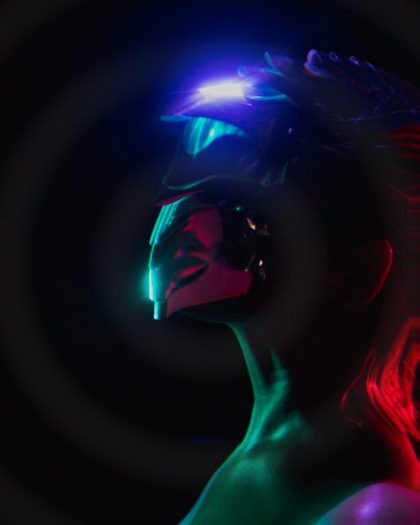 Rain on GlassRings running out from a point, like a drop on water.02
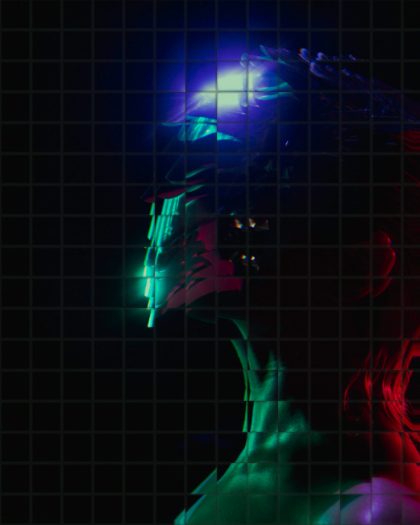 Glass BlocksA wall of tilted glass bricks with grout lines.03
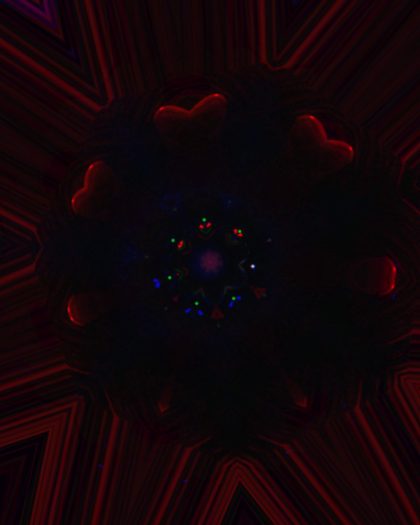 KaleidoscopeEight mirrored segments turning once a loop.04
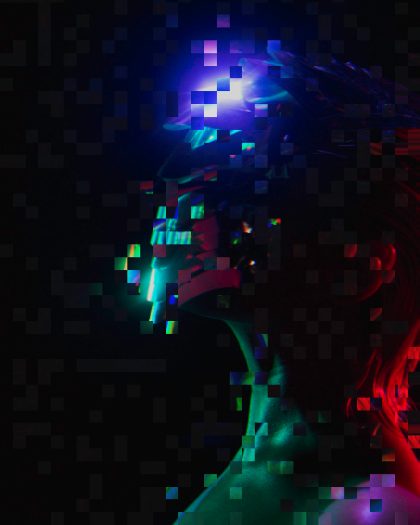 Block GlitchBlocks of the picture jumping out of place.05
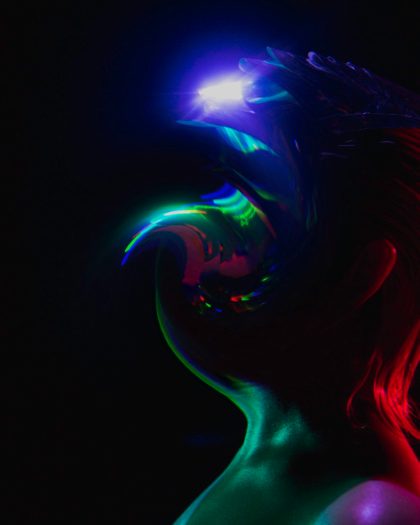 WhirlpoolThe picture twisting around the center.06
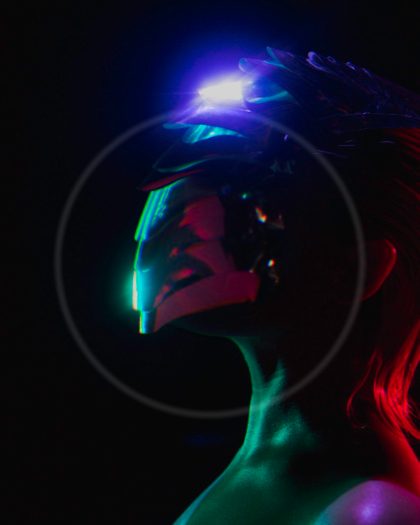 Fisheye DropA glass bead magnifying the center.07
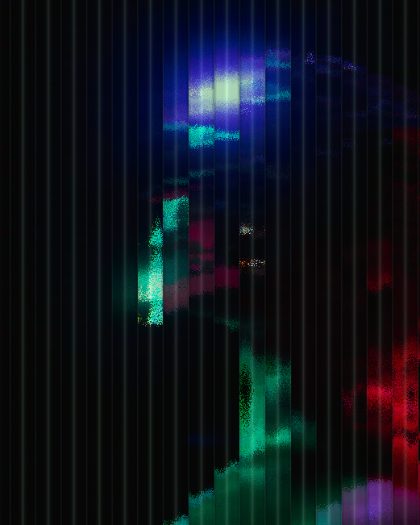 Frosted PaneFluted glass, frosted and faintly green.08
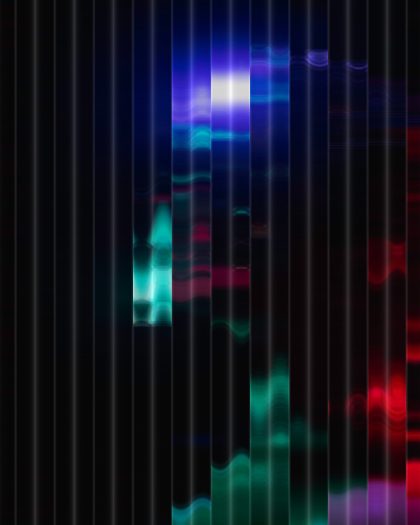 Thick GlassHeavy fluted glass that softens what is behind it.09
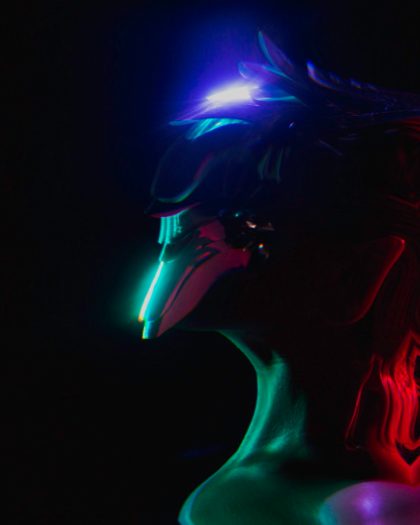 Hall of MirrorsA wave that mirrors at the frame edge instead of stretching.10
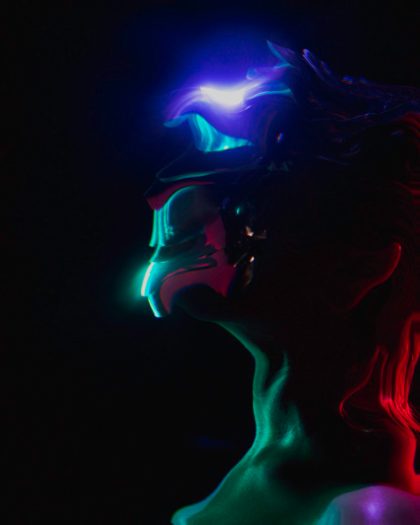 Liquid PaneA wave with fine organic detail running through it.