
Hologram
Projected light linesA hologram in the movies is a figure made of light, drawn line by line in the air and never quite steady. Hologram redraws your picture as projected light lines, broken and sparking, with scan lines and a glow.

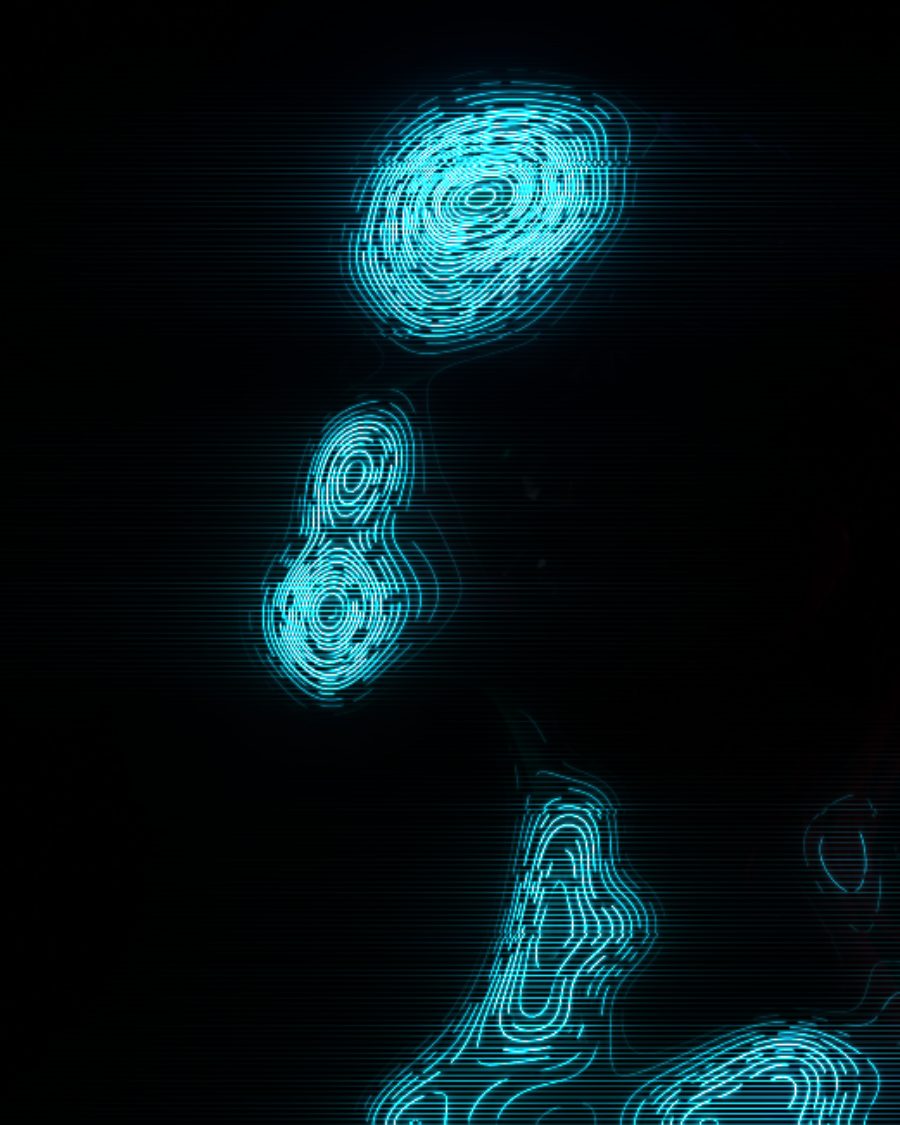
The sample with the Hologram preset. Drag to compare, or press Play with it to tune it live. Open as a shared look
What it's like
Think of a message projected above a table in a science fiction film. The figure is see-through, made of thin bright lines that follow its shape. It breaks up, flickers and jumps sideways when the signal drops. Light streaks along the scan rows and a brighter band rolls through it.
When to reach for it
- Sci-fi titles, screens and messages.
- A portrait or product that should feel transmitted, not filmed.
- Light on a clear background. With Room at zero only the light lines are left, ready to lay over anything.
- Beams of light leaving the picture. Raise Emission.
How it works
Hologram reads your picture's brightness like the height of a landscape, then draws the contour lines of that landscape. Lines crowd together where the light changes fast and spread out where it's even, so the shape of the picture shows in the lines. Each line is then broken into dashes, lit with sparks and cut by scan lines.
Controls
25 controls in 5 sections, in the order Tune shows them.
Lines
- Hero knobLines
8 to 80 · rests at 51
The hero. How many light lines the picture is drawn with, from 8 to 80.
- KnobWeight
0 to 100 · rests at 12
How thick each line is.
- FaderSwirl
-100 to +100 · rests at 0
Twists the lines into a whorl around the center, one way or the other.
- KnobFlow
0×/loop to 4×/loop · rests at 1×/loop
The lines travel through the shape, a whole number of steps each loop, so it loops cleanly.
Signal
- KnobBreak-up
0 to 100 · rests at 45
The lines break into dashes, like a weak signal.
- KnobFlicker
0 to 100 · rests at 35
How often the dashes change through the loop. Low holds the pattern, high crackles.
- KnobSparks
0 to 100 · rests at 40
Bright points that twinkle along the lines.
- KnobJitter
0 to 100 · rests at 20
Rows of the picture jump sideways now and then.
Scan
- KnobScan lines
0 to 100 · rests at 50
Dark scan lines across the light.
- KnobLine gap
2.0 px to 10.0 px · rests at 3.2 px
How far apart the scan lines are.
- KnobStreaks
0 to 100 · rests at 50
Light bleeds sideways along the scan rows and fades into the dark.
- KnobReach
0 to 100 · rests at 45
How far the streaks run.
- KnobBand
0 to 100 · rests at 35
A brighter band rolls through the picture, once a loop.
Light
- KnobGlow
0 to 100 · rests at 55
A soft glow around the brightest light.
- KnobEdges
0 to 100 · rests at 50
Lines burn brighter where the light changes sharply, on the edges of shapes.
- Hue faderColor
0° to 360° · rests at 191°
The color of the light. It starts at cyan.
- KnobRoom
0 to 100 · rests at 15
A dim copy of the picture behind the light, tinted toward its color. At zero the background is clear.
Emission
- Hero knobEmission
0 to 100 · rests at 0
Fine lines thrown sideways out of the bright parts, one per scan row, each its own length.
- SelectDirection
BothLeftRight
Which way the emission lines throw. Both, Left or Right.
- KnobThreshold
0 to 100 · rests at 45
How bright a part must be to throw lines. Higher keeps them to the hottest light.
- KnobReach
0 to 100 · rests at 50
How far the emission lines run.
- KnobFalloff
0 to 100 · rests at 50
How fast they fade toward their ends.
- KnobDensity
0 to 100 · rests at 50
How close together the emission rows sit.
- KnobBreak-up
0 to 100 · rests at 35
Breaks the emission lines into dashes.
- KnobSparkle
0 to 100 · rests at 30
Twinkling points along the emission lines.
Presets
5 presets. Each one opens in the studio as a shared look. Add it on top of your picture, or save it to My looks.
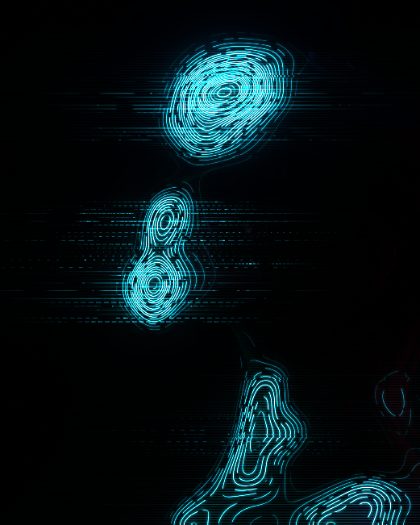 EmitterFine lines thrown sideways out of the light, fading into the dark.02
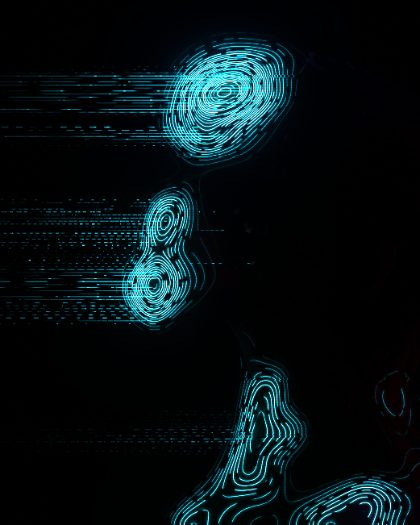 Projection BeamLong thin emission lines to the left, dense and sparkling.03
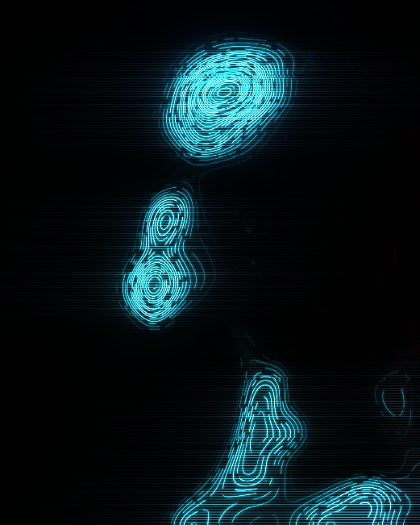 HologramThe picture redrawn as projected cyan light lines: broken dashes, sparks, scan lines and a hot core.04
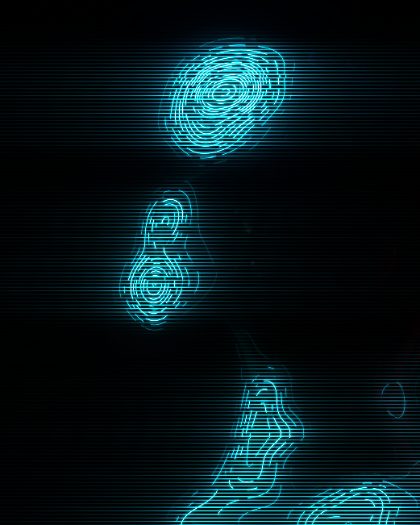 Holo StreaksHologram light that bleeds sideways along stacked scan lines and fades into the dark.05
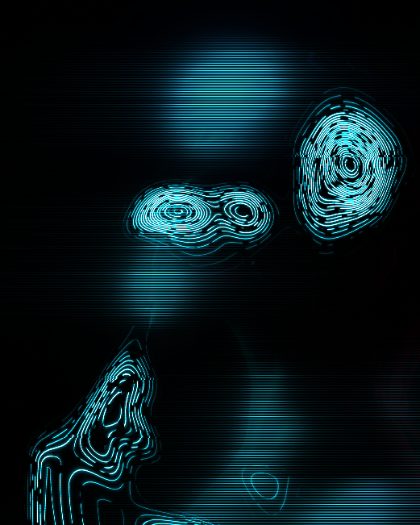 Hologram WhorlHologram lines twisted into a whorl around the center, brighter at the edges.