Projector
Film print · 24 fpsA film projector pulls a print past a hot lamp, one frame at a time, and every pass leaves a mark. Projector throws your picture onto that screen, with the weave, flicker, dust and scratches of a print that has been run a few hundred times.

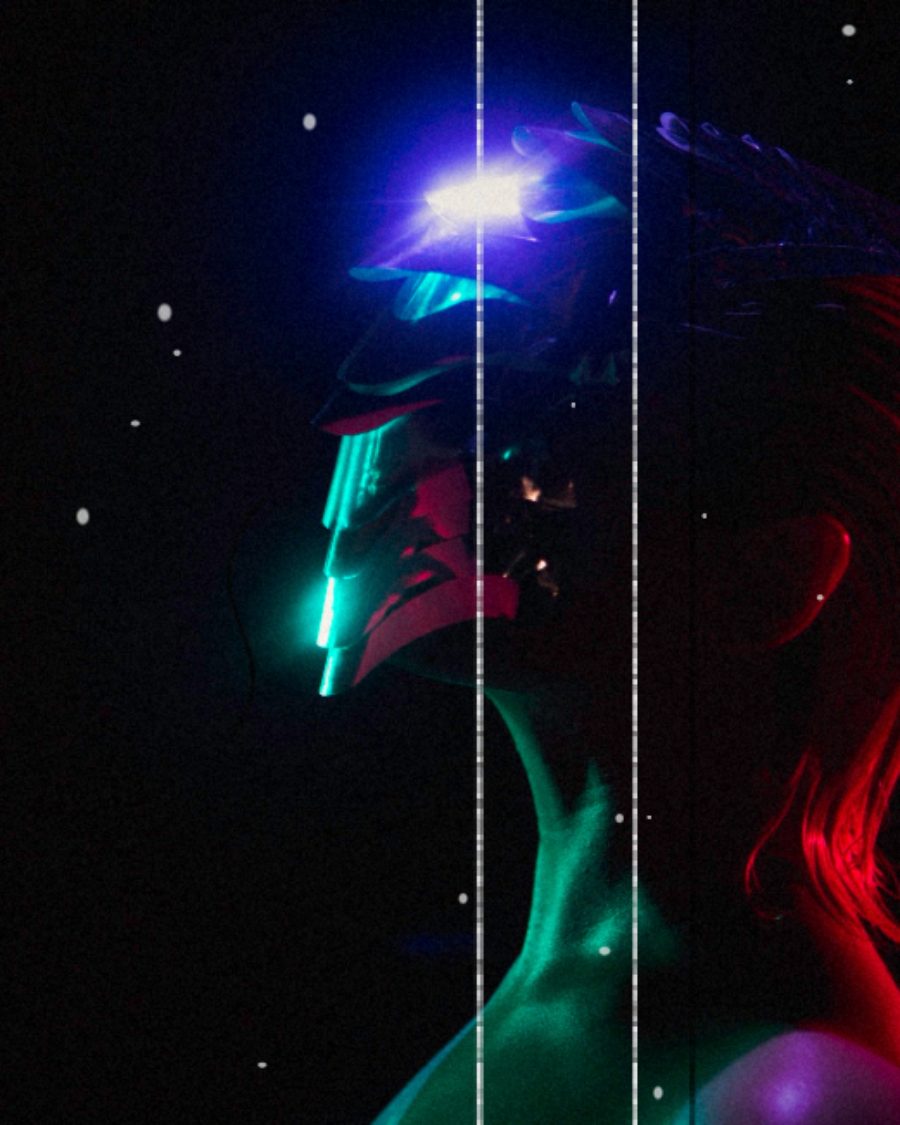
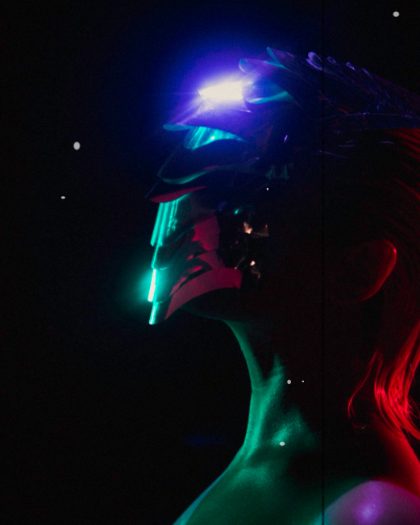
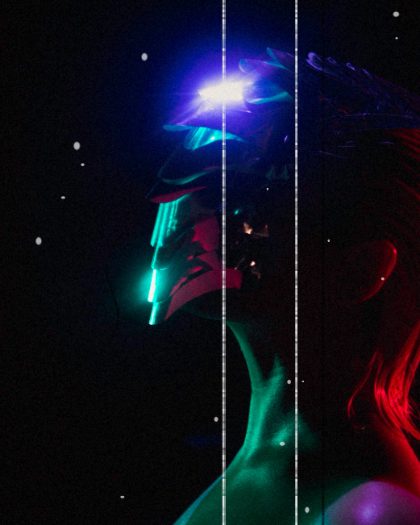
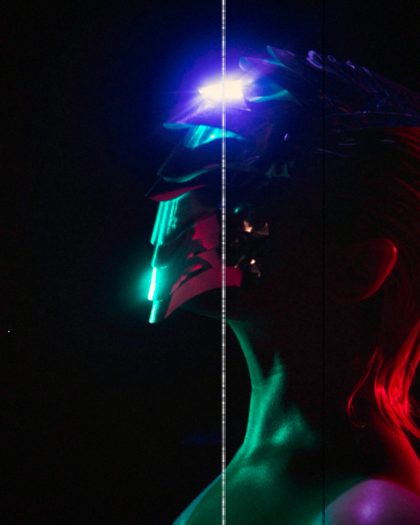
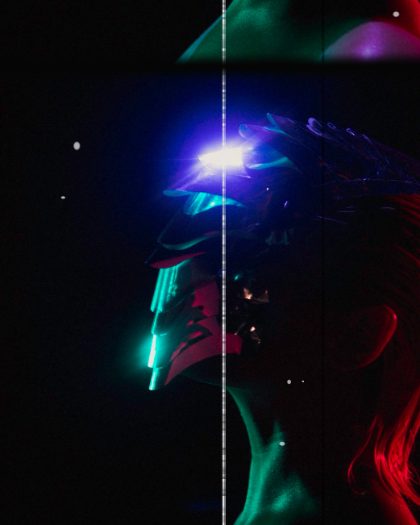
The sample with the Grindhouse preset. Drag to compare, or press Play with it to tune it live. Open as a shared look
What it's like
Sit in the back row of an old repertory house. The picture never quite holds still in the gate. The lamp is brighter in the middle, the corners fall off, and specks and hairs flash past for a frame. Now and then a cue dot blinks in the corner, a splice jumps, or the print sticks and burns. Projector gives you all of it, from a well-kept print to one that has seen better days.
When to reach for it
- Openers and title cards that should feel like the lights just went down.
- Home movie memories. Set Rate to 18 and turn up Hot spot and Weave.
- Transitions. Press Burn and the frame melts away to white.
Controls
14 controls in 4 sections, in the order Tune shows them.
Gate
- SelectRate
241812
Frames a second. 24 is a cinema. At 18 and 12 the weave, flicker, dust and grain step slower, like a home projector.
- Hero knobWeave
0 to 100 · rests at 30
The hero. The picture shifts a little on every frame, the way film settles in the gate.
- FaderFraming
-100 to +100 · rests at 0
Slides the picture up or down until the black frame line shows. The projector is out of rack.
Lamp
- KnobFlicker
0 to 100 · rests at 30
The lamp's brightness wobbles from frame to frame.
- KnobHot spot
0 to 100 · rests at 30
A bright spot in the middle of the screen, where the lamp burns hottest.
- KnobVignette
0 to 100 · rests at 35
Darkens the corners.
- FaderLamp
-100 to +100 · rests at +20
The lamp's color. Up is warm, down is cool.
- KnobDust
0 to 100 · rests at 30
Specks on the print, dark and light, new on every frame.
- KnobScratches
0 to 100 · rests at 20
Thin lines down the picture, light or dark. Each holds for a few frames, then moves.
- KnobHair
0 to 100 · rests at 10
A hair caught in the gate. It hangs on for a moment, then it's gone.
- KnobGrain
0 to 100 · rests at 20
Grain, new on every frame.
Buttons
- Pulse buttonCue mark
Momentary · fires and falls back · can be recorded
Press it and a cue dot flashes in the top corner, the mark that tells the projectionist to change reels.
- Pulse buttonSplice
Momentary · fires and falls back · can be recorded
Press it and a bad splice runs through the gate. The picture jumps, the frame line shows, then it drops back into place.
- Pulse buttonBurn
Momentary · fires and falls back · can be recorded
Press it and the frame sticks in front of the lamp. A hole burns open with a glowing edge and spreads across the screen.
Presets
4 presets. Each one opens in the studio as a shared look. Add it on top of your picture, or save it to My looks.