
Lens Flare
Streak · ghosts · starburstPoint a lens at a bright light and it bounces between the pieces of glass inside. You get a streak, a chain of colored ghosts and a starburst from the iris. Lens Flare builds all of them from the brightest parts of your picture.

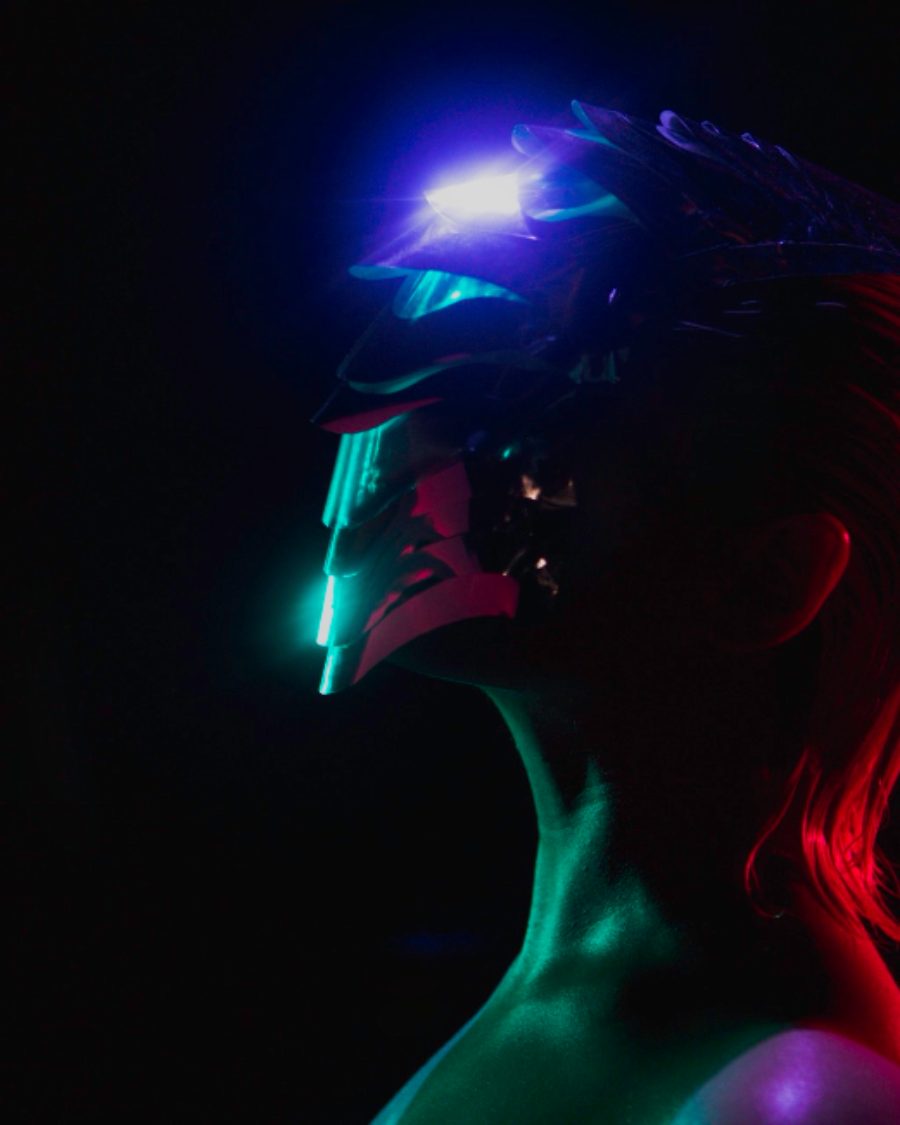
The sample with the Sun Burst preset. Drag to compare, or press Play with it to tune it live. Open as a shared look
What it's like
Every flare is a map of the lens that made it. The ghosts are reflections between glass elements, so they line up through the middle of the frame, opposite the light. The starburst comes from the blades of the iris. A long horizontal streak is the mark of anamorphic cinema glass. Dirt on the front element lights up when the sun hits it. Here every light in the picture throws its own flare, and the flare follows the light as it moves.
When to reach for it
- Night scenes with streetlights and headlights. Anamorphic Blue gives every lamp a blue streak.
- Shooting into the sun, after the fact. Sun Burst.
- A worn, cheap-lens feel. Dirty Lens or Cheap Glass.
- Bright titles that throw ghosts and streaks of their own.
Controls
17 controls in 5 sections, in the order Tune shows them.
Flare
- Hero knobAmount
0 to 100 · rests at 60
The hero. How bright the whole flare is.
- KnobThreshold
0 to 100 · rests at 60
How bright a light must be to flare. Lower and more of the picture joins in.
Streak
- SelectStreak color
BlueWarmNeutral
The streak's color. Blue is the anamorphic classic, Warm is amber, Neutral stays close to the light's own color.
- KnobStreak
0 to 100 · rests at 50
How strong the horizontal streak through each light is.
- KnobLength
0 to 100 · rests at 60
How far the streak reaches.
Ghosts
- SelectCount
358
How many ghosts. 3, 5 or 8.
- KnobGhosts
0 to 100 · rests at 40
How bright the ghost reflections are. Each one takes its own color.
- KnobSpread
0 to 100 · rests at 50
How far apart the ghosts sit along their line through the middle.
- KnobChroma
0 to 100 · rests at 50
Splits each ghost into red and blue edges, like uncoated glass.
Starburst
- SelectBlades
56812
How many iris blades, so how many spikes in the starburst. 5, 6, 8 or 12.
- KnobStarburst
0 to 100 · rests at 20
How bright the starburst is.
- KnobRotate
0° to 60° · rests at 0°
Turns the starburst.
Glass
- KnobHalo ring
0 to 100 · rests at 20
A halo ring, the big circular reflection you get when a light sits near the middle of the frame.
- KnobRing size
0 to 100 · rests at 50
How big the ring is.
- KnobDirt
0 to 100 · rests at 0
Smudges and specks on the front glass that light up around bright parts.
- KnobDirt scale
0 to 100 · rests at 50
The size of the smudges. Higher packs in more, smaller ones.
- KnobFringe
0 to 100 · rests at 0
Color fringing that grows toward the edges of the frame, red one way and blue the other.
Presets
5 presets. Each one opens in the studio as a shared look. Add it on top of your picture, or save it to My looks.
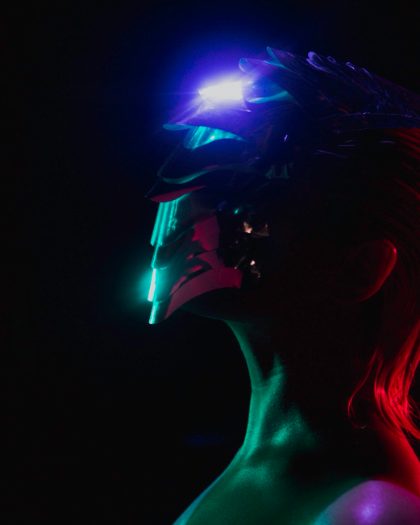 Anamorphic BlueA long blue streak through every hot light, faint ghosts.02
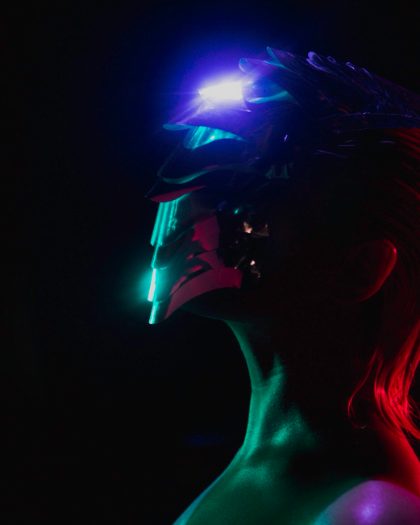 Sun BurstSix-blade starburst, ghosts and a halo ring, like shooting into the sun.03
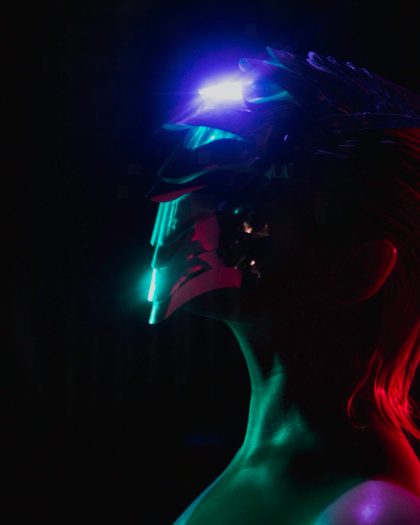 Dirty LensSmudges and specks on the glass that light up around bright things.04
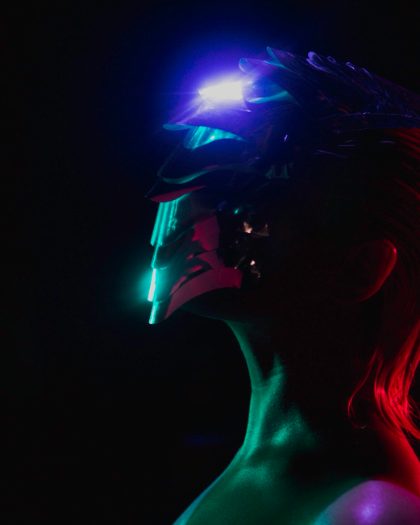 Vintage GhostsA chain of colored ghost reflections.05
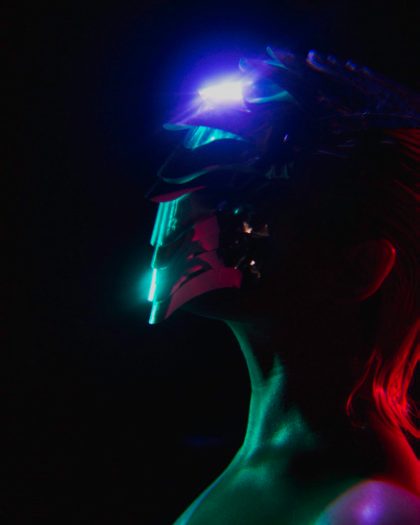 Cheap GlassColor fringing at the edges and a warm glow.