
Press 400
Film · punchy black and whitePress 400 is the black-and-white workhorse of newspapers and news photographers. It renders your picture in punchy black and white with the heaviest grain of any roll.

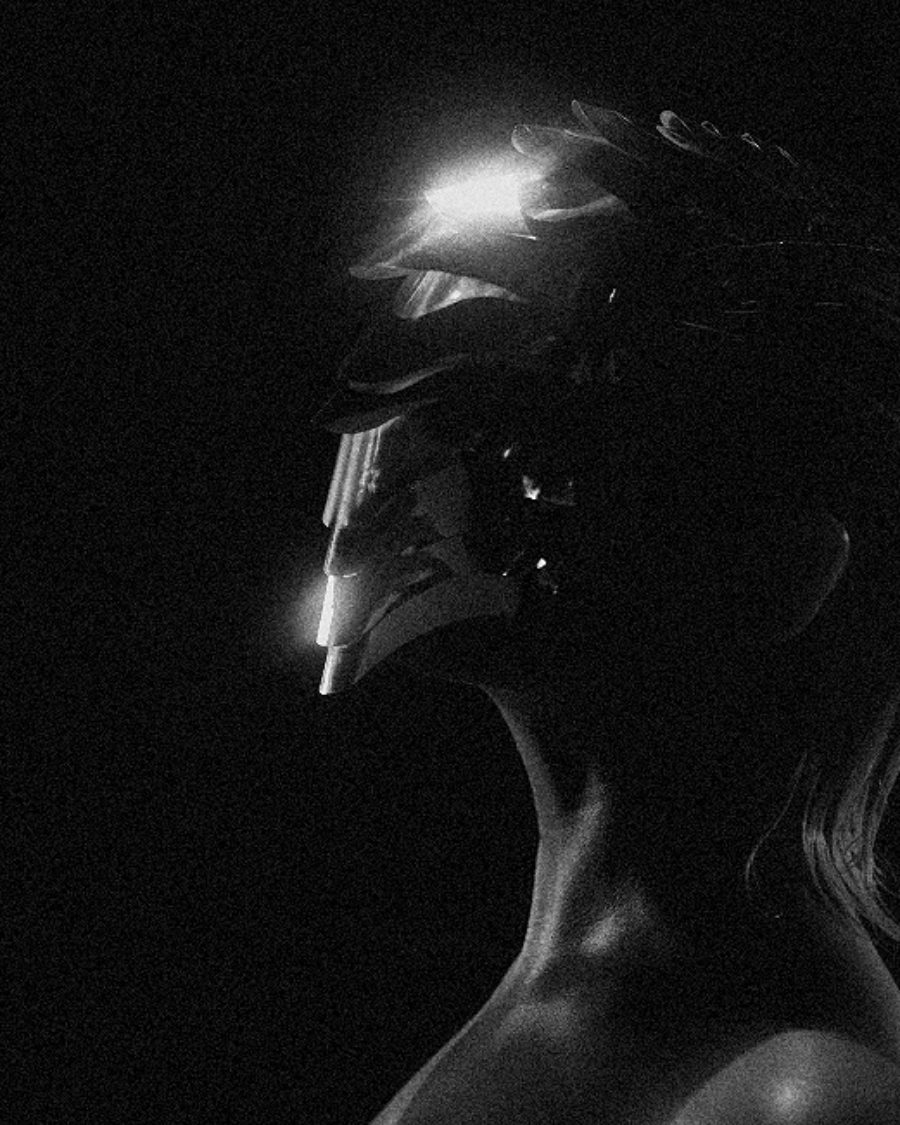
The sample with the Drum Scan preset. Drag to compare, or press Play with it to tune it live. Open as a shared look
What it's like
Think of a front-page photo, shot fast in bad light and printed the same night. The contrast is punchy but holds detail, the grain is big and honest, and nothing about it is precious. It looks like it happened.
When to reach for it
- News, protest, sport and behind-the-scenes pictures.
- Gritty posters and covers where the grain is part of the design.
- Video with a raw, documentary texture. Gate weave adds the movie camera.
How it works
Every roll runs through one film model, with its own profile. Exposure and halation happen in linear light, the way light reaches the film. Then the stock's curve rolls off the highlights, sets contrast and color, and the lab, grain and scan finish the print. Press 400 turns color into gray with a channel mix a little closer to your eye than Mono 400's, and a touch less contrast, so it holds more in the midtones. At rest its grain is the coarsest of every roll.
Controls
20 controls in 9 sections, in the order Tune shows them.
Stock
- Hero knobStrength
0 to 100 · rests at 100
The hero. How much of the stock's color and tone goes onto your picture. Grain and Fade stay on at any setting.
- FaderExposure
−3.0 EV to +3.0 EV · rests at 0 EV
Over or under, in stops. Black-and-white negative forgives a lot. Over goes soft and pale, under goes muddy, with grain in the shadows.
Lab
- FaderPush / pull
Pull 1.0 to Push +3.0 · rests at Box speed
Push develops the roll longer. Contrast climbs, blacks crush and the grain gets bigger and heavier. Pull goes the other way, softer, with lifted blacks and lighter grain.
- SelectLab
StandardCrispSoftPrintFlat
How the lab prints it. Crisp is punchy, Soft is gentle, Print has the deepest blacks and Flat is low contrast, ready to grade.
Format
- SelectFormat
Half frame35mm120Cine 35
The film size, which sets the grain. A small negative is enlarged more, so Half frame has the biggest grain and 120 the finest. Cine 35 is a touch coarser than 35mm.
- KnobGate weave
0 to 100 · rests at 0
The frame drifts and bobs, like film running through a movie camera's gate. It crops in a hair so the edges never show, and it loops cleanly.
Color
- FaderWarmth
-100 to +100 · rests at 0
Tones the black and white, cool toward blue-black or warm toward brown, like cold-tone or warm-tone paper.
- KnobFade
0 to 100 · rests at 3
Lifts the blacks to a soft, slightly cool gray and dims the whites a touch, like an old print.
Grain
- KnobGrain
0 to 100 · rests at 55
How much grain. It gathers in the midtones and shadows, thins out in the highlights, and changes every frame.
- KnobGrain size
0 to 100 · rests at 50
How big each grain is. Format and Push / pull scale it too.
Halation
- KnobHalation
0 to 100 · rests at 0
A soft glow around bright highlights, where light bounces back through the film. On black and white it glows white, not red.
- KnobSpread
0 to 100 · rests at 40
How far the glow reaches.
- KnobThreshold
0 to 100 · rests at 60
How bright a highlight has to be before it glows. Low, and most of the picture glows. High, and only the hottest lights do. Exposure moves it too.
Light
- SelectLight source
MatchedTungstenFluorescentSodiumMixed
The light the scene was shot under, as film sees it. Matched is clean. Tungsten goes orange, Fluorescent goes green, Sodium drains the color to street-lamp orange, and Mixed puts green in the shadows under warm highlights. On black and white it tints the print.
Darkroom
- KnobBleach bypass
0 to 100 · rests at 0
Skips the bleach, so extra silver stays in. There's no color to drain, so the contrast climbs and the tones turn hard.
- KnobExpired
0 to 100 · rests at 0
Old stock. The blacks fog up, contrast sinks, the picture drifts toward the Drift color and a fine noise flickers over it.
- SelectDrift
MagentaCyanGreen
Which way the expired film turns. Magenta, Cyan or Green. It shows only with Expired up.
Scan
- SelectScanner
LabFlatbedDrum
How the film is scanned. Lab is clean, Flatbed is soft and a little lifted, Drum is crisp and sharpened.
- KnobScan sharpen
0 to 100 · rests at 0
Scanner sharpening on top of the scan. A little brings up detail, a lot leaves bright edges and crunchy grain.
- KnobDust
0 to 100 · rests at 0
White specks of dust on the scan. Past halfway, a hair lands on the frame too. They hold still through the loop.
Presets
7 presets. Each one opens in the studio as a shared look. Add it on top of your picture, or save it to My looks.
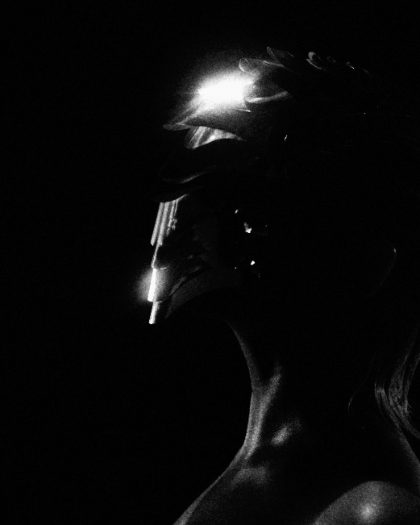 Bleach BypassSilver left in: color drops, contrast climbs.02
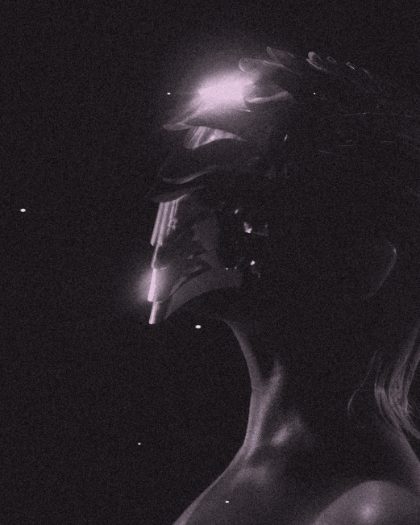 Found RollExpired years ago: fogged blacks, magenta drift, dust.03
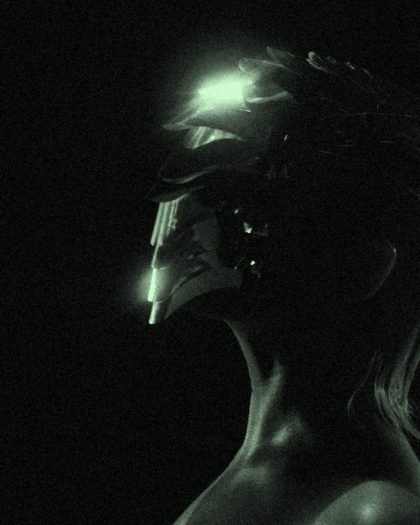 Office LightShot under fluorescent tubes: the green cast film sees.04
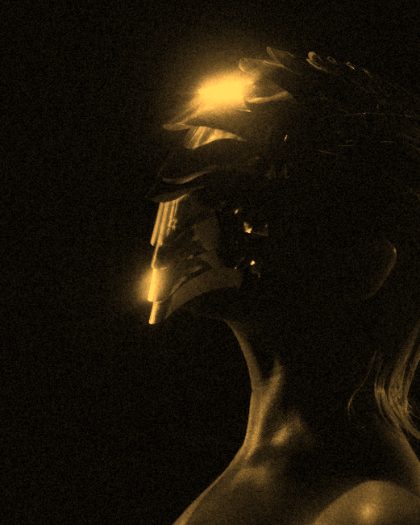 Sodium StreetOrange street lamps: color nearly gone, glow around the lights.05
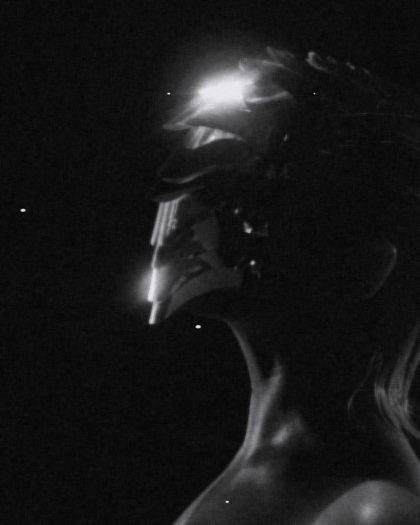 Flatbed ScanHome scanner: soft, a little lifted, a speck or two.06
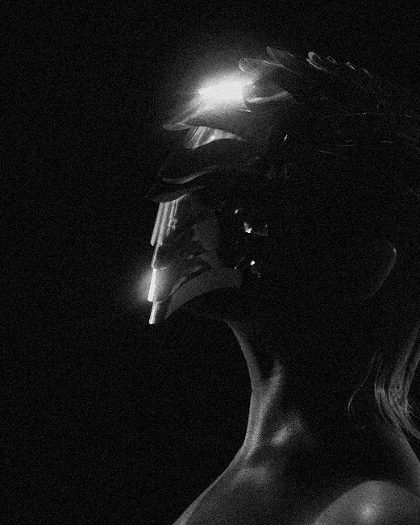 Drum ScanCrisp drum scan with scanner sharpening.07
 Expired CyanOld stock drifting cyan.