Blur
Gaussian · lens · tilt-shiftA lens only focuses at one distance, and everything else goes soft. Blur gives you six kinds of soft, from a plain haze to a lens with real bokeh, a tilt-shift band, and zoom, spin or directional streaks.

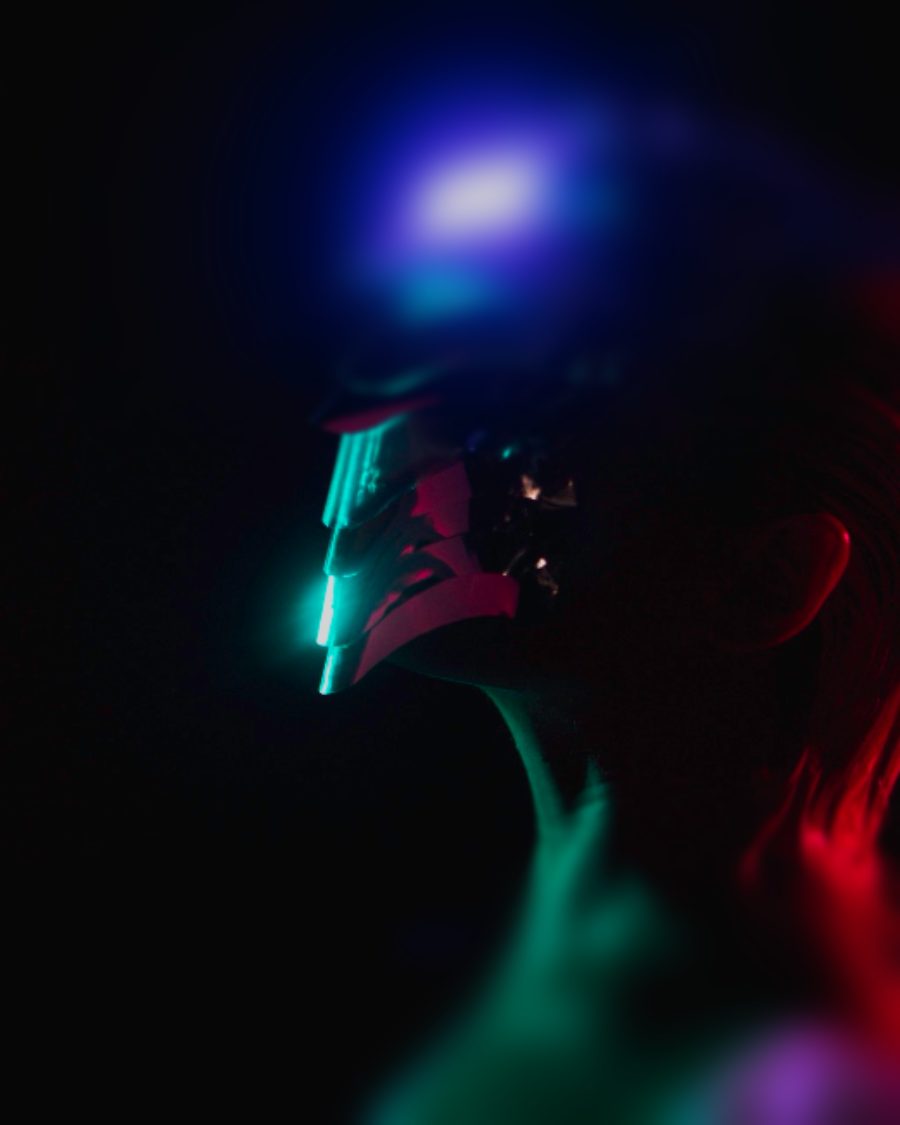
The sample with the Tilt-Shift Mini preset. Drag to compare, or press Play with it to tune it live. Open as a shared look
What it's like
Open a lens wide and the background melts. Bright points in it swell into discs, the shape of the aperture. Tilt the lens and only a thin band stays sharp, which makes a real street look like a toy town. Turn the zoom ring during the exposure and everything streaks toward the middle. Blur covers the whole family.
When to reach for it
- Backgrounds behind type, so the words read.
- A miniature world from a high viewpoint. Tilt-shift, or the Tilt-Shift Mini preset.
- Speed and impact. Zoom and Spin for a hit, Directional for motion.
- Soft, dreamy portraits with Lens and Bokeh turned up.
Controls
8 controls in 2 sections, in the order Tune shows them.
Blur
- SelectType
GaussianLensTilt-shiftZoomSpinDirectional
The kind of blur. Gaussian is a smooth haze. Lens is an even disc, like real defocus. Tilt-shift keeps a band sharp. Zoom streaks toward the center, Spin turns around it, Directional smears one way.
- Hero knobAmount
0 px to 90 px · rests at 11 px
The hero. How soft it gets. For Zoom and Spin, how long the streaks run.
- KnobBokeh
0 to 100 · rests at 50
Lens only. Bright points swell into bright discs, the way out-of-focus highlights do.
Shape
- KnobAngle
0° to 180° · rests at 0°
Tilts the sharp band in Tilt-shift, and sets which way Directional smears.
- KnobFocus
0 to 100 · rests at 30
How big the sharp area is. A band for Tilt-shift, a circle around the center for Zoom and Spin.
- KnobFeather
0 to 100 · rests at 40
How gently sharp turns to soft at the edge of the focus area.
- KnobCenter X
0 to 100 · rests at 50
Where the focus sits, across. It's the center for Tilt-shift, Zoom and Spin. Drag on the pad screen to set both.
- KnobCenter Y
0 to 100 · rests at 50
Where the focus sits, up and down.
Presets
2 presets. Each one opens in the studio as a shared look. Add it on top of your picture, or save it to My looks.