
Halftone
Screens · ink on paperA printing press can't print grey. It prints dots, big where the picture is dark and small where it's light, and your eye blends them back into a photo. Halftone screens your picture into dots, lines or shapes in ink on paper.
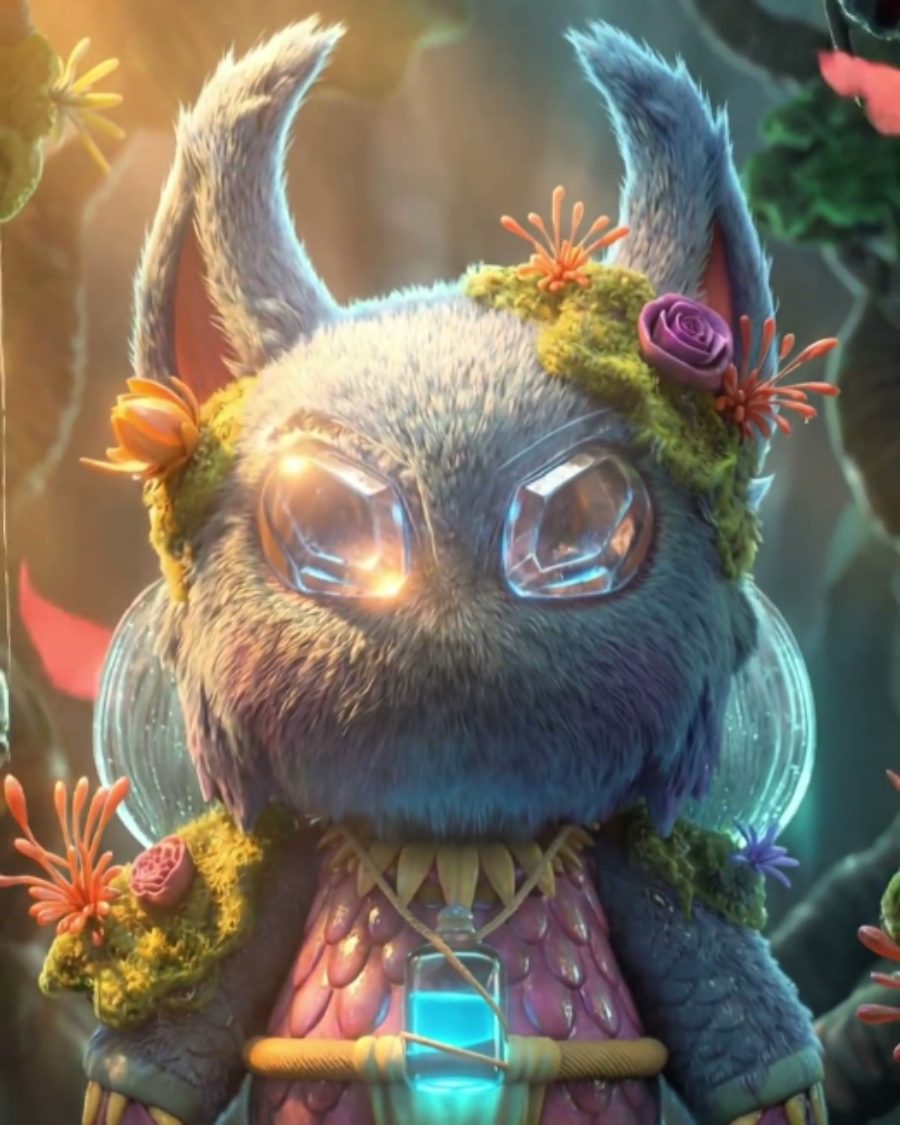
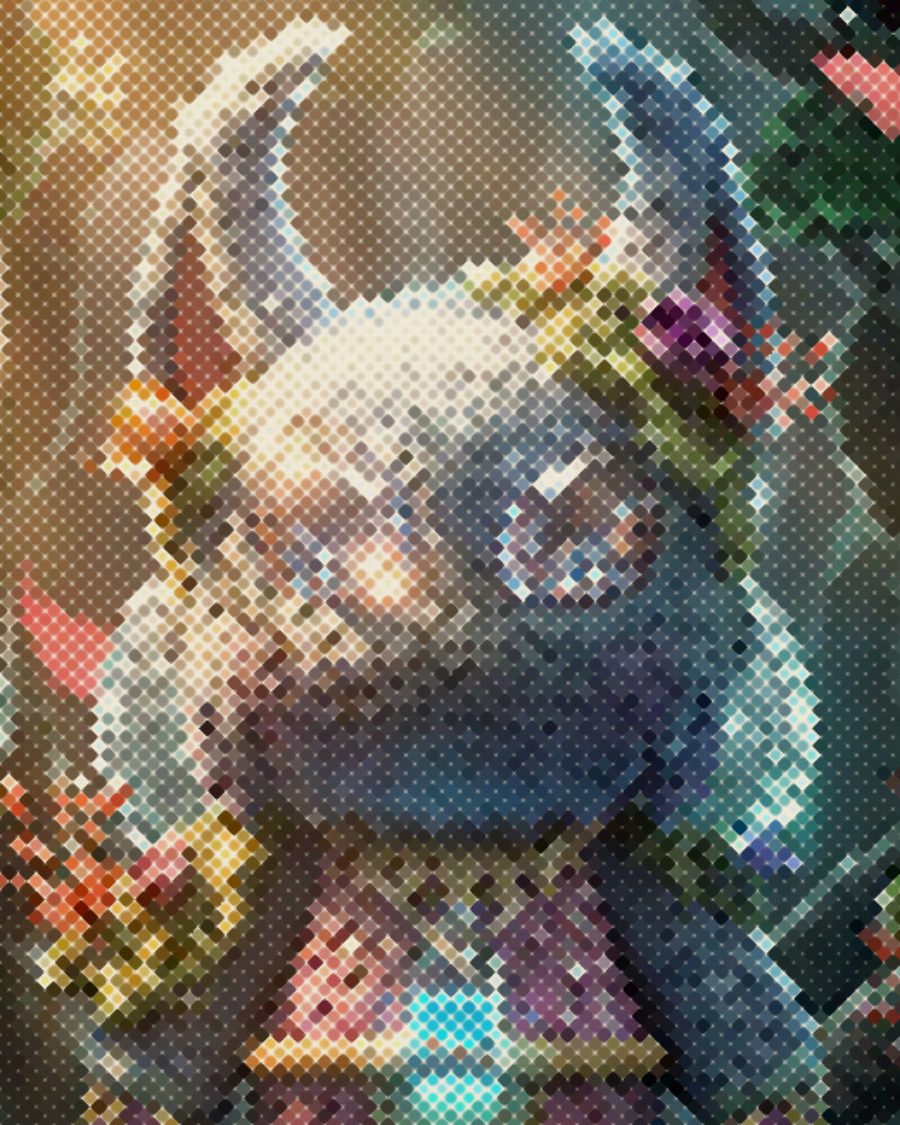
The sample with the Ben-Day Comic preset. Drag to compare, or press Play with it to tune it live. Open as a shared look
What it's like
Hold a comic or a newspaper up close. The faces are made of dots, and the dots sit on a tilted grid. Step back and they melt into a picture. Halftone is that screen. Pick the shape, set how coarse it is, choose the ink and paper, then let the press get a little tired.
When to reach for it
- Posters, flyers and sleeves that should feel printed.
- Pop art and comic covers with fat colored dots.
- Big type and logos printed as a screen, read from across the room.
- A screen that moves while the picture holds. Boil and Spin animate it with the loop.
How it works
The picture is cut into a grid of cells, tilted to the screen angle. Each cell reads how dark the picture is there and grows a dot to cover that much of the cell. Set Print to a dpi and the cells become printer dots on a print of that width, so you see the screen a real print would have.
Controls
27 controls in 8 sections, in the order Tune shows them.
Screen
- SelectMethod
DotLineSquareCrossDiamondStarGlyphClusterTonerBeam HBeam V
The shape of the screen. Dot is the classic. Line, Square, Cross, Diamond and Star swap the shape, Glyph uses characters, Cluster builds dots from tiny pixels like a laser printer, Toner is copier grain, Beam H and Beam V are swelling scan lines.
- Hero knobSize
1.0px to 30.0px · rests at 5.1px
The hero. How big each cell is. Small is a fine magazine screen, big is a billboard.
- KnobAngle
0° to 90° · rests at 23°
Rotates the screen. 45° is the classic angle for a single ink.
- KnobSoftness
0 to 100 · rests at 30
Softens the edge of each dot. Low is crisp, high goes blurry.
Tone
- KnobBlack
0 to 100 · rests at 0
Sets the black point.
- KnobWhite
0 to 100 · rests at 100
Sets the white point.
- FaderGamma
-100 to +100 · rests at 0
Lightens or darkens the midtones before screening.
- KnobSharpen
0 to 100 · rests at 25
Sharpens edges first, so detail survives the screen.
- KnobRadius
1.0× to 6.0× · rests at 1.0×
How wide the sharpening reaches.
Ink
- SelectColor
InkTonesPaletteSource
Where the color comes from. Ink prints one ink on paper, the darkest and lightest colors of the palette. Tones steps through the palette from dark to light. Palette screens each spot between its two nearest palette colors. Source prints dots in your picture's own color.
- SelectPalette
NewsprintChromeRisoPocket GreenFantasy 16CGAHome 8-bit1-Bit DeskFaded printSunsetMono 4Dial-up DuskRed SunsetArcade NeonSea GlassMoss
The palette. Change any of its colors under the faceplate.
- KnobLevels
2 to 32 · rests at 17
How many color steps the Toner and Cluster screens use when Color is Source.
Register
- KnobMisregister
0 to 100 · rests at 0
Pulls the color channels apart, on the Toner and Cluster screens in color.
- KnobDrift
0 to 100 · rests at 0
The channels wander through the loop. With Beam H and Beam V, the beams wave harder and travel faster.
Press
- KnobPaper
0 to 100 · rests at 0
Paper fiber and tooth showing through the print.
- KnobInk spread
0 to 100 · rests at 0
Ink spreads into the paper and the dots swell, so the print goes darker.
- KnobRough
0 to 100 · rests at 0
Ragged dot edges, like ink on rough stock.
- KnobWear
0 to 100 · rests at 0
A worn plate. Patches of dots drop out.
- SelectPrint
Screen72 dpi150 dpi300 dpi600 dpi
Screen sizes the dots in screen pixels. A dpi sizes them as printer dots, as fine as a real print would be.
- KnobPrint width
2 in to 24 in · rests at 8 in
How wide that print is. Wider means finer dots on screen.
Motion
- KnobBoil
0 to 100 · rests at 0
The screen shimmers frame to frame while the picture holds.
- SelectBoil rate
12 fps8 fps4 fps
How fast the shimmer runs. 12, 8 or 4 frames a second.
- SelectSpin
Still1×2×
The screen turns with the loop, once or twice around.
Finish
- KnobRoller bands
0 to 100 · rests at 0
Bands of heavier and lighter ink across the sheet, from an uneven roller.
- KnobSlur
0 to 100 · rests at 0
Every dot prints twice, a hair apart, like a sheet that slipped on the press.
- KnobOutline
0 to 100 · rests at 0
Traces an ink line around the shapes in the picture.
- Pulse buttonReprint
Momentary · fires and falls back · can be recorded
Press it to pull a fresh sheet. The roller bands land somewhere new.
Presets
22 presets. Each one opens in the studio as a shared look. Add it on top of your picture, or save it to My looks.
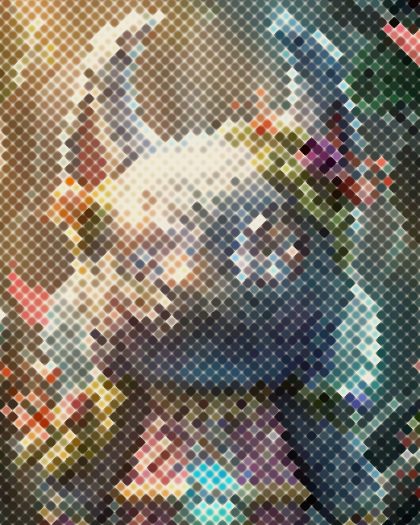 Colored DotsColored dots at 45° on paper, like the old Halftone effect.02
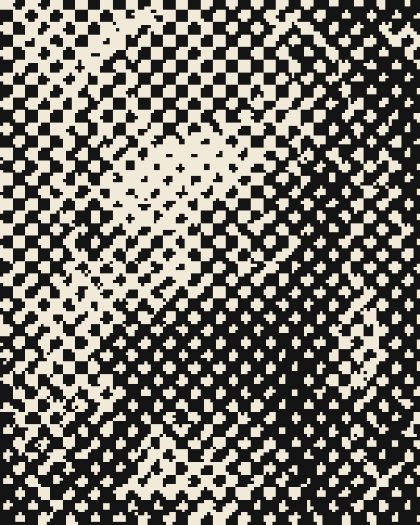 Clustered PrintA clustered-dot screen, printed 8 inches wide at 150 dpi.03
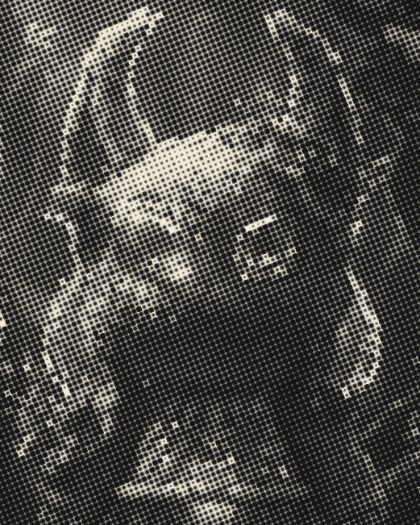 Boiling DotsThe dot screen jitters every frame while the picture holds.04
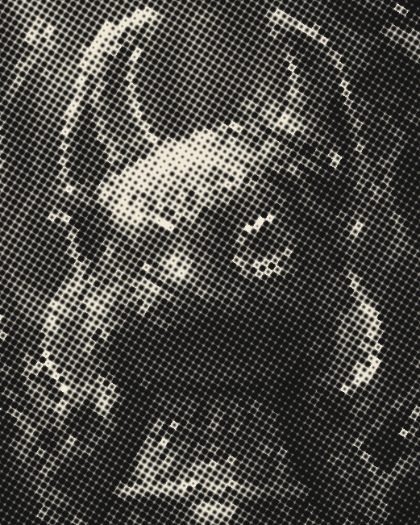 Spinning ScreenThe halftone screen turns once a loop.05
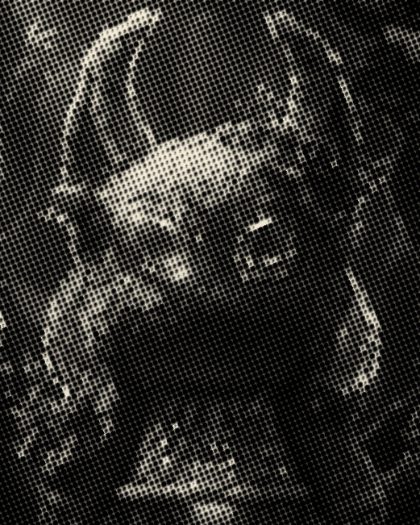 Slurred PressDoubled dots and roller bands, like a tired press.06
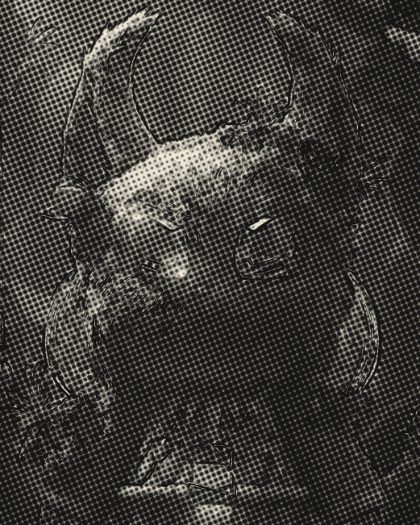 Inked OutlineHalftone with an ink line traced around the shapes.07
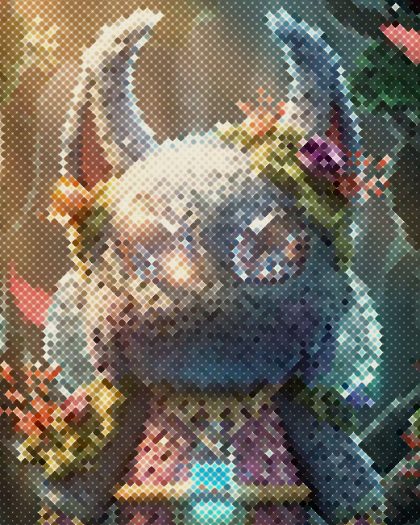 Ben-Day ComicFat colored dots at 45°, a little ink spread, pulpy paper.08
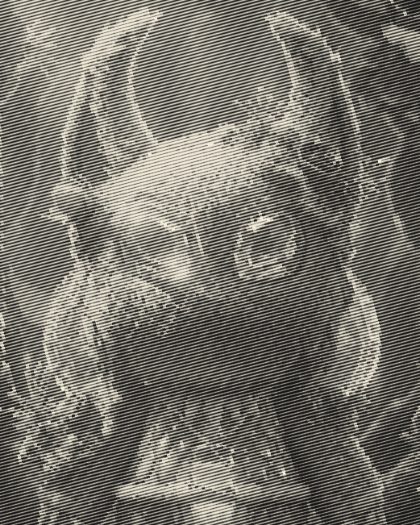 Line EngravingA fine line screen at 15° in black ink.09
 Billboard DotsHuge dots you only read from across the street.10
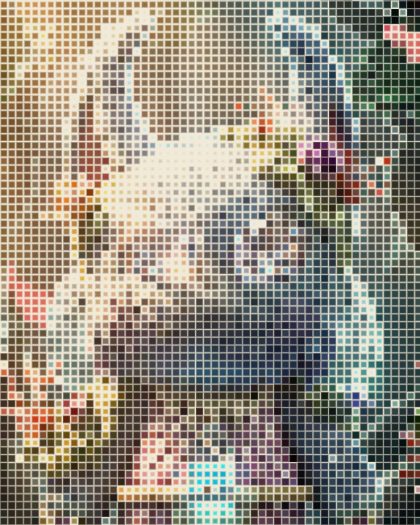 Square MosaicSquare cells that grow with the picture.11
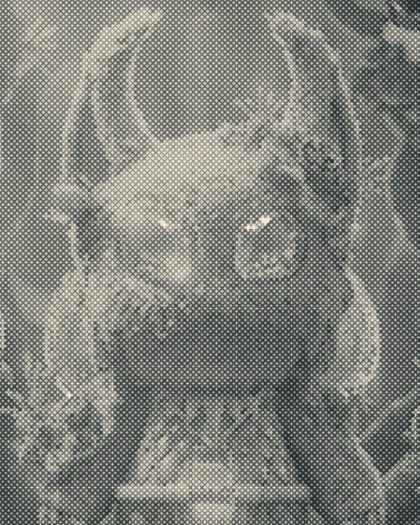 Crosshatch ScreenCrossed strokes instead of dots.12
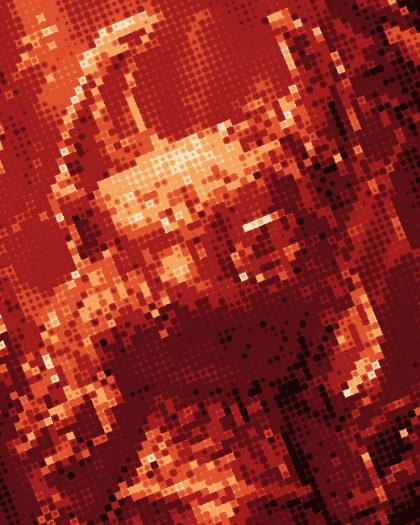 Gig PosterRed-sunset tones in coarse dots, rough ink on toothy stock.13
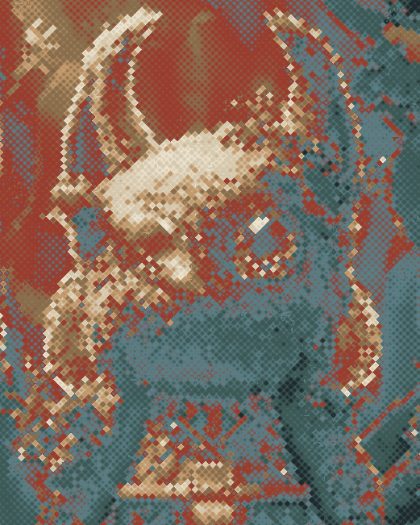 Sun-Faded FlyerA faded print palette in dots, worn and papery.14
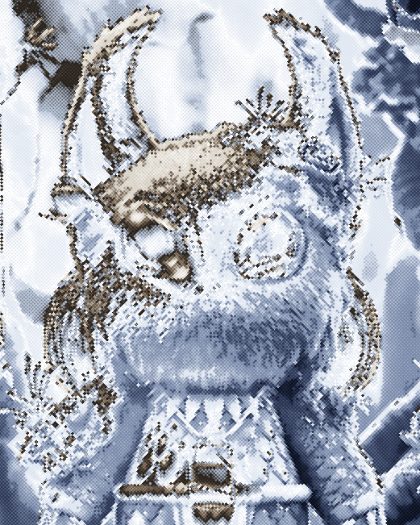 Diamond GravureA fine diamond screen through a chrome tone map.15
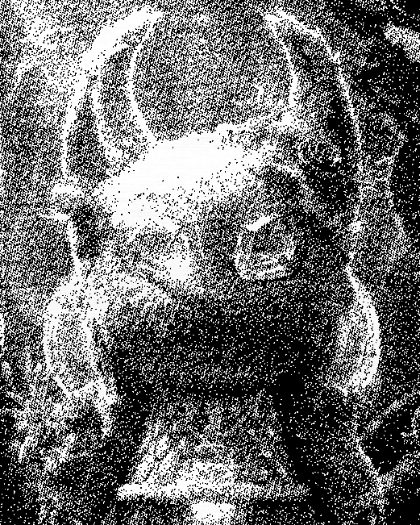 Fax MorningToner on thermal fax paper: grey, streaky, banded.16
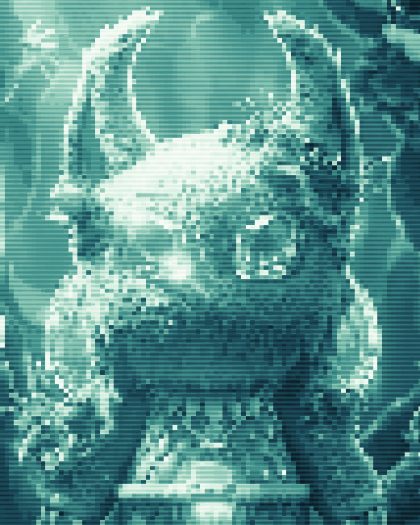 Tidal LinesWavy horizontal lines in sea-glass tones.17
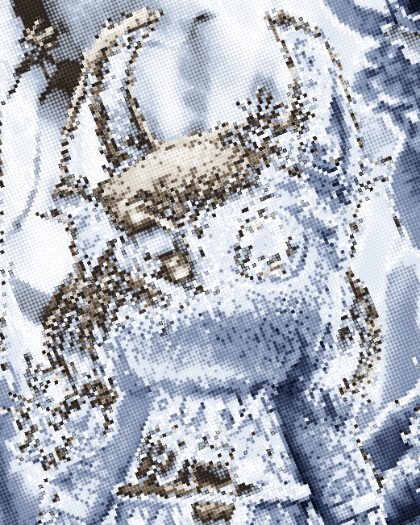 Chrome ScreenA chrome gradient map printed as a 22.5° halftone: steel, sky and horizon bands in dots.18
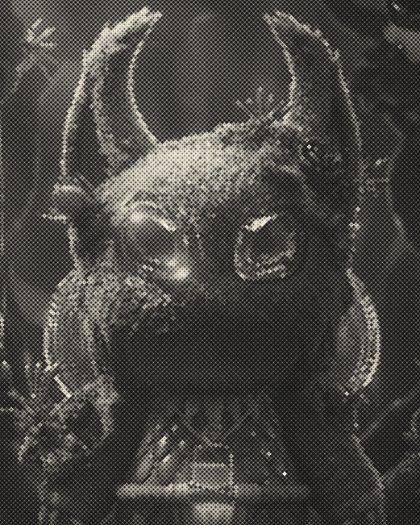 NewsprintBlack ink dots at 45° on cream newsprint.19
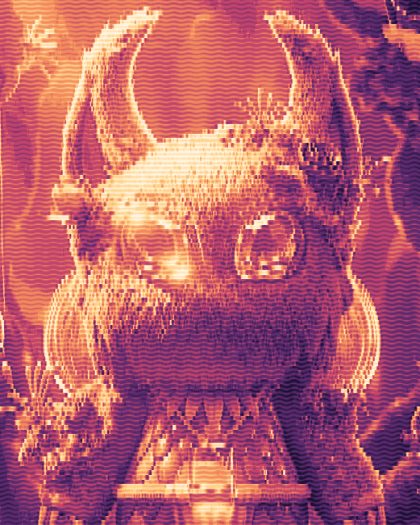 Signal LinesHorizontal beams that swell and bend with the picture, like a scan signal.20
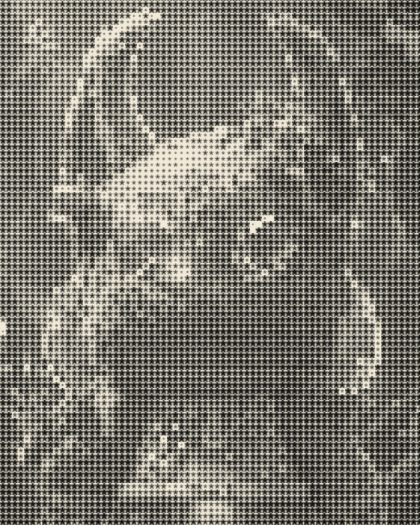 Star ScreenA halftone made of stars instead of dots.21
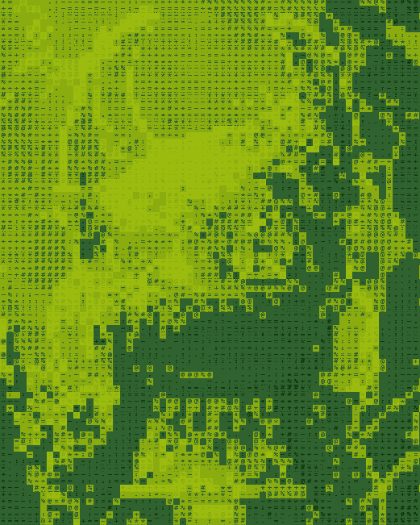 Glyph ScreenCharacters as halftone dots, denser where the picture is darker.22
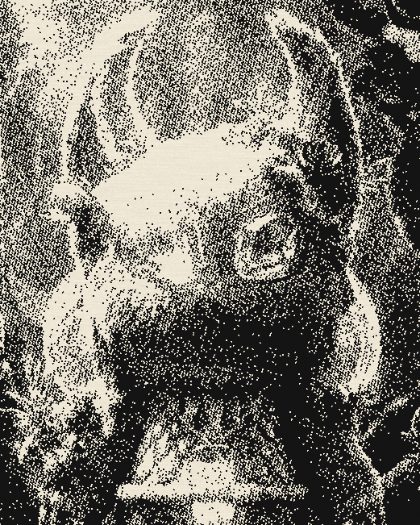 Copy TonerPhotocopy toner: grainy threshold, worn plate, fibrous paper.