
Separations
CMYK · spot inks · adaptiveA color print is made from a few inks, each on its own plate, laid over each other in screens of dots. Separations splits your picture into those plates, in process inks, spot inks or inks taken from the picture, and prints them a little off register.
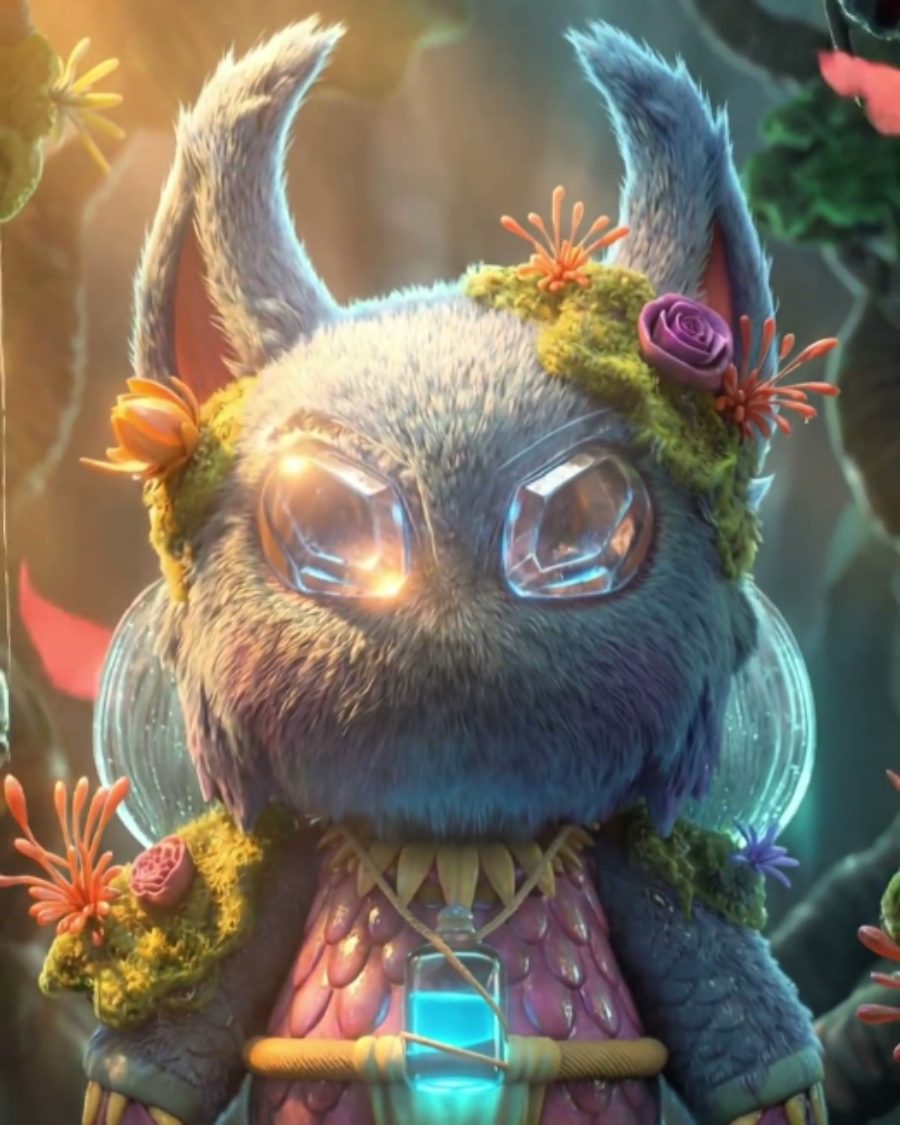
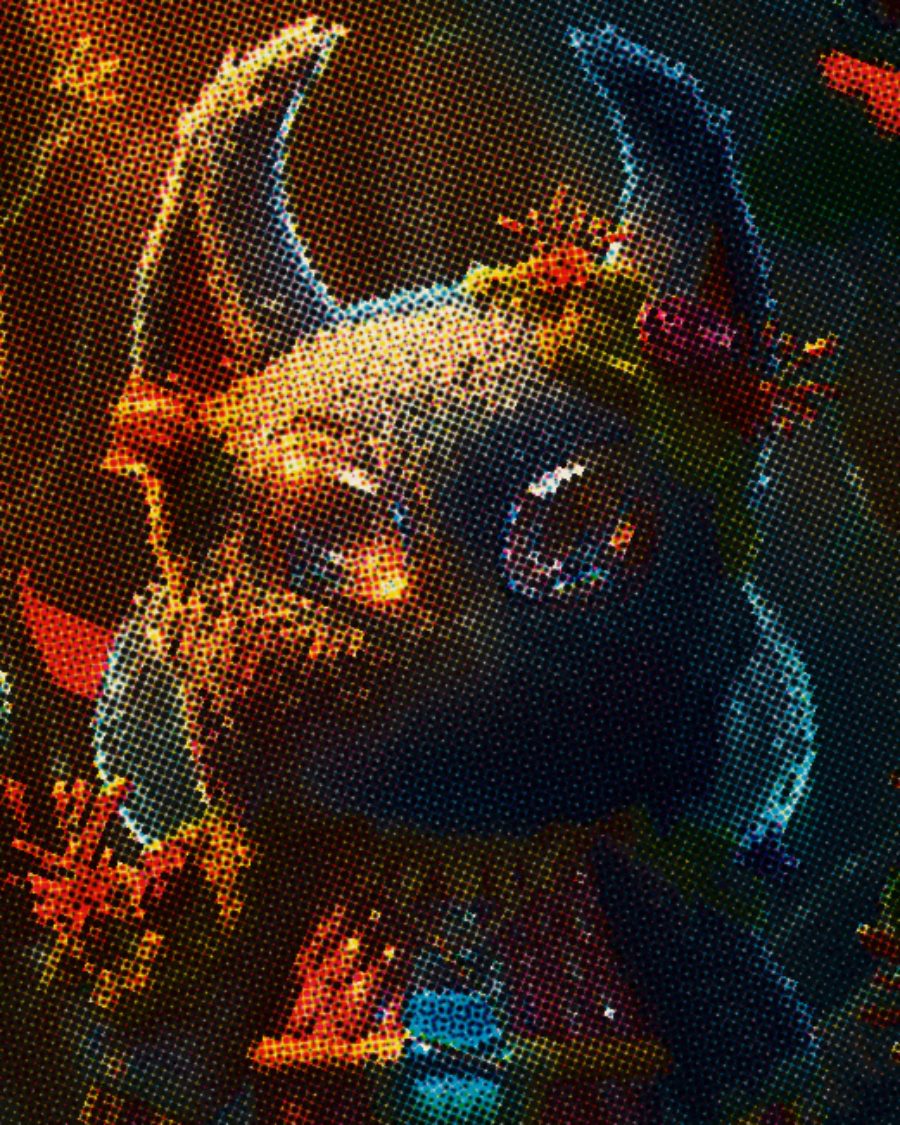
The sample with the Pulp Comic preset. Drag to compare, or press Play with it to tune it live. Open as a shared look
What it's like
Look at a magazine photo through a loupe. There's no orange or green in it, only cyan, magenta, yellow and black dots, each screen turned to its own angle so they bloom into little rosettes. On a cheap comic the plates miss each other and colored fringes hang off every line. Separations is that print run, from a glossy magazine to a two-ink poster.
When to reach for it
- Comic and pulp covers with coarse, off-register dots.
- Two and three color posters and sleeves. Set Inks to Spot and pick your colors.
- Moving print. Drift and Shake make the plates wander and jump with the loop.
How it works
Each color in your picture is worked out as so much of each ink. In CMYK, black takes over the dark the other three share, and each ink prints through its own screen at its own angle. Cyan, magenta, yellow and black sit on separate angles so the screens don't beat against each other. In Spot, Separations works out how much of each of your inks, laid on the paper, it takes to match the color. It's a print look, not files for a real press.
Controls
38 controls in 9 sections, in the order Tune shows them.
Inks
- SelectInks
CMYKSpotAdaptiveRGB
The inks. CMYK separates into four process inks. Spot prints up to three inks of your choice. Adaptive takes the inks from your picture. RGB adds red, green and blue light on black.
- SelectProcess inks
ProcessFluoroSoyNeon
The four process inks for CMYK. Process, Fluoro, Soy for muted color, or Neon.
- SelectPalette
NewsprintChromeRisoPocket GreenFantasy 16CGAHome 8-bit1-Bit DeskFaded printSunsetMono 4Dial-up DuskRed SunsetArcade NeonSea GlassMoss
The palette for Spot. The lightest color is the paper, the next three are the inks. In CMYK, it only sets the paper. Change any color under the faceplate.
- KnobInks
2 to 32 · rests at 17
How many inks Adaptive takes from the picture.
- KnobKey black
0 to 100 · rests at 100
How much of the dark the black plate carries. Turn it down and the shadows are built from color instead.
- SwitchLayering
OverprintKnockout
Overprint lays each ink over the last, so they mix and darken. Knockout clears the paper under each ink, for flat, crisp shapes.
Screen
- SelectMethod
DotLineSquareCrossDiamondClusterStochasticDiffusionTonerPhosphor
The screen every ink prints with. Dot, Line, Square, Cross and Diamond give each ink its own angle. Cluster builds dots from tiny pixels, Stochastic is fine random grain, Diffusion follows the picture, Toner is copier grain, Phosphor makes red, green and blue triads like a TV tube.
- Hero knobSize
1.0px to 30.0px · rests at 5.1px
The hero. How big each dot cell is. Small is a fine magazine screen, big is a cheap comic.
- KnobAngle
0° to 90° · rests at 23°
Rotates the whole set of screens. The inks keep their angles to each other.
- KnobSoftness
0 to 100 · rests at 30
Softens the edge of each dot. Low is crisp, high goes blurry.
- KnobDiffusion
0 to 100 · rests at 85
How much of the grain a Stochastic, Diffusion or Toner screen puts in. Low is hard and flat, high is smooth and busy.
Angles
- FaderInk 1 angle
-45° to 45° · rests at 0°
Turns the first plate off its usual angle. Cyan in CMYK.
- FaderInk 2 angle
-45° to 45° · rests at 0°
The same for the second plate, magenta in CMYK.
- FaderInk 3 angle
-45° to 45° · rests at 0°
The same for the third plate, yellow in CMYK.
- FaderInk 4 angle
-45° to 45° · rests at 0°
The same for the black plate. Line plates up on one angle and the screens beat into moiré.
Tone
- KnobBlack
0 to 100 · rests at 0
Sets the black point.
- KnobWhite
0 to 100 · rests at 100
Sets the white point.
- FaderGamma
-100 to +100 · rests at 0
Lightens or darkens the midtones before separating.
- KnobSharpen
0 to 100 · rests at 25
Sharpens edges first, so detail survives the screen.
- KnobRadius
1.0× to 6.0× · rests at 1.0×
How wide the sharpening reaches.
Register
- Hero knobMisregister
0 to 100 · rests at 0
How far the plates miss each other. A little is honest, a lot is a misprint. In CMYK, black holds still and the colors slide off it.
- KnobShift way
0° to 360° · rests at 0°
Which way the plates slide.
- KnobDrift
0 to 100 · rests at 0
The plates wander back and forth through the loop. It needs some Misregister.
- KnobShake
0 to 100 · rests at 0
The plates jump against each other, to a new spot on each beat of Rate.
- SelectRate
1×2×4×8×16×
How many times a loop the shake changes.
Press
- KnobPaper
0 to 100 · rests at 0
Paper fiber and tooth showing through the print.
- KnobInk spread
0 to 100 · rests at 0
Ink spreads into the paper and the dots swell, so the print goes darker.
- KnobRough
0 to 100 · rests at 0
Ragged dot edges, like ink on rough stock.
- KnobWear
0 to 100 · rests at 0
A worn plate. Patches of dots drop out.
- SelectPrint
Screen72 dpi150 dpi300 dpi600 dpi
Screen sizes the dots in screen pixels. A dpi sizes them as printer dots, as fine as a real print would be.
- KnobPrint width
2 in to 24 in · rests at 8 in
How wide that print is. Wider means finer dots on screen.
Motion
- KnobBoil
0 to 100 · rests at 0
The screens shimmer frame to frame while the picture holds.
- SelectBoil rate
12 fps8 fps4 fps
How fast the shimmer runs. 12, 8 or 4 frames a second.
- SelectSpin
Still1×2×
The screens turn with the loop, once or twice around.
Finish
- KnobRoller bands
0 to 100 · rests at 0
Bands of heavier and lighter ink across the sheet, from an uneven roller.
- KnobSlur
0 to 100 · rests at 0
Every dot prints twice, a hair apart, like a sheet that slipped on the press.
- KnobOutline
0 to 100 · rests at 0
Traces an ink line around the shapes in the picture.
- Pulse buttonReprint
Momentary · fires and falls back · can be recorded
Press it to pull a fresh sheet. The roller bands move and the plates miss in a new direction.
Presets
24 presets. Each one opens in the studio as a shared look. Add it on top of your picture, or save it to My looks.
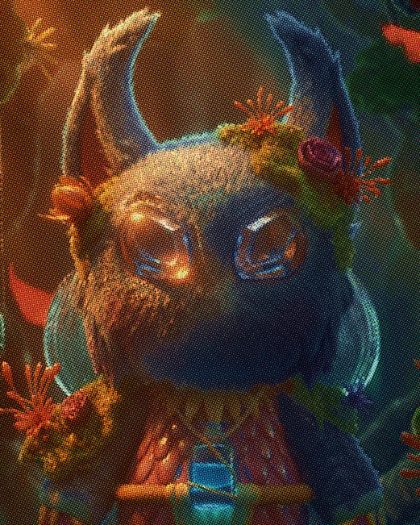 Four-Color MagazineFine CMYK rosettes, almost in register.02
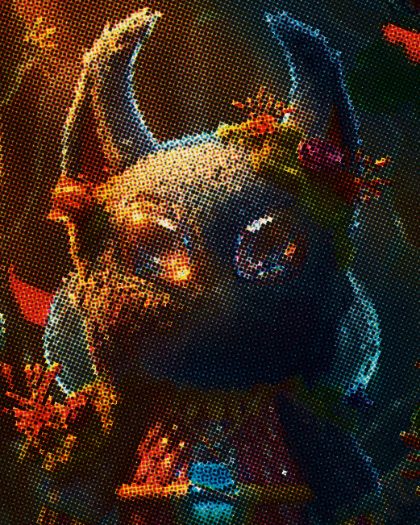 Pulp ComicCoarse CMYK dots, off register on cheap paper.03
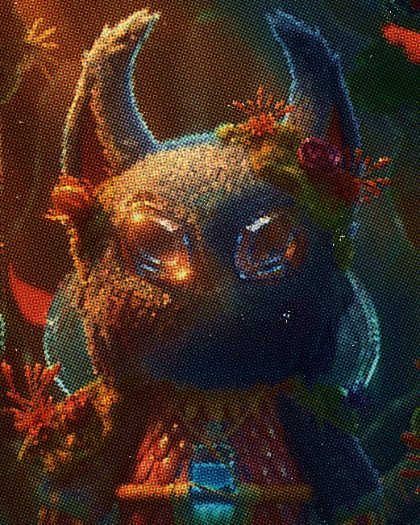 Newspaper ColorColor news photo: soft dots, spread ink, grey paper.04
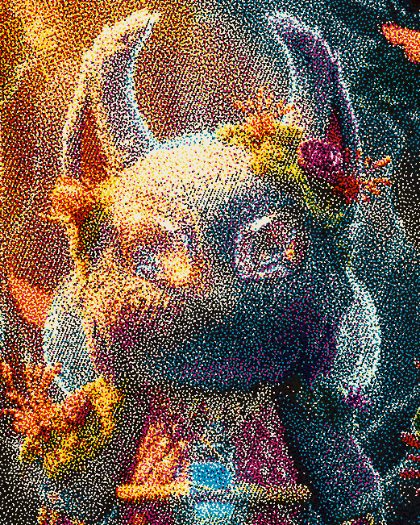 Stochastic PrintFour process inks as fine random grain instead of dots.05
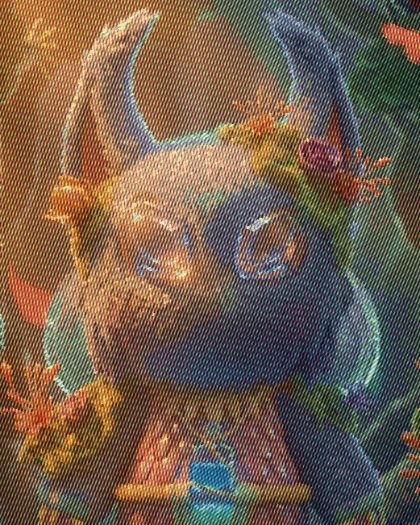 Line SeparationsEach process ink as its own line screen.06
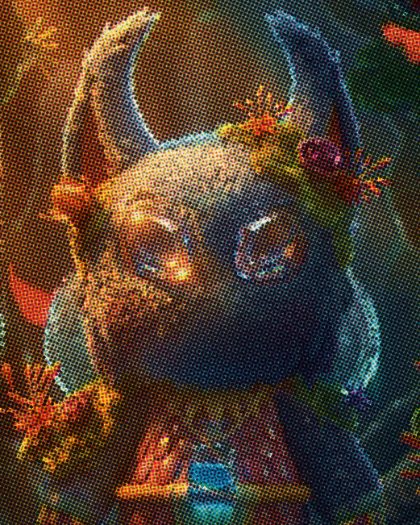 Off-RegisterThe plates slip and wander while you watch.07
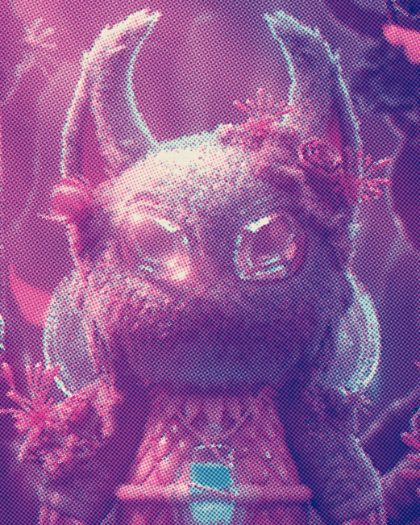 Riso Pink & BlueFluoro pink and blue spot inks on natural paper.08
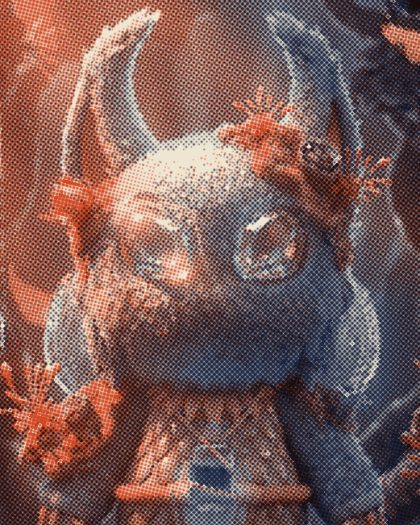 Duotone SleeveNavy and orange on cream, a record sleeve duotone.09
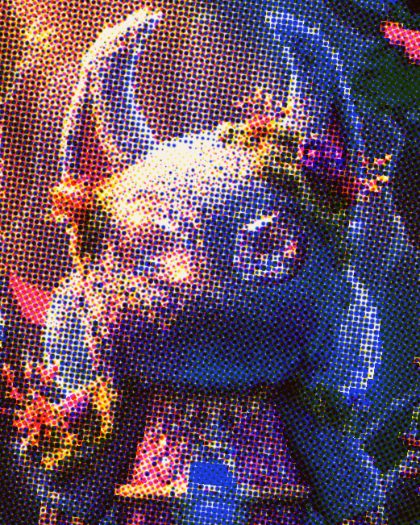 Fluoro PosterPink, yellow and blue fluoro inks, loud and loose.10
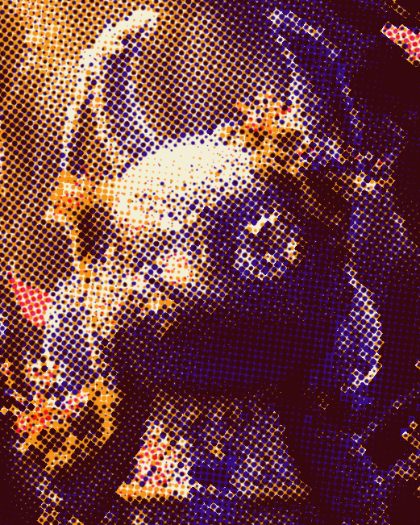 Screenprint ThreeThree flat screenprint inks, a rough pull.11
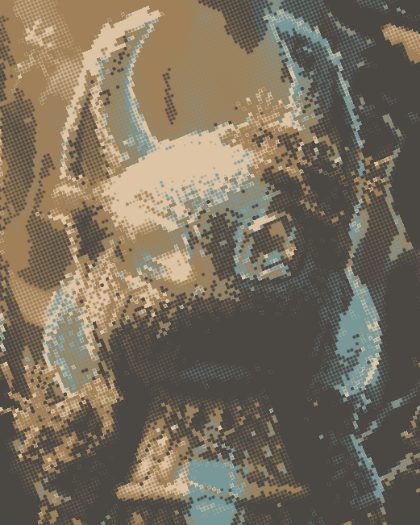 Adaptive SpotsFour inks taken from the picture, each on its own screen.12
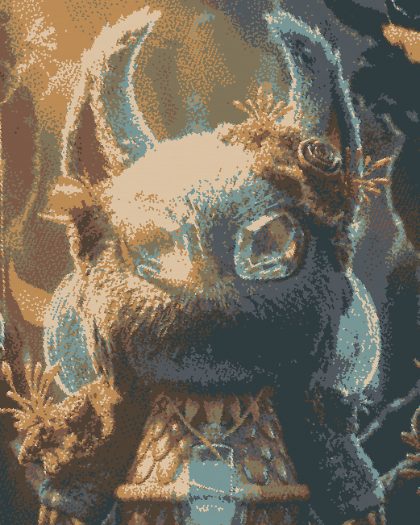 Mail-Order CatalogEight picture inks as fine grain on coated stock.13
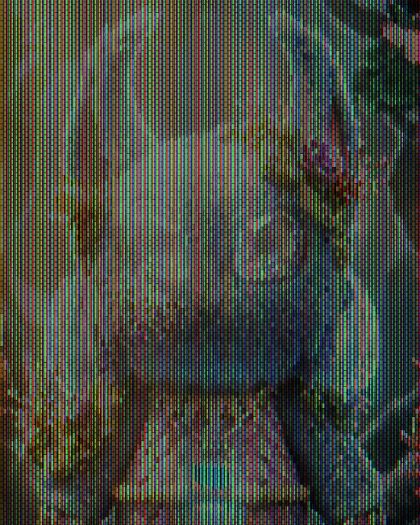 Phosphor ScreenRed, green and blue phosphor triads.14
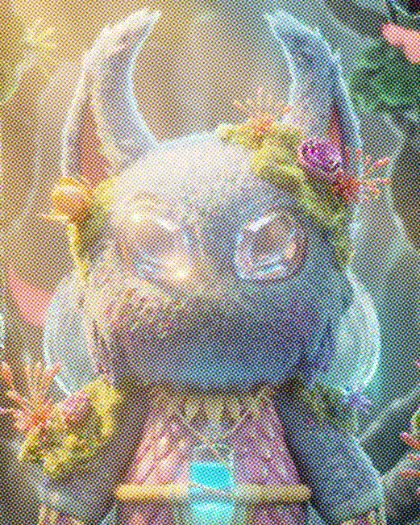 RGB DotsRed, green and blue dot screens added on black.15
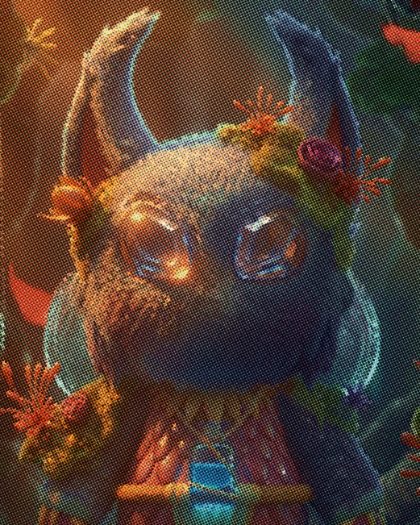 Moiré MagazineAll four plates on the same angle: the screens beat into moiré.16
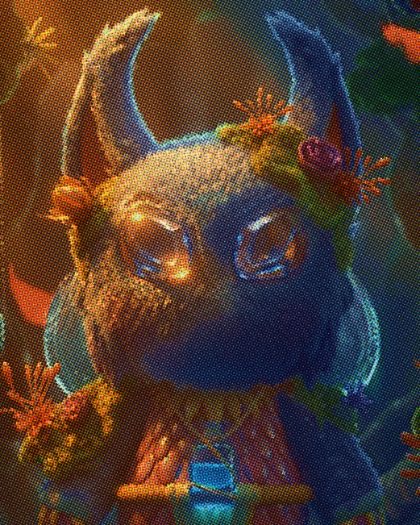 Fluoro ProcessFluorescent cyan, magenta and yellow in place of process inks.17
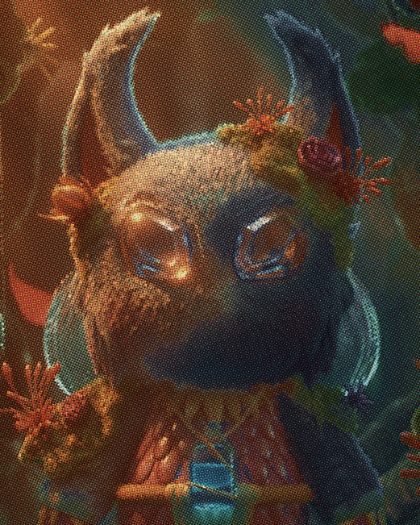 Soy InkMuted soy process inks on warm uncoated paper.18
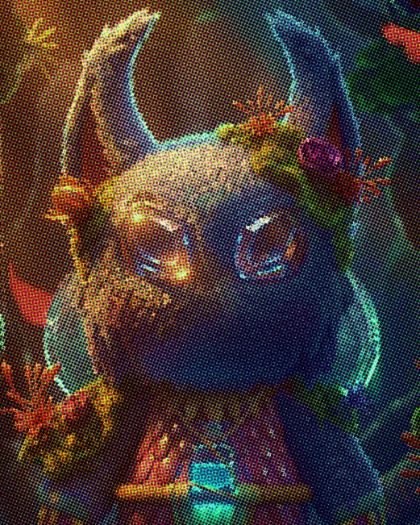 Neon ProcessNeon cyan, magenta and lime for a loud four-color print.19
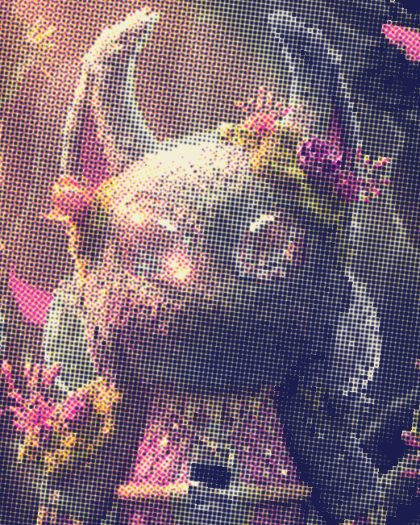 Knockout PosterYellow, pink and navy, each knocking out the ink under it: flat, crisp shapes.20
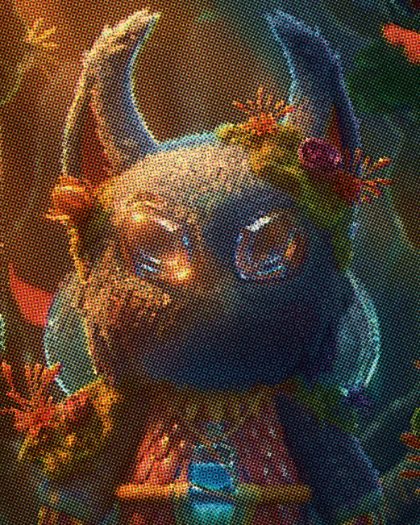 Shaking PressThe plates shake against each other eight times a loop.21
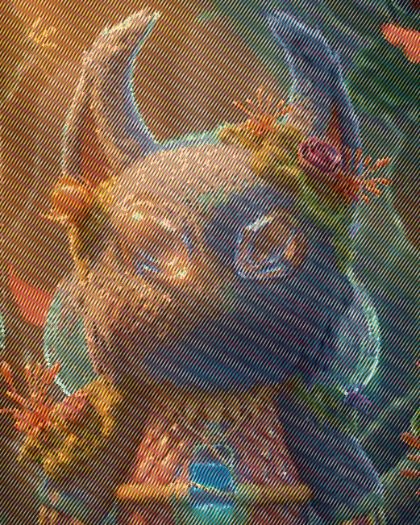 Wide AnglesEach plate turned well off its usual angle: a big, open rosette.22
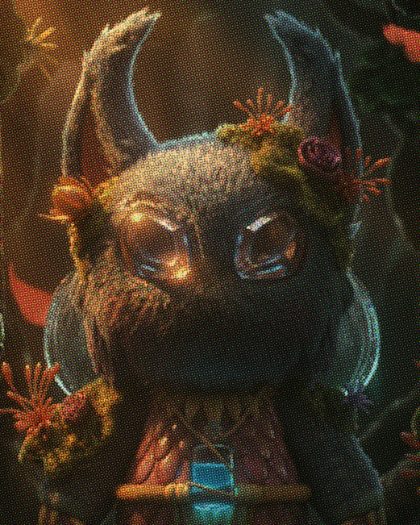 Light KeyMost of the dark built from color, with very little black.23
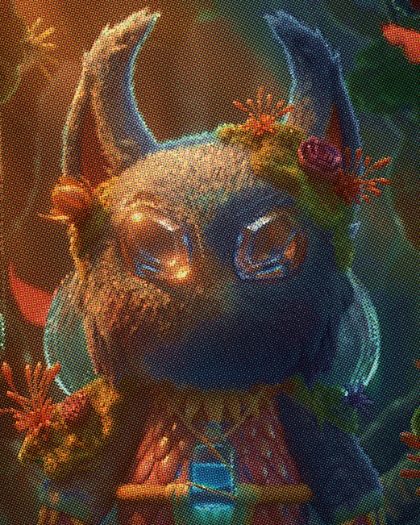 CMYK PressFour rotated process screens, slightly off register.24
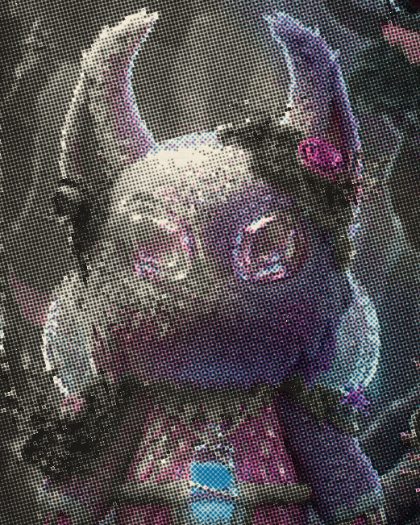 Riso DuoThree spot inks separated from the picture, each on its own screen, off register on toothy paper.