
Riso
Up to five spot inksA risograph prints one ink at a time, each from its own drum, and the drums never quite line up. Riso splits your picture into up to five spot inks and prints them the way a real duplicator does, a little off.
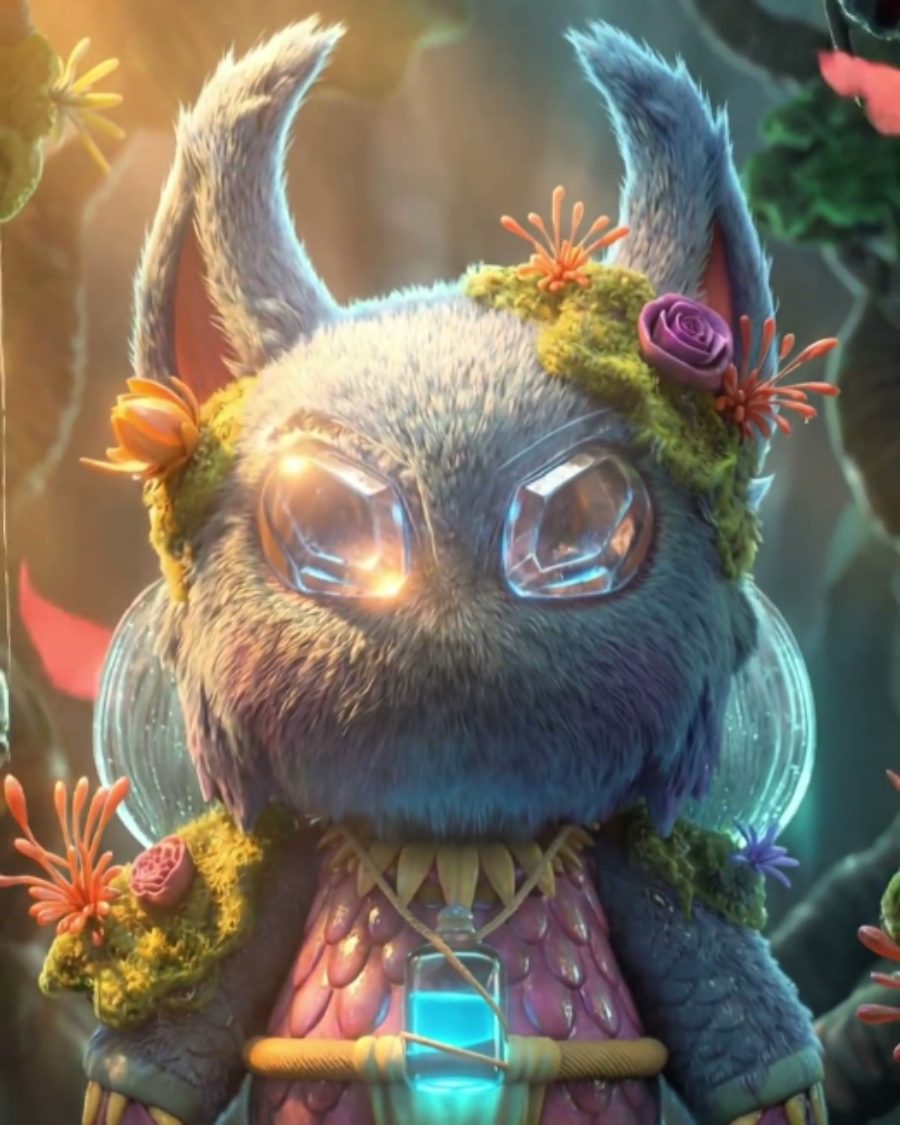
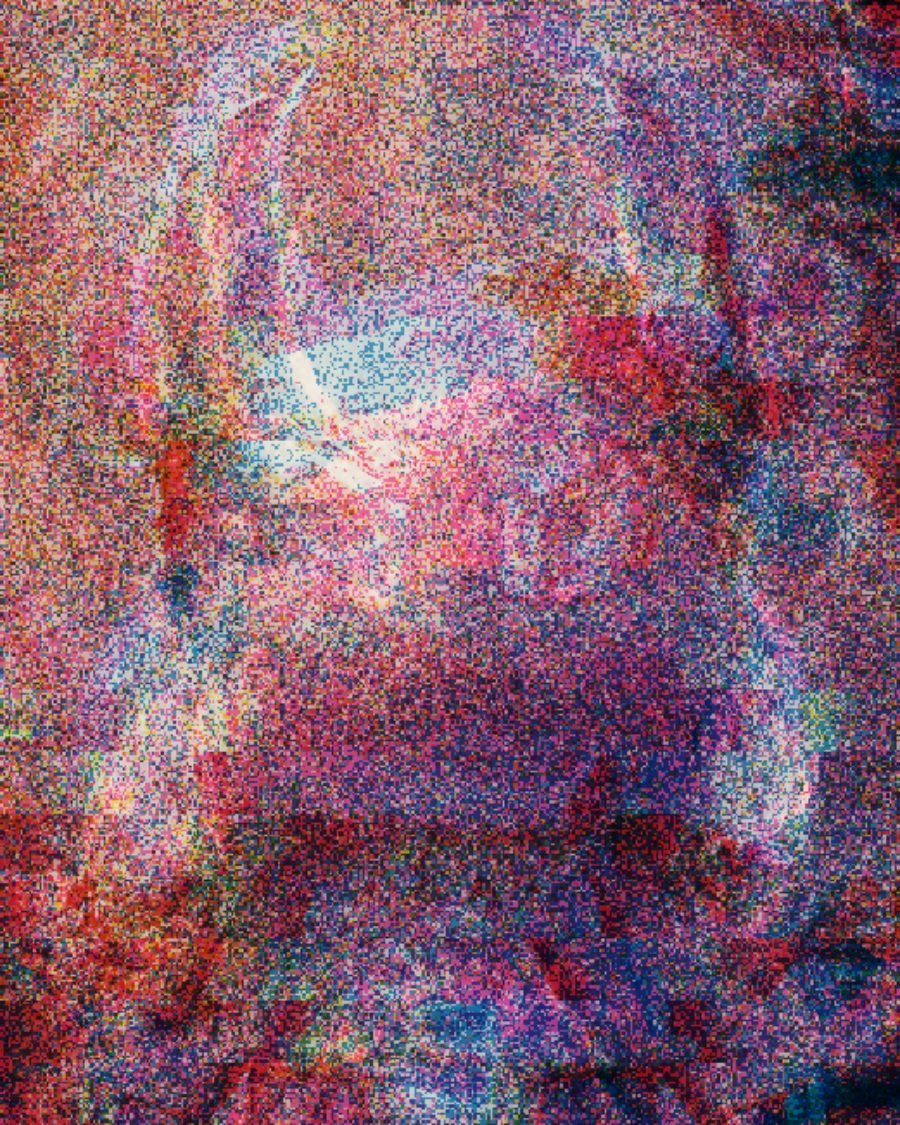
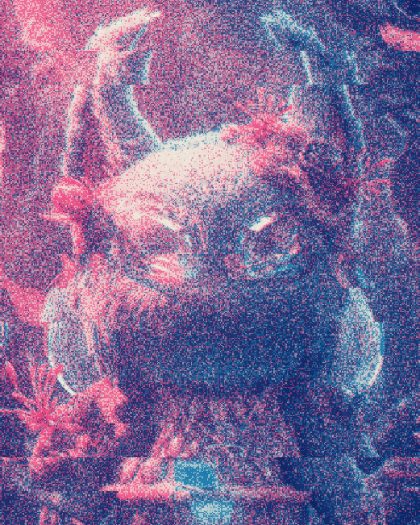
The sample with the Misprint preset. Drag to compare, or press Play with it to tune it live. Open as a shared look
What it's like
Think of a zine run off on a school duplicator. Each color is a separate pass of bright, flat ink. The passes land a hair apart, the paper has tooth, and some sheets jam. That's the look. The slips and echoes come from a misprint reference, so they move the way a real jam does.
When to reach for it
- Posters, covers and flyers that should feel printed, not filtered.
- Logos and type, where the fringe between inks reads as a print.
- A transparent export with ink that spills past the art. Set Sheet to See-through.
How it works
Riso reads how dark each part of your picture is against the paper, then works out how much of each ink it takes to match. Two classic inks keep the original warm and cool split. With more inks, every ink gets its own share of the picture. Each ink then prints on its own, with its own registration, grain or screen.
Controls
29 controls in 6 sections, in the order Tune shows them.
Inks
- SelectInks
2345
How many drums. Two is the classic pair, five is a full fluoro run.
- SelectPair
Pink/BlueOrange/TealRed/BlackGreen/Purple
The two-ink pair, for the classic setup.
- SelectInk set
Fluoro PartyZine PrimarySunset DrumsMint & PlumNight Neon
The ink set for three or more inks. Your own colors go in Ink colors, under the faceplate.
- FaderBalance
-100 to +100 · rests at 0
Leans the picture toward ink 1 or toward the rest.
Press
- Hero knobDensity
0 to 100 · rests at 60
The hero. How much ink goes down. Low is a pale, starved print. High floods the sheet.
- KnobMisregister
0 to 100 · rests at 35
How far the drums miss each other. A little is honest, a lot is a misprint.
- KnobGrain
0 to 100 · rests at 55
The paper's tooth breaking up the ink.
- SelectScreen
GrainDotsLines
How ink becomes marks. Grain is the duplicator's own stipple. Dots and Lines are halftone screens.
Drums
- FaderInk 1
-100 to +100 · rests at 0
Inks ink 1 heavier or lighter, like a drum running wet.
- FaderInk 2
-100 to +100 · rests at 0
The same for ink 2.
- KnobOverprint
0 to 100 · rests at 0
Where inks cross, they darken, the way overprinted ink does.
- KnobDrift
0 to 100 · rests at 0
The registration wanders through the loop.
- FaderDrum skew
-100 to +100 · rests at 0
One drum is skewed a few degrees.
Slip
- Hero knobSlip
0 to 100 · rests at 0
Bands of rows jump sideways, a new pattern on each beat of Rate.
- KnobBand
0 to 100 · rests at 30
How tall the slipping bands are.
- KnobTear
0 to 100 · rests at 0
A jagged tear along the edge of each slip.
- SelectRate
1×2×4×8×16×
How many times a loop the slips change.
- SwitchSlips
All inksEach ink
All inks slip together. Each ink slips on its own, for colored fringes.
- Pulse buttonJam
Momentary · fires and falls back · can be recorded
Press it and the sheet jams hard, then settles.
Echo
- SelectEcho
Off1234
Copies of the print down the sheet, up to four.
- KnobDistance
0 to 100 · rests at 35
How far apart the echoes land.
- KnobDirection
0° to 360° · rests at 270°
Which way the echoes travel.
- KnobFade
0 to 100 · rests at 35
How fast each echo fades.
- KnobStutter
0 to 100 · rests at 0
The echoes jump with the slips, like a print caught mid-feed.
- SwitchCopies
Own inkAll inks
Each echo in its own ink, or in all of them.
Paper
- SelectPaper
NaturalWhiteKraftNewsprint
The paper. Natural, White, Kraft or Newsprint.
- SelectSheet
PaperShapeSee-through
Paper prints on a full sheet. Shape cuts the sheet to your art. See-through drops the sheet and keeps only the ink.
- KnobPaper white
0 to 100 · rests at 0
Anything close to white paper prints no ink at all. Pale tints clear first, and bright yellow or cyan still print.
- Pulse buttonReprint
Momentary · fires and falls back · can be recorded
Press it to run a fresh sheet. The grain and slips change, the picture stays.
Presets
15 presets. Each one opens in the studio as a shared look. Add it on top of your picture, or save it to My looks.
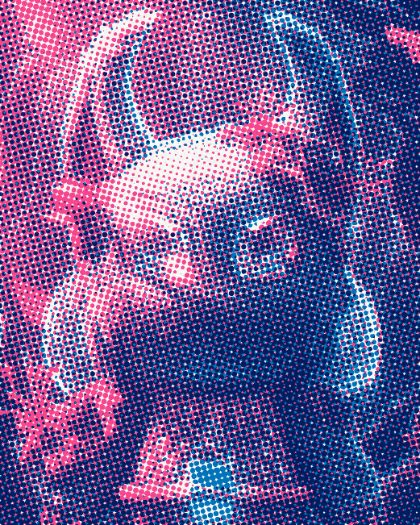 Zine DotsTwo inks as coarse halftone dots on white stock.02
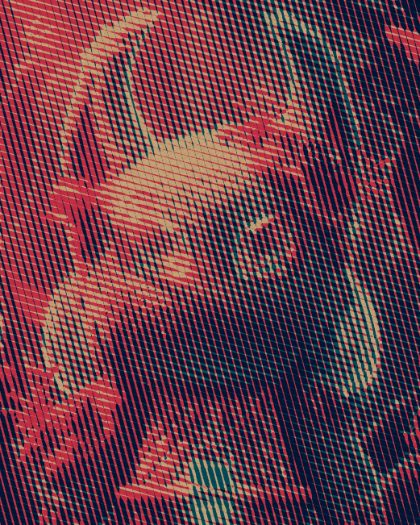 Kraft LinesLine screens on brown kraft paper, heavy first ink.03
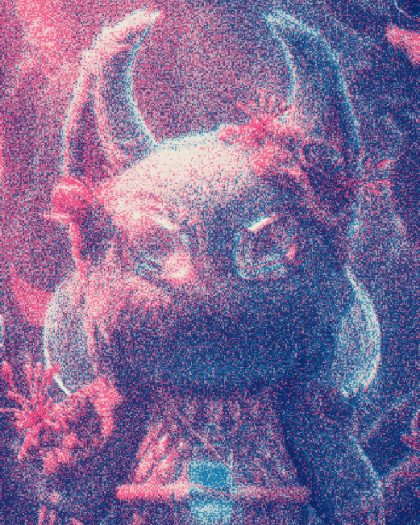 Loose DrumThe registration wanders through the loop and one drum is skewed.04
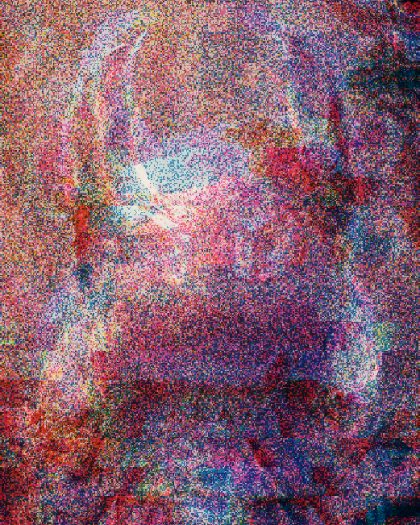 MisprintFive fluoro inks out of register on clean paper, rows jamming sideways, the print echoing down the sheet.05
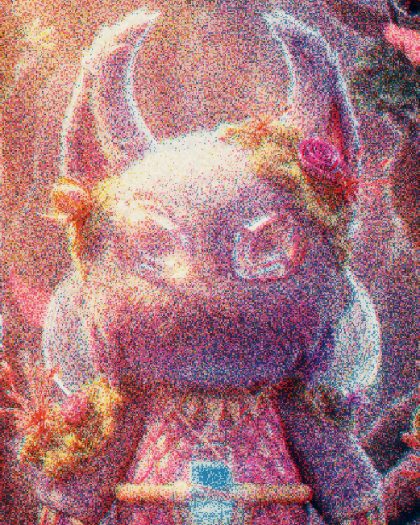 Fluoro FourPink, blue, red and yellow, a loose fluoro print.06
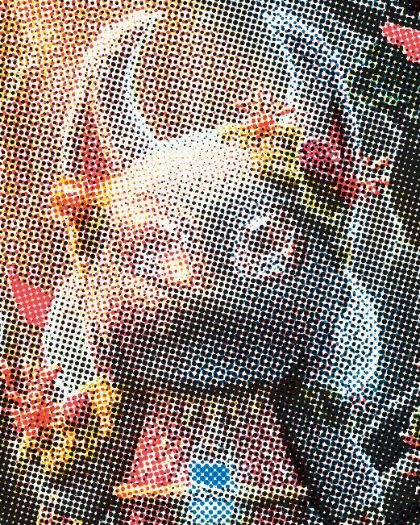 Zine PrimaryFive primaries as halftone dots on white stock.07
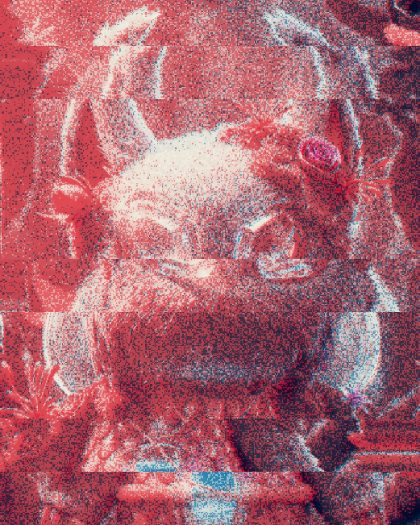 Jammed CopierThree inks, whole bands of the sheet dragging sideways every beat.08
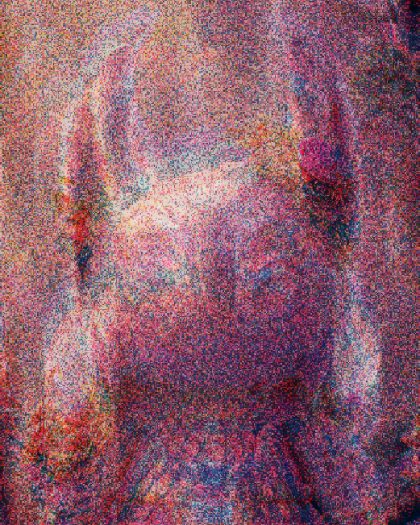 Echo StackFour inks, each echo printed in the next ink down the page.09
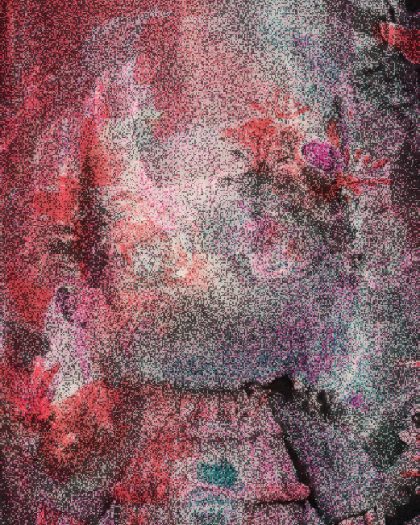 Stutter PosterEchoes that jump with the slips, like a print caught mid-feed.10
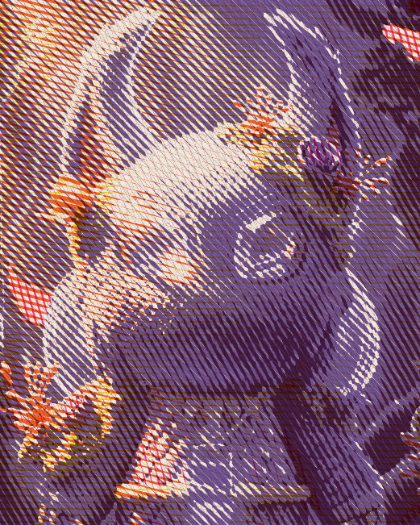 Sunset DrumsFive warm inks as line screens.11
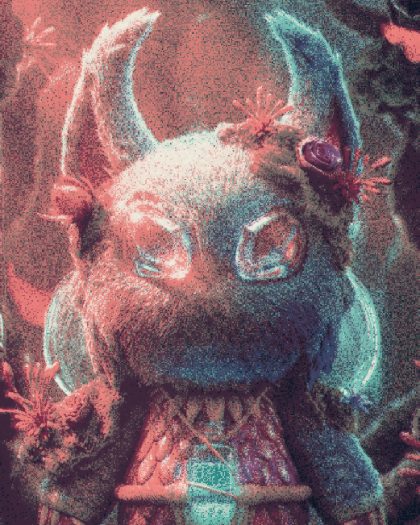 Mint & PlumFour soft inks on natural paper.12
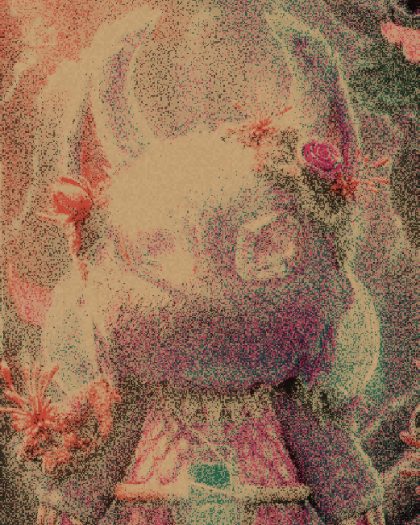 Night NeonBlack, pink, teal and coral on kraft.13
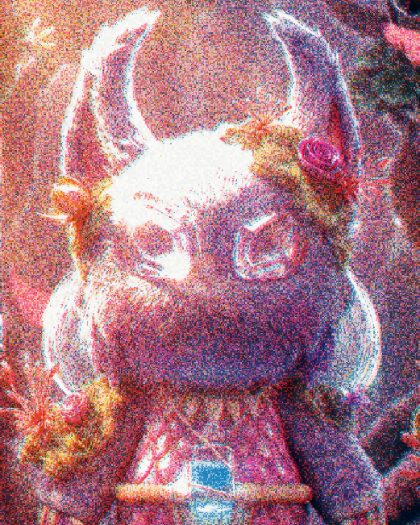 Bare PaperFour fluoro inks on white stock that only print the darker half; the light half stays clean paper.14
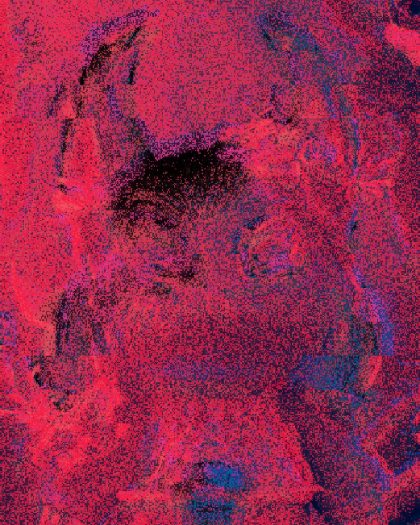 Ink OnlyThree fluoro inks with no sheet under them, slipping and echoing past the edges: for logos and cutouts on a transparent export.15
 Tape FeedThe paper wanders and a few rows slip, twice a loop.