
Engrave
Banknote engravingThe portrait on a banknote is cut into a steel plate as fine lines, and the ink sits in the grooves. Engrave redraws your picture in those swelling lines, over a field of guilloché rings.
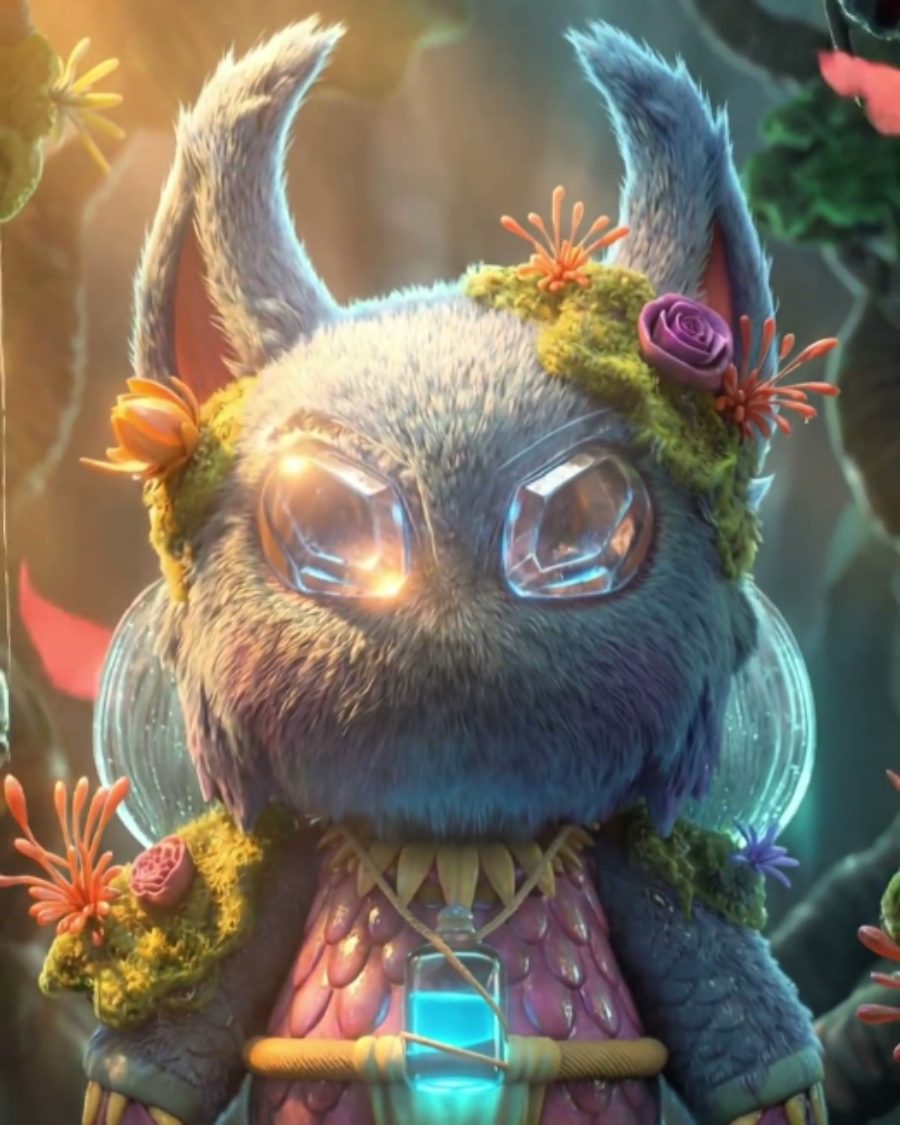
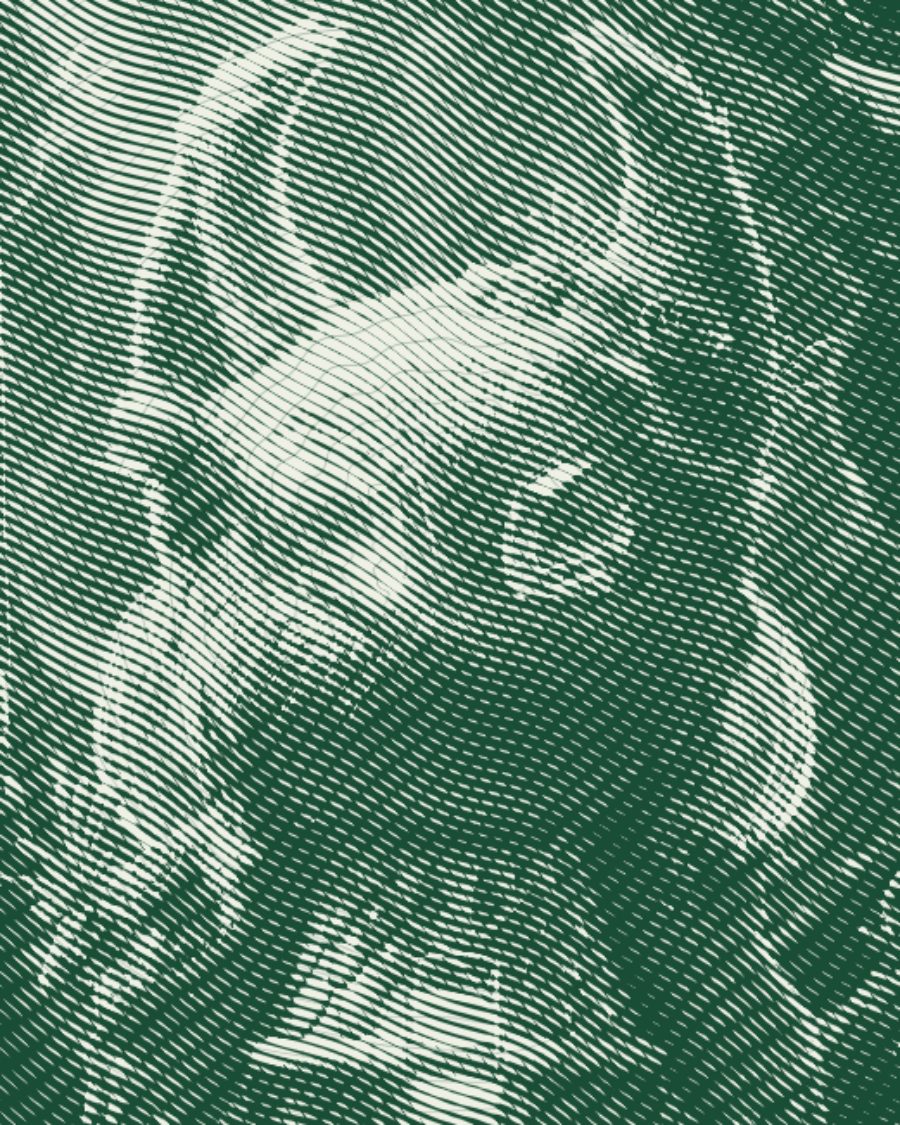
The sample at Engrave's defaults. Drag to compare, or press Play with it to tune it live. Open as a shared look
What it's like
Hold a bill close and the face on it is nothing but lines. They run in long waves, fatten where the face is shadowed, thin to a hair where it's lit, and pick up a second crossing set in the deepest darks. Around it all, a lathe has spun rings of looping pattern that no hand could copy. Engrave puts your picture on that plate.
When to reach for it
- Portraits that should feel official, valuable or old.
- Money, certificate and stamp looks for covers, merch and title cards.
- A one-color print look with more finesse than a halftone.
How it works
Every line is the same distance apart. What changes is its thickness. Dark parts of the picture swell the line until it nearly fills its groove, light parts shrink it to a thread. Past a certain darkness a second set of lines crosses the first. The guilloché rings sit on top and show most in the light areas, where the lines are thin.
Controls
6 controls in 2 sections, in the order Tune shows them.
Engraving
- Hero knobLine pitch
3px to 12px · rests at 6px
The hero. How far apart the engraved lines sit. Small is a fine plate, large is bold and graphic.
- KnobCurve
0 to 100 · rests at 45
Bends the lines into long, slow waves. At 0 they run dead straight.
- KnobAngle
0° to 180° · rests at 27°
Which way the lines run across the picture.
- KnobGuilloché
0 to 100 · rests at 50
The guilloché. Rings of looping pattern spread from the center, strongest in the light areas.
Ink
- SelectInk
GreenSepiaBlackBlue
The ink color. Green, Sepia, Black or Blue.
- KnobPaper
0 to 100 · rests at 60
How tinted the paper is. With Green ink it turns a pale mint, with the others a warm cream.