
Light Leak
Film · light fogging the frameLight gets into a film camera through a gap at the edge of the back, or at the end of a roll. It fogs the film in warm, soft washes. Light Leak puts that light on your picture, and you choose where it comes from and how it moves.

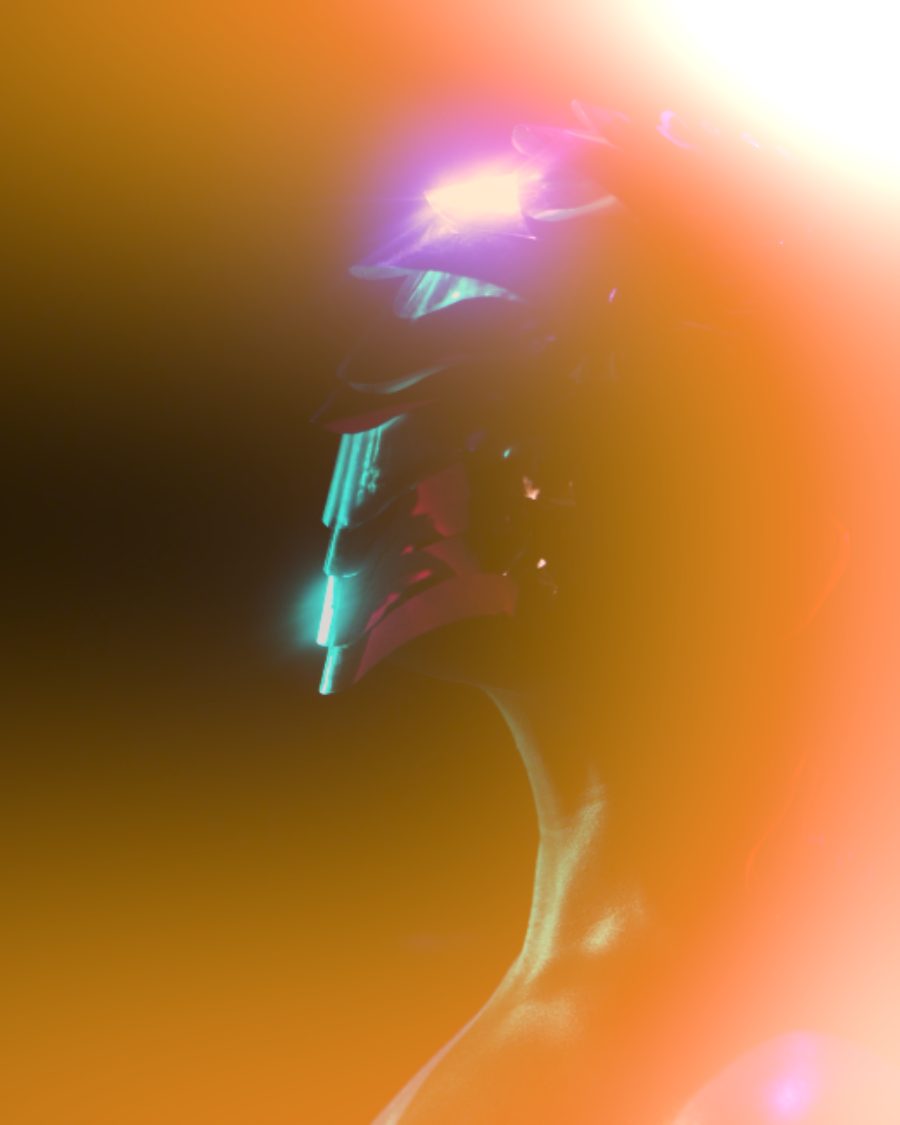
The sample with the Two-Tone Burn preset. Drag to compare, or press Play with it to tune it live. Open as a shared look
What it's like
Open a camera back too early and the film near the edge goes amber and red. A leak is never sharp and never the same twice. Here you pick the kind of leak, where it comes in, and how much it breathes through the loop.
When to reach for it
- Warmth and age on a clean digital picture.
- Transitions and openers. Press Open back and the frame floods with light.
- Light as its own layer. Set Light to Light only and put other effects on the light alone. See Put an effect on the light only.
Controls
27 controls in 6 sections, in the order Tune shows them.
Leak
- SelectStyle
Edge burnCornerStreakPrismFlareGateRoll end
The kind of leak. Edge burn, Corner, Streak, Prism, Flare, Gate or Roll end.
- Hero knobStrength
0 to 100 · rests at 55
The hero. How strong the light is.
- SelectFrom
AutoLeftRightTopBottomAim
Where the light comes in. Aim lets you place it on the Aim screen.
- KnobAim X
0 to 100 · rests at 80
Where an aimed leak sits, across.
- KnobAim Y
0 to 100 · rests at 70
Where an aimed leak sits, down.
Shape
- KnobSize
0 to 100 · rests at 50
How big the leak is.
- KnobPosition
0 to 100 · rests at 30
Moves the leak to a new spot. Reroll does the same with a press.
- SelectCount
Auto1246
How many leaks.
- KnobSoftness
0 to 100 · rests at 50
How soft the edges are.
- FaderAngle
-90° to 90° · rests at 0°
Tilts streaks and prisms.
Color
- SelectColor
AmberRedMagentaGoldTeal
The light's color. Amber, Red, Magenta, Gold or Teal.
- FaderHue shift
-180° to 180° · rests at 0°
Turns the color around the wheel.
- SelectEdge color
SameWarmerCoolerOpposite
A second color at the edges of the light.
- KnobSpectral
0 to 100 · rests at 0
Spreads the light into a spectrum.
- KnobHot core
0 to 100 · rests at 50
How hot and white the center burns.
Film
- SelectLight
Whole frameOver the artLight only
Whole frame washes everything, including a clear background. Over the art keeps the glow on your art. Light only is the light alone, for other effects to work on.
- SelectBlend
LightScreenDodge
How the light meets the picture. Light, Screen or Dodge.
- KnobFog
0 to 100 · rests at 0
A haze of the light's color over the whole frame.
- KnobBurnout
0 to 100 · rests at 0
Where the light is strongest, the film burns out to white.
- KnobGrain
0 to 100 · rests at 0
Film grain in the light.
Motion
- KnobMotion
0 to 100 · rests at 40
How much the leak breathes and moves through the loop.
- KnobFlicker
0 to 100 · rests at 20
The light flickers like a shutter.
- SelectRate
1×2×4×
How fast the motion runs.
- KnobDrift
Off to 3 laps per loop · rests at Off
The leak travels across the frame, a whole number of laps per loop.
Buttons
- Pulse buttonFlash
Momentary · fires and falls back · can be recorded
Press for a burst of light.
- Pulse buttonReroll
Momentary · fires and falls back · can be recorded
Press for a new position.
- Pulse buttonOpen back
Momentary · fires and falls back · can be recorded
Press and the back opens. Light floods in from the edge.
Presets
10 presets. Each one opens in the studio as a shared look. Add it on top of your picture, or save it to My looks.
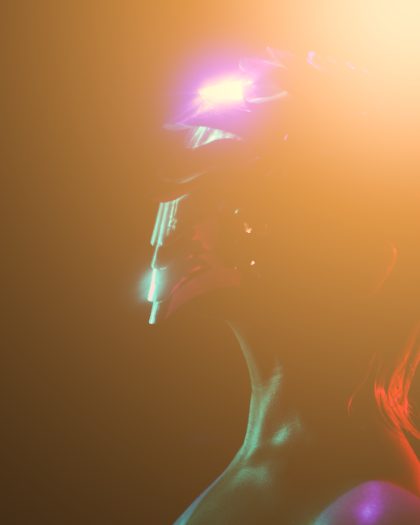 Window LightA warm corner glow, as if the sun got in the back.02
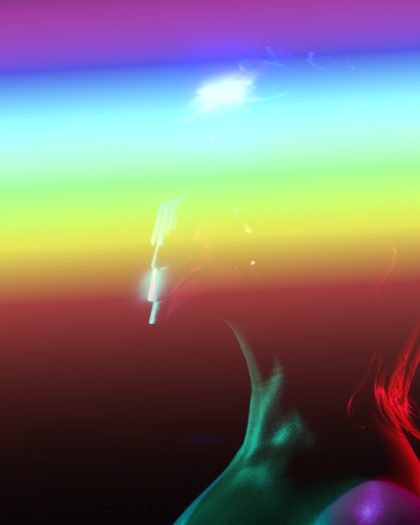 Prism StripeA rainbow band across the frame, from a prism in the lens.03
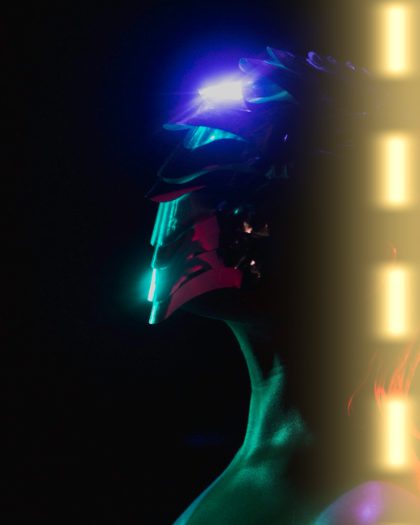 Sprocket GlowLight through the gate: a bright edge with perforations shining.04
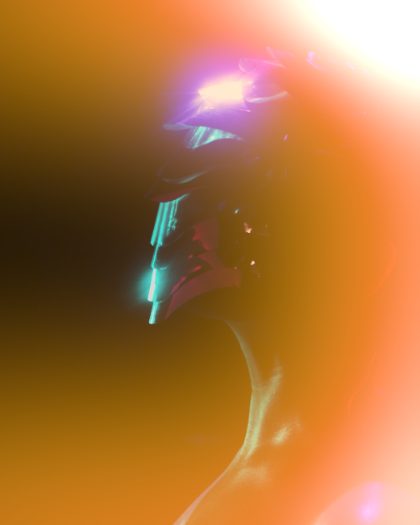 Two-Tone BurnRed at the heart, gold at the edges.05
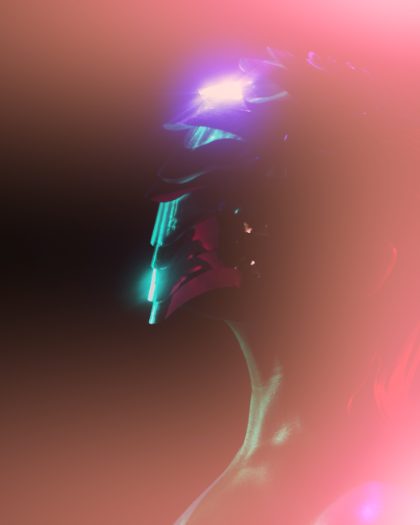 Sunset DriftMagenta and amber drifting across the frame, a full lap each loop.06
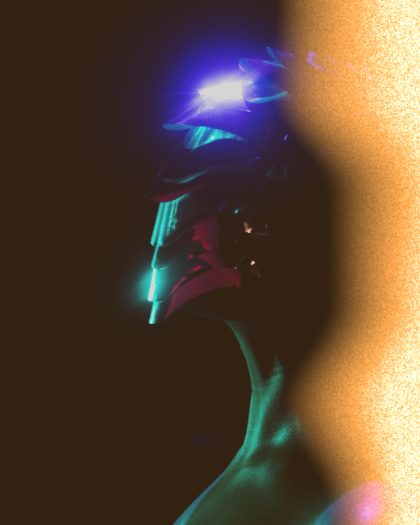 Fogged RollThe whole roll saw light: lifted blacks, grain in the leak.07
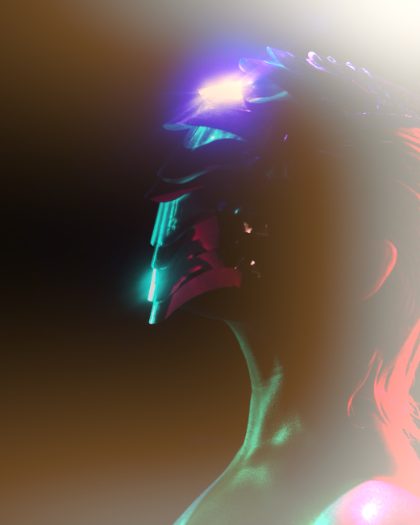 Burnt OutLight blew the highlights clean through.08
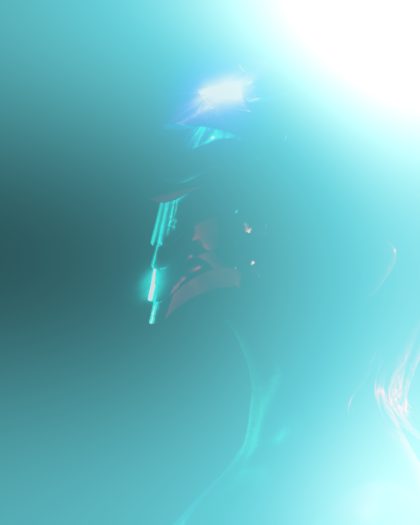 Cool LeakA teal leak screened in soft.09
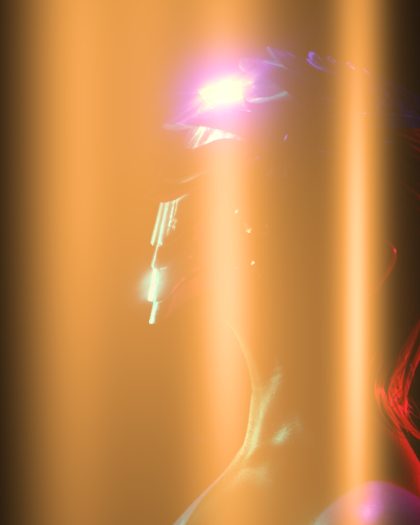 Strobe StreaksSix streaks pulsing four times a loop.10
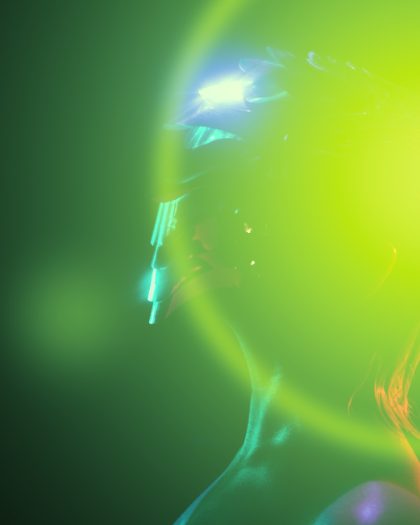 Spectral FlareA flare that runs through the colors toward its edge.