
ASCII
Type · 10-step rampASCII redraws your picture with characters, darker ones where it's dark and lighter ones where it's bright. It can sit on paper, glow on a terminal, type itself out or rain down the screen.

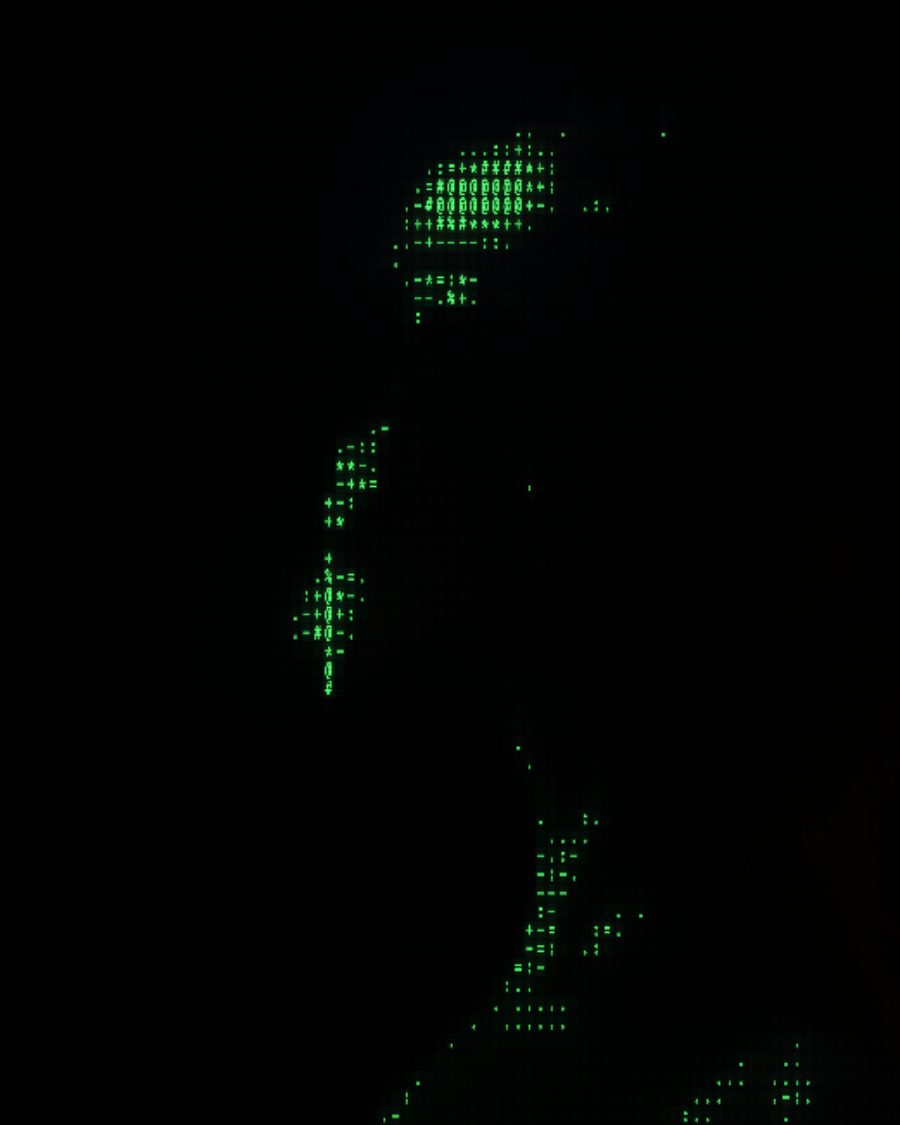
The sample with the Green Terminal preset. Drag to compare, or press Play with it to tune it live. Open as a shared look
What it's like
Before screens could show pictures, people drew them with the keys they had. A dense @ reads as dark, a dot reads as light. ASCII does that in real time, and adds the terminal it would have run on.
When to reach for it
- Titles and openers that feel like code or a terminal.
- A picture that should read as text up close and as an image from far away.
- Light turned to characters. Put it above a Light Leak set to Light only.
Controls
19 controls in 6 sections, in the order Tune shows them.
Cells
- Hero knobCell
5px to 28px · rests at 11px
The hero. How big each character cell is.
- SwitchCell shape
SquareTerminal
Square cells, or tall Terminal cells.
- KnobContrast
0 to 100 · rests at 50
Spreads the characters across more of the ramp.
- KnobGamma
0 to 100 · rests at 50
Lightens or darkens the midtones before choosing characters.
Characters
- SelectCharset
ClassicBlocksBinaryNANA
Which characters. Classic, Blocks, Binary or NANA.
- SwitchInvert
OffOn
Swaps dark for light.
- SwitchOwn text
OffOn
Uses your own text as the characters. Type it under Own text.
- KnobEdges
0 to 100 · rests at 0
Draws edges with | - / and \, like hand-made ASCII art.
Color
- KnobSource color
0% to 100% · rests at 100%
How much of the picture's own color the characters take. 100% is full source color. 0% uses the Screen color.
- KnobBackdrop
0 to 100 · rests at 15
A dim copy of the picture behind the characters.
Terminal
- SelectScreen
PaperGreenAmberBlue-white
The screen color when Source color is low. Paper, Green, Amber or Blue-white.
- KnobGlow
0 to 100 · rests at 0
A phosphor glow around each lit character.
- KnobScanlines
0 to 100 · rests at 0
The raster lines of a tube.
Motion
- KnobType out
0 to 100 · rests at 0
The screen types itself out, then holds.
- SelectScroll
Still1 screen2 screens
The picture scrolls up through the screen.
- KnobDecode
0 to 100 · rests at 0
Every cell scrambles, then locks in.
- KnobRain
0 to 100 · rests at 0
Trails of characters fall through the picture.
- SelectRain color
GreenSourceWhite
The rain's color.
Buttons
- Pulse buttonGlitch
Momentary · fires and falls back · can be recorded
Press for a burst of scrambled characters.
Presets
7 presets. Each one opens in the studio as a shared look. Add it on top of your picture, or save it to My looks.
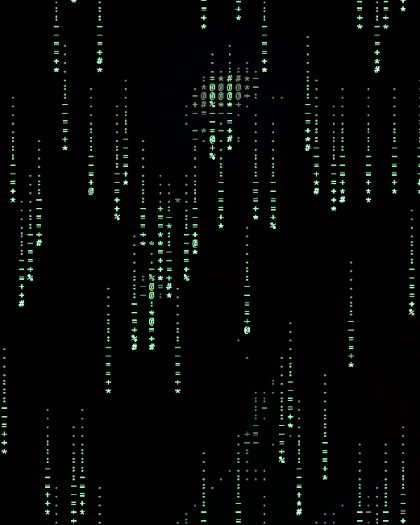 Code RainGreen trails falling through the picture.02
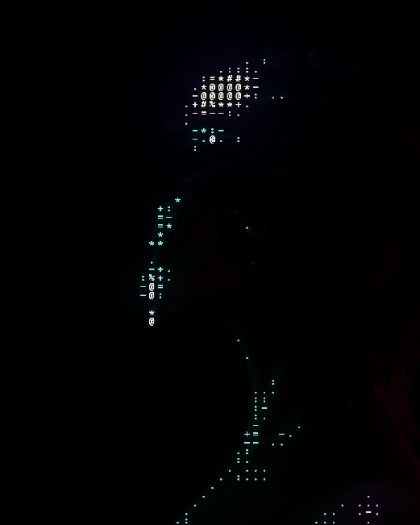 DecoderEvery cell scrambles, then locks in with a flash.03
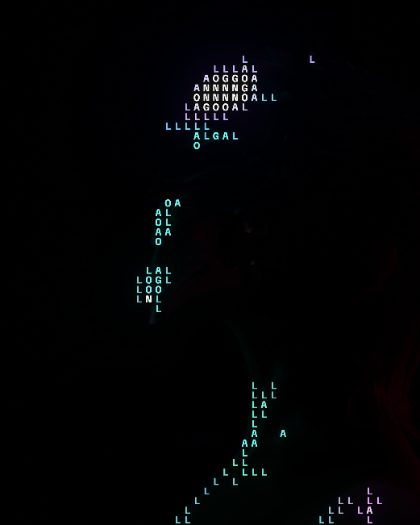 Own WordsYour own text as the characters (type it under Own text).04
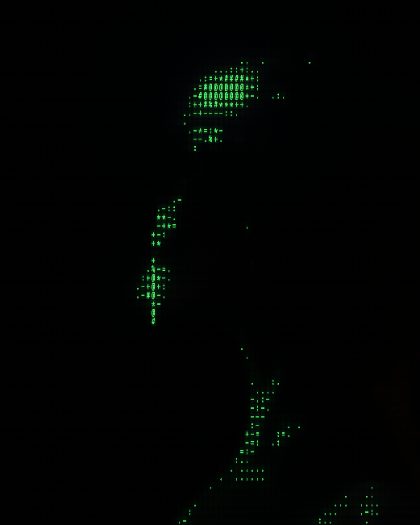 Green TerminalTall terminal cells in green phosphor, scanlines and glow.05
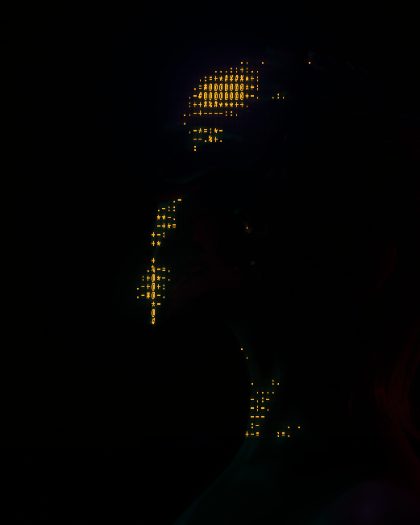 Amber TeletypeThe screen types itself out in amber, then holds.06
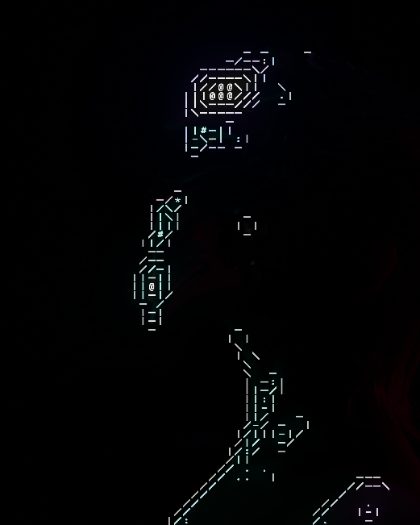 Line ArtEdges drawn in | - / and \, like hand-made ASCII art.07
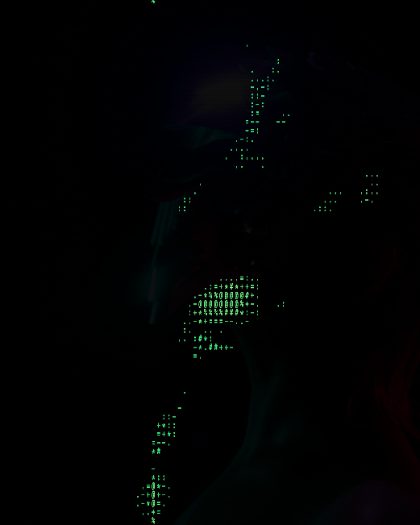 Scrolling FeedThe picture scrolls up through a green terminal.