
CRT
Display · 15 kHzA tube TV paints its picture with a beam, line by line, through a mask of red, green and blue phosphor behind curved glass. CRT puts your picture on that tube, from the cable going in to the dust on the screen.

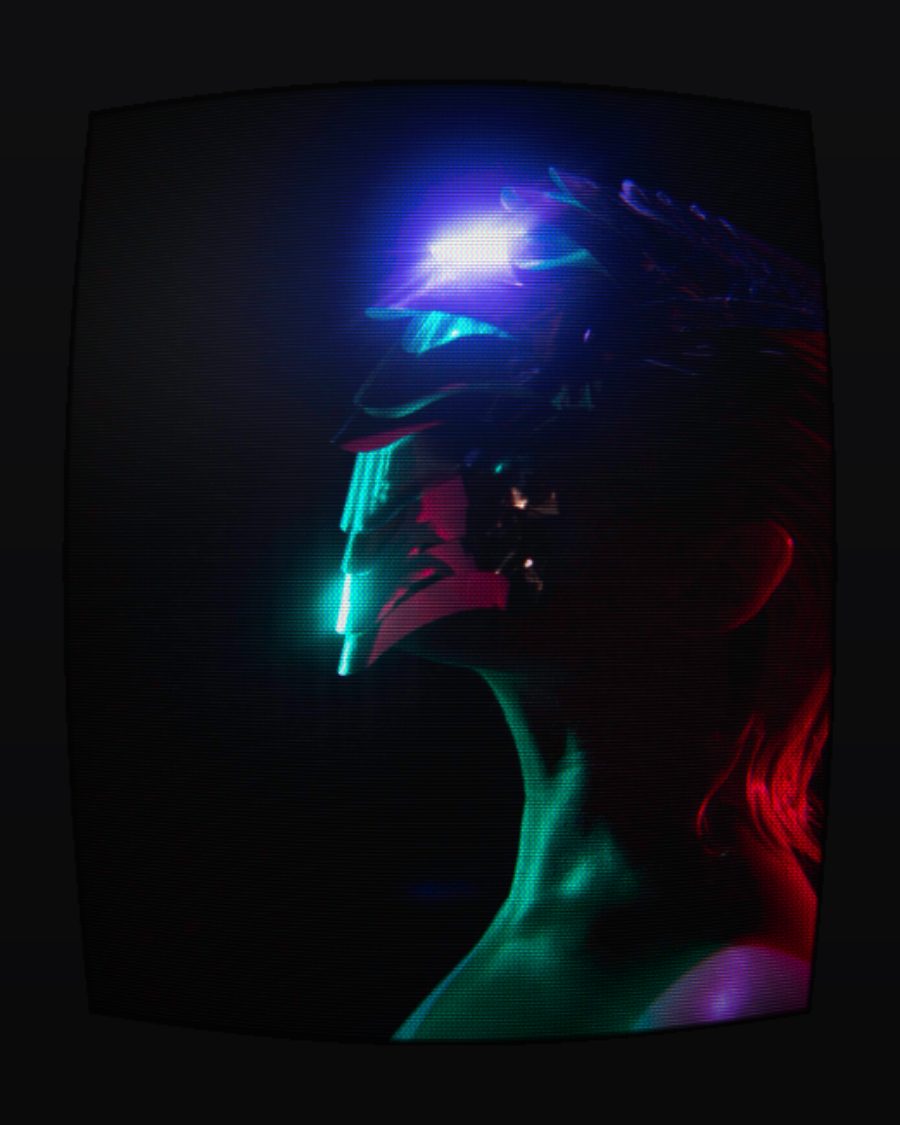
The sample with the Arcade Cab preset. Drag to compare, or press Play with it to tune it live. Open as a shared look
What it's like
Put your face close to an old set. The picture breaks into lines, and each line into tiny colored stripes or dots. The glass bulges, bright things bloom and leave a glow behind them, and a loose aerial fills it all with snow. CRT builds the whole set, and lets you choose which one. A living room set on a composite cable, a sharp studio monitor, an arcade cabinet, a green terminal, a tiny portable.
When to reach for it
- Footage that should feel watched on a TV, not shot for one.
- Titles and type on a terminal. Pick a single Phosphor and raise Halation.
- Openers and cuts. Press Channel for a burst of snow, or switch Power off and the picture collapses to a dot.
- A tape played on a real set. Put it above VHS.
How it works
The signal travels through the set the way it would in a room. Input decides how much the cable spoils it. The Picture faders work on that signal, like the knobs on the front, so contrast drives the beam too. Then the beam draws it in lines, the mask splits it into phosphor colors, and the glass adds its curve, glow and reflections. Phosphor memory keeps a little of the last frames on the screen, the way real phosphor does.
Controls
41 controls in 10 sections, in the order Tune shows them.
Set
- SelectSet
ClassicLiving roomBroadcastArcadeTerminalSecurityScopePocket
Picks a kind of set and puts every knob where that set has it. Classic, Living room, Broadcast, Arcade, Terminal, Security, Scope or Pocket. Power, the buttons, the magnet and the on-screen display stay as they are.
Picture
- FaderBrightness
-100 to +100 · rests at 0
The set's brightness knob. It lifts or sinks the whole signal before the beam draws it.
- FaderContrast
-100 to +100 · rests at 0
Contrast, from flat to punchy. It works on the signal, so bright lines swell with it.
- FaderColor
-100 to +100 · rests at 0
How much color. All the way down is black and white, all the way up is vivid.
- FaderTint
-100 to +100 · rests at 0
The tint knob. Skin tones turn toward green one way and purple the other.
- SelectOn-screen
OffGreenCyanWhite
The set's own on-screen display, in Green, Cyan or White. Turn a Picture fader, Tuning or a hold and its name and a bar come up, then fade. Channel shows the channel number.
Raster
- Hero knobScanlines
0 to 100 · rests at 55
The hero. The dark gaps between the lines. Bright parts of the picture swell and fill them in.
- KnobLines
120 to 360 · rests at 216
How many lines down the screen, from a chunky 120 to a fine 360.
- KnobMask
0 to 100 · rests at 35
How strongly the red, green and blue phosphors show through.
- SelectMask type
StripesSlotsDots
The mask's pattern. Stripes are fine vertical bars, Slots break them into staggered cells, Dots are offset triads.
- KnobMask size
1.0× to 4.0× · rests at 1.0×
How big the mask is. Larger reads like a small set seen up close.
Tube
- SelectPhosphor
ColorGreenAmberBlue-whiteWhite
Color, or a single phosphor. Green, Amber, Blue-white or White turn the picture into one glowing color.
- KnobCurve
0 to 100 · rests at 40
How much the glass bulges. The picture bends toward the edges.
- KnobVignette
0 to 100 · rests at 55
The picture darkens toward the corners.
Beam
- KnobBeam
0 to 100 · rests at 0
Draws each line as a real beam. Dark lines go thin, bright lines swell until they nearly touch.
- KnobSoftness
0 to 100 · rests at 0
The picture softens sideways, like a signal that has lost its fine detail.
- KnobConvergence
0 to 100 · rests at 0
The red and blue beams miss each other, more toward the edges, so edges grow color fringes.
- KnobCorner focus
0 to 100 · rests at 0
The beam blurs toward the corners while the center stays sharp.
Signal
- SelectInput
RGBComponentS-videoCompositeRF
The cable into the set. RGB is clean. Component and S-video soften the color. Composite adds a crawling rainbow on fine detail. RF is the aerial, with a ghost and weaker color.
- KnobChroma
0 to 100 · rests at 30
Red and blue pull apart toward the edges of the screen.
- FaderTuning
-100 to +100 · rests at 0
Off the station. A little and the picture wavers and snows. Far off it rolls and dissolves into snow.
- KnobFlicker
0 to 100 · rests at 15
A faint, fast pulse in brightness.
- KnobHum bar
0 to 100 · rests at 25
A soft band of light rolls up the screen, once a loop, like hum on the power line.
- FaderV-hold
-100 to +100 · rests at 0
The picture rolls, one way or the other, faster the further you push it.
- FaderH-hold
-100 to +100 · rests at 0
The picture slants and slips sideways, left or right.
- KnobSync loss
0 to 100 · rests at 0
The set keeps losing the signal. Frames jump and lines tear.
- KnobSnow
0 to 100 · rests at 0
Static over the picture. It fills a clear background too.
Glass
- SelectBezel
NoneBlackWoodMetal
A cabinet around the screen. Black, Wood or Metal. The picture shrinks to fit inside it.
- KnobCorners
0 to 100 · rests at 0
Rounds the corners of the screen.
- KnobHalation
0 to 100 · rests at 0
Light glows around bright parts, scattered in the thick glass. It takes the phosphor's color.
- KnobGlare
0 to 100 · rests at 0
A room light reflecting on the glass, up in the corner.
- KnobDust
0 to 100 · rests at 0
Specks and smudges on the screen.
Phosphor memory
- KnobAfterglow
0 to 100 · rests at 0
Bright things leave trails as the phosphor fades, turning warm as they go.
- KnobInterlace
0 to 100 · rests at 0
Every other line still shows the frame before, so motion combs.
- KnobBurn-in
0 to 100 · rests at 0
A ghost of what has been on screen lingers in the glass.
Buttons
- Pulse buttonDegauss
Momentary · fires and falls back · can be recorded
Press it and the picture wobbles and swirls with color, then settles, like a set clearing its mask.
- Pulse buttonChannel
Momentary · fires and falls back · can be recorded
Press it to change channel. A burst of snow, the picture rolls back into place, and the number shows if On-screen is on.
- SwitchPower
OnOff
Off squeezes the picture to a bright line, then a dot that fades. On brings it back.
- KnobMagnet
0 to 100 · rests at 0
A magnet held to the glass. The picture bends around it and stains with color.
Settings
- KnobMagnet X
0 to 100 · rests at 62
Where the magnet sits, across. Place it on the Aim screen.
- KnobMagnet Y
0 to 100 · rests at 40
Where the magnet sits, up and down.
Presets
9 presets. Each one opens in the studio as a shared look. Add it on top of your picture, or save it to My looks.
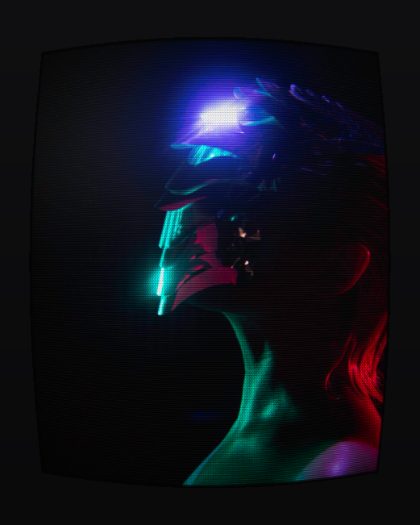 Arcade CabDot mask, fat bright scanlines and a glow, in a black cabinet.02
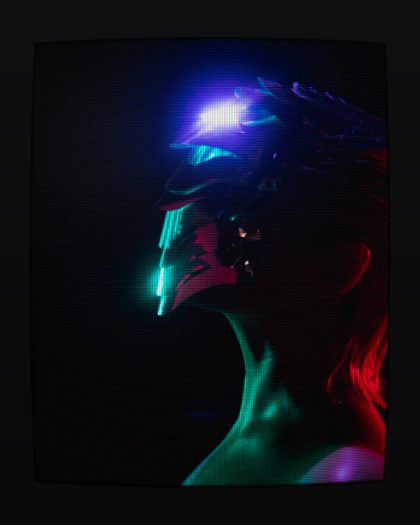 Broadcast MonitorA flat studio monitor: sharp RGB, fine stripes, the beam swelling on highlights.03
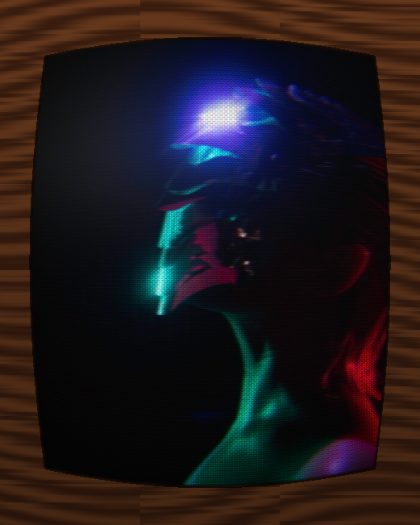 Living Room '89Composite into a wood-cased set: color bleed, dot crawl, glare on curved glass.04
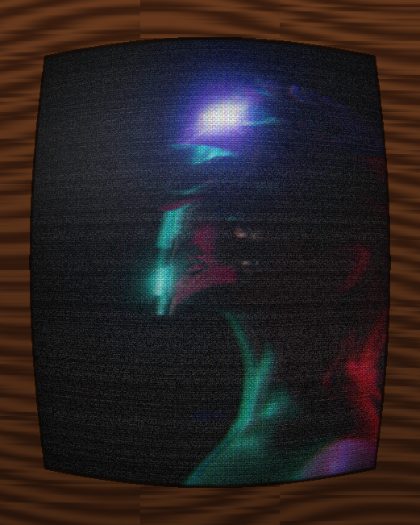 Late Night RFAerial reception past midnight: ghosting, snow, a drifting picture and a slow hum bar.05
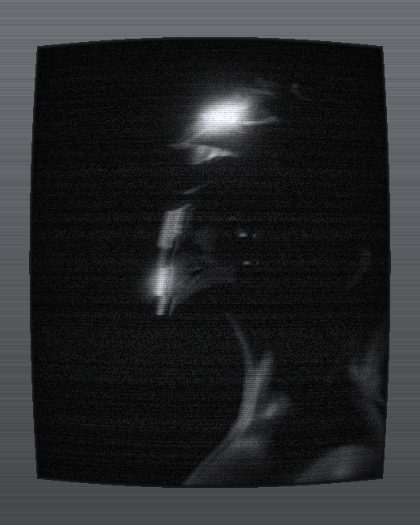 Security FeedA white phosphor monitor on RF: soft, contrasty, a little unstable.06
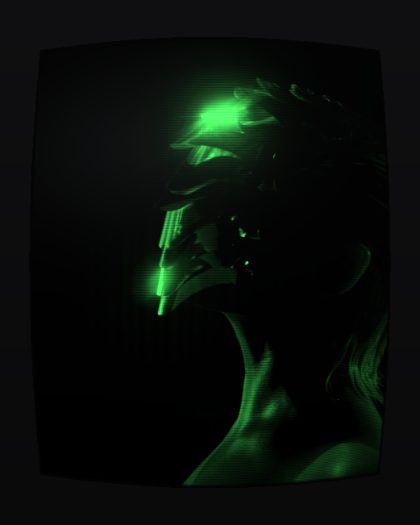 Green TerminalGreen phosphor text screen with a wide halo.07
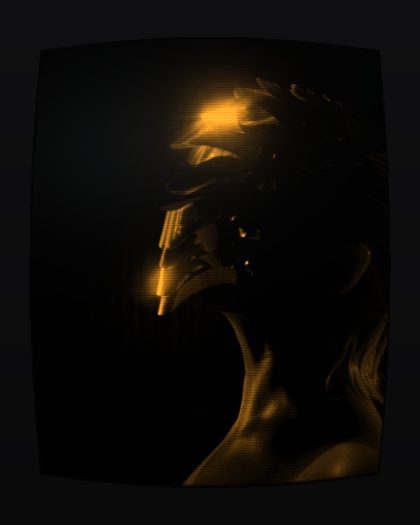 Amber TerminalAmber phosphor text screen with a wide halo.08
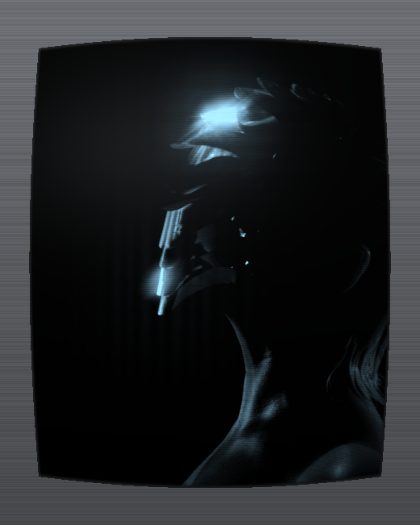 Blue-white ScopeA cool blue-white instrument screen, all beam and glow.09
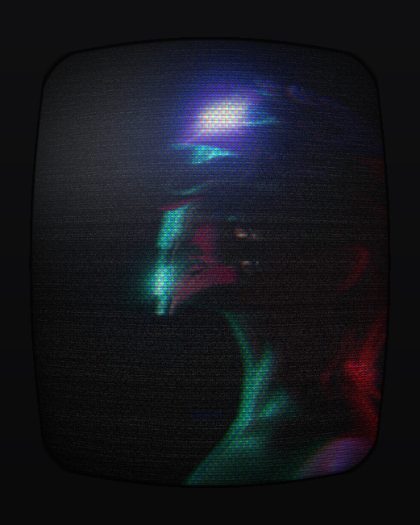 Pocket TVA tiny portable on its aerial: big dot mask, rounded corners, snow.