
Pen
Hatch · crosshatch · stippleA pen can't paint a gray. It builds tone from lines and dots, more of them where it's dark. Pen redraws your picture that way, in hatching, crosshatching, stipple or lines that wrap around the form.
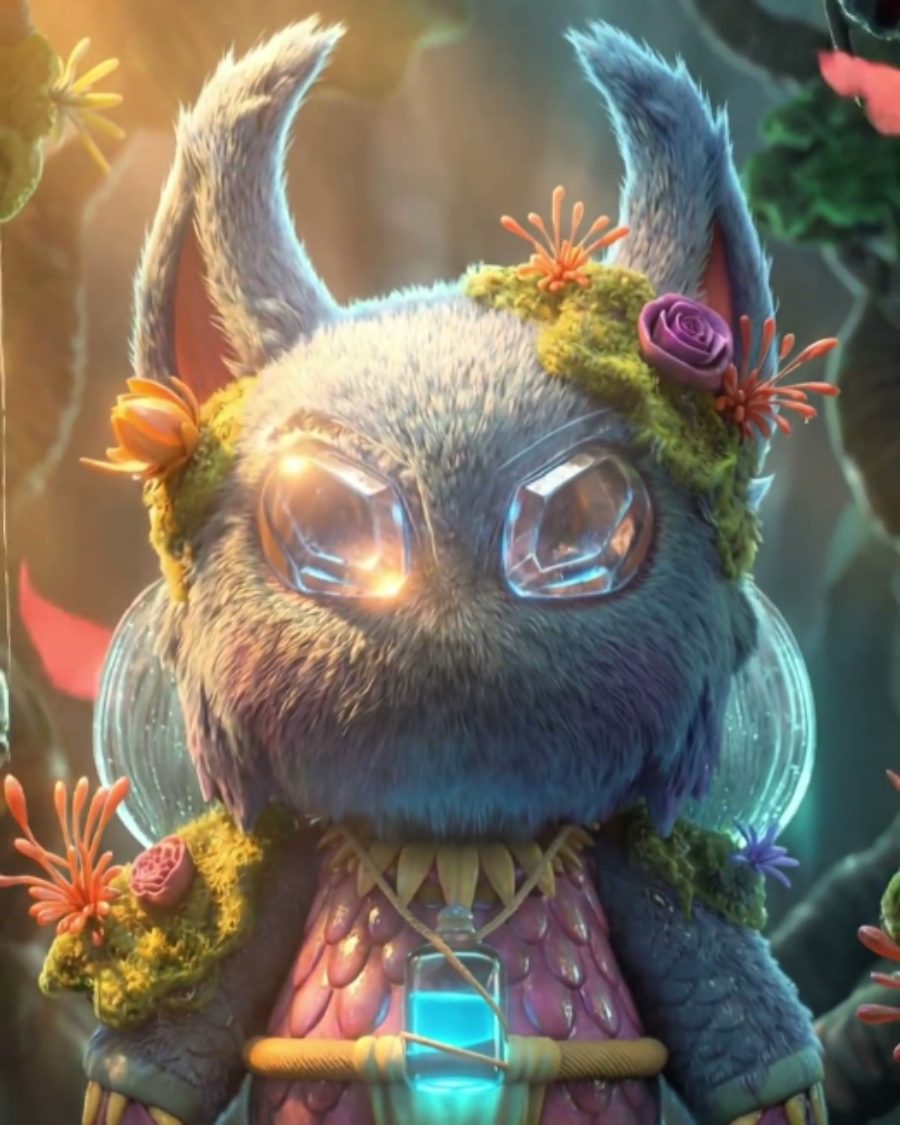
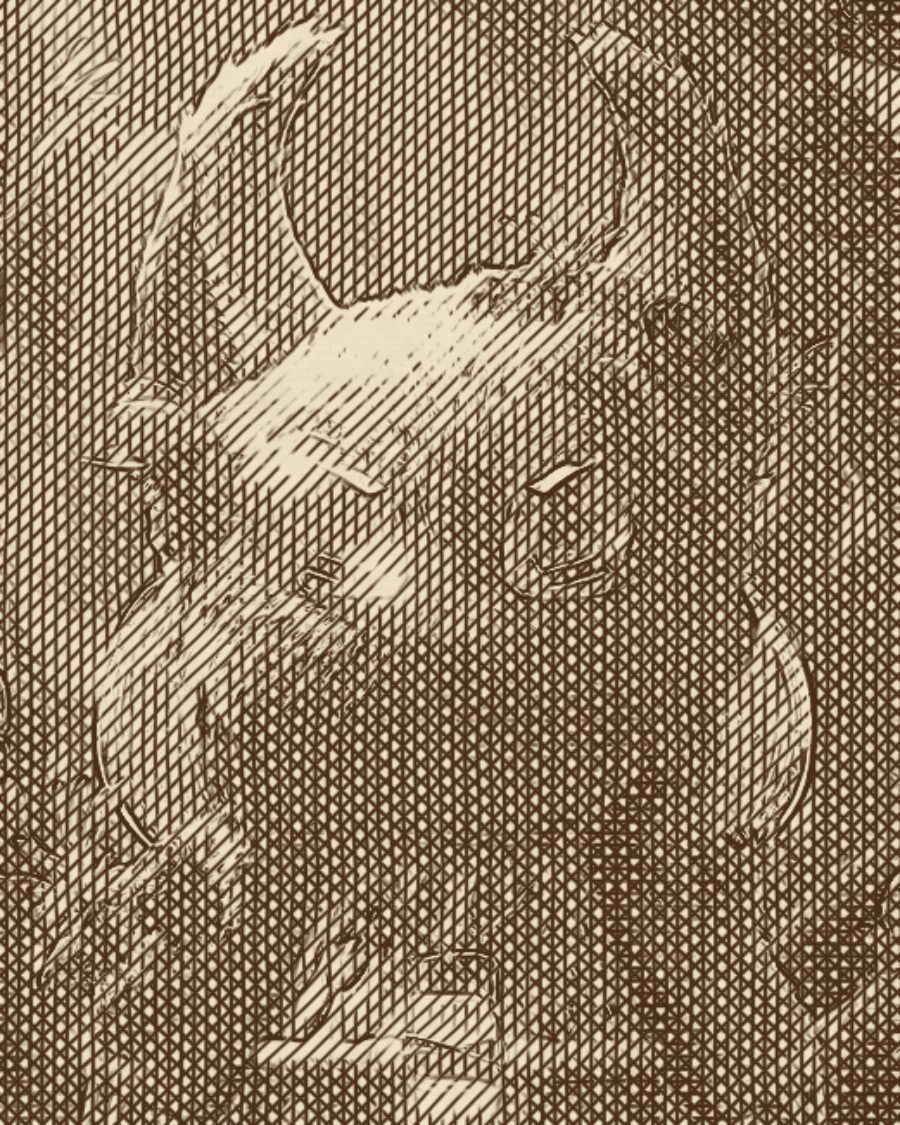
The sample with the Crosshatch Study preset. Drag to compare, or press Play with it to tune it live. Open as a shared look
What it's like
Think of an illustrator with a dip pen and a bottle of ink. Light areas get a few parallel strokes. Darker areas get a second pass, then a third across the first, until the shadows go nearly solid. Stipple does the same with patient dots. The lines wobble a little because a hand drew them, and the paper has its own fiber.
When to reach for it
- Portraits and objects that should read as an illustration, not a photo.
- Editorial and book-style art, in sepia, red pen or graphite.
- Animated drawing. Turn up Boil with a little Jitter and the drawing redraws itself through the loop, like hand-drawn animation.
How it works
Pen reads how dark each spot is, then stacks passes of ink. Each pass only starts at a darker tone than the one before, so light areas stay open and shadows fill in. In Crosshatch each new pass turns 45 degrees. In Flow the lines follow the contours of the picture's tones instead of one fixed angle.
Controls
13 controls in 4 sections, in the order Tune shows them.
Pen
- SelectStyle
HatchCrosshatchStippleFlow
How the pen makes tone. Hatch stacks parallel lines, Crosshatch turns each pass across the last, Stipple uses dots, Flow wraps the lines around the forms.
- Hero knobSpacing
3.0px to 24.0px · rests at 8.3px
The hero. How far apart the lines or dots sit. Small is fine pen work, large is bold and graphic.
- KnobWeight
0 to 100 · rests at 45
How thick the strokes and dots are. Lines still thicken a little in the shadows.
- KnobAngle
0° to 180° · rests at 45°
Which way the lines run. In Flow it only sets the lines in flat areas.
Build
- KnobLayers
1 to 4 · rests at 3
How many passes of ink, one to four. More passes reach deeper shadows.
- KnobJitter
0 to 100 · rests at 15
The hand's wobble. A little feels drawn, a lot feels loose and sketchy.
- KnobBoil
0 to 100 · rests at 0
The drawing redraws itself 4 to 12 times a loop. Lines need some Jitter to move. Stipple dots reshuffle on their own.
- KnobEdges
0 to 100 · rests at 30
Draws an outline wherever the tone changes sharply.
Tone
- KnobBlack
0 to 100 · rests at 0
Sets the black point. Raise it and more of the picture goes to full ink.
- KnobWhite
0 to 100 · rests at 100
Sets the white point. Lower it and more of the picture stays clean paper.
- FaderGamma
-100 to +100 · rests at 0
Lightens or darkens the midtones before the pen draws.
Paper
- SelectInks
Ink on paperSepiaBlueprintWhite on blackRed penGraphite
The ink and paper. Ink on paper, Sepia, Blueprint, White on black, Red pen or Graphite.
- KnobPaper
0 to 100 · rests at 30
The paper's mottle and fiber showing through.
Presets
5 presets. Each one opens in the studio as a shared look. Add it on top of your picture, or save it to My looks.
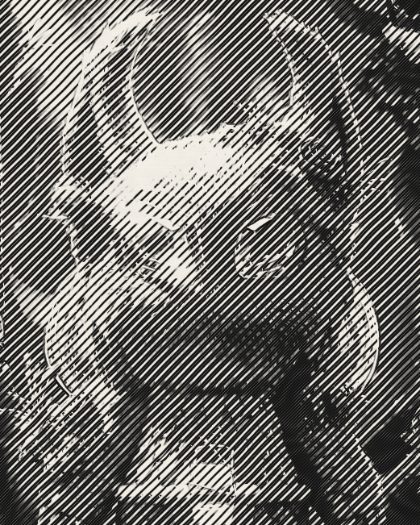 Ink HatchParallel pen hatching that thickens into the shadows, with a light outline.02
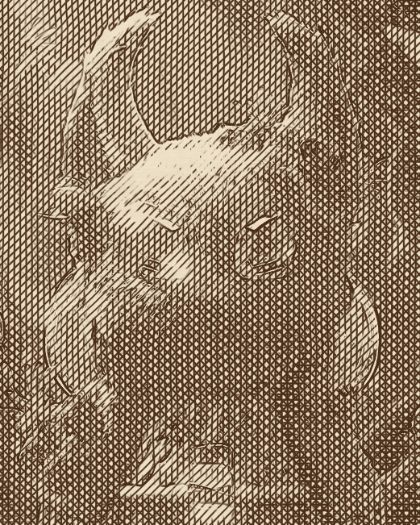 Crosshatch StudyFour directions of crosshatching in sepia, with drawn contours.03
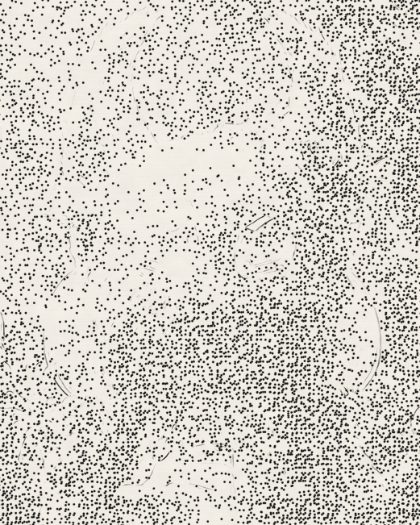 StippleDot stippling that gathers in the shadows.04
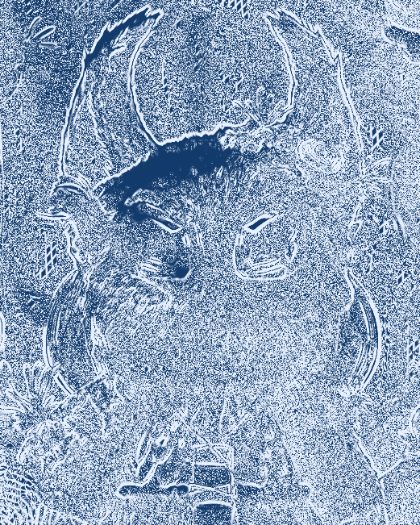 Blueprint SketchHatching that follows the form, in white on blueprint blue.05
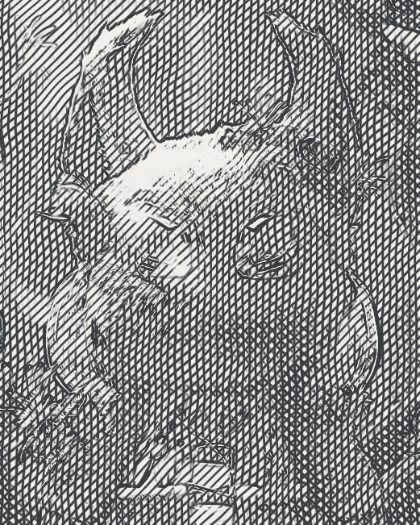 Boiling LineHand-drawn crosshatch that redraws itself a few times a second, like animation line boil.