
Halation
Film · red fringeIn color film, light that passes all the way through bounces off the film base and comes back into the red layer. It leaves a red-orange glow around every bright light. Halation puts that glow on your picture.

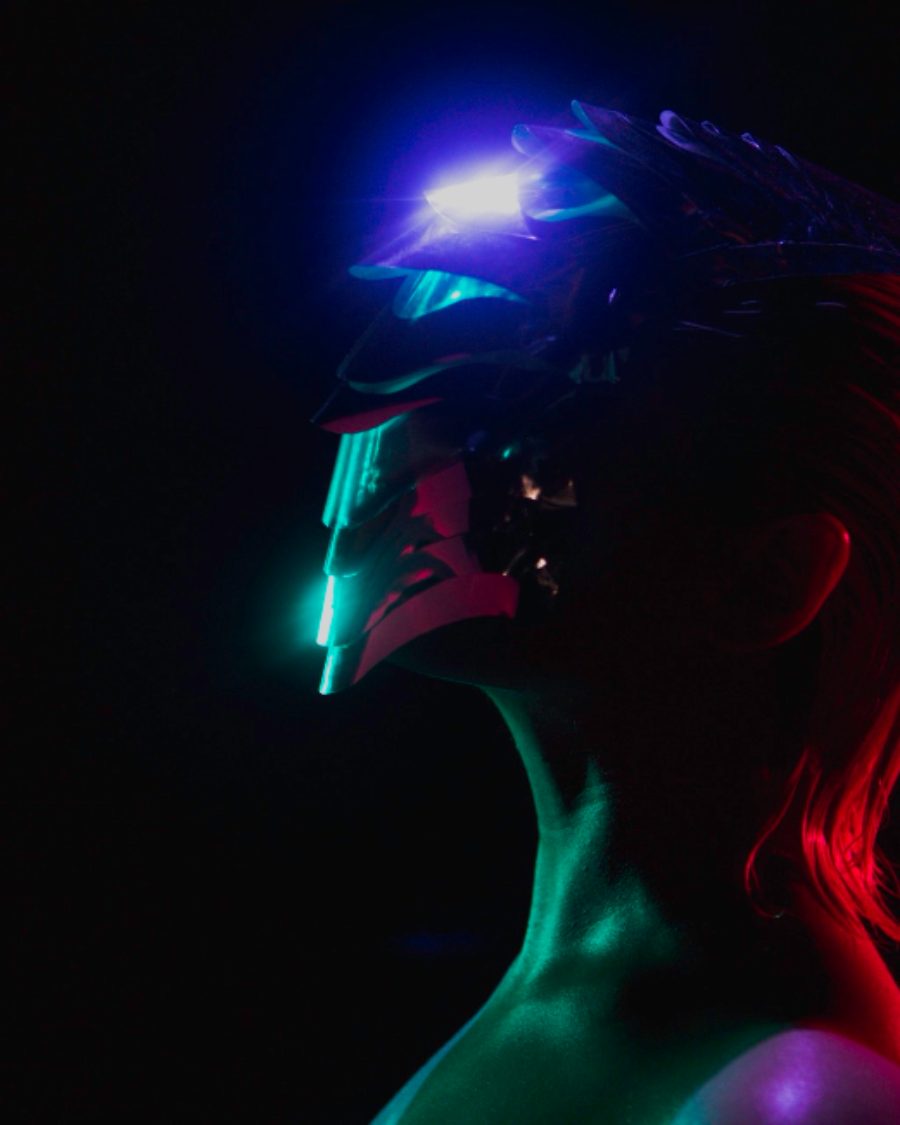
The sample with the Tungsten Night preset. Drag to compare, or press Play with it to tune it live. Open as a shared look
What it's like
Look at night footage shot on motion picture film with its anti-halation backing removed. Every lamp, neon sign and car light wears a red ring. The color sits around the light rather than on it, and it's warmest at the edge. Halation is that fringe, along with the film's own quirks. A pressure plate pushes it to one side, the gate flickers, a second ring shows further out.
When to reach for it
- Night scenes with practical lights. Tungsten Night rings only the warm lamps.
- A film feel on digital footage, together with a Film roll. Film rolls have a simple halation built in. Use this effect when you want to shape it.
- Neon, keyed by color. Neon Key halates the magenta and leaves the rest clean.
- Glowing titles and logos with a warm edge.
How it works
Halation spreads the bright parts wide, tints them with the film's red, then clears the glow off the brightest cores, so the light itself stays clean and the color rings it. That's the difference from Bloom. Bloom glows on the light, halation rings around it.
Controls
28 controls in 8 sections, in the order Tune shows them.
Source
- SelectSource
BrightnessWarm lightsColor key
What halates. Brightness is every bright light. Warm lights only takes the red and orange ones, like tungsten lamps. Color key takes one hue.
- Hue faderKey hue
0° to 360° · rests at 0°
The hue for Color key.
- KnobKey range
0 to 100 · rests at 30
How wide a band of hues counts as the key.
Glow
- Hero knobAmount
0 to 100 · rests at 60
The hero. How strong the glow is.
- KnobSpread
0 to 100 · rests at 50
How far the glow reaches from the light.
- KnobThreshold
0 to 100 · rests at 55
How bright a light must be to halate.
- KnobFalloff
0 to 100 · rests at 50
How long the tail is. Low stays close to the light, high trails off far.
Color
- SelectColor
RedOrangeGoldPink
The fringe color. Red, Orange, Gold or Pink.
- FaderHue shift
-100 to +100 · rests at 0
Turns the fringe color either way around the wheel.
- KnobGradient
0 to 100 · rests at 0
Gold where the glow is dense, deep red at its edge.
- KnobSaturation
0% to 200% · rests at 100%
How colorful the fringe is.
- KnobClean cores
0 to 100 · rests at 50
Clean cores. Clears the glow off the brightest parts, so the light stays clean and the color rings it.
- KnobBloom
0 to 100 · rests at 15
Adds some of the glow in the light's own color, a soft bloom under the fringe.
- KnobInner glow
0 to 100 · rests at 0
A gold glow tight around the light, inside the red.
Shape
- KnobOffset
0 to 100 · rests at 0
Pushes the glow off to one side, as if the film sat off its pressure plate.
- KnobDirection
0° to 360° · rests at 270°
Which way the offset pushes.
- FaderStretch
-100 to +100 · rests at 0
Stretches the glow wide one way, or tall the other.
- KnobRings
0 to 100 · rests at 0
A second ring further out, like another reflection off the base.
Film
- SelectBlend
AddScreenSoft
How the glow meets the picture. Add, Screen or Soft. Screen and Soft go easier on parts that are already bright.
- KnobLift blacks
0 to 100 · rests at 0
The glow shows stronger over dark areas, lifting the blacks around each light.
- KnobGrain
0 to 100 · rests at 0
The halo carries film grain.
Motion
- KnobGate flicker
0 to 100 · rests at 0
The glow flickers frame to frame, like a projector gate.
- KnobTrails
0 to 100 · rests at 0
Trails. The glow lingers behind moving lights.
- KnobBreathe
0 to 100 · rests at 0
The glow swells and falls with the loop.
- SelectRate
1×2×4×
How many breaths a loop. 1×, 2× or 4×.
Buttons
- Pulse buttonFlash
Momentary · fires and falls back · can be recorded
Press it and the halation surges, then settles.
- Pulse buttonBleed
Momentary · fires and falls back · can be recorded
Press it and the glow bleeds wide across the frame, then pulls back.
Output
- SelectView
ResultHalo onlyMask
Result, the glow alone with Halo only, or Mask to see the glow in gray.
Presets
14 presets. Each one opens in the studio as a shared look. Add it on top of your picture, or save it to My looks.
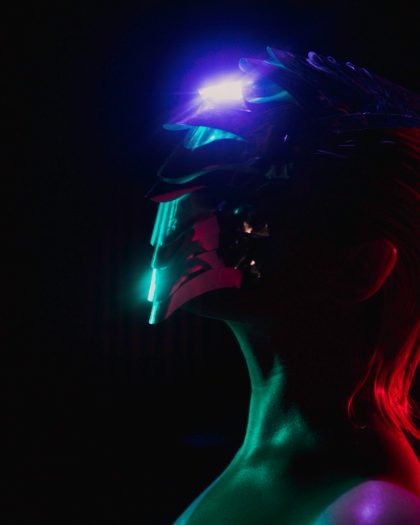 Pressure PlateThe glow falls to one side, as if the film sat off its plate.02
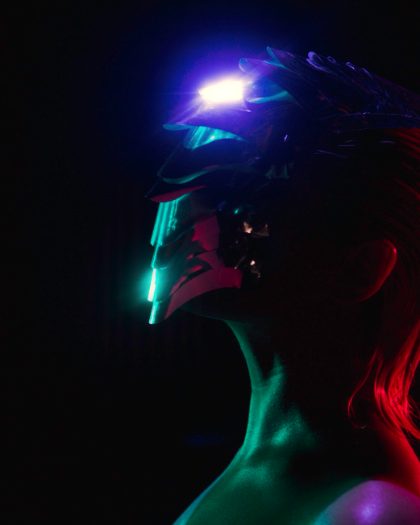 Gold CoreGold inside, red around it: halation in two layers.03
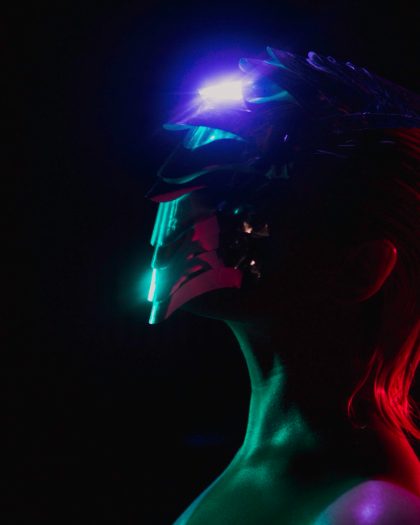 Wide RedHalation stretched sideways.04
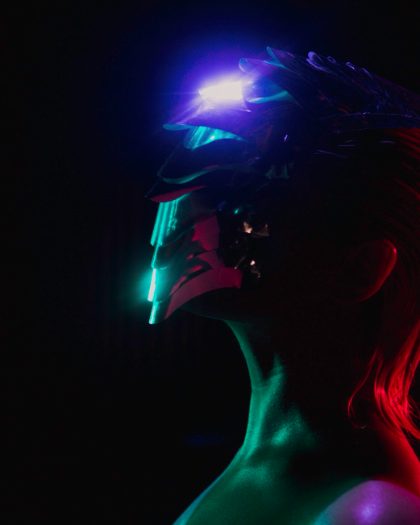 Neon TrailsRed glows that linger behind moving lights.05
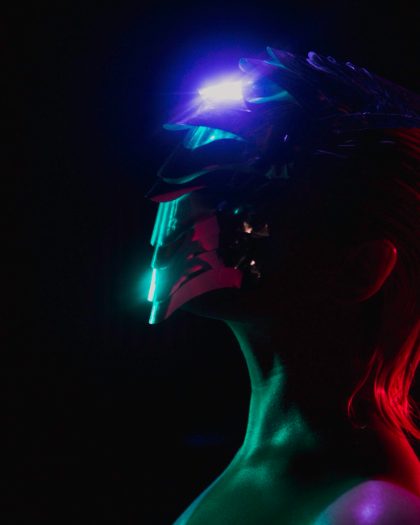 Flicker GateThe glow flickers frame to frame like a projector gate.06
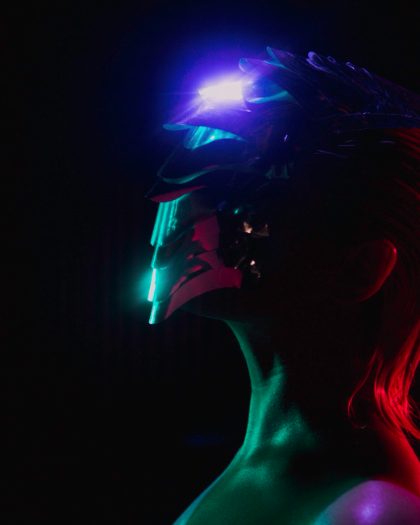 Magenta ShiftRed pushed toward magenta.07
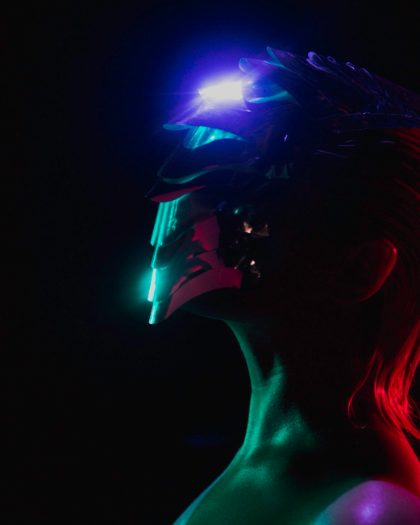 Tungsten NightOnly the warm lights halate: a heavy red ring round every lamp, and a second one further out.08
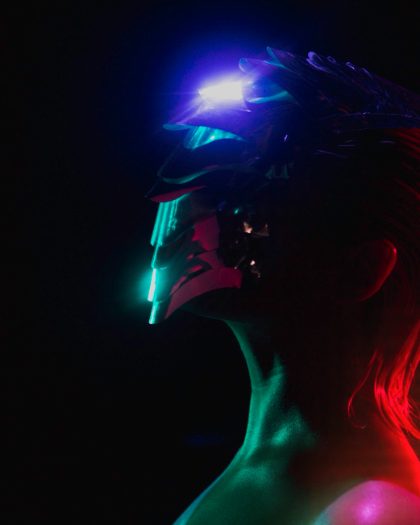 Neon KeyOnly the magenta neon halates; everything else stays clean.09
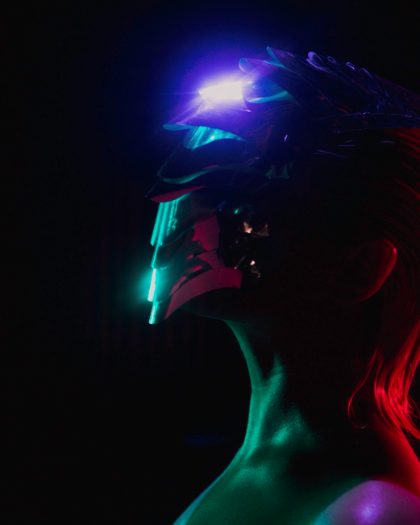 Gold to RedGold at the heart, deep red at the edge.10
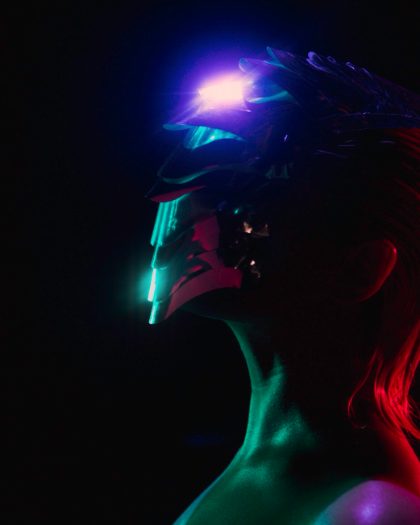 Tight FringeA thin hard fringe hugging the highlights.11
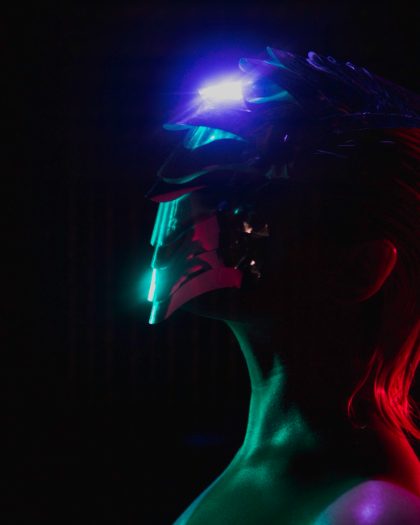 Wide HazeA broad soft red haze that lifts the shadows.12
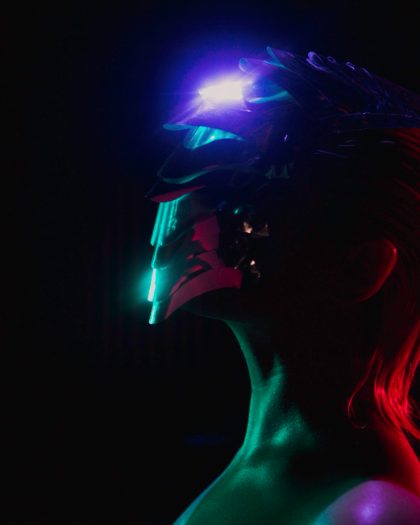 Grainy GlowThe halo carries the film grain.13
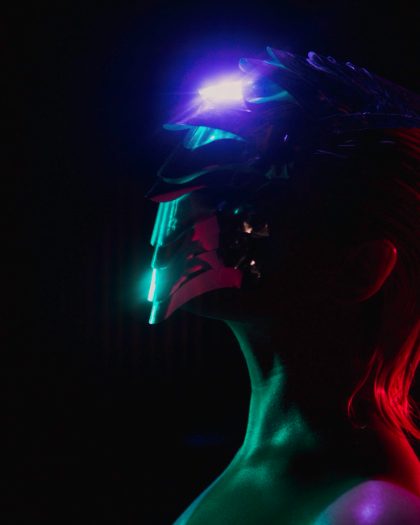 Breathing LampsThe halation swells and falls twice a loop.14
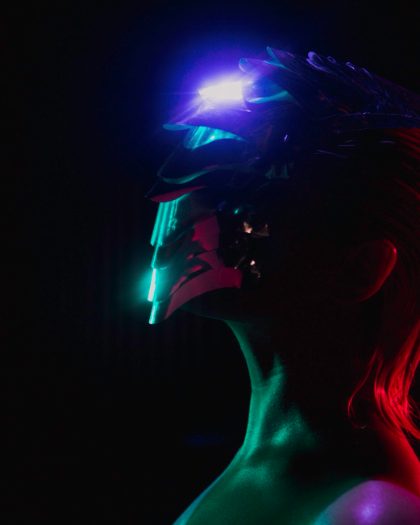 Muted PinkPink halation with the color pulled back.