
Gradient Map
Tone → paletteA thermal camera sees heat, not light, and paints it in false color from cold purple to white hot. Gradient Map borrows that look. It reads how bright each part of your picture is and paints it along a palette.

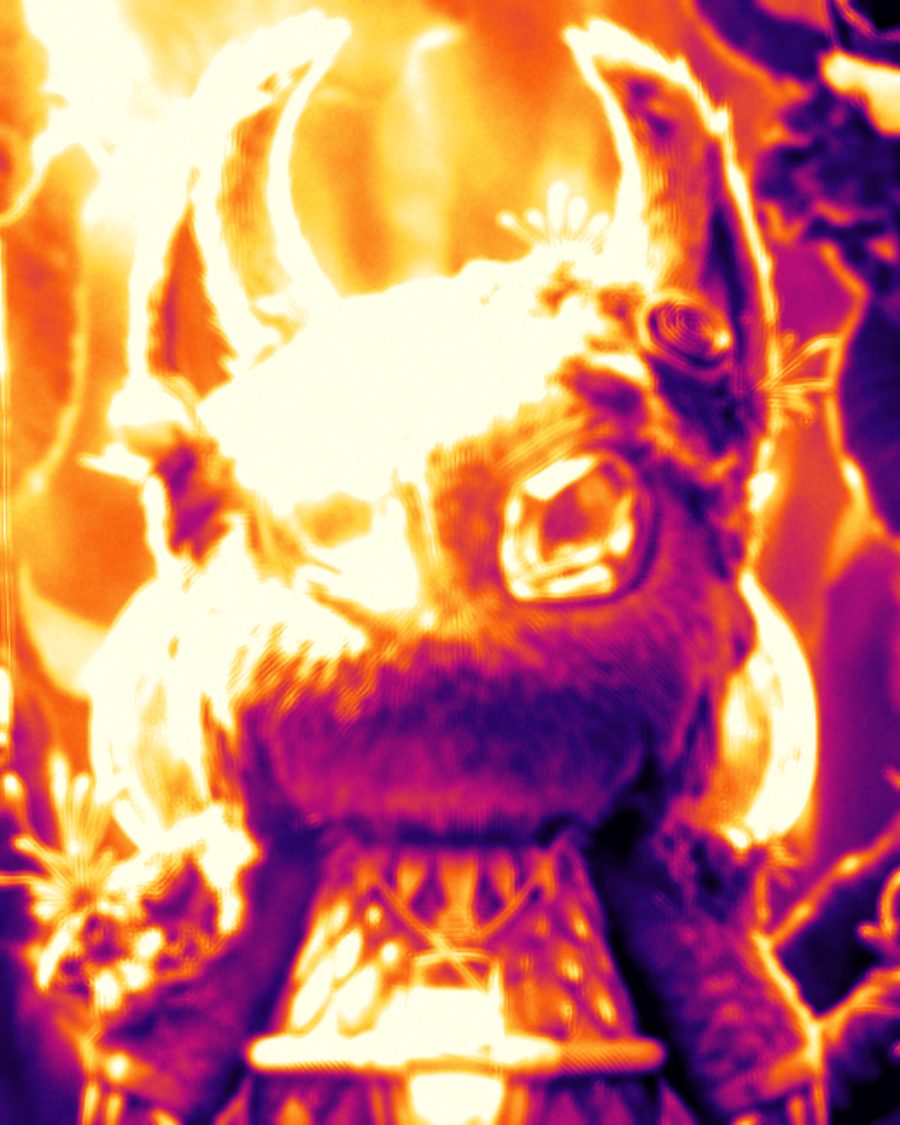
The sample at Gradient Map's defaults. Drag to compare, or press Play with it to tune it live. Open as a shared look
What it's like
Look through a thermal camera at night. Faces burn yellow, walls sit in deep purple, and everything is soft, because the sensor sees in big, blurry patches. Gradient Map gives you the palette and the softness. It reads brightness, not temperature, so bright things run hot and dark things run cold.
When to reach for it
- Portraits and covers with a thermal or night-vision feel.
- A bold color story on any picture. Hot/Cold turns shadows deep blue and lights orange and cream.
- Posters with stepped color. Bands splits the ramp into contour lines.
Controls
6 controls in 3 sections, in the order Tune shows them.
Palette
- SelectPalette
IronbowHot/ColdRAL DuoSodiumDeep SeaWhite hotRainbow
The palette. Ironbow is the classic thermal ramp, black through purple and orange to white. White hot is plain grey. The rest are moods, from Hot/Cold and Sodium to Deep Sea and Rainbow.
Mapping
- Hero knobContrast
0 to 100 · rests at 45
The hero. How hard the picture stretches across the palette. Low stays in the middle colors, high runs from coldest to hottest.
- KnobSoftness
0 to 100 · rests at 30
Blurs the picture before it's mapped, like a low-resolution heat sensor.
- KnobBands
Off to 2 · rests at Off
Splits the palette into flat steps, like contour lines on a heat map. Higher means fewer, bigger bands.
- FaderMidpoint
-100 to +100 · rests at 0
Moves the middle of the palette. Toward Bright, only the brightest parts run hot.
Texture
- KnobGrain
0 to 100 · rests at 15
Sensor grain that flickers over the picture.