LED
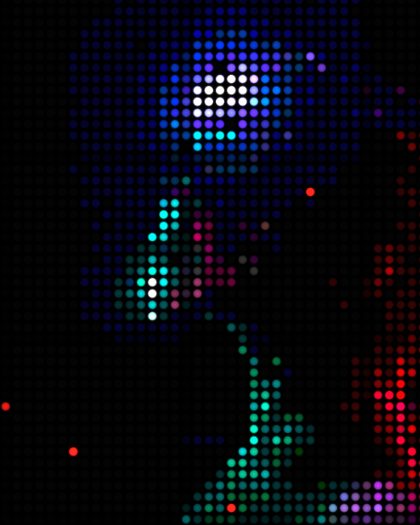
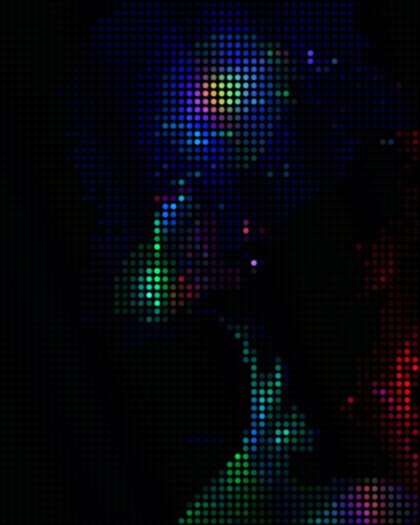
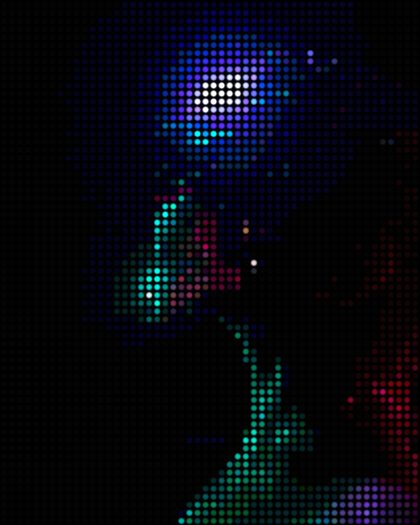
Screen · diodesAn LED wall is a grid of tiny lights with dark space between them, built from panels bolted side by side. LED rebuilds your picture as that grid, from a fine screen to a stadium wall you could count.

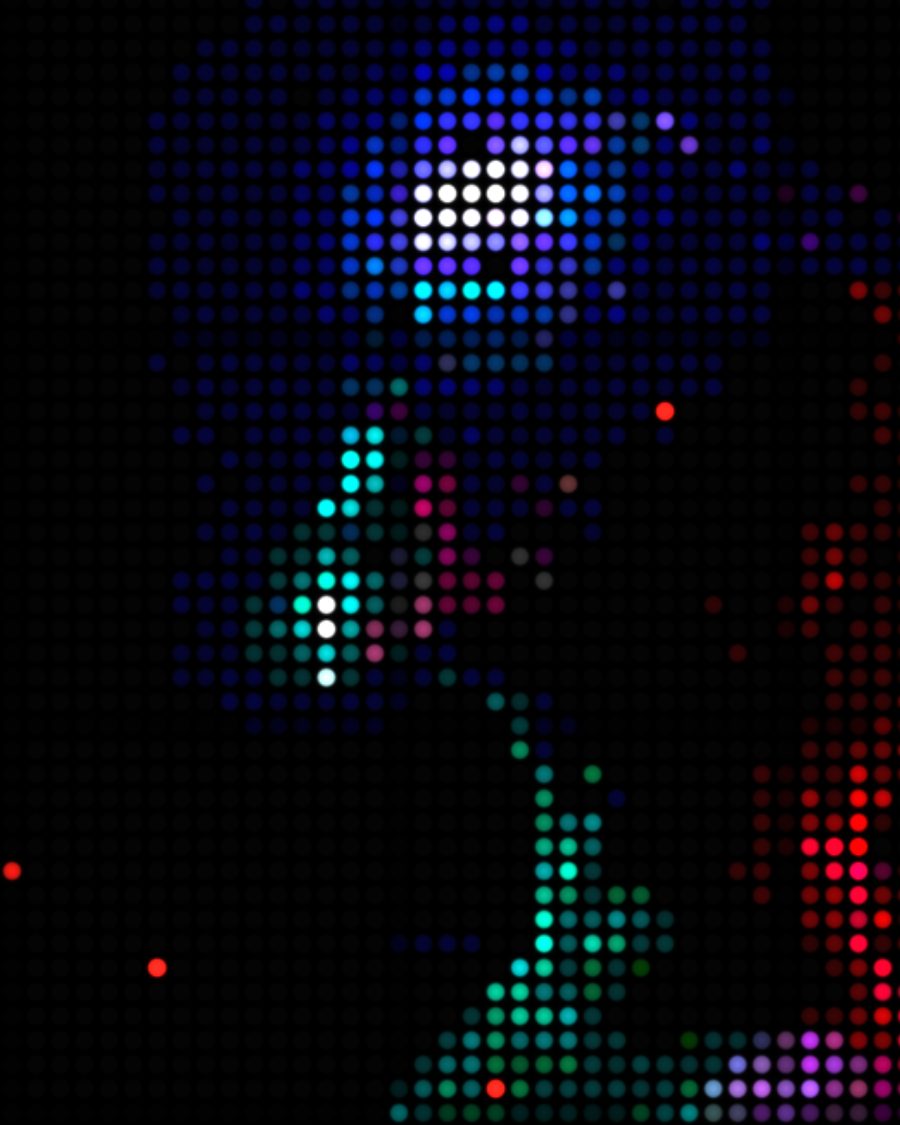
The sample with the Stadium Wall preset. Drag to compare, or press Play with it to tune it live. Open as a shared look
What it's like
Walk up to the big screen at a show and the picture falls apart into dots. Each dot is a pixel, lit or dark, with black between. From the back of the room it's a picture again. The wall is built from modules that never quite match, a few diodes have died, and a camera filming it picks up rolling bands and rainbow patterns.
When to reach for it
- Show visuals and stage screens, close up or from far away.
- Type and logos on a sign. Pick a single Color like Amber or Red for a message board.
- A screen caught on camera. Raise Refresh bands and Moiré.
How it works
Each cell of the grid takes the color at its center, rounds it to a few steps, and lights one diode with it. That's why fine detail turns into a mosaic and smooth gradients turn into bands as you lower Levels.
Controls
14 controls in 5 sections, in the order Tune shows them.
Panel
- Hero knobPitch
4px to 24px · rests at 10px
The hero. The distance between diodes. Small is a fine screen, large is a wall you can count.
- KnobDiode size
0 to 100 · rests at 65
How big each diode is in its cell. Smaller leaves more black between them.
- KnobGlow
0 to 100 · rests at 45
Soft light around each diode.
Signal
- KnobLevels
2 to 16 · rests at 9
How many brightness steps each color gets. Low bands the picture into flat steps.
- KnobUnlit diodes
0 to 100 · rests at 35
In the dark parts of the picture you see the unlit diodes, as dim grey dots.
- SwitchShape
RoundSquare
Round or Square diodes.
Color
- SelectColor
Full colorAmberRedGreenIce
Full color, or a single-color sign in Amber, Red, Green or Ice.
Wall
- KnobModule seams
0 to 100 · rests at 0
The wall is built from square modules. Each one sits a little brighter or darker, with dark seams between.
- KnobDiode variation
0 to 100 · rests at 0
Each diode is a little brighter or dimmer than its neighbor.
- KnobDead diodes
0 to 100 · rests at 0
Some diodes are out, and a few are stuck on red.
Camera
- KnobRefresh bands
0 to 100 · rests at 0
Dark bands roll through the picture, the way a camera sees a screen refreshing.
- KnobMoiré
0 to 100 · rests at 0
A rainbow interference pattern drifts over the wall, once a loop, like a camera filming the grid.
- FaderViewing angle
-100 to +100 · rests at 0
Seen from off to one side. The panel dims toward its edges and shifts color, warm on one side and cool on the other.
- KnobPWM flicker
0 to 100 · rests at 0
A fast strobe, the diodes pulsing too quickly for the eye but not for a camera.
Presets
3 presets. Each one opens in the studio as a shared look. Add it on top of your picture, or save it to My looks.