
Bloom
Glow · mip chainBright light scatters in glass, in the eye and in the air, so it spills past its own edges. Bloom gives your highlights that spill, from a tight sparkle to a wide haze, with rays, color and motion.

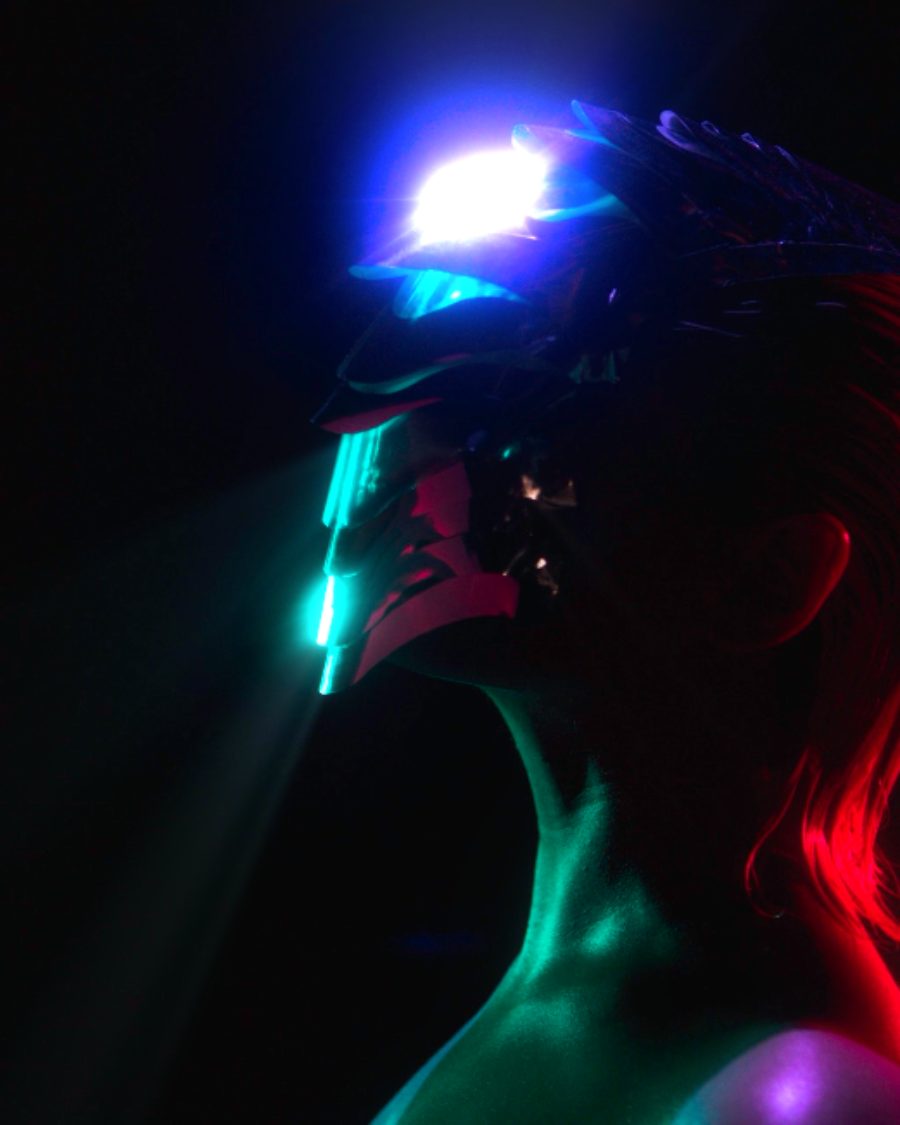
The sample with the God Rays preset. Drag to compare, or press Play with it to tune it live. Open as a shared look
What it's like
A streetlight through a misted windshield. Sun through smoke in a tall room. A neon sign on a wet night. The brightest things glow past their shape. Bloom finds the bright parts of your picture, spreads them at many sizes at once and lays them back over it, so the glow stays smooth from a pin of light to a whole sky.
When to reach for it
- Night city, neon and stage lights.
- Light streaming through a window or haze. God Rays.
- Soft, dreamy visuals that glow without blowing out. Soft Dream.
- One color glowing on its own. Set Source to Color and only that hue blooms, like Neon Only.
How it works
Bloom halves the bright parts again and again, each step softer and wider, then builds them back up. Radius picks which steps count most, and Falloff mixes in the rest. That's why the glow holds steady on video at any size.
Controls
34 controls in 9 sections, in the order Tune shows them.
Main
- Hero knobIntensity
0.00× to 2.00× · rests at 0.70×
The hero. How bright the glow is, up to twice the light.
- KnobThreshold
0.00 to 1.00 · rests at 0.62
How bright a part must be to glow. Lower and more of the picture blooms.
- KnobKnee
0.00 to 1.00 · rests at 0.50
How gently the threshold rolls in. Low is a hard cutoff. High lets nearly bright parts glow a little.
Shape
- KnobRadius
0.25% to 10.0% · rests at 1.3%
How far the glow reaches, from a sparkle to a tenth of the frame.
- KnobFalloff
0.00 to 1.00 · rests at 0.40
Low keeps one tight size of glow. High blends many sizes for a long, soft tail.
- FaderAnamorphic
V 1.00 to H 1.00 · rests at 0
Pulls the glow sideways toward H or up and down toward V, like anamorphic glass.
Color
- Hue faderTint hue
0° to 360° · rests at 29°
The color Tint pulls toward.
- KnobTint
0 to 100 · rests at 0
How much the glow takes on the tint color.
- KnobSaturation
0% to 200% · rests at 100%
How colorful the glow is. 0% is white light, 200% is rich color.
- Hue faderOuter hue
0° to 360° · rests at 216°
The outer color for Two-tone.
- KnobTwo-tone
0 to 100 · rests at 0
Two-tone. The tint color stays in the tight core, and the outer hue takes over where only the wide glow reaches.
Source
- SwitchSource
BrightnessColor
What glows. Brightness is every bright part. Color keys one hue, even when it isn't the brightest thing.
- Hue faderKey hue
0° to 360° · rests at 198°
The hue that glows when Source is Color.
- KnobKey range
0 to 100 · rests at 30
How wide a band of hues counts as the key.
- FaderCenter
-100 to +100 · rests at 0
Leans the glow toward the center of the frame, or out toward the edges.
Character
- KnobSpectral
0 to 100 · rests at 0
Spectral. Red spreads wider than blue, so the glow gets warm fringes, like glass that focuses each color at its own distance.
- KnobHot core
0 to 100 · rests at 0
Lights burn white at their centers.
- KnobHaze
0 to 100 · rests at 0
A wide haze over the frame that lifts the blacks, like smoke in the room.
- KnobLens dirt
0 to 100 · rests at 0
Smudges on the lens that light up in the haze.
- KnobGrain
0 to 100 · rests at 0
Grain inside the glow.
- KnobBanding
0 to 100 · rests at 0
Steps the glow into bands, like an old low-color render.
Rays
- KnobRays
0 to 100 · rests at 0
Light streams out from the aim point through the bright parts, like sun through haze.
- KnobLength
0 to 100 · rests at 50
How far the rays run.
- KnobRays X
0 to 100 · rests at 50
Where the rays come from, across. Set both on the aim screen.
- KnobRays Y
0 to 100 · rests at 65
Where the rays come from, up and down.
Motion
- KnobPersistence
0 to 100 · rests at 0
Persistence. The glow lingers behind anything that moves.
- KnobBreathe
0 to 100 · rests at 0
The glow swells and falls with the loop.
- SelectRate
1×2×4×
How many breaths a loop. 1×, 2× or 4×.
- KnobShimmer
0 to 100 · rests at 0
The glow shivers frame to frame, like heat in the air.
Buttons
- Pulse buttonFlash
Momentary · fires and falls back · can be recorded
Press it and the glow surges, then settles.
- Pulse buttonStrobe
Momentary · fires and falls back · can be recorded
Press it and the glow strobes fast, then settles.
- Pulse buttonBlind
Momentary · fires and falls back · can be recorded
Press it and the threshold drops away, so the whole picture blooms for a moment.
Output
- SelectBlend
AddSoftScreen
How the glow meets the picture. Add is the strongest. Soft and Screen go easier on parts that are already bright, so they don't blow out.
- SelectView
ResultBloom onlyMask
Result, the glow alone with Bloom only, or Mask to see what's above the threshold.
Presets
14 presets. Each one opens in the studio as a shared look. Add it on top of your picture, or save it to My looks.
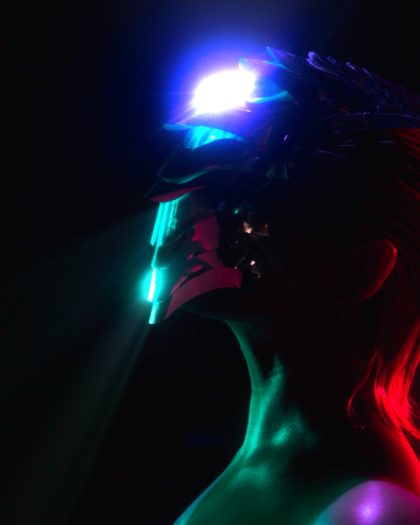 God RaysLight through haze: the bright parts stream out from the aim point.02
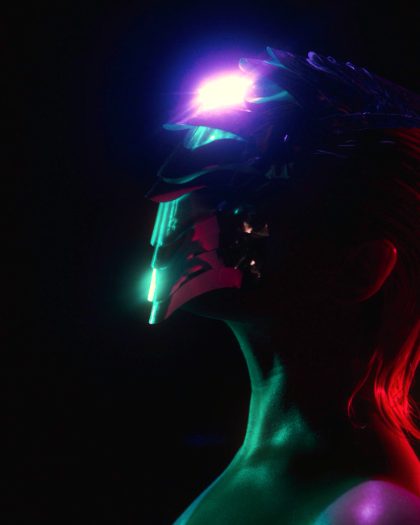 Sunset Two-ToneGold at the core, magenta where the glow spreads out.03
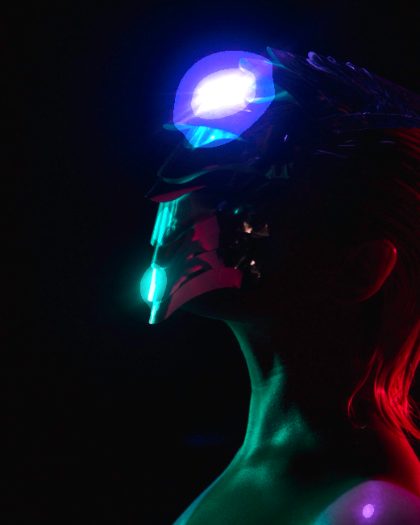 Retro BandsA stepped, banded glow like an old 8-bit render.04
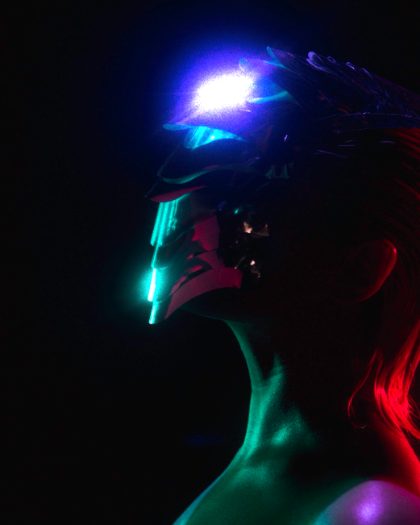 Grainy GlowThe glow carries grain.05
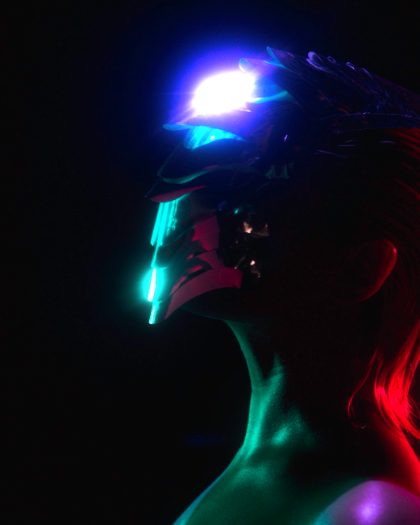 Center StageOnly the middle of the frame blooms.06
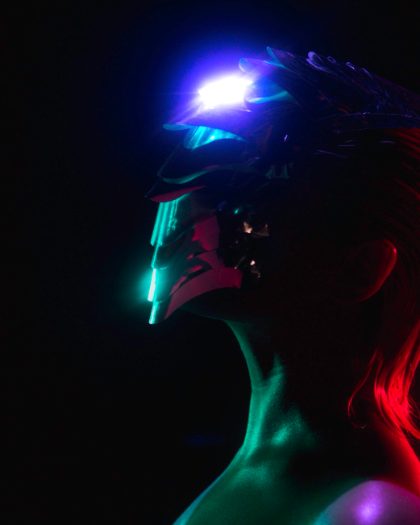 Edge GlowThe edges bloom and the middle stays crisp.07
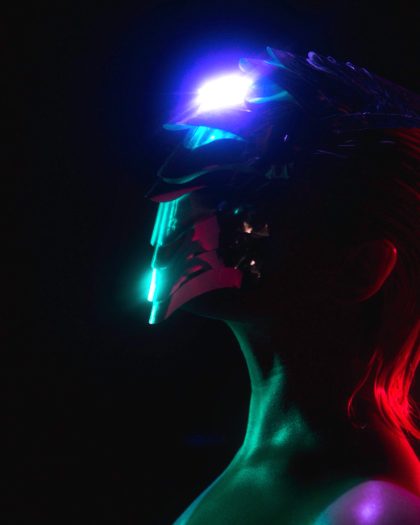 Heat ShimmerA haze that shivers frame to frame.08
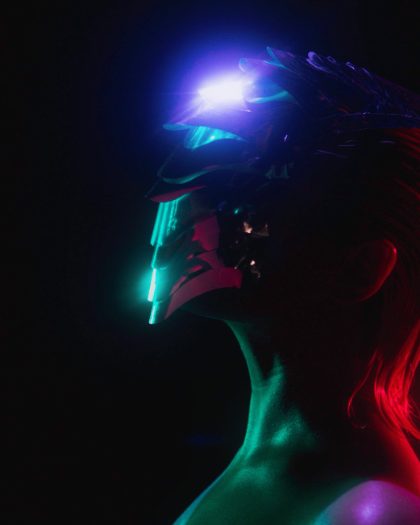 Soft DreamA wide glow blended soft, so it never blows out.09
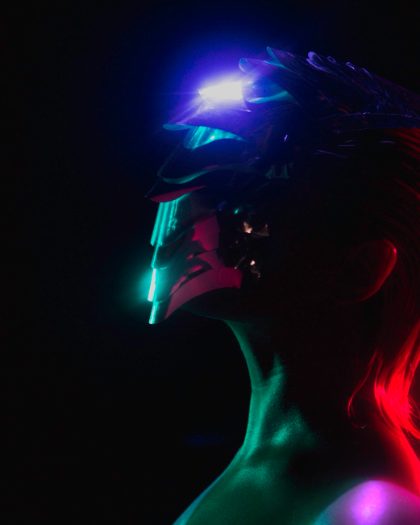 Neon OnlyOnly the magenta neon blooms; everything else stays crisp.10
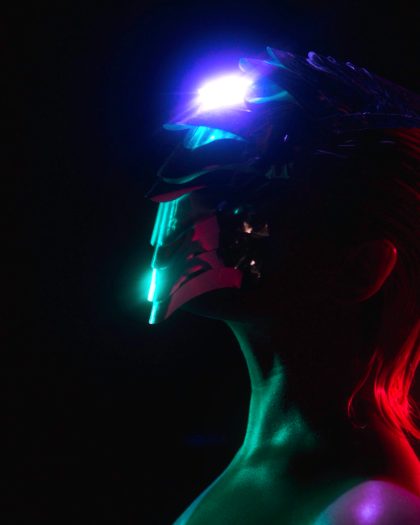 Spectral GlowRed spreads wider than blue: warm fringes around the light.11
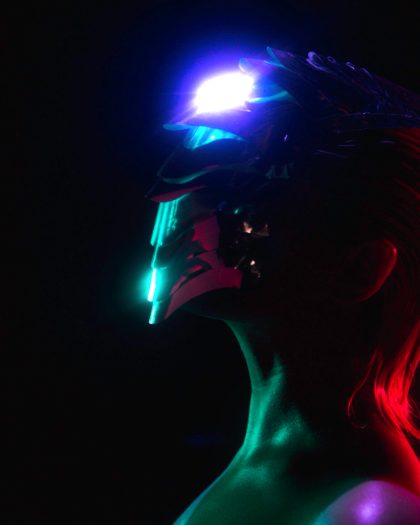 Hot CoresLights burn white at the center.12
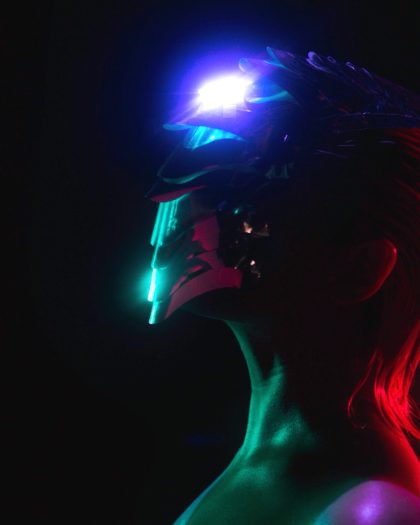 Smoky RoomA wide haze that lifts the blacks, and dirt on the lens.13
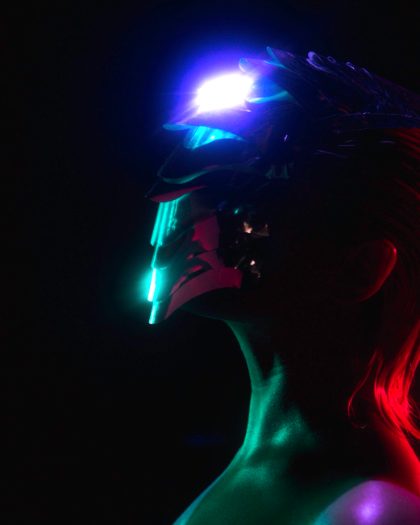 Light TrailsThe glow lingers behind anything that moves.14
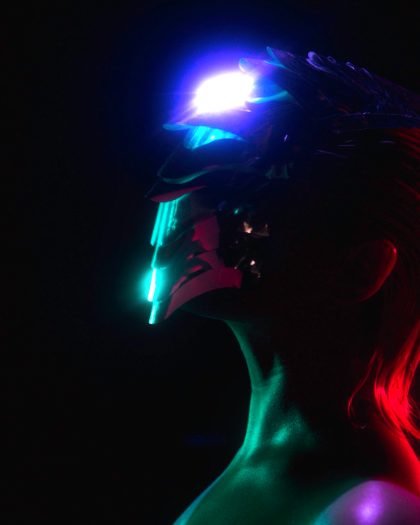 PulseThe bloom breathes twice a loop.