Night Vision
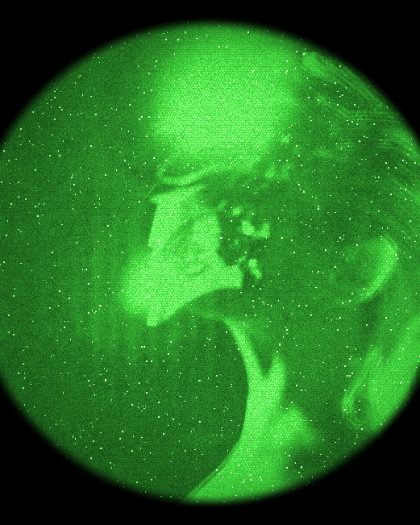
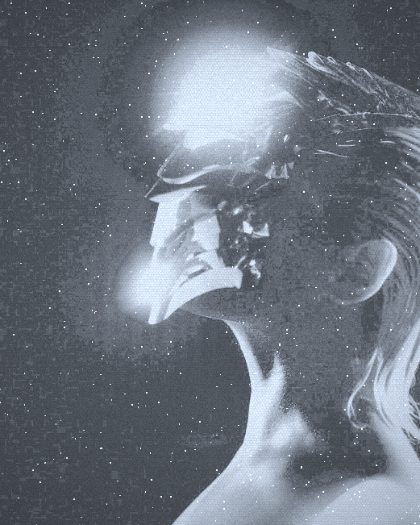
Image intensifier · P43Night vision gathers the faint light in a dark scene, multiplies it thousands of times inside a tube, and shows it on a small glowing screen. Night Vision runs your picture through that tube, with its glow, its sparkle and its round eyepiece.

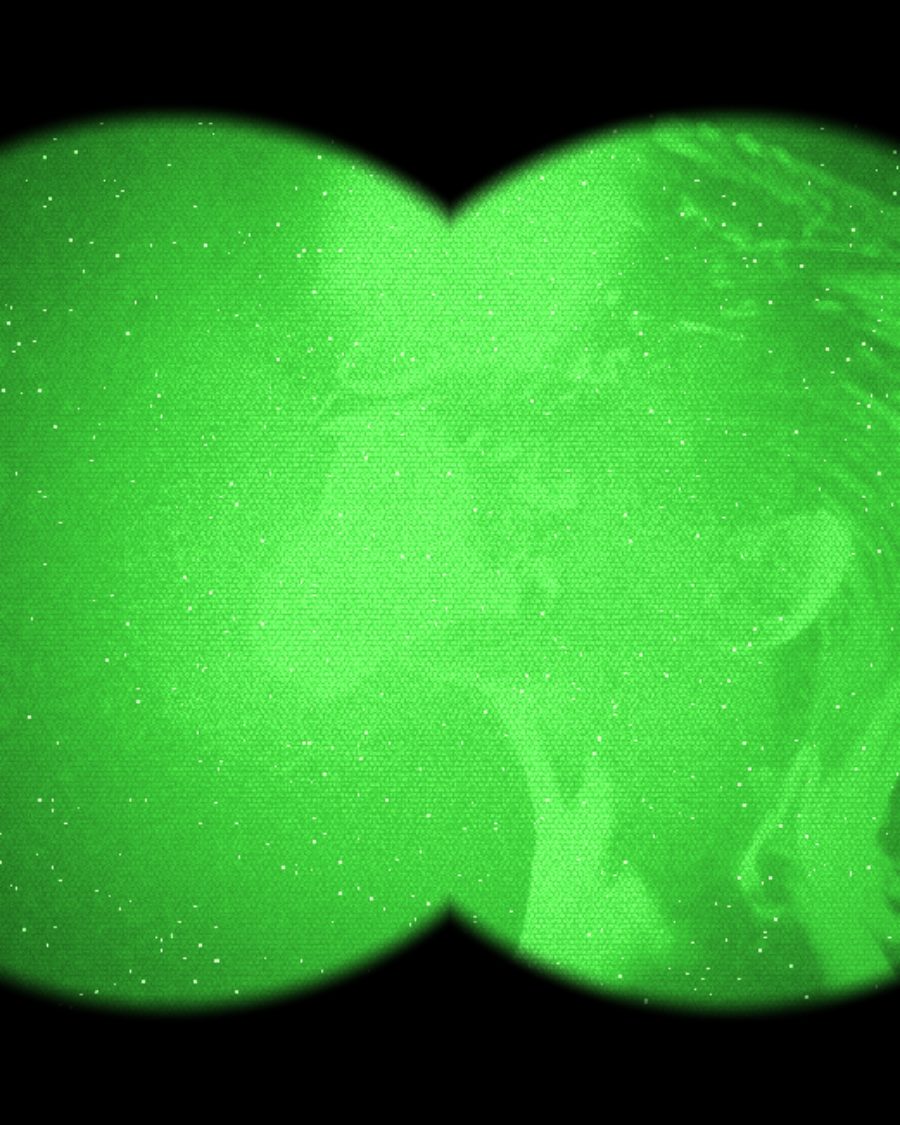
The sample with the Binocular Recon preset. Drag to compare, or press Play with it to tune it live. Open as a shared look
What it's like
Look through a night scope and the world turns green and grainy. Lights flare with halos, the picture sparkles where single specks of light land, and up close you can see the honeycomb of the plate inside the tube. Early tubes bend and blur at the edges. Modern ones are clean, and can glow white instead of green.
When to reach for it
- Surveillance, found footage and thriller moments.
- A dark shot that still needs to read. Auto gain lifts it.
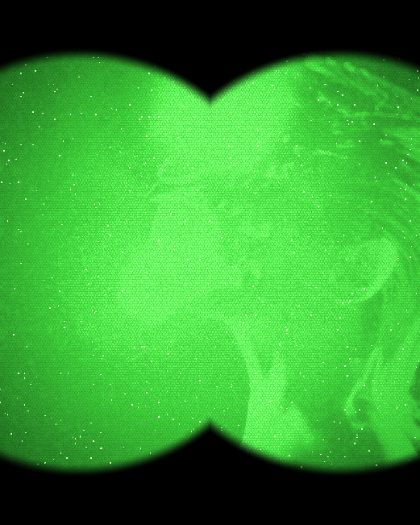
- A point of view. Set Shape to Binocular and the frame becomes two eyepieces.
- One part of the frame picked out. Raise IR light and aim it.
How it works
The tube doesn't see color, only how much light lands on it, and it counts red as strongly as green. Night Vision turns your picture into that one brightness, multiplies it by Gain, then paints it on the phosphor. The harder it amplifies, the more grain and sparkle come through, the same as a real tube in a very dark room.
Controls
12 controls in 5 sections, in the order Tune shows them.
Tube
- SwitchPhosphor
GreenWhite
The screen's color. Green is the classic glow, White is the cool modern white.
- SelectGen
Gen 1Gen 2Gen 3
The tube's generation. Gen 1 bends and blurs toward the edges, with heavier grain and darker corners. Gen 2 sits between. Gen 3 is clean and sharp.
- SelectShape
FullTubeBinocular
The Full frame, one round Tube, or two eyepieces for Binocular.
Gain
- Hero knobGain
0 to 100 · rests at 50
The hero. How hard the tube amplifies. Low is murky, high blows out and gets noisy.
- SwitchAuto gain
OffOn
Auto gain evens out the picture. Dark scenes come up, bright ones are held back. Gain still sets how bright it aims.
- KnobIR light
0 to 100 · rests at 0
An infrared illuminator. A soft pool of light brightens one area.
Noise
- KnobScintillation
0 to 100 · rests at 40
Bright sparkles that pop across the picture, more at high gain.
- KnobGrain
0 to 100 · rests at 30
Fine noise over the picture, more at high gain.
Glow
- KnobHalo
0 to 100 · rests at 50
Bright lights flare with a glow around them.
- KnobHoneycomb
0 to 100 · rests at 25
The honeycomb of the plate inside the tube.
Settings
- KnobIR X
0 to 100 · rests at 50
Where the illuminator points, across. Place it on the Aim screen.
- KnobIR Y
0 to 100 · rests at 50
Where the illuminator points, up and down.
Presets
3 presets. Each one opens in the studio as a shared look. Add it on top of your picture, or save it to My looks.