
Echo
Trails · slit-scan · timeEcho shows your picture as it was a moment ago, laid over the picture now. Moves leave ghost copies behind, freeze into a row of poses, stretch through time row by row, or split into color. Space repeats the frame itself, so it works on a still picture too.

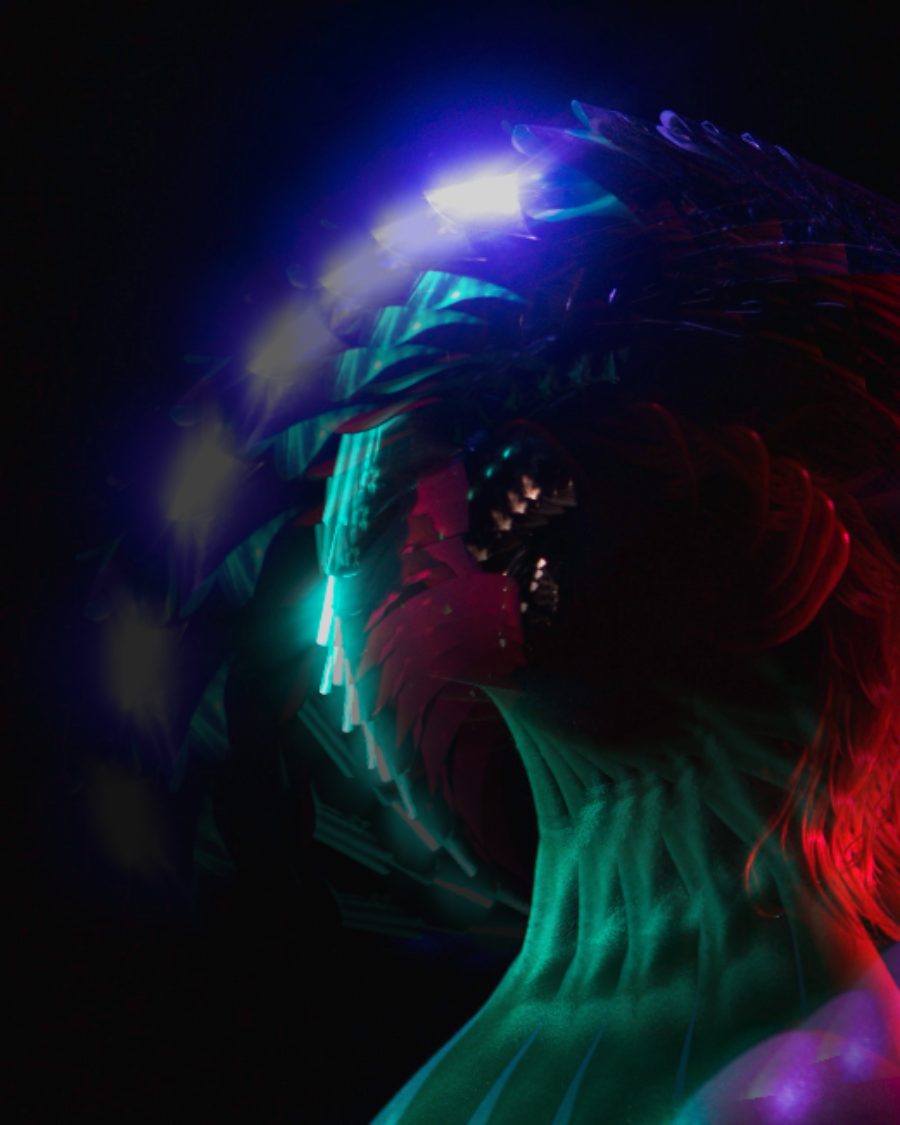
The sample with the Spin Echo preset. Drag to compare, or press Play with it to tune it live. Open as a shared look
What it's like
Someone walks across the frame and leaves a trail of themselves behind, each copy a little fainter. A dancer freezes into four poses at once. A face drags down the screen like taffy because the top of the frame is now and the bottom is a second ago. Long exposures, the ghost-walk trick, slit-scan photography and old video feedback all live here.
When to reach for it
- Video or anything that moves: a clip, a layer with motion, a generator, Ink & Smoke. Trails, Strobe, Slit-scan and RGB split all need movement. On a picture that stands still they have nothing to show.
- The ghost trick. Strobe with Moving only leaves frozen copies of a person behind them as they walk.
- Light painting. Trails with Lighten leaves long glowing streaks wherever bright things move.
- Logos and text. Space repeats the frame outward, shrinking, stepping and turning, with no movement needed. On a logo with no background, set Blend to Behind so the copies sit under it.
How it works
Echo keeps the last moments of the picture beneath it, one frame for every thirtieth of a second (every fifteenth when Reach is over a second). Each copy is one of those frames. The frames are stored by where they fall in the loop, so every loop reads the end of the one before and the trails carry straight across the seam. An export starts by playing the stretch before its first frame, so frame one already has its full trails.
Controls
18 controls in 7 sections, in the order Tune shows them.
Mode
- SelectMode
TrailsStrobeSlit-scanRGB splitSpace
Trails fades copies of the last moments in behind the picture. Strobe holds each copy still and jumps it forward in steps. Slit-scan gives each row or column its own moment. RGB split shows red now and green and blue a beat behind. Space repeats this very frame outward.
Trail
- KnobCopies
2 to 12 · rests at 5
How many copies, from 2 to 12.
- Hero knobReach
0.10s to 2.00s · rests at 0.57s
The hero. How far back the copies reach, from a tenth of a second to two seconds. In Slit-scan it's how much time the frame spans, edge to edge.
- KnobFade
0 to 100 · rests at 45
How quickly older copies fade away.
- KnobMoving only
0 to 100 · rests at 0
Copies only show where something moved, so a still background doesn't double up.
Look
- SelectBlend
OverBehindScreenLightenDifference
How copies land. Over lays them on top, Behind tucks them under the picture (for logos and text with no background), Screen and Lighten glow, Difference inverts where they overlap.
- SelectColor
SourceTintRainbowFade outNegative
The copies' color. Source keeps it, Tint washes them in one hue, Rainbow steps each copy round the color wheel, Fade out drains the older ones, Negative inverts them.
- KnobHue
0° to 360° · rests at 198°
The tint, or where the rainbow starts.
Slit
- SelectDirection
Top downBottom upLeft to rightRight to leftFrom center
Which way time runs in Slit-scan: top down, bottom up, left to right, right to left, or from the center out.
- KnobBend
0 to 100 · rests at 50
Bends the time map, so more of the frame stays near now or near the past.
- KnobWave
0 to 100 · rests at 0
A slow wave through the slit, moving with the loop.
Space
- KnobStep
0 to 100 · rests at 35
How far each Space copy steps.
- KnobAngle
0° to 360° · rests at 270°
Which way the Space copies step.
- KnobScale
80% to 120% · rests at 100%
Each Space copy's size against the one before. Under 100% shrinks into the frame, over 100% grows out of it.
- KnobTurn
-30° to 30° · rests at 0°
How far each Space copy turns.
- KnobSway
0 to 100 · rests at 0
The Space copies sway with the loop.
Mix
- KnobMix
0 to 100 · rests at 100
How much of the echo shows over the picture.
Buttons
- Pulse buttonBurst
Momentary · fires and falls back · can be recorded
Press for a moment of full-strength copies.
Presets
9 presets. Each one opens in the studio as a shared look. Add it on top of your picture, or save it to My looks.
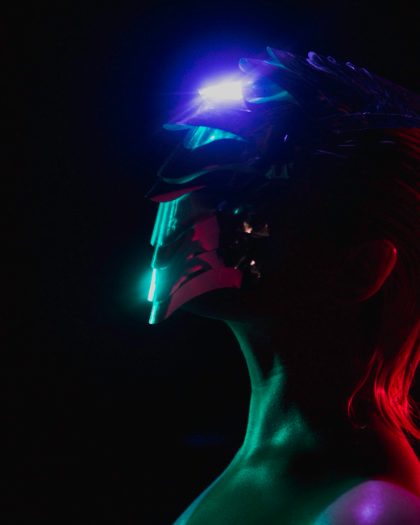 Ghost WalkSee-through copies trailing every move, only where something moves.02
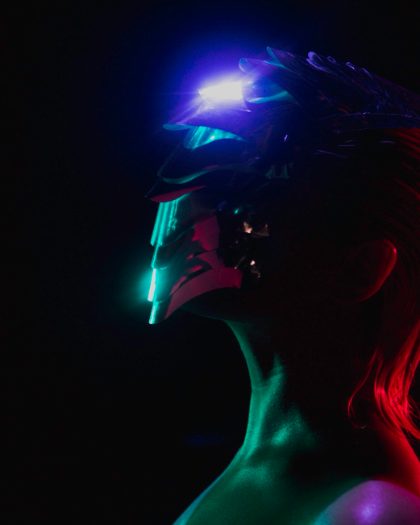 Freeze FramesCopies that hold still and jump forward in steps, like the ghost trick.03
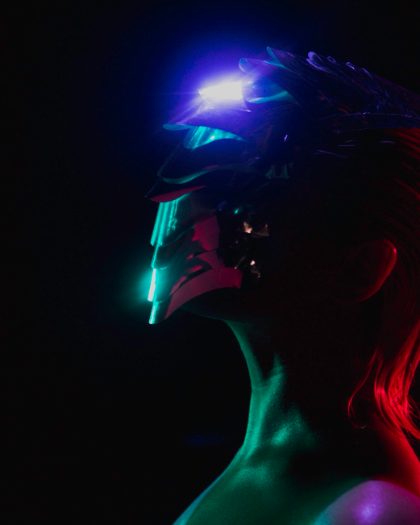 Light PaintingLong glowing trails where bright things move, the rest stays dark.04
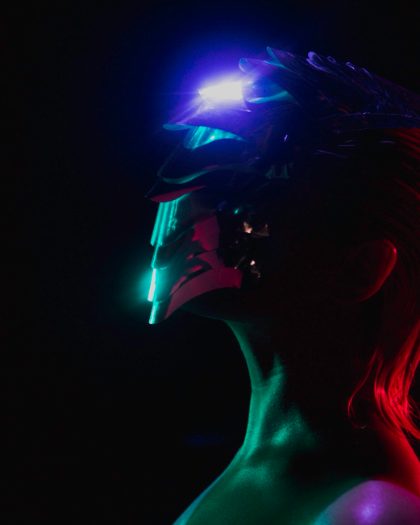 Rainbow TrailEach copy a step further round the color wheel, trailing whatever moves.05
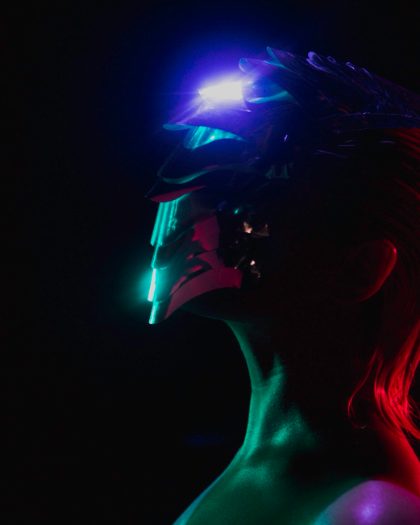 Time RibbonSlit-scan: the top of the frame is now, the bottom is a second ago.06
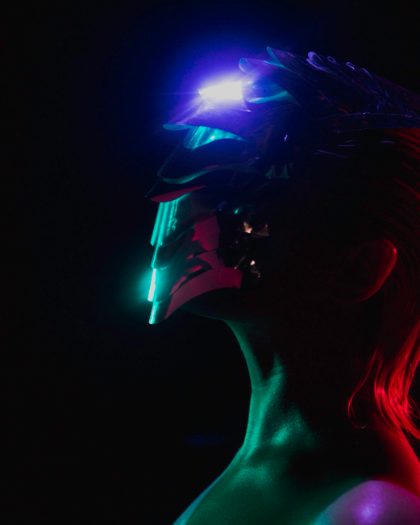 Melt ClockSlit-scan from the center out, with a slow wave through the rings of time.07
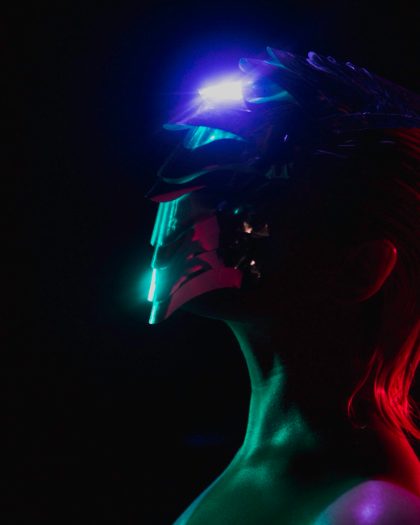 RGB GhostRed now, green and blue a beat behind: moving edges split into color.08
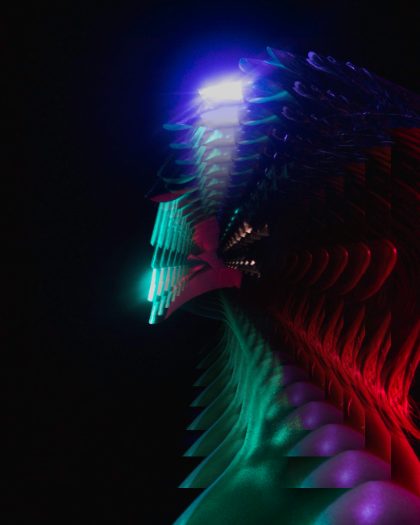 Infinity MirrorCopies shrinking back into the frame, fading as they go. On a logo or text with no background, set Blend to Behind.09
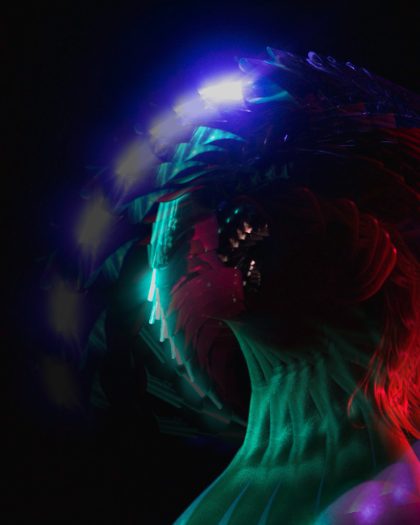 Spin EchoCopies stepping out and turning, swaying with the loop.