
Ink & Smoke
Fluid · flows out of the pictureDrop ink into water or hold a match under a photo and it starts to move on its own. Ink & Smoke runs a small fluid simulation fed by your picture, so its colors bleed out of the edges, curl, drift with the wind and rise as smoke.

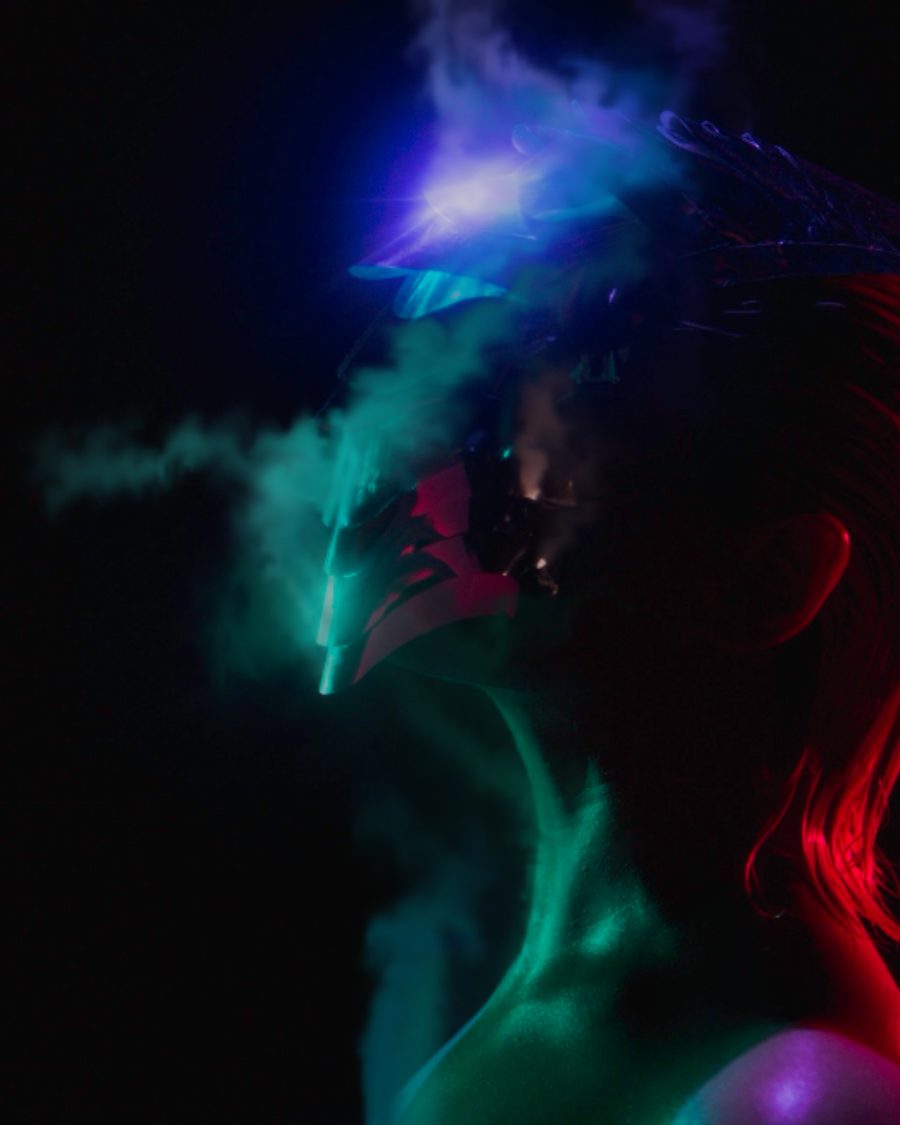
The sample with the Ink Bleed preset. Drag to compare, or press Play with it to tune it live. Open as a shared look
What it's like
Think of ink clouding in a glass of water, or smoke peeling off a candle. The fluid moves by itself. It curls where it meets itself, drifts where the air pushes it and fades as it spreads. Here the fluid comes out of your picture: its edges, its brightest parts or its shape, carrying the picture's own colors with it.
When to reach for it
- A portrait that dissolves into color. Start from Ink Bleed or Ghost.
- A logo that pours ink or smoke. Put it on a clear background, set From to Shape and lower Picture.
- Smoke rising off light. Rising Smoke and Incense lift from the brightest parts.
- A logo with a heat signature. Thermal Pour sends smoke off the shape in thermal-camera colors.
- An overlay to lay on anything. Ink Only leaves just the ink on a clear frame.
How it works
Every frame, the picture marks where fluid comes from and what color it carries. A simulation then pushes that fluid around with wind, rise, swirl and turbulence, and lets it fade. Two copies of the simulation run half a loop apart and cross over, so the loop closes with no jump, and an export plays the same every time.
Controls
23 controls in 5 sections, in the order Tune shows them.
Medium
- SwitchMedium
InkSmoke
Ink lays the color over the picture and absorbs light. Smoke is paler and glows.
- SelectBlend
OverScreenMultiply
How the fluid meets the picture. Over covers it, Screen lightens it, Multiply stains it like ink on paper.
- SwitchFluid
In frontBehind
In front of the picture, or Behind it, so a logo stays crisp and the fluid shows only around it.
Source
- SelectFrom
EdgesBrightsShapeEverywhere
Where the fluid comes from. Edges of shapes, the Brights, the picture's Shape (the outline of whatever stands out, on a clear frame or a dark backdrop), or Everywhere.
- Hero knobAmount
0 to 100 · rests at 60
The hero. How much fluid leaves the picture.
- KnobThreshold
0 to 100 · rests at 45
How strong an edge or how bright a part has to be before fluid comes off it.
- KnobPush
0 to 100 · rests at 45
How hard the fluid is pushed out of the picture as it leaves.
- SelectColor
PictureTintHeat
The fluid's color. Picture carries the colors underneath. Tint uses one color. Heat colors it like a thermal camera, cold where it's thin and hot where it's thick.
- Hue faderTint
0° to 360° · rests at 209°
With Tint, the tint's color.
- SelectHeat
IronbowHot/ColdWhite hotNeon
With Heat, the palette: Ironbow, Hot/Cold, White hot or Neon.
Flow
- KnobWind
0 to 100 · rests at 15
A steady wind across the frame.
- KnobDirection
0° to 360° · rests at 90°
Which way the wind blows.
- KnobRise
0 to 100 · rests at 0
How strongly the fluid rises, like warm smoke.
- KnobSwirl
0 to 100 · rests at 45
How much it curls into swirls.
- KnobTurbulence
0 to 100 · rests at 35
A shifting turbulence that churns the fluid. It circles once a loop, so it loops too.
- KnobSpeed
0 to 100 · rests at 50
How fast everything moves.
Look
- KnobLinger
0 to 100 · rests at 50
How long the fluid stays before it fades.
- KnobDensity
0 to 100 · rests at 60
How thick the fluid looks.
- KnobSoftness
0 to 100 · rests at 30
Softens the fluid's edges.
- KnobPicture
0 to 100 · rests at 100
How much of the picture stays. At zero only the fluid is left, on a clear frame.
- SelectDetail
LowMediumHigh
How fine the simulation is. High gives sharper wisps and costs more.
Buttons
- Pulse buttonPuff
Momentary · fires and falls back · can be recorded
Press it for a burst of fluid from the picture.
- Pulse buttonStir
Momentary · fires and falls back · can be recorded
Press it to stir a whirl into the middle of the frame.
Presets
8 presets. Each one opens in the studio as a shared look. Add it on top of your picture, or save it to My looks.
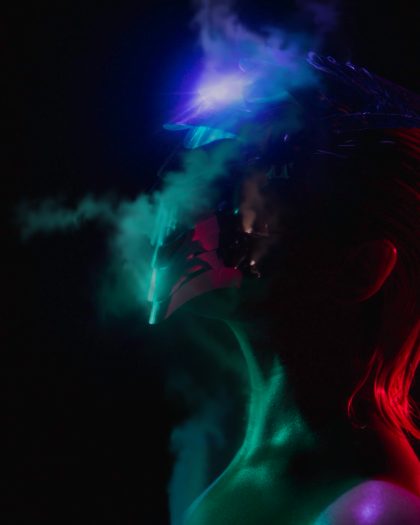 Ink BleedThe picture's own colors bleeding out of its edges and curling into the frame.02
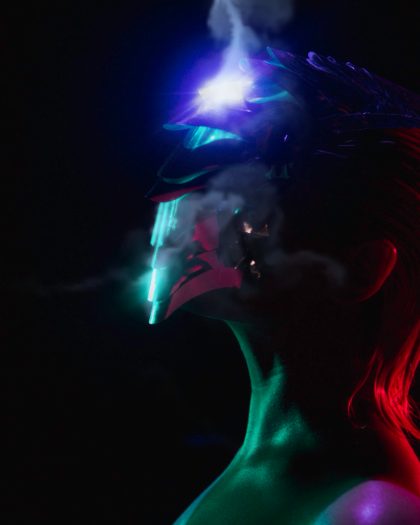 Rising SmokeSoft smoke lifting off the brightest parts and drifting up.03
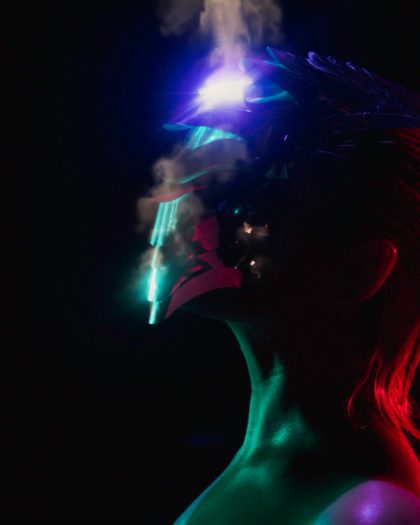 IncenseA thin ribbon of smoke climbing in slow curls.04
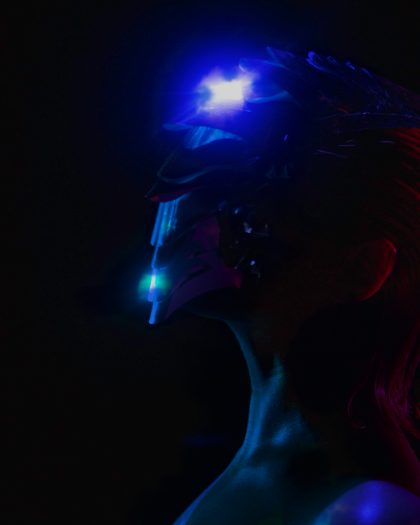 Ink DropDark ink spreading through water from the shape, slow and heavy.05
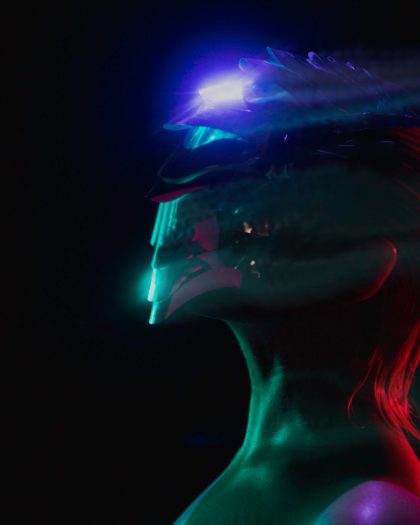 Color WindThe picture's colors torn sideways by a strong wind.06
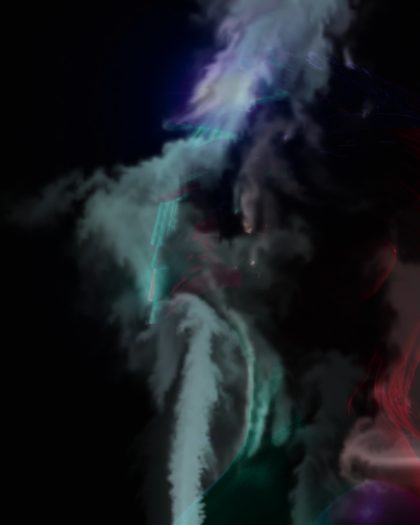 GhostThe picture fading out as its smoke drifts away.07
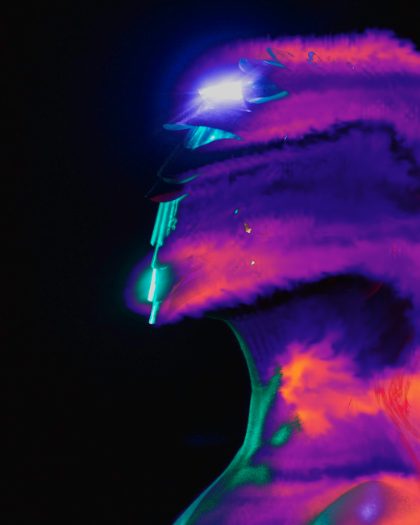 Thermal PourSmoke pouring off the shape, colored like a thermal camera: cold blue at the edges, hot where it's thick.08
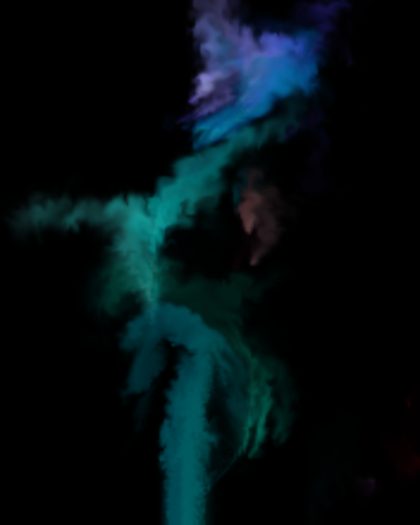 Ink OnlyJust the ink, on a clear background, ready to lay over anything.